Scribe vs Tango vs Demoly: Which Tool Fits Your Workflow?
Compare Scribe, Tango, and Demoly. Discover how static step-by-step guides, interactive browser guidance, and AI-searchable video walkthroughs compare across team workflows.
Scribe vs Tango vs Demoly: Which Tool Fits Your Workflow?
Documenting digital processes is essential for modern operations, but teams often struggle to choose the right format for their audience. When training employees, standardizing internal operations, or handing off custom software to clients, documentation generally takes three distinct paths: static step-by-step screenshots, interactive on-screen guidance overlays, or conversational video walkthroughs.
While each approach captures web workflows, the way recipients interact with that material determines whether they actually learn or end up booking another support meeting. Scribe automates static click-by-click manuals, Tango overlays real-time guidance directly onto a user's browser, and Demoly records video walkthroughs that clients can interactively search using conversational AI.
Bottom Line Up Front: Scribe works best for operations teams building static, text-and-screenshot standard operating procedures for company wikis; Tango works best for employee onboarding and in-app guidance that walks users through repetitive tasks live on screen; and Demoly works best for client handovers and technical software deliverables where clients need to ask natural-language questions and jump directly to relevant video timestamps.
Detailed Comparison: Scribe vs Tango vs Demoly at a Glance
The right tool depends on whether your audience needs a readable PDF document, live click-by-click software coaching, or a searchable video demonstration. The table below shows how Scribe, Tango, and Demoly compare across primary documentation workflows.
Evaluation Criteria | Scribe | Tango | Demoly |
|---|---|---|---|
Main Job | Automated click-by-click SOPs and static process documentation. | Real-time on-screen browser guidance and interactive workflow training. | Client project handovers and AI-searchable video walkthroughs. |
Output Asset Format | Web page guide, PDF export, or markdown documentation. | Interactive browser overlay, web guide, or PDF document. | Interactive video player with conversational AI search drawer. |
Capture Engine | Extension and desktop app tracking clicks and keystrokes. | Extension and desktop app tracking clicks and element selectors. | Extension recording browser DOM events, audio, and video frames. |
Viewer Search Experience | Manual table of contents navigation and text keyword search. | Text search across workflow libraries and in-app step prompts. | Conversational AI answering queries with direct timestamp jumping chips. |
Viewer Friction | Free web viewing; account required to edit or duplicate. | Free web viewing; browser extension required for live guidance overlay. | Free public browser playback; search and query without an account. |
Hiding Private Data | Automated smart blur on sensitive fields on paid plans. | Smart blur on sensitive inputs and credentials on paid plans. | In-browser canvas element masking permanently removed from video frames. |
Updating & Maintenance | Replaces individual screenshot steps or manual text editing. | Re-records individual steps or updates guide annotations. | Non-destructive timeline trimming and splitting without full re-recording. |
Starting Cost & Seats | Free (browser only); Pro starts at $23 to $29/user/month. (Subject to vendor updates.) | Free (15 workflows); Pro starts at $16 to $20/user/month. (Subject to vendor updates.) | Free ($0 forever, 15m cap); Pro at $8/creator/month with free viewers. |
Before committing your department to monthly creator subscriptions, review our detailed breakdowns of Scribe Pricing: Is Pro Worth It for Small Teams? and Tango Pricing: Free vs Pro Plans Explained to balance your documentation volume against licensing budgets.
When Scribe Makes More Sense
Scribe pioneered automated process capture by turning everyday mouse clicks into structured documentation. It is designed specifically for operations leads and team managers who need clean, readable instruction sheets:
- Company knowledge bases and internal wikis: Scribe converts browser actions into clean markdown and HTML documents that paste effortlessly into Notion, Confluence, and internal wikis without requiring video hosting.
- Static compliance manuals and printable SOPs: Regulated industries, accounting teams, and HR departments can export polished PDF manuals with annotated screenshots, fulfilling formal audit and compliance checklists.
- Linear administrative tasks: For simple back-office tasks like approving an expense report or updating account permissions, a concise five-step text guide is often faster to read than watching a two-minute video clip.
If your team needs written operating manuals and static documentation libraries, exploring the Best Scribe Alternatives for Step-by-Step Guides helps identify platforms tuned for your existing documentation stack.
When Tango Makes More Sense
Tango takes automated documentation a step further by focusing on active software adoption. It is built for customer success managers and operations trainers who want to coach users through live interfaces:
- Real-time interactive browser guidance: Tango Guidance projects interactive visual beacons directly onto live web pages, walking employees through software interfaces step by step without requiring them to switch windows.
- Employee onboarding and software rollouts: When rolling out complex internal platforms like Salesforce, Workday, or HubSpot, new hires can follow on-screen prompts directly inside the target application.
- Standardized workflow compliance: Managers can verify that team members complete repetitive operational tasks accurately, reducing data-entry mistakes across administrative teams.
For organizations that need interactive software adoption, researching the Best Tango Alternatives for Process Documentation ensures you select an overlay tool that supports your team's specific browser setup.
When Demoly Makes More Sense
Demoly addresses the core limitation of both static manuals and passive video recordings. It is built specifically for tech agencies, development shops, and technical project managers delivering custom web applications to clients:
- Conversational AI video search: Demoly indexes spoken voice, browser Document Object Model actions, button clicks, and typed text fields simultaneously. Viewers can type conversational questions like "Where do I configure webhooks?" and jump straight to the exact second where that action occurs.
- Client project handovers without meetings: Instead of asking clients to read through 40-page manuals or sit through 15-minute unsearchable recordings, teams deliver interactive walkthroughs where clients self-serve answers independently.
- Permanent element-level data redaction: Creators can mask sensitive production API keys, staging passwords, and confidential client records right in the browser editor, permanently stripping data from recorded frames before sharing.
- Zero-account client viewing: External stakeholders and clients can open walkthrough links in any web browser, watch full demonstrations, and query the AI search drawer without logging in or consuming paid team seats.
Turning client handovers into interactive, searchable video guides protects your team's billable hours and eliminates post-delivery support calls.
The Documentation Dilemma: Static SOPs vs. Interactive Video Walkthroughs
Choosing between written documentation tools like Scribe and Tango versus video walkthrough platforms like Demoly comes down to the complexity of the workflow and the patience of your recipient.
Static documentation works well for predictable, linear procedures. If a task involves clicking three buttons in a fixed order, a five-step screenshot guide is quick to scan. However, when delivering a custom web application, an eCommerce store, or a bespoke portal, static guides quickly break down. A complete client handover often requires 50 or more individual actions. In Scribe or Tango, this produces an overwhelming document with dozens of cropped screenshots that fail to show fluid UI states, micro-interactions, modal dialog transitions, or audio context.

Furthermore, maintaining static screenshots across modern software environments creates severe operational overhead. The moment a software interface updates a navigation bar or changes button colors, static screenshot guides become outdated and confusing.
Conversely, standard screen recording tools often leave recipients stranded with flat video files. If a client receives a 12-minute video, they rarely watch the whole recording. When they need to verify how an admin role is assigned three weeks later, they are forced to scrub back and forth across the timeline, miss the visual step, and eventually schedule another call with your team.
Demoly bridges this gap by combining the speed of video recording with the scannability of a written index. Because the platform records the underlying browser Document Object Model alongside the video stream, viewers can search for actions that were never spoken aloud. If an engineer clicked a toggle or pasted an API key silently, the AI search drawer locates the event instantly, presenting an interactive jump pill that takes the client to the exact second.
The Verdict: Choosing the Right Tool for Your Workflow
The choice between Scribe, Tango, and Demoly depends on the primary deliverable your team produces and how your audience consumes information:
- Choose Scribe if you need automated, printable standard operating procedures, PDF compliance guides, and static text-and-screenshot pages for internal team wikis.
- Choose Tango if your primary goal is training employees inside live software tools using interactive, on-screen browser guidance beacons and click prompts.
- Choose Demoly if you deliver finished web applications, client builds, or technical project handovers and want clients to find answers using AI search instead of booking follow-up calls.
Modern async tools help teams eliminate redundant documentation busywork and transform technical handovers into searchable assets. You can start recording AI-searchable walkthroughs on the free tier at demoly.dev.
Frequently asked questions
Commonly asked questions about this article.
01•Can Demoly automatically generate printable PDF guides like Scribe?
No. Demoly creates interactive, AI-searchable video walkthroughs. For teams requiring static, click-by-click printable PDF manuals or written wiki documentation, Scribe is specifically designed for that format.
02•Does Tango require viewers to install an extension to use interactive guidance?
Yes. Viewers can read Tango guides as standard web pages without plugins, but experiencing live on-screen interactive guidance overlays requires the Tango browser extension.
03•Can clients search for silent button clicks in a Demoly walkthrough?
Yes. Demoly indexes underlying browser DOM interactions, form entries, and tab switches alongside spoken voice, allowing clients to locate actions completed without narration.
04•How do Scribe and Tango handle sensitive client credentials compared to Demoly?
Scribe and Tango offer automated blur features on paid tiers for captured screenshots, while Demoly provides canvas-level element masking that permanently strips sensitive credentials from video frames.
05•Do external clients need a paid seat or login to view a Demoly recording?
No. Demoly links open directly in any standard browser, allowing clients to watch videos, search steps, and ask AI questions without creating accounts or paying viewer fees.
Demoly Team
Contributor
Related Dispatches
View all dispatches →
Loom vs Vidyard: Which Is Better for Tech Agencies?
Compare Loom and Vidyard for tech agencies. Discover how screen capture, CRM tracking, video analytics, and client handoff workflows compare in practice.
Supademo vs Demoly: Interactive Demos vs AI-Searchable Walkthroughs
Compare Supademo and Demoly to choose between synthetic click-through demo tours and AI-searchable browser video walkthroughs for client handoffs and product guides.
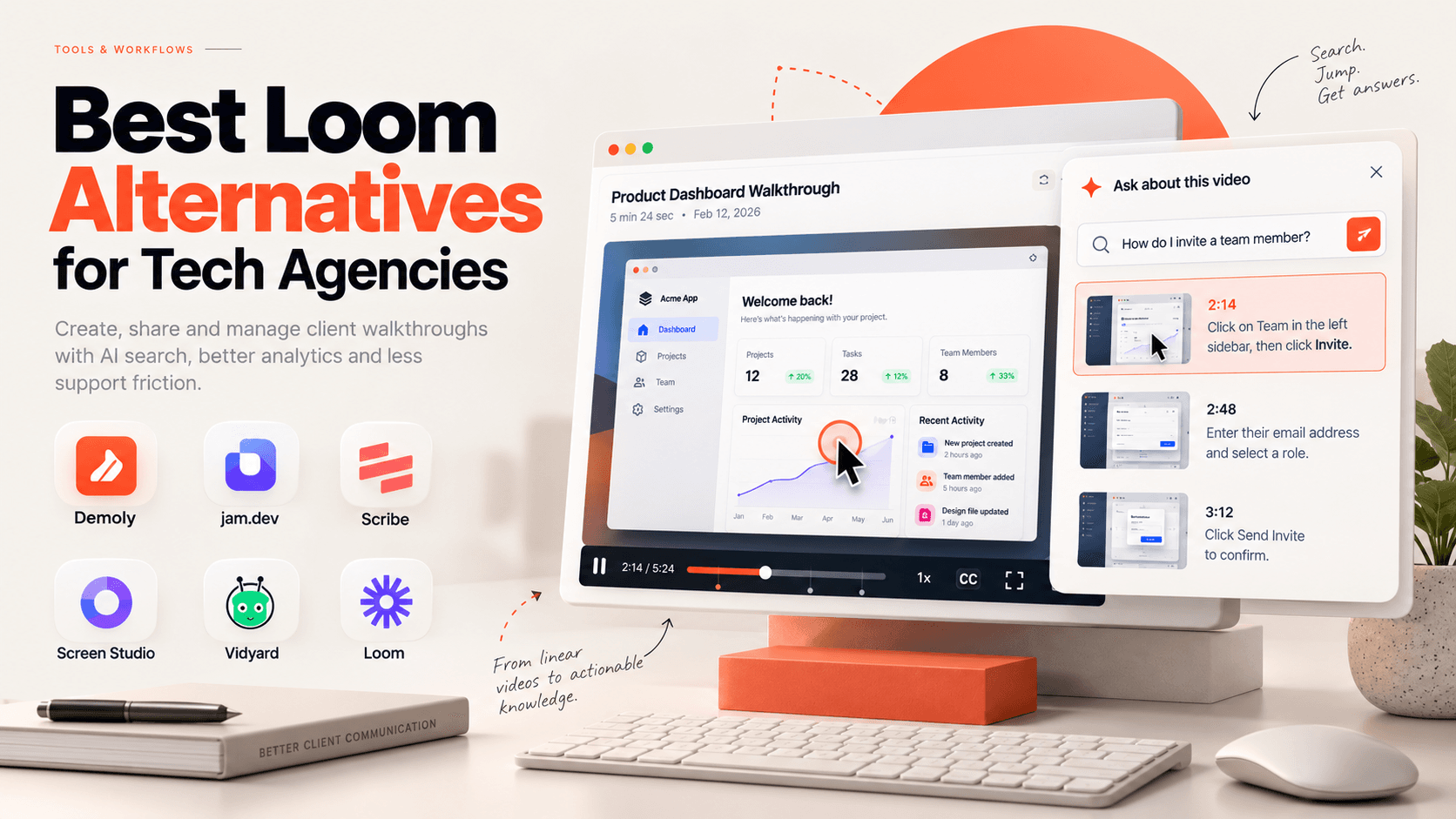
Best Loom Alternatives for Tech Agencies
Looking for Loom alternatives for your tech agency? Compare the 6 best tools for client handoffs, AI-searchable walkthroughs, QA bug reporting, and interactive documentation.
 Team Demoly
Try Demoly for your team
Create branchable, interactive demo recordings and deliverables in minutes with zero friction.