Tango Pricing: Free vs Pro Plans Explained
An independent pricing audit of Tango plans, seat costs, Free vs Pro limits, redaction tiers, and whether upgrading to Tango Pro makes financial sense.
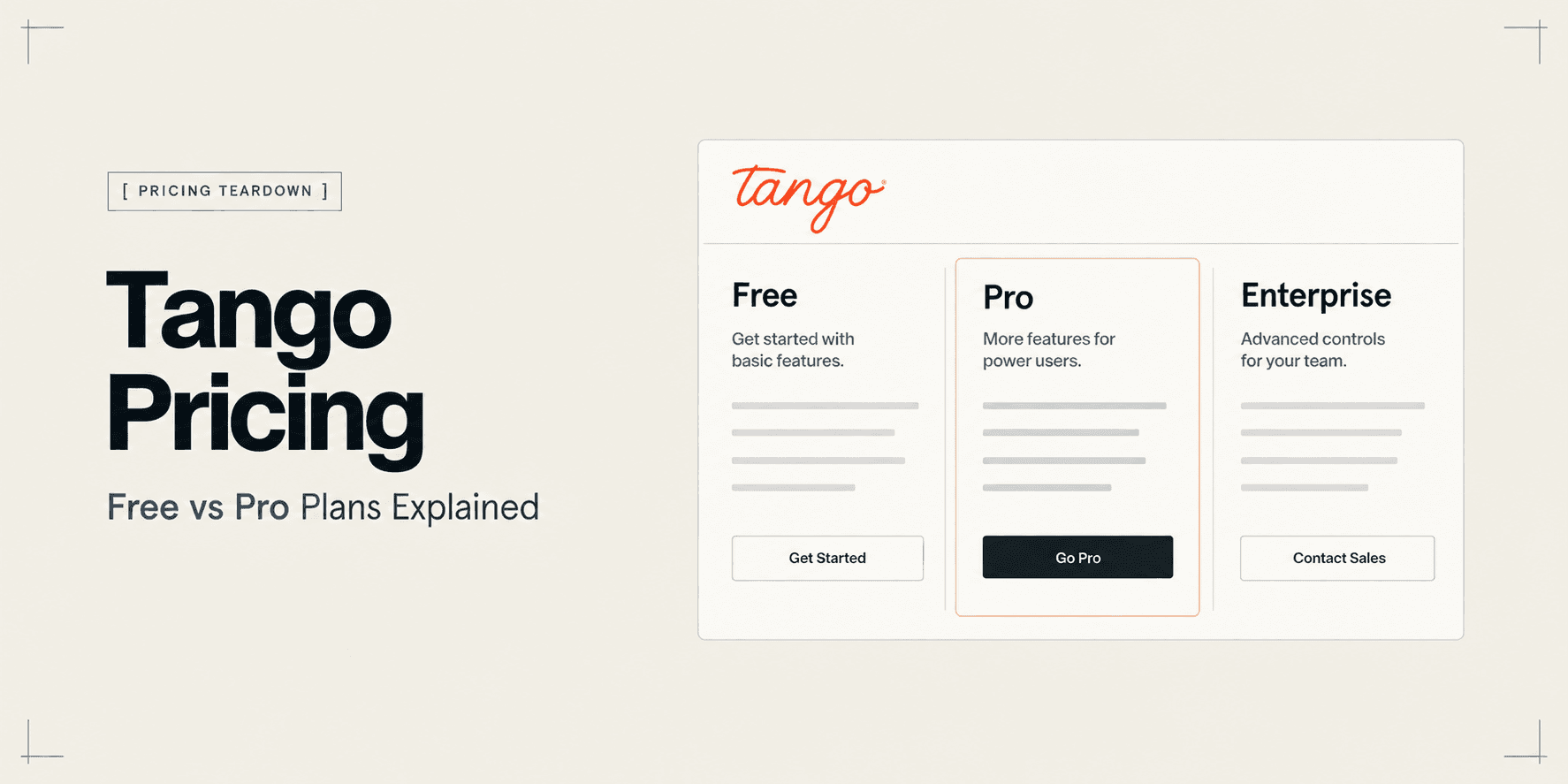
Tango Pricing: Free vs Pro Plans Explained
Tango is widely recognized as one of the fastest tools for capturing browser actions and turning them into step-by-step documentation. However, evaluating Tango's actual commercial cost requires navigating nuanced packaging variables—including workspace seat thresholds, strict shared library limits on the free tier, and feature gates around desktop capture and sensitive data redaction.
The primary purchasing dilemma for operators is straightforward: does Tango's free tier provide enough long-term utility for recurring operations, or will workspace library caps and export restrictions force an early upgrade to Pro? Furthermore, does the tiered per-user pricing scale affordably as your documentation team expands?
This independent pricing audit breaks down Tango's verified pricing tiers, analyzes the operational boundaries between Free and Pro, calculates team costs across different seat volumes, and examines when alternative formats deliver stronger commercial return.
Tango Pricing at a Glance
Tango structures its software across three main plans: a self-serve Free plan, a tiered Pro plan whose per-seat rate drops once you reach three users, and custom Enterprise agreements. The comparison table below outlines billing terms, operational caps, sensitive data controls, and export formats.
Evaluation Criteria | Free | Pro (1–2 Users) | Pro (3+ Users) | Enterprise |
|---|---|---|---|---|
Monthly Billing | $0 | $26 / user / month | $20 / user / month | Custom quote |
Annual Billing | $0 | $22 / user / month ($264/yr) | $15 / user / month ($180/user/yr) | Custom quote |
Workflow / Guide Limit | 5 shared workflows in Team Library (25 personal) | Unlimited workflows | Unlimited workflows | Unlimited workflows |
Capture Environment | Web browser only (Chrome & Edge) | Browser and desktop apps (macOS & Windows) | Browser and desktop apps (macOS & Windows) | Browser and desktop apps (macOS & Windows) |
Redaction & Privacy | Manual blur on individual steps | Live Blur & Batch Blur (up to 100 screenshots) | Live Blur & Batch Blur (up to 100 screenshots) | Automated PII detection & workspace rules |
Branding & Exports | Tango watermark, basic PDF & web links | Custom logo, watermark removal, Markdown & HTML | Custom logo, watermark removal, Markdown & HTML | Custom domains, SSO, SOC 2 compliance, audit logs |
(Note: Pricing and plan terms reflect current vendor packaging and are subject to change.)
Tango Pricing Plans
1. Free
- Price: $0 forever.
- Key features: Browser extension capture across Chrome and Edge, automated sequential step creation with click highlighting, up to 10 workspace members, and basic sharing through web links or standard PDF downloads.
- Important limits: Capped at 5 shared workflows in the shared Team Library (with up to 25 total personal workflows per user), browser-only recording (no desktop applications), persistent Tango watermarks on exported documents, and no batch blurring tools.
- Who it is best for: Individual knowledge workers, bootstrapped solo operators, and internal teams testing lightweight browser capture for small, ad-hoc documentation tasks.
2. Pro
- Price: Tiered by team size:
- 1–2 Users: $26 per user per month billed monthly, or $22 per user per month billed annually ($264 per user per year).
- 3+ Users: $20 per user per month billed monthly, or $15 per user per month billed annually ($180 per user per year).
- Key features: Unlimited personal and team workflows, full desktop application capture for macOS and Windows, custom team branding with watermark removal, Live Blur (masking sensitive fields during capture) and Batch Blur (blurring sensitive text across up to 100 screenshots simultaneously), rich exports to Markdown and HTML, and interactive "Guide Me" walkthrough overlays.
- Important limits: Automated PII scanning and regex-based redaction remain locked behind Enterprise; workspace seat fees apply to all team members requiring full documentation editing capabilities.
- Who it is best for: Growing operations teams, software agencies, IT consultants, and customer onboarding specialists who need to document desktop tools, sanitize sensitive client environments, and distribute white-labeled guides.
3. Enterprise
- Price: Custom quote based on user volume, compliance requirements, and implementation scope (typically structured as an annual agreement).
- Key features: Everything in Pro, plus automated PII detection and redaction (Secure Blur), Single Sign-On (SAML SSO), automated user provisioning via SCIM, 365-day version history, SOC 2 Type II compliance validation, centralized admin audit logs, and a dedicated customer success manager.
- Important limits: Requires procurement reviews, custom contract negotiation, and sales-assisted onboarding.
- Who it is best for: Mid-market organizations, regulated industries (healthcare, legal, finance), and enterprise departments with strict IT data governance and identity management mandates.
What Do You Actually Get With Each Tango Plan?
Navigating the pricing tiers requires examining the exact functional ceilings where workflows either succeed or break down in day-to-day practice.
Desktop Application Capture vs Browser-Only Recording
The first major divide between Free and Pro is environment coverage. On the Free plan, Tango operates strictly as a Chromium browser extension. If your processes live entirely within SaaS platforms such as HubSpot, Jira, Shopify, or Google Workspace, the browser extension captures clicks and types without friction.
The moment a procedure transitions outside the browser into a desktop tool—such as VS Code, Figma, terminal consoles, Postman, or desktop database managers—the Free extension stops recording. Upgrading to Tango Pro unlocks dedicated desktop capture applications for macOS and Windows, enabling unified documentation across mixed browser and desktop operating environments.
The Team Library Sharing Ceiling (5 Workflows)
While Tango advertises up to 10 workspace users on its Free tier, it enforces a critical operational bottleneck: a strict cap of 5 shared workflows in the shared Team Library. While individual free users can maintain up to 25 personal workflows in their private workspace, teammates cannot access, review, or edit those documents collaboratively once the 5-workflow team limit is reached.
For any business team building a functional knowledge base, 5 shared SOPs are consumed within the first week of deployment. Consequently, the Free plan acts as an introductory sandbox rather than a sustainable free tier for collaborative teams.
Sensitive Data Handling: Manual Blur vs Batch Blur vs Automated PII Redaction
Process documentation frequently captures sensitive production data, including client API tokens, personal email addresses, invoice figures, and customer records. Tango segments privacy tools across all three tiers:
- Free Plan: Users can only apply basic manual blurs to individual screenshot steps after capture. Redacting an API key that appears across 25 consecutive steps requires 25 separate manual masking actions.
- Pro Plan: Introduces Live Blur (blurring sensitive interface fields on screen before the capture trigger fires) and Batch Blur (selecting a sensitive value once and blurring it across up to 100 screenshots in a single click). This eliminates hours of repetitive editing for agency teams handling live client accounts.
- Enterprise Plan: Unlocks Secure Blur, which utilizes automated pattern recognition to proactively detect and redact PII, credit card numbers, and compliance-sensitive strings across the entire workspace without manual creator intervention.
Two-Tier Seat Economics (The 3-User Price Step)
Unlike competitors that enforce rigid 5-seat minimum commitments (such as Scribe Pro Team), Tango uses a graduated per-user model. Solo creators and two-person teams pay $22 to $26 per user per month. The moment your workspace enrolls a third user, the rate decreases to $15 per user per month (annual billing) or $20 per user per month (monthly billing).
This pricing structure provides flexibility for small teams of two or three creators, allowing organizations to scale documentation seats gradually without paying for unassigned ghost licenses.
Is Tango's Free Plan Enough?
Tango's Free plan is functional for solo contractors and individual contributors who need to generate quick, one-off instructions for personal reference or informal internal handoffs. If your workflows do not involve client-facing deliverables and remain confined to web applications, the free Chrome extension offers immediate utility without a credit card.
However, the Free plan becomes unviable as an organizational tool when three operational constraints emerge:
- You need a central team repository: The 5-workflow limit in the shared Team Library prevents teams from maintaining a unified internal SOP library without upgrading.
- You document multi-application or desktop workflows: When instructions require opening local file systems, native desktop software, or terminal commands, browser capture cannot record the steps.
- You deliver documentation to paying clients: Free exports carry prominent Tango branding and upgrade CTAs, while lack of Batch Blur makes sanitizing client data tedious and error-prone.
Once any of these scenarios becomes a regular requirement, upgrading to Pro or evaluating purpose-built alternatives becomes necessary.
Which Tango Plan Should You Choose?
- Choose Free ($0) if you are a solo operator documenting simple browser-based tasks for personal reference or small internal handoffs, and you do not need more than 5 shared workflows in your team workspace.
- Choose Pro (1–2 users at $22–$26/user/mo) if you are a solo consultant, technical freelancer, or small agency pair needing desktop capture, Batch Blur privacy tools, custom branding, and export freedom without team minimums.
- Choose Pro (3+ users at $15–$20/user/mo) if your team consists of three or more active documentation authors collaborating on a shared knowledge base across both browser and desktop environments.
- Choose Enterprise (Custom quote) if your organization requires enterprise-wide automated PII detection, SAML SSO, SCIM provisioning, strict compliance validation (SOC 2, HIPAA), or centralized audit trails.
Is Tango Worth It?
Determining whether Tango Pro provides a positive return on investment depends on your team structure and whether step-by-step screenshots match how your recipients actually consume information:
- For solo technical operators and freelancers: Tango Pro ($22 per month billed annually) delivers rapid payback. The combination of desktop capture and Batch Blur can recover 2 to 4 hours of screenshot editing each week during client handoffs.
- For lean teams of two to four creators: Tango's graduated seat pricing ($22/user for pairs, $15/user for trios) is substantially more economical than competitors that mandate five-seat minimum tiers. A three-person team pays $45 per month ($540/year) on Tango Pro, compared to $60–$75 per month ($720–$900/year) on competitor team packages.
- For operational SOP libraries: Tango provides high utility for internal procedures where staff members prefer reading checklists at their own pace. Its "Guide Me" interactive overlay feature helps internal employees execute tasks directly inside live software interfaces.
- For complex web app handovers and client walkthroughs: Tango's core medium has practical limitations. Because Tango compiles static screenshots with text markers, a multi-step user flow easily balloons into a 45-step static manual. Clients receiving extensive screenshot documents frequently experience fatigue, skim past nuanced details, or schedule live support meetings. Furthermore, whenever your engineering team pushes UI updates to the web app, every static screenshot guide must be manually recaptured.
Tango Pricing vs Alternatives
When assessing Tango's pricing against your operational software budget, comparing it to adjacent documentation and walkthrough categories clarifies where your investment produces the greatest efficiency:
- Alternative step-by-step SOP builders: If your team relies strictly on written screenshot guides but wants to benchmark alternatives on desktop capture, seat minimums, and pricing tiers, consult our comprehensive guide to the Best Tango Alternatives for Process Documentation.
- Engineering defect and QA reporting: If your goal is capturing technical bugs with console logs, network requests, and developer diagnostics rather than building client SOPs, browser QA tools like Jam.dev provide purpose-built technical capture.
- Interactive client handovers and web app walkthroughs: If your agency delivers bespoke web applications, customer portals, or SaaS platforms, static screenshot manuals often fail to resolve client confusion. Modern platforms like Demoly provide interactive, AI-searchable walkthroughs that eliminate post-delivery support calls. Rather than forcing clients to parse 50 static images or scrub a passive video recording, recipients use an integrated AI search drawer to ask natural-language questions and jump instantly to the exact interface action, while sensitive production tokens are masked at the canvas layer.

Frequently asked questions
Commonly asked questions about this article.
01•Is Tango completely free to use?
Yes, Tango offers a Free plan with unlimited personal captures, but it restricts shared workspace documentation to 5 workflows in the Team Library.
02•What is the price difference between Tango Pro for small vs larger teams?
Workspaces with 1–2 users pay $22 per user monthly (billed annually) or $26 monthly. Teams with 3 or more users pay $15 per user monthly (billed annually) or $20 monthly.
03•Does Tango Pro include desktop software recording?
Yes, upgrading to Tango Pro unlocks the desktop recorder for macOS and Windows, whereas the Free plan is restricted strictly to web browsers.
04•Does Tango have automated PII redaction on the Pro plan?
No, Tango Pro includes manual Live Blur and Batch Blur. Automated PII detection and redaction (Secure Blur) is restricted exclusively to the Enterprise tier.
05•Can external clients view Tango workflows without paying for a seat?
Yes, external viewers and clients can view, complete, and interact with shared Tango guides via public web links or PDF exports without purchasing a license.
Demoly Team
Contributor
Related Dispatches
View all dispatches →
Guidde Pricing: Complete Cost Breakdown and Alternatives
An independent pricing audit of Guidde plans, creator seat costs, Free vs Pro vs Business limits, AI voice tiers, and whether upgrading delivers real ROI.
Scribe Pricing: Is Pro Worth It for Small Teams?
An independent pricing audit of Scribe plans, seat economics, desktop capture paywalls, and whether Scribe Pro delivers real ROI for small teams.
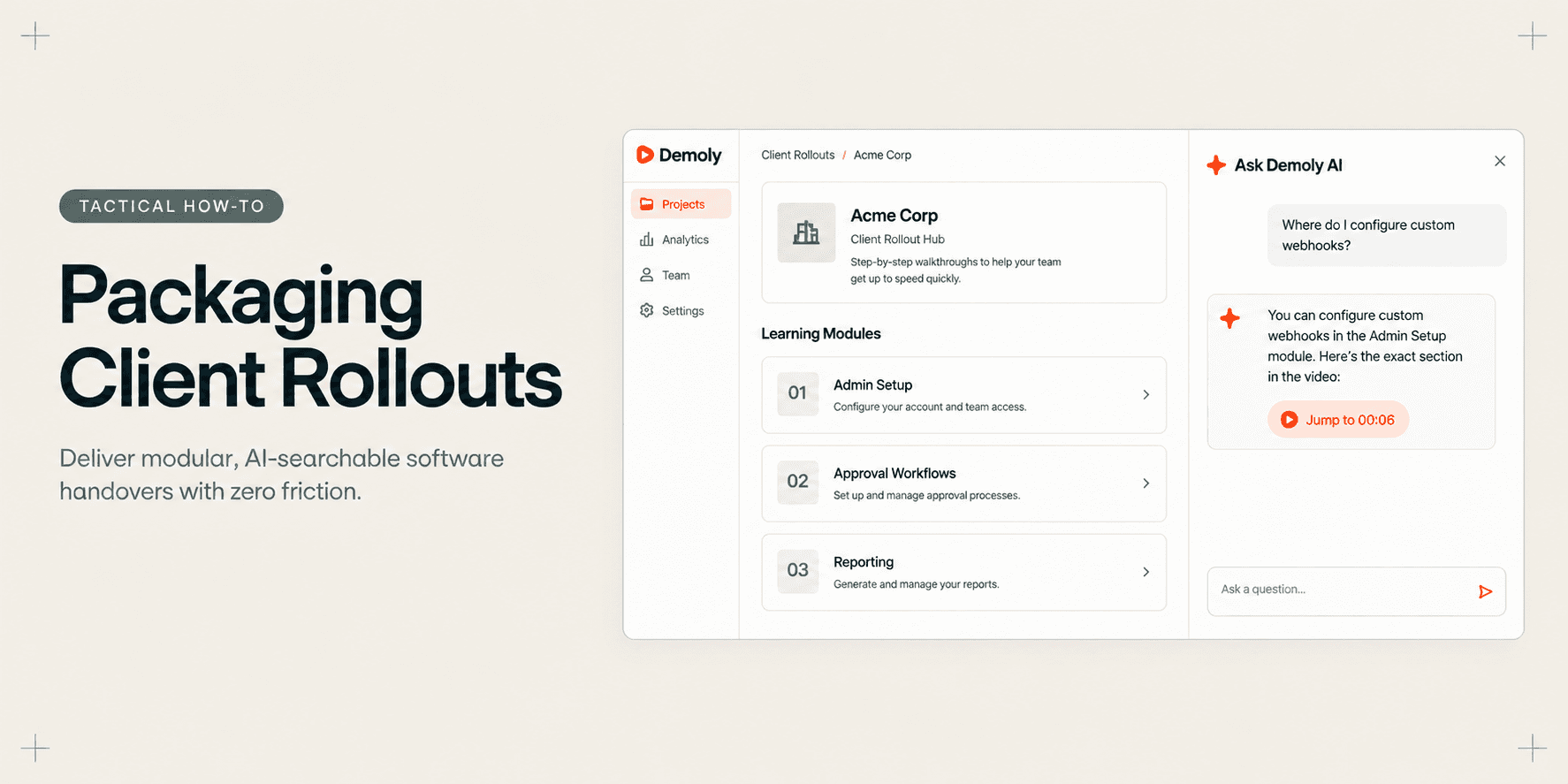
How Implementation Consultants Package a Rollout for a New Client
Learn how enterprise implementation consultants package software rollouts into modular, AI-searchable walkthroughs that eliminate post-go-live hypercare calls.
Try Demoly for your team
Create branchable, interactive demo recordings and deliverables in minutes with zero friction.