Guidde Pricing: Complete Cost Breakdown and Alternatives
An independent pricing audit of Guidde plans, creator seat costs, Free vs Pro vs Business limits, AI voice tiers, and whether upgrading delivers real ROI.
Guidde Pricing: Complete Cost Breakdown and Alternatives
Guidde is widely recognized for speeding up documentation by converting browser clicks into narrated how-to videos using synthetic voiceovers. However, evaluating Guidde's real cost requires looking past its marketing claims. Between creator seat definitions, hard video caps on the free tier, and feature gates around desktop capture and AI audio generation, teams often struggle to calculate what they will actually end up paying.
The core purchasing question is straightforward: does Guidde's free or entry-level tier provide enough long-term utility for recurring workflows, or will creator seat markups and storage limits force an unexpected upgrade? More importantly, does synthetic video generation deliver genuine commercial return for your specific delivery model?
This independent pricing audit breaks down Guidde's verified pricing tiers, explains the operational ceilings that trigger upgrades, calculates team costs across different seat volumes, and examines when alternative documentation formats provide stronger return on investment.
Guidde Pricing at a Glance
Guidde packages its software across four main tiers: a free starter plan, two self-serve paid tiers (Pro and Business), and an Enterprise agreement for custom deployments. The comparison table below outlines current billing cadences, primary recording caps, AI voice inclusions, and export formats.
Evaluation Criteria | Free | Pro | Business | Enterprise |
|---|---|---|---|---|
Monthly Billing | $0 | $29 / creator / month | $59 / creator / month | Custom quote |
Annual Billing | $0 | $19 / creator / month ($228/yr) | $39 / creator / month ($468/yr) | Custom quote |
Video Volume Cap | 25 how-to videos | Unlimited videos | Unlimited videos | Unlimited videos |
Capture Scope | Web browser apps only | Web browser apps only | Browser and desktop apps | Browser, desktop, and mobile |
AI Narration & Voice | Basic voiceover recording | Standard voice library | Unlimited AI text-to-voice | Unlimited voices & translation |
Redaction & Privacy | None | Manual element blur | Advanced privacy controls | Automated PII Magic Redaction |
Branding & Exports | Guidde watermark & web link | Watermark removed, MP4/PDF | Custom branding, PPT/video | Custom domains, SSO, SCORM |
(Note: Pricing and plan terms reflect current vendor packaging and are subject to change.)
Guidde Pricing Plans
1. Free
- Price: $0 forever.
- Key features: Browser extension capture for web applications, automated step breakdown from clicks, microphone voiceover recording, and public sharing via web links with basic transitions.
- Important limits: Capped at 25 total how-to videos per account, web-only capture (no desktop software), persistent Guidde branding on shared players, and no data redaction or export tools.
- Who it is best for: Individual creators and small internal teams testing automated click-to-video capture on basic web workflows before committing budget.
2. Pro
- Price: $29 per creator per month billed monthly, or $19 per creator per month billed annually ($228 per creator per year).
- Key features: Unlimited how-to video creation, removal of the Guidde watermark, custom brand kit color palettes, manual sensitive data blurring, and multi-format exports including local MP4 video, PDF, and PowerPoint decks.
- Important limits: Restricted to web browser capture (cannot record desktop operating systems or native software); advanced text-to-voice AI generation and desktop workflows require the Business tier.
- Who it is best for: Solo technical writers, course creators, and small operational teams who need clean, white-labeled web guides and exportable documentation assets without paying enterprise rates.
3. Business
- Price: $59 per creator per month billed monthly, or $39 per creator per month billed annually ($468 per creator per year). Standard self-serve packages support up to 5 creators, with per-seat scaling for larger rosters.
- Key features: Everything in Pro, plus full desktop application capture for macOS and Windows, unlimited AI text-to-speech voice generation, conversion of existing PDFs and presentations into video guides, advanced privacy controls, and a centralized analytics dashboard.
- Important limits: Premium studio voiceovers require paid add-on credits; automated PII redaction rules and enterprise identity management remain restricted to Enterprise contracts.
- Who it is best for: Growing customer success teams, IT departments, and SaaS onboarding specialists who must document both browser tools and desktop operating environments while producing narrated guides at scale.
4. Enterprise
- Price: Custom quote based on creator seat counts, support requirements, and security compliance (structured as annual procurement agreements).
- Key features: Everything in Business, plus automated PII detection and redaction (Magic Redaction), multi-language video localization and translation, Single Sign-On (SAML SSO via Okta, Microsoft, and Google), SCIM user provisioning, SCORM course exports, audit logging, and dedicated account management.
- Important limits: Requires sales consultations, annual billing commitments, and formal procurement reviews.
- Who it is best for: Mid-market organizations, regulated industries, and global enterprises requiring strict IT data governance, automated compliance blurring, and localized documentation across global offices.
What Do You Actually Get With Each Guidde Plan?
Deciding between Guidde subscription tiers requires understanding the operational boundaries where each plan breaks down in daily work.
Video Volume and Storage Thresholds
The transition from Free to Pro eliminates Guidde's 25-video ceiling. On the Free tier, hitting 25 videos forces you to permanently delete older guides to publish new ones. For active product teams or customer success representatives, this limit is reached quickly. Moving to Pro unlocks unlimited creation, turning Guidde from an exploratory sandbox into a permanent documentation repository.
The AI Text-to-Voice and Desktop Capture Split
The biggest capability gap sits between Pro and Business. Pro provides clean video export and watermark removal, but it restricts recording exclusively to web browsers. If your team needs to document local terminal commands, desktop accounting software, Figma desktop apps, or system preferences, you must upgrade to Business. Furthermore, Business unlocks unlimited AI text-to-speech narration, allowing creators to type written scripts that the system automatically converts into spoken audio across synthetic voices.
Creator Seats vs Free Viewer Licensing
Guidde follows a creator-based licensing model. External recipients, clients, and internal team members who only view, search, or comment on guides do not require paid accounts. However, any team member who creates, edits, or manages guides must hold a paid creator seat. Because seat costs scale from $19 to $39 per month on annual plans (or $29 to $59 on monthly plans), a team of five creators on the Business tier incurs an annual software bill of $2,340, rising to $3,540 if billed month-to-month.
Redaction Controls and Brand Exports
Privacy controls differ significantly between tiers. The Free plan provides zero redaction, meaning any sensitive customer email or database key recorded on screen remains visible. Pro introduces manual blur boxes, requiring creators to obscure fields step by step. Only Enterprise includes automated Magic Redaction, which automatically detects Personally Identifiable Information (PII) like phone numbers and credit card sequences across video frames.
Is Guidde's Free Plan Enough?
Guidde's Free plan is useful for getting started and validating automated step detection. If you only need to record three or four simple onboarding flows each month and do not mind Guidde branding on the player, the free plan functions reliably.
However, the free tier breaks down as soon as you deploy documentation in professional or client-facing environments. The 25-video lifetime limit prevents teams from building an organized product library. Once you hit the cap, you must delete previous guides, destroying past operational assets.
Furthermore, the Free plan lacks both desktop capture and sensitive data redaction. If you record an internal dashboard containing customer names or proprietary staging URLs, you cannot blur that information before sharing the link. For client deliverables and professional workflows, upgrading to at least Pro is practically mandatory.
Which Guidde Plan Should You Choose?
- Choose Free ($0) if you are evaluating the platform, need to create occasional internal screen guides under the 25-video lifetime limit, and do not mind vendor watermarks.
- Choose Pro ($19 to $29/creator/month) if you create browser-based tutorials regularly, need watermark-free exports in MP4 or PDF format, and require manual blurring for sensitive on-screen text.
- Choose Business ($39 to $59/creator/month) if your workflows involve desktop applications alongside browser tabs, or if you rely heavily on automated text-to-speech AI voices to narrate documentation without recording your own voice.
- Choose Enterprise (Custom quote) if your organization requires automated PII redaction, multi-language video localization, SCORM compliance exports, or SAML SSO security policies.
Is Guidde Worth It?
Whether Guidde delivers strong return on investment depends on your documentation format and how your viewers interact with the finished material:
- For internal team training and customer support reels: Guidde provides good ROI for customer support teams producing standard troubleshooting clips. Auto-generating synthetic voiceovers from written step titles saves time compared to manual voice recording, and multi-lingual voice conversion helps global support desks serve international accounts without re-recording videos.
- For growing teams scaling creator seats: Seat costs compound quickly as organizations expand. Because Guidde charges $39 to $59 per creator monthly for its Business tier, outfitting project managers, QA engineers, and customer onboarding specialists creates substantial recurring overhead. Workspaces must carefully restrict creator permissions to prevent occasional recorders from driving up monthly software bills.
- For client handovers and technical web deliverables: Linear synthetic video presents operational hurdles. When an agency delivers a custom web application or software build, clients often find synthetic text-to-speech narration robotic and impersonal. More critically, Guidde outputs passive linear video files. When a client needs to verify a single configuration setting two weeks after delivery, they cannot search the video for unvoiced visual elements or interact with the interface. They must scrub through slides manually, often abandoning the video and scheduling a support call instead.
Guidde Pricing vs Alternatives
When assessing Guidde's pricing, understanding adjacent documentation models helps clarify where your budget is best spent:
- Written process documentation: If your team needs click-by-click standard operating procedures rather than full video files, tools like Scribe capture browser actions and convert them into lightweight, screenshot-based manuals that are simpler to update when user interfaces change.
- Developer QA and technical bug reporting: If your primary focus is reporting software bugs to developers rather than producing instructional videos, specialized browser extensions like Jam.dev capture console logs, network requests, and device specifications alongside screen footage.
- Interactive client handovers and searchable walkthroughs: If you deliver bespoke software, client portals, or web applications to external stakeholders, platforms like Demoly provide browser-based walkthroughs with built-in AI search. Rather than listening to synthetic robotic voices or scrubbing flat timelines, clients can ask plain-English questions in an AI drawer to jump directly to exact visual actions. To explore a complete comparison of workflow models and feature trade-offs, read our guide on the Best Guidde Alternatives for Video Documentation.
Frequently asked questions
Commonly asked questions about this article.
01•Is Guidde completely free to use?
Yes, Guidde offers a free plan with browser extension capture and basic voiceover recording, capped at a lifetime limit of 25 total how-to videos.
02•What is the price difference between Guidde Pro and Business?
Pro costs $19 per creator monthly billed annually ($29 monthly), while Business costs $39 per creator monthly billed annually ($59 monthly), adding desktop capture and AI text-to-voice generation.
03•Do external viewers or clients need a paid Guidde license?
No, external clients and viewers can watch shared Guidde videos in any modern web browser for free without creating accounts or consuming paid workspace seats.
04•What is the difference between Pro blurring and Enterprise magic redaction?
Pro requires users to manually place blur boxes over sensitive elements, whereas Enterprise uses automated Magic Redaction to detect and blur Personally Identifiable Information across video frames.
05•What happens when you reach the 25-video limit on Guidde's Free plan?
Once you hit the 25-video cap on the Free plan, you cannot publish new guides until you upgrade to a paid plan or permanently delete older recordings.
Demoly Team
Contributor
Related Dispatches
View all dispatches →
Tango Pricing: Free vs Pro Plans Explained
An independent pricing audit of Tango plans, seat costs, Free vs Pro limits, redaction tiers, and whether upgrading to Tango Pro makes financial sense.
Scribe Pricing: Is Pro Worth It for Small Teams?
An independent pricing audit of Scribe plans, seat economics, desktop capture paywalls, and whether Scribe Pro delivers real ROI for small teams.
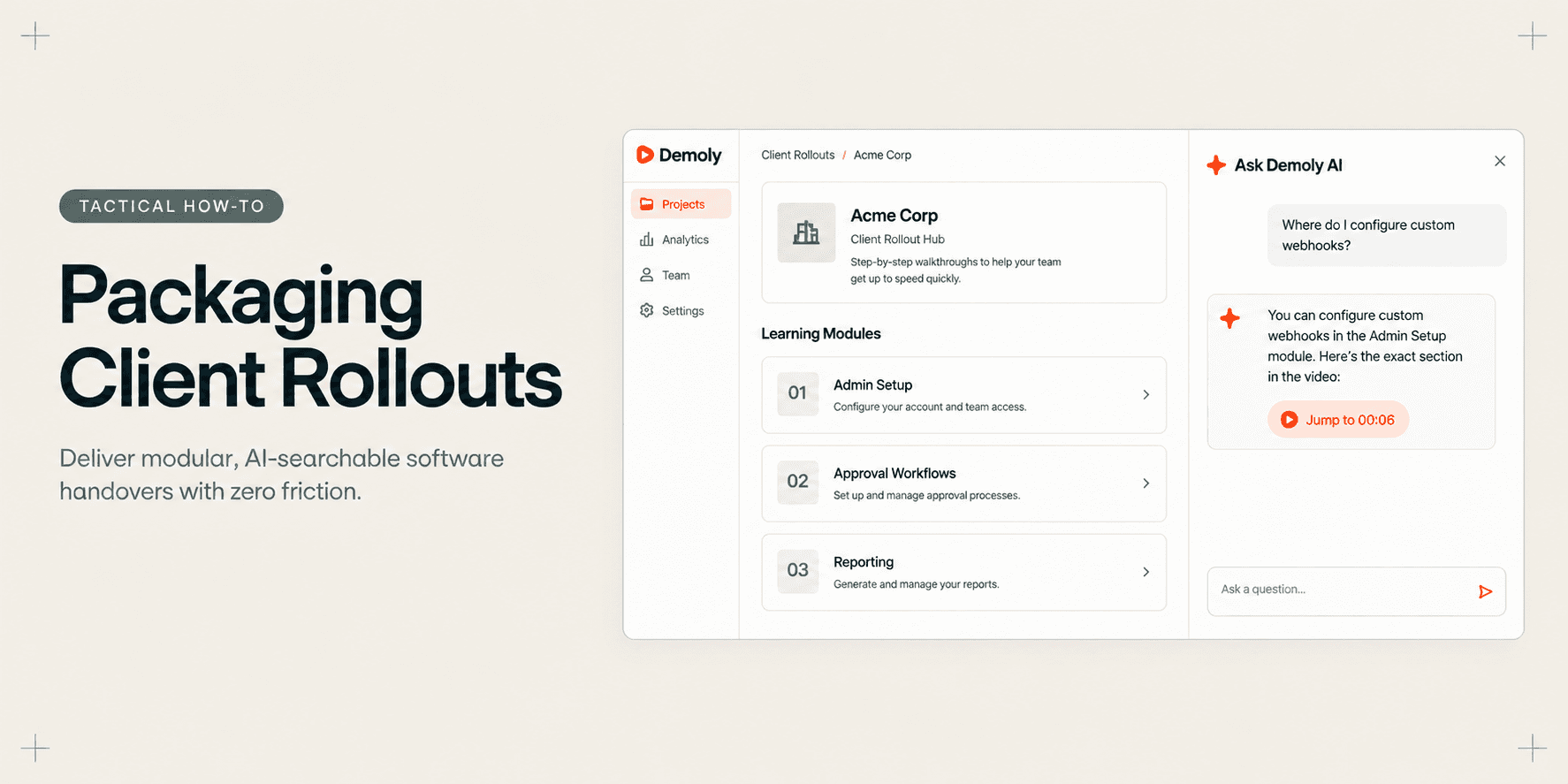
How Implementation Consultants Package a Rollout for a New Client
Learn how enterprise implementation consultants package software rollouts into modular, AI-searchable walkthroughs that eliminate post-go-live hypercare calls.
Try Demoly for your team
Create branchable, interactive demo recordings and deliverables in minutes with zero friction.