Supademo vs Demoly: Interactive Demos vs AI-Searchable Walkthroughs
Compare Supademo and Demoly to choose between synthetic click-through demo tours and AI-searchable browser video walkthroughs for client handoffs and product guides.
Supademo vs Demoly: Interactive Demos vs AI-Searchable Walkthroughs
Interactive product tours revolutionized how software companies showcase their apps to prospective buyers. Instead of forcing prospects to sit through static sales decks, platforms like Supademo let teams turn web interfaces into simulated, step-by-step click-through demos. However, when delivering finished software, custom portals, or technical handovers to external clients, simulated click paths often fail to answer real-world implementation questions.
When clients need to locate a specific configuration two weeks after launch, forcing them through a rigid 20-step click-through sandbox causes immediate frustration. If the exact question they have is not mapped to an interactive hotspot, they abandon the demo and schedule a support call anyway. Choosing between Supademo and Demoly comes down to whether your audience needs a simulated sandbox or an searchable technical reference.
Bottom Line Up Front: Supademo works best for product marketing and sales enablement teams that want guided, click-through sandbox tours with lead capture forms on marketing landing pages. Demoly works best for agencies, developers, and product leads who need rapid browser walkthroughs that clients can interactively query with natural language to locate unvoiced UI actions and exact video timestamps.
Detailed Comparison: Supademo vs Demoly at a Glance
The following table compares the mechanical capabilities, viewer experience, and operational trade-offs of Supademo and Demoly.
Evaluation Criteria | Supademo | Demoly |
|---|---|---|
Primary Job | Synthetic click-through tours for product marketing, sales demos, and lead capture. | AI-searchable browser video walkthroughs for client handovers and technical reviews. |
Capture Mechanics | Captures sequential browser screenshots and simulated HTML DOM states as interactive hotspots. | Records continuous browser video alongside DOM interaction events, button clicks, and audio. |
Search & Discovery | Sequential step navigation; viewers cannot run freeform conversational queries across steps. | Conversational AI search drawer indexing spoken words, visible UI text, and on-screen clicks. |
Viewer Experience | Guided click-by-click sandbox where viewers click highlighted hotspots to advance slides. | High-resolution video playback with timestamp jump pills ( |
Maintenance Overhead | High; UI changes require re-annotating hotspots, branching paths, and step callouts. | Low; non-destructive timeline editor enables instant trimming without rebuilding interactive flows. |
Sensitive Data Redaction | Synthetic blur tools applied to captured HTML elements and text layers. | Permanent canvas-level element masking that erases staging credentials directly from video frames. |
Client Access & Permissions | Shareable web embeds and links; optional gated lead capture forms. | Frictionless zero-login browser links; external clients query videos without creating accounts. |
Pricing & Seat Structure | Free tier (up to 5 demos); Pro starts at $27 to $36/creator/month. (Subject to vendor updates.) | Free tier ($0 forever, 15-min cap); Pro at $8/creator/month with free viewer seats. (Subject to vendor updates.) |
When Supademo Makes More Sense
Supademo is purpose-built for top-of-funnel marketing campaigns, sales enablement, and self-guided product tours where prospect engagement is the primary metric:
Self-guided marketing sandboxes: Marketing teams can embed lightweight, interactive simulations directly onto landing pages, allowing website visitors to experience core features without creating a product account.
Gated lead generation: Built-in lead capture forms and email gates let sales teams collect qualified prospect details before allowing viewers to finish the interactive tour.
Branching demo paths: Complex enterprise software demonstrations can offer multi-track pathways (such as "Choose Your Role: Admin or Manager"), letting prospects self-select relevant features.
When your objective is driving top-of-funnel sales conversions through simulated, hands-on user interactions, Supademo delivers a polished marketing asset.
When Demoly Makes More Sense
Demoly is designed for the post-sale operational friction that occurs when web agencies, engineering teams, and software consultancies hand off completed builds to external stakeholders:
Conversational AI question answering: Rather than clicking through rigid sequential hotspots, clients type natural questions (e.g., "Where do I update Stripe webhooks?") into the Ask Demoly search drawer and instantly jump to the exact second that action occurs.
Indexed silent UI interactions: Standard screen recordings require narrating every action aloud. Demoly tracks the underlying browser Document Object Model so that unvoiced form fills, button clicks, and tab switches remain fully searchable. To understand how this architecture operates, read our deep-dive on DOM capture vs pixel capture: why it changes what a video can answer.
Fast record-and-share workflows: Building multi-step interactive tours requires hours of manual hotspot authoring. With Demoly, developers perform the workflow once in the browser and distribute the link immediately. Learn the full process in our guide on how to record a web app walkthrough your client can actually search.
Permanent canvas redaction: Sensitive staging API keys, production database passwords, and client personal data can be permanently masked directly on the canvas before sharing, eliminating security risks without requiring re-recordings.

Ask Demoly AI Search Drawer
Replacing passive video files and rigid interactive tours with searchable walkthroughs eliminates repetitive post-launch support meetings while preserving developer hours.
The Verdict: Choosing the Right Tool for Your Workflow
Selecting between Supademo and Demoly depends on where the asset lives in your customer journey and how your audience consumes technical knowledge:
Pick Supademo if you are a product marketer or sales development representative who wants to embed interactive, click-through sandbox tours on public websites to capture inbound leads.
Pick Demoly if you are a web agency lead, software engineer, or product manager who needs to deliver client project handovers, browser feature guides, or QA walkthroughs that stakeholders can independently query using AI.
Transforming handovers into searchable reference assets protects your team's billable delivery margins. You can explore Demoly on the free tier at demoly.dev.
Frequently asked questions
Commonly asked questions about this article.
01•Can Demoly find features in a recording if the presenter did not speak aloud?
Yes. Demoly indexes on-screen button clicks, form inputs, and tab navigation events alongside spoken audio, allowing clients to locate actions completed in complete silence.
02•Does Supademo allow viewers to ask freeform questions about a workflow?
No. Supademo guides viewers through predetermined sequential click paths and hotspots, so users cannot submit natural-language queries to locate unmapped actions.
03•Do clients need paid seats or user logins to view a Demoly walkthrough?
No. Demoly links open directly in any modern browser, granting external clients full playback and conversational AI search access without account creation or viewer fees.
04•How do maintenance requirements compare between Supademo and Demoly?
Supademo requires re-annotating hotspots and branching logic whenever an interface changes, whereas Demoly uses non-destructive video timeline cuts that can be updated in minutes.
05•Can Demoly record native desktop applications outside Google Chrome?
Demoly focuses specifically on browser-based web applications to extract deep DOM interaction telemetry and cannot capture operating system windows outside the browser environment.
Demoly Team
Contributor
Related Dispatches
View all dispatches →
Loom vs Vidyard: Which Is Better for Tech Agencies?
Compare Loom and Vidyard for tech agencies. Discover how screen capture, CRM tracking, video analytics, and client handoff workflows compare in practice.
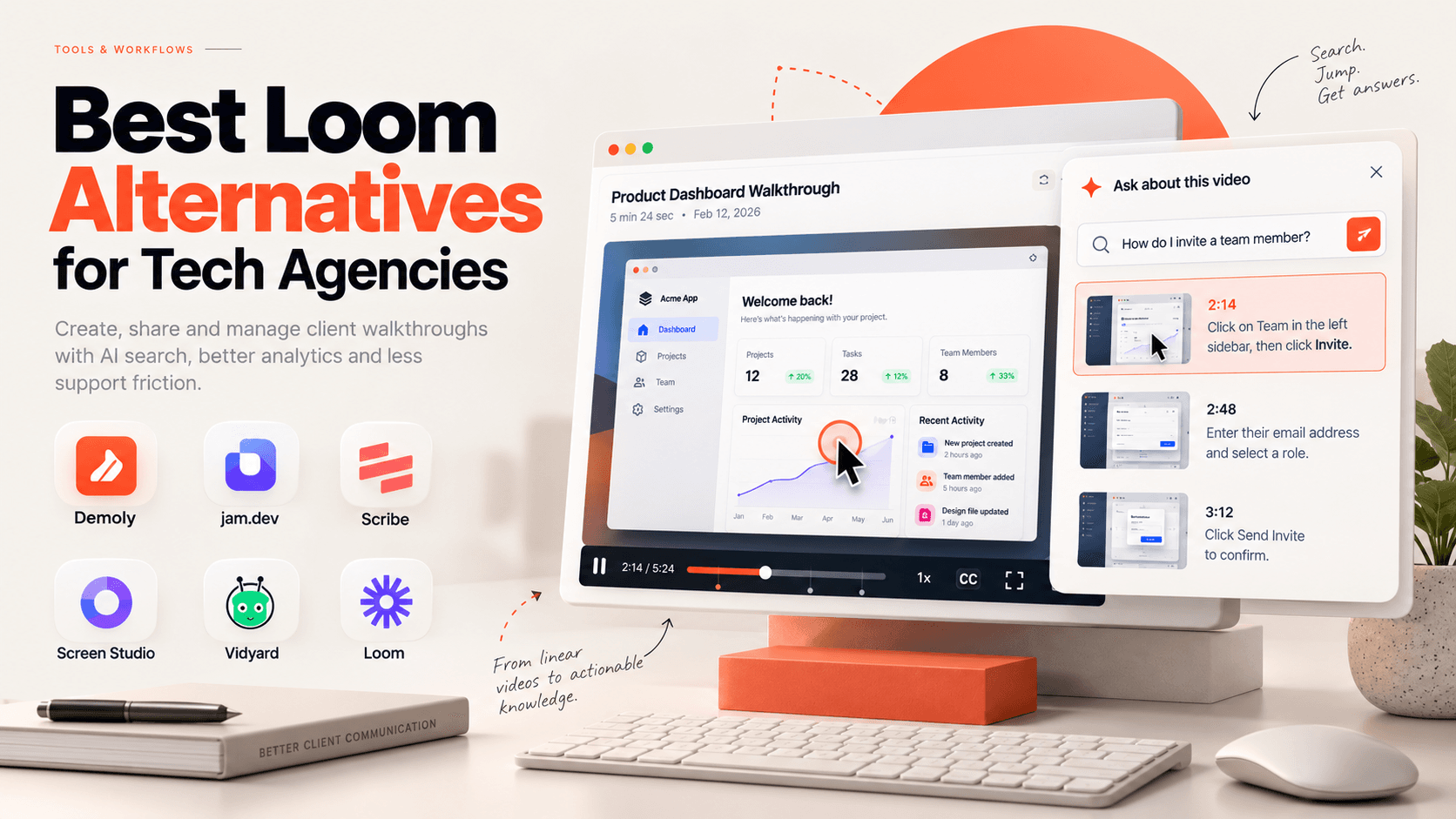
Best Loom Alternatives for Tech Agencies
Looking for Loom alternatives for your tech agency? Compare the 6 best tools for client handoffs, AI-searchable walkthroughs, QA bug reporting, and interactive documentation.
 Team Demoly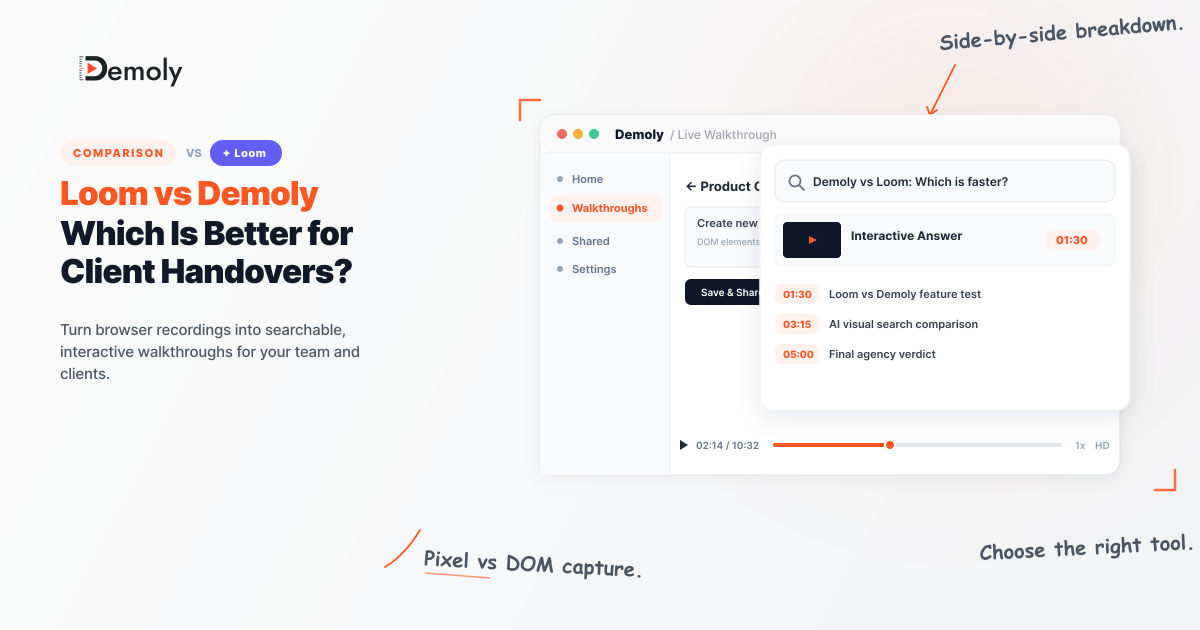
Loom vs Demoly: Which Is Better for Client Handovers?
Compare Loom and Demoly for client handovers. Discover why AI-searchable browser walkthroughs outperform flat video recordings for web agencies and product teams.
Team DemolyTry Demoly for your team
Create branchable, interactive demo recordings and deliverables in minutes with zero friction.