Loom vs Demoly: Which Is Better for Client Handovers?
Compare Loom and Demoly for client handovers. Discover why AI-searchable browser walkthroughs outperform flat video recordings for web agencies and product teams.

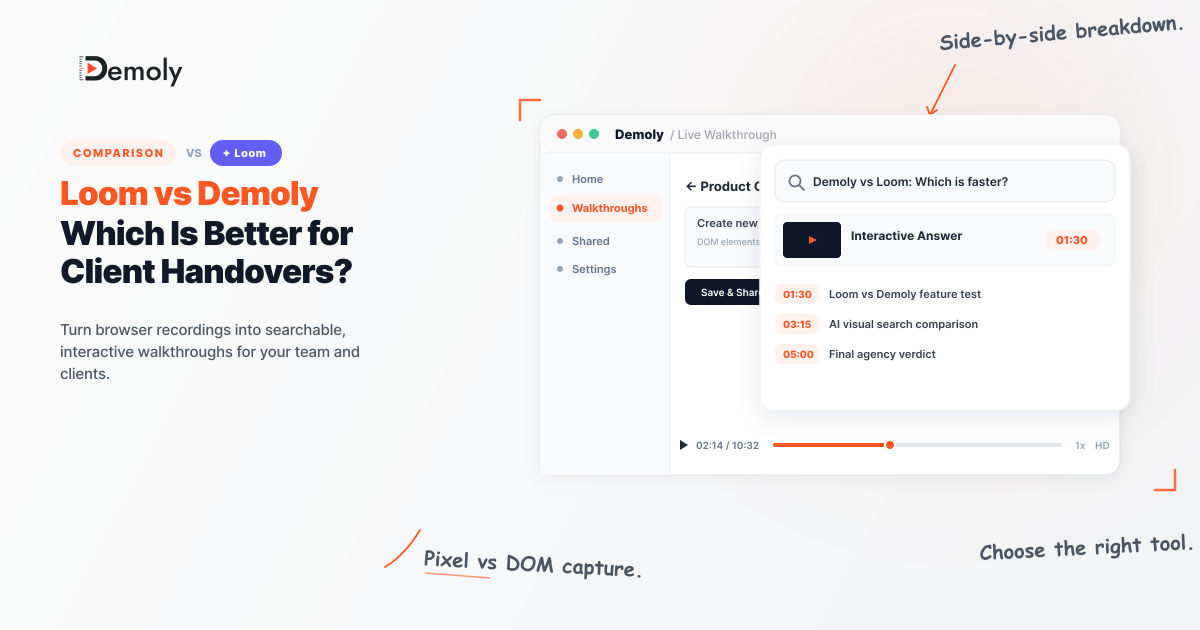
Loom vs Demoly: Which Is Better for Client Handovers?
Loom made screen recording simple for day-to-day team updates, but handing off finished digital work to paying clients brings different challenges. Delivering a custom website, an online store, or new software requires a reference guide that clients can actively use, not a flat video file they have to sit through. When clients get a fifteen-minute video, they rarely watch the whole thing. Instead, they get stuck, jump back and forth on the timeline to find one step, and end up emailing you with questions anyway.
Bottom Line Up Front: Loom works best for quick, casual video messages between coworkers across desktop apps. Demoly works best for client handovers, web app walkthroughs, and build reviews where clients need to find answers on their own without booking extra follow-up calls.
Detailed Comparison: Loom vs Demoly at a Glance
The right tool comes down to what you need: a quick video message or an organized guide that answers questions later. The table below shows how both tools compare for client project handoffs.
Evaluation Criteria | Loom | Demoly |
|---|---|---|
Main Job | Quick video messages and team updates | Client project handovers and browser walkthroughs |
How It Records | Records screen pixels using a desktop app or browser extension | Records the browser DOM and tracks what you click on screen |
Search Setup | Searches only spoken words in the audio transcript | Visual and Voice AI (searches speech, button clicks, typed text, and open tabs) |
Viewer Experience | Plain video playback with manual scrubbing and emoji reactions | AI search box that answers questions and jumps to the exact moment |
Hiding Private Data | Basic blur box placed over the video after recording | Permanent canvas removal that wipes private data from the actual video frames |
Trimming and Fixing | Basic timeline trimming to cut out silent pauses | Non-destructive editing to remove pauses, mistakes, and extra tabs without re-recording |
Client Access | Free to watch in a browser; needs a login to comment | Free to watch in a browser; clients can search and ask questions without an account |
Pricing & Seats | Free (5-min cap); Business from $15 to $18/user/month (subject to change) | Free ($0 forever, 15-min cap); Pro at $8/creator/month with free viewer access |
When Loom Makes More Sense
Loom is the category leader for good reason, especially when you need fast, informal updates across your existing workspace:
Quick Slack updates: Great for sending a one-minute clip to a teammate, explaining a design choice in Figma, or skipping an unnecessary status call.
Full computer recording: The desktop app records local programs, code editors, and terminal windows outside the browser.
Wired into daily tools: Native integrations let you paste playable links directly into Jira, Notion, and Google Workspace.
For casual, low-stakes communication within your own team, Loom remains hard to beat.
When Demoly Makes More Sense
Demoly is designed for the friction that happens after you hand off a finished project to an external client:
Finds silent actions: Regular tools only search spoken audio, while Demoly indexes clicks, inputs, and tab switches so clients can find unvoiced steps.
Natural-language AI answers: Clients can type simple questions into the search box and jump straight to the exact second where the answer happens.
Permanent data removal: Private API keys, test passwords, and client records are erased directly from the video frame rather than hidden behind basic blurs.
Zero-login viewing: Clients watch and query the walkthrough in any web browser without creating an account or paying for a viewer seat.
Turning handovers into self-serve guides protects your agency's billable hours and cuts down on repeat support questions.
The Verdict: Choosing the Right Tool for Your Workflow
The choice between Loom and Demoly comes down to who will receive the recording and how they will interact with it:
Choose Loom if you need an internal screen recorder for quick team syncs, desktop engineering bug checks, or everyday chat updates.
Choose Demoly if you deliver digital builds or web apps to paying clients and want them to find answers independently rather than scheduling follow-up calls.
Modern async platforms help teams move past flat video files and turn deliveries into useful reference libraries. You can try Demoly on the free plan ($0 forever, no credit card required) at demoly.dev.
Frequently asked questions
Commonly asked questions about this article.
01•Can clients search a Demoly walkthrough if an action was done silently?
Yes. Demoly tracks button clicks, form fields, and tab switches alongside spoken audio, so clients can easily find steps you completed without narrating them out loud.
02•Do clients need to create an account or pay to watch a walkthrough?
No. Walkthrough links open right in any modern web browser, so clients can view the video, search steps, and ask questions without signing up or paying for a seat.
03•How does Demoly hide sensitive data compared to Loom?
Loom places a simple blur effect over the video, while Demoly permanently wipes out private API keys, user data, or staging passwords from the video frames before you share the link.
04•What happens if you make a mistake while recording a handover?
Instead of recording from scratch, you can use Demoly to trim out quiet gaps, cut mistakes, and remove extra tabs without losing the rest of your walkthrough.
05•Can Demoly replace Loom for quick everyday team chats?
Loom is still better for short sixty-second team pings and recording local desktop tools. Demoly is built for browser workflows, client handovers, and reference guides where easy search matters most.

Team Demoly
Contributing author covering precision walkthroughs and modern product engineering at Demoly.
Related Dispatches
View all dispatches →
Loom vs Vidyard: Which Is Better for Tech Agencies?
Compare Loom and Vidyard for tech agencies. Discover how screen capture, CRM tracking, video analytics, and client handoff workflows compare in practice.
Supademo vs Demoly: Interactive Demos vs AI-Searchable Walkthroughs
Compare Supademo and Demoly to choose between synthetic click-through demo tours and AI-searchable browser video walkthroughs for client handoffs and product guides.
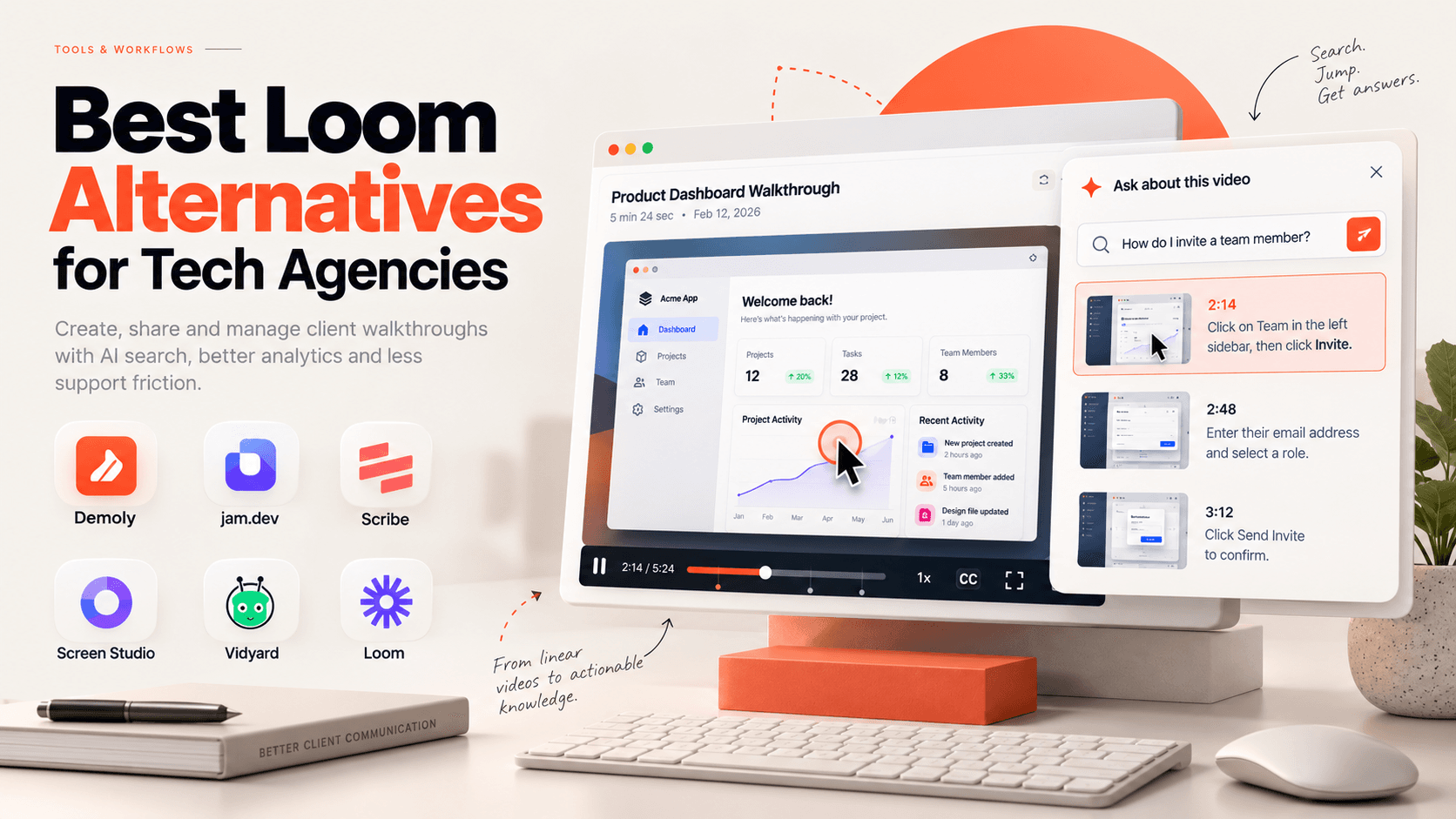
Best Loom Alternatives for Tech Agencies
Looking for Loom alternatives for your tech agency? Compare the 6 best tools for client handoffs, AI-searchable walkthroughs, QA bug reporting, and interactive documentation.
 Team Demoly
Try Demoly for your team
Create branchable, interactive demo recordings and deliverables in minutes with zero friction.