Loom vs Vidyard: Which Is Better for Tech Agencies?
Compare Loom and Vidyard for tech agencies. Discover how screen capture, CRM tracking, video analytics, and client handoff workflows compare in practice.
Loom vs Vidyard: Which Is Better for Tech Agencies?
Screen recording software transformed how tech agencies operate across distributed teams, replacing synchronous check-ins with quick video walkthroughs. Tech agencies handle two distinct video communication workflows every week: internal engineering coordination and external client deliverables. While internal standups require rapid bug reviews across code editors, client handoffs and new business pitches demand polished presentation and clear accountability.
Choosing between Loom and Vidyard comes down to which side of your agency operations creates the most friction. Loom built its reputation on frictionless team video messaging, while Vidyard focused on sales pipeline enablement and video prospecting. However, when technical agencies deliver custom web apps, software builds, or staging reviews to non-technical clients, standard video files from both tools often leave clients scrubbing timelines and booking repetitive follow-up calls.
Bottom Line Up Front: Loom works best for internal engineering syncs, asynchronous code reviews, and fast team updates across desktop IDEs and Slack. Vidyard works best for agency business development teams that need video prospecting, viewer drop-off analytics, and direct CRM tracking in HubSpot or Salesforce. For client project handovers and software deliverables where clients need to search specific UI actions without scrubbing video timelines, specialized platforms like Demoly provide AI-searchable walkthroughs that eliminate post-launch support overhead.
Detailed Comparison: Loom vs Vidyard at a Glance
The right tool depends on whether your priority is daily developer collaboration or outbound business development. The comparison table below highlights how Loom and Vidyard perform across agency workflows.
Evaluation Criteria | Loom | Vidyard |
|---|---|---|
Primary Workflow | Asynchronous team communication, bug logging, and internal sprint updates. | Outbound sales prospecting, client pitch videos, and marketing lead generation. |
Capture Environments | Desktop apps (macOS, Windows), Chrome extension, and mobile screen recording. | Chrome extension, web recorder, desktop app, and mobile recording apps. |
Viewer Interactivity | Timecoded text comments, emoji reactions, and basic chapter links. | Interactive call-to-action buttons, booking links, and embedded viewer forms. |
Viewer Analytics | Basic viewer counts, completion percentages, and viewer email logs on paid tiers. | Second-by-second heatmaps, viewer retention metrics, and CRM activity alerts. |
Client Handoff Experience | Flat video playback with transcript search; viewers scrub manually for visual actions. | Flat video playback with marketing CTAs; viewers scrub manually for visual actions. |
Sensitive Data Redaction | Basic static blur boxes applied over recordings after capture. | No built-in redaction tools; requires manual trimming or full re-recording. |
Ecosystem Integrations | Native integrations with Slack, Jira, GitHub, Notion, and Google Workspace. | Deep integrations with HubSpot, Salesforce, Marketo, and Outreach. |
Pricing & Seat Model | Free tier (5-min cap); Business starts at $12.50 to $15/user/month. (Subject to vendor updates.) | Free tier (limited); Pro starts at $19/user/month; custom Enterprise plans. (Subject to vendor updates.) |
When calculating overall agency software costs, evaluate our detailed breakdown of Loom Pricing: Plans, Costs, and Whether It's Worth It before committing your team to annual seat contracts.
When Loom Makes More Sense
Loom is purpose-built for fast, everyday communication between engineers, designers, and project managers:
- Engineering bug reproduction: Developers can record terminal outputs, browser developer consoles, and local code editors using the desktop app, sharing actionable clips directly in GitHub pull requests.
- Deep workspace collaboration: Native integrations let teams paste Loom links into Slack, Notion, and Jira, where videos expand into inline players without forcing teammates into separate browser tabs.
- Quick async design reviews: UI designers can walk through Figma prototypes in two minutes, providing voiceover context that saves hours of synchronous design critique meetings.
For fast, low-friction communication within your own engineering team, Loom remains the standard for everyday async messaging.
When Vidyard Makes More Sense
Vidyard is engineered for agency business development teams, account executives, and client relationship leads focused on revenue:
- Agency business development and pitching: Sales leads can record personalized video proposals for prospective clients, embedding custom thumbnail GIFs directly into outreach emails to boost reply rates.
- Granular viewer engagement telemetry: Vidyard tracks viewer attention on a second-by-second basis, notifying your team the moment a prospective client re-watches a proposal pricing slide.
- Native CRM pipeline attribution: Viewing data syncs automatically with HubSpot and Salesforce, logging video interactions against client contact records to trigger automated follow-up workflows.
When your primary objective is converting inbound leads and tracking client engagement during the proposal stage, Vidyard delivers enterprise-grade sales enablement.
The Agency Delivery Dilemma: Beyond Flat Video Files
While Loom streamlines internal team chats and Vidyard accelerates agency sales outreach, both platforms encounter the same limitation during technical client handoffs. When an agency delivers a finished web application, custom portal, or software integration, clients receive a flat video recording.
If a client needs to remember how to configure an API webhook or invite a team member two weeks after launch, they cannot easily search a 15-minute video file. Both Loom and Vidyard rely solely on audio transcripts for search. If the presenter clicked an important setting without saying the exact keyword out loud, the action remains completely invisible to the search index.

This operational bottleneck forces clients to scrub back and forth across the timeline, get frustrated, and email the agency for another support call. For technical handovers, modern agencies increasingly turn to dedicated walkthrough platforms. For a comprehensive overview of alternatives designed for agency deliverables, review our guide to the Best Loom Alternatives for Client Handoffs.
Tools like Demoly record the underlying browser Document Object Model alongside video frames. When clients ask a natural-language question in the search drawer, the AI locates button clicks, typed form inputs, and tab switches, jumping directly to the exact second where the task was completed.
The Verdict: Choosing the Right Tool for Your Workflow
Choosing between Loom and Vidyard depends on which team inside your agency uses the software and what objective they need to achieve:
- Pick Loom if you need an intuitive, company-wide tool for quick developer bug reporting, internal Slack updates, and desktop IDE recordings.
- Pick Vidyard if your agency prioritizes outbound sales prospecting, proposal tracking, and automated CRM deal stage updates.
- Pick Demoly if you deliver finished web applications, client portals, or technical handovers and want clients to self-serve answers using AI instead of booking support meetings.
Modern async video platforms help agencies protect billable hours and transform deliverables into searchable knowledge assets. You can test Demoly on the free tier at demoly.dev.
Frequently asked questions
Commonly asked questions about this article.
01•Can tech agencies record desktop IDEs and terminal windows in Loom and Vidyard?
Loom supports full desktop, window, and application recording on macOS and Windows. Vidyard also provides desktop recording, but its interface and feature set are optimized primarily for browser-based sales outreach.
02•Does Loom or Vidyard allow clients to search for unvoiced on-screen clicks?
No. Both Loom and Vidyard index search queries using spoken audio transcripts. If a developer clicks a setting or enters credentials silently without narrating the action, viewers cannot locate that step via search.
03•Do external clients need a paid account to watch Loom or Vidyard videos?
No. Both platforms allow external clients to watch shared videos in any web browser without creating an account. However, viewers may need an account to leave comments or access gated assets depending on settings.
04•How do Loom and Vidyard handle sensitive client data and staging credentials?
Loom offers basic post-recording blur effects, while Vidyard requires creators to trim video segments manually. Neither tool provides native canvas-level element redaction to permanently erase database keys from video frames.
05•Can a tech agency use Loom and Vidyard alongside each other?
Yes. Many tech agencies deploy Loom across engineering and product teams for daily internal syncs, while provisioning Vidyard seats exclusively for business development reps managing enterprise client sales pipelines.
Demoly Team
Contributor
Related Dispatches
View all dispatches →
Supademo vs Demoly: Interactive Demos vs AI-Searchable Walkthroughs
Compare Supademo and Demoly to choose between synthetic click-through demo tours and AI-searchable browser video walkthroughs for client handoffs and product guides.
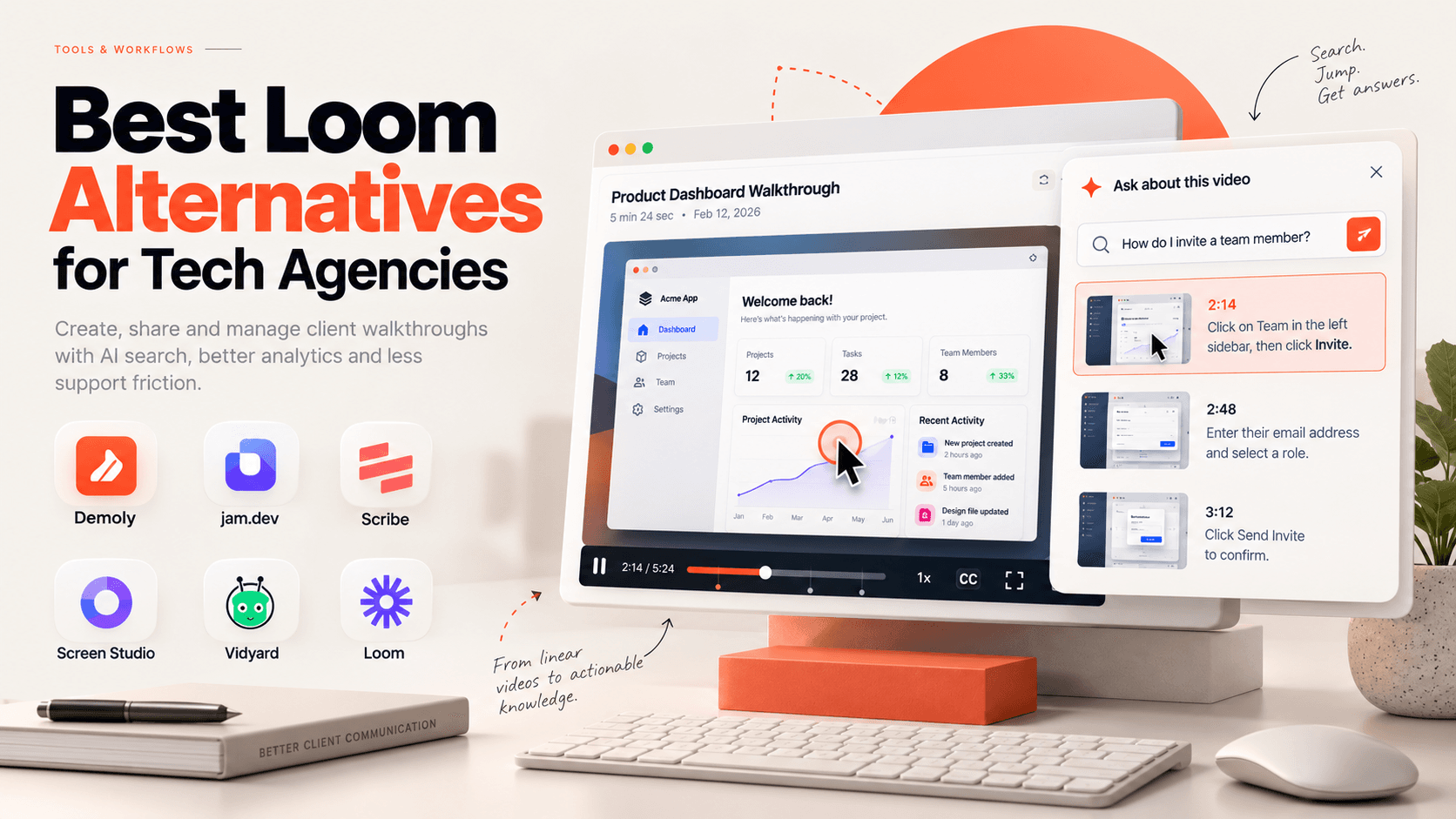
Best Loom Alternatives for Tech Agencies
Looking for Loom alternatives for your tech agency? Compare the 6 best tools for client handoffs, AI-searchable walkthroughs, QA bug reporting, and interactive documentation.
 Team Demoly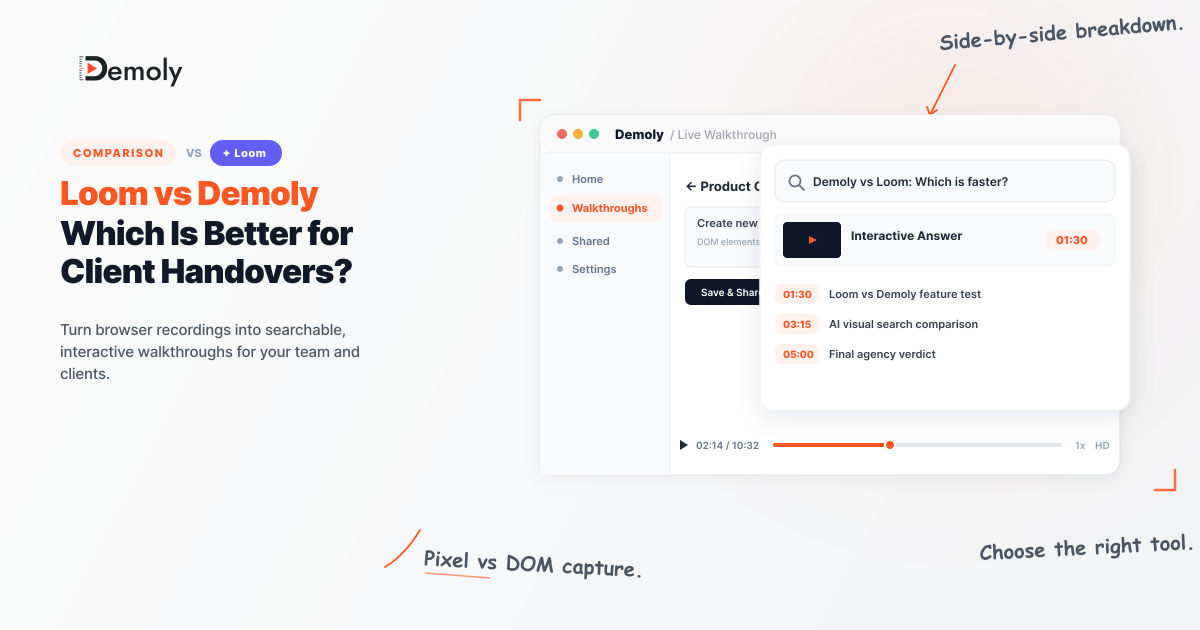
Loom vs Demoly: Which Is Better for Client Handovers?
Compare Loom and Demoly for client handovers. Discover why AI-searchable browser walkthroughs outperform flat video recordings for web agencies and product teams.
Team DemolyTry Demoly for your team
Create branchable, interactive demo recordings and deliverables in minutes with zero friction.