Why Non-Destructive Video Editing Matters for Client Work
Discover why non-destructive video editing and declarative timeline overlays eliminate broken client links, preserve raw recordings, and keep AI search synchronized.
Why Non-Destructive Video Editing Matters for Client Work
When delivering client deliverables, web application handoffs, or technical documentation, screen walkthroughs serve as the definitive source of truth. However, raw recordings are rarely flawless on the first take. Software developers, solutions engineers, and agency leads frequently encounter stumbles, system load pauses, or accidental exposures of staging API keys. In conventional screen recording software, correcting these errors requires destructive editing: cutting the underlying raster media, re-rendering an entirely new video container, and generating a brand new share URL.
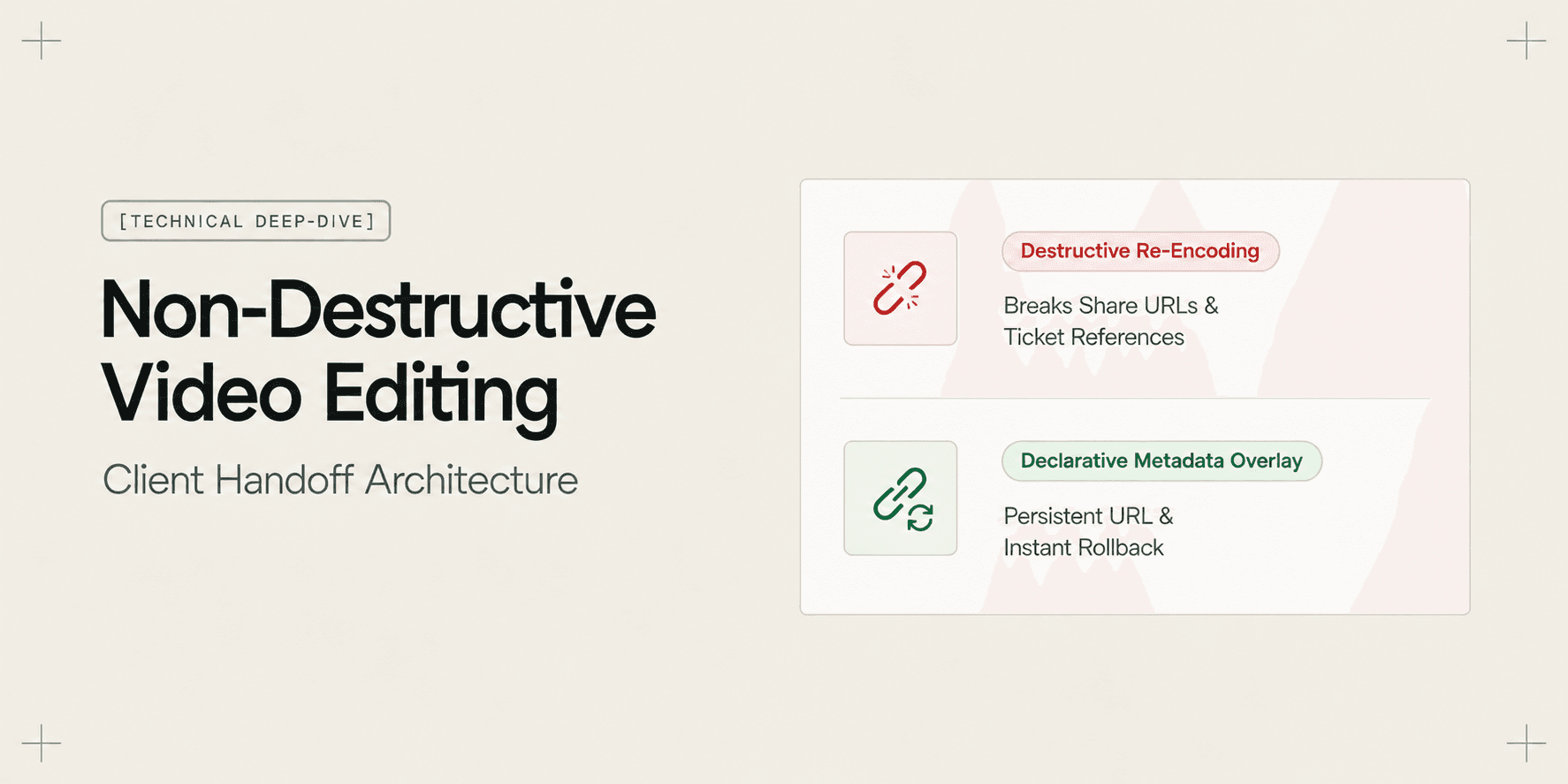
This destructive cycle creates severe operational friction. Every updated video link invalidates previous bookmarks, breaks ticketing thread references, desynchronizes timestamped client questions, and permanently discards the raw footage. In contrast, non-destructive video editing separates the underlying source recording from the presentation timeline using declarative metadata overlays. Understanding the architectural mechanics of non-destructive video editing explains how modern software teams update client documentation in real time without breaking communication channels.
Core Concept: Destructive Raster Rendering vs. Declarative Timeline Overlays
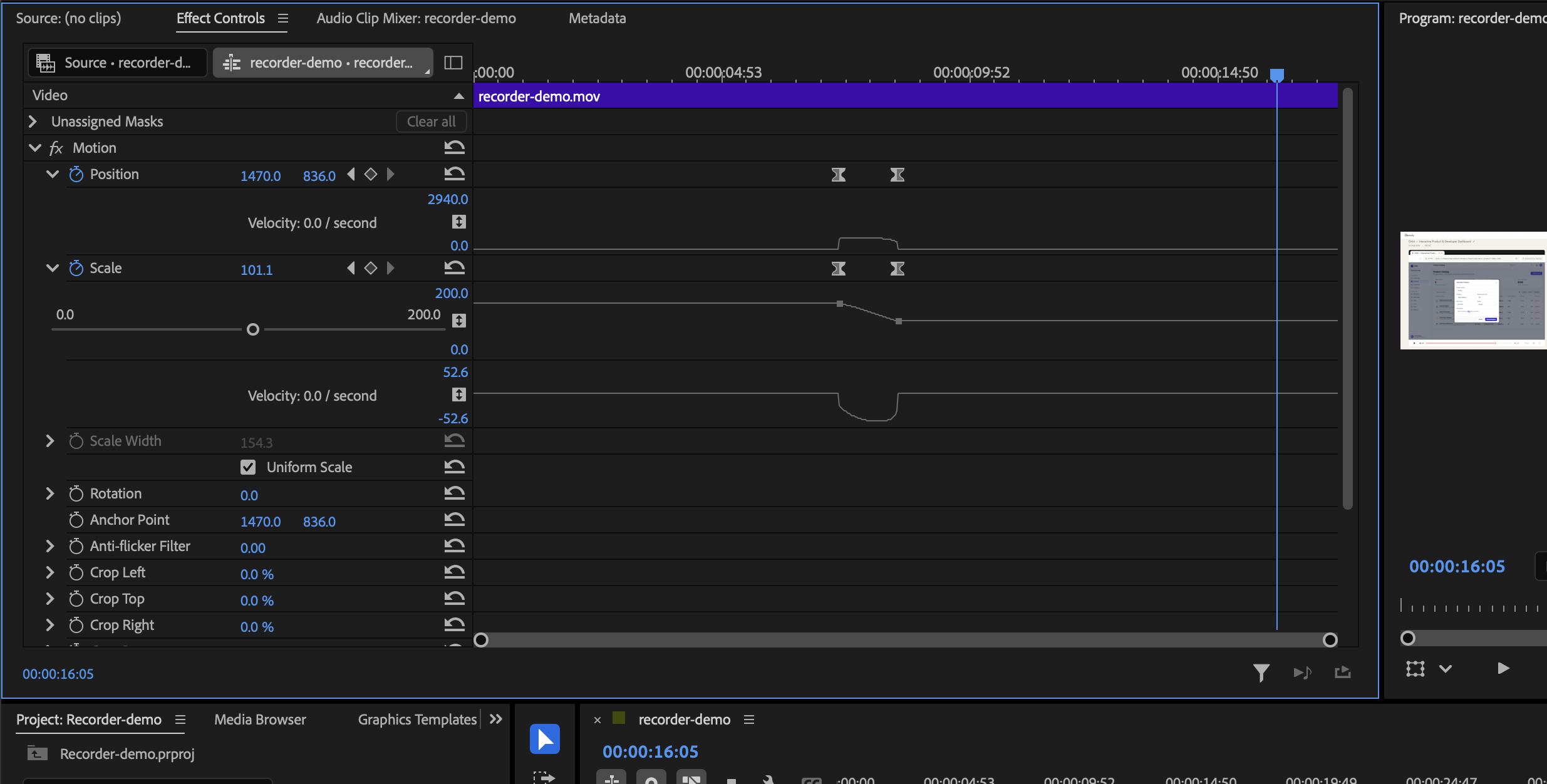
In legacy screen recorders and desktop non-linear video editors, editing operates destructively on media streams. When you import a screen recording and apply a trim, split, or blur, the editor manipulates pixels on a timeline canvas. To distribute the corrected walkthrough to a client, the editor must execute an export pipeline: re-encoding visual frames into an H.264 or AV1 bitstream and writing an entirely new media container file to disk or cloud storage.
Once this re-encoded video is uploaded to a video host, the hosting platform treats it as an independent asset. It assigns a new unique asset identifier, generates a fresh playback URL, and deletes the original frames that were snipped away. If an agency team cut out a five-second sequence that later proves critical to explaining an edge case, that footage is irretrievably lost unless the creator archived a multi-gigabyte local project cache.
Non-destructive video editing replaces frame re-encoding with a declarative metadata architecture. The system stores the immutable raw video stream, audio tracks, and captured browser events intact within cloud storage. When a creator trims a 12-second pause or masks a credential in the editor, the application does not touch the underlying media bits. Instead, it writes a lightweight JSON transformation manifest that defines:
- Temporal Inclusion Boundaries: Active playback segments (
inPoint,outPoint) that instruct the player engine which timestamp offsets to execute and which ranges to skip. - Spatial Redaction Overlays: Element-anchored masks and blur rectangles tied to specific timestamps or DOM node selectors.
- Synchronized Playhead Transformations: Virtual timeline mappings that translate raw media duration into a seamless, uninterrupted client viewing duration.
When a client loads the walkthrough URL, the web playback engine parses this declarative manifest in real time. It renders a clean, continuous presentation layer over the untouched source stream.
How Non-Destructive Video Editing Works: The Architecture Pipeline
To understand how non-destructive video architecture operates during client communication, consider the lifecycle of an edit across three architectural stages: ingestion, metadata transformation, and client-side playback assembly.
1. Ingestion and Raw Stream Preservation
When a recording finishes in the browser, the recorder sends the raw WebM or MP4 chunk streams to cloud object storage. In parallel, it persists an event timeline containing synchronized telemetry: audio waveform samples, transcript phonemes, and Document Object Model (DOM) mutation logs. This compound raw asset is assigned a permanent project identifier and canonical URL.
2. Declarative Timeline Manifest Construction
When the creator opens the in-browser video editor to trim silence or delete mistakes, adjustments are captured as lightweight JSON delta objects:
{
  "videoId": "proj_94b2a8f",
  "version": 3,
  "timeline": [
    { "segmentId": "seg_01", "sourceStart": 0.0, "sourceEnd": 42.5 },
    { "segmentId": "seg_02", "sourceStart": 54.2, "sourceEnd": 128.0 }
  ],
  "redactions": [
    {
      "targetSelector": "#stripe-publishable-key",
      "startTime": 12.4,
      "endTime": 38.0,
      "style": "canvas_blur"
    }
  ]
}
The 11.7-second dead gap between second 42.5 and second 54.2 is omitted from the active timeline segments. No video pixels are clipped or re-encoded on a server farm. The manifest update completes in milliseconds via a standard database patch query. For a practical walkthrough on trimming without re-recording, read our tutorial on How to Trim and Edit a Walkthrough Video Without Re-Recording.

3. Virtual Playhead Assembly and Instant URL Reflection
When a viewer accesses the public link, the player runtime reads the manifest. The virtual playhead tracks along the transformed duration (116.3 seconds) rather than the raw duration (128.0 seconds). As the playhead crosses second 42.5, the media engine automatically seeks the internal media source buffer to second 54.2 without dropped frames or visual lag. The public URL (demoly.to/v/proj_94b2a8f) remains completely identical.
The Important Difference: Destructive Video Processing vs. Non-Destructive Metadata Architecture
The differences between destructive re-encoding and non-destructive metadata layering impact agency workflows, link persistence, and post-production flexibility:
Technical Criterion | Destructive Video Processing | Non-Destructive Metadata Architecture |
|---|---|---|
Source Asset Integrity | Raw footage discarded or overwritten after render | Original raw media stream remains permanently preserved |
Share Link Lifecycle | Link breaks upon edit; requires generating new URL | Canonical share URL remains identical across unlimited edits |
Rollback & Versioning | Irreversible without local project backups | Instant, one-click rollback to original raw recording |
Processing Overhead | High server GPU/CPU load; 2–10 minute render wait | Sub-second JSON update; zero cloud re-encoding queue |
Search & AI Indexing | Requires complete audio/visual re-transcription | Timeline offset re-mapping updates index instantaneously |
Client Embedded Players | Iframes and ticket links desynchronize or 404 | Embedded players update immediately across client portals |
Security Boundaries | Redaction baked into raster file; raw text destroyed | Viewers receive sanitized canvas stream; admins retain source |
Why the Difference Matters: Real-World Workflow Impact
In professional client delivery, video walkthroughs do not live in isolation. They are embedded inside Jira tickets, pasted into client Slack channels, linked in Notion handoff portals, and referenced in email sign-off threads. Destructive editing introduces structural failure points across all of these channels.
1. Zero URL Breakage Across Client Portals
When an agency lead shares a deployment walkthrough with a client executive, that link is frequently forwarded to project managers, QA engineers, and procurement teams. If the developer discovers an outdated staging URL at minute two and makes a cut using a destructive editor, they must notify every stakeholder of a new link.
With non-destructive video editing, the canonical link never changes. An edit made at 2:00 PM updates the exact page the client executive bookmarked at 9:00 AM. Stakeholders reviewing the video in an existing browser tab receive the updated presentation as soon as the player refreshes or loops.
2. Eliminating Client Version Drift
When multiple video links circulate within a team, version drift becomes inevitable. A QA engineer might file a bug based on an unedited draft link containing an accidental misconfiguration, while the developer is looking at the updated version. Non-destructive architecture enforces a single source of truth: there is only one link, one current presentation layer, and zero orphan versions circulating in client inboxes. For teams exploring client-friendly sharing protocols, see our guide on How to Share a Video Walkthrough Without Requiring a Client Login.
3. Absolute Rollback Protection for Agency Teams
Client scopes change rapidly. A client might request the removal of a payment gateway configuration during an initial review, only to request that exact explanation back three days later during staging integration. In a destructive workflow, restoring that cut requires either re-recording the entire sequence or hunting through local hard drives for discarded clip fragments. In a non-destructive workflow, restoring deleted footage requires un-checking a cut boundary in the timeline editor. The raw stream was never deleted.
Concrete Example: Handling an Accidental Production Secret Leak
Consider a technical agency delivering a custom headless Shopify store to an enterprise client. The agency tech lead records a 14-minute walkthrough demonstrating how to configure custom webhook payloads in the production staging dashboard.
At timestamp 06:15, the tech lead inadvertently clicks on the environment variables tab, displaying live Stripe live secret keys and private database connection strings on screen for 8 seconds before switching to the webhook panel. The tech lead shares the walkthrough link in the shared client Slack channel.
Ten minutes later, the agency security auditor notices the exposed keys in the shared video.
In a Destructive Workflow:
- The developer must pull down the original recording or open desktop editing software.
- They cut out the 8-second segment, wait 4 minutes to re-render the 14-minute MP4 file, and upload it back to their hosting tool.
- The host assigns a new link (
loom.com/share/9823abcbecomesloom.com/share/4419xyz). - The developer must post in the client Slack channel apologizing for the mistake and asking everyone to ignore the previous URL.
- Any client stakeholder who opened the old link on mobile or saved it in an internal Notion ticket now holds an insecure, broken reference.
In a Non-Destructive Workflow:
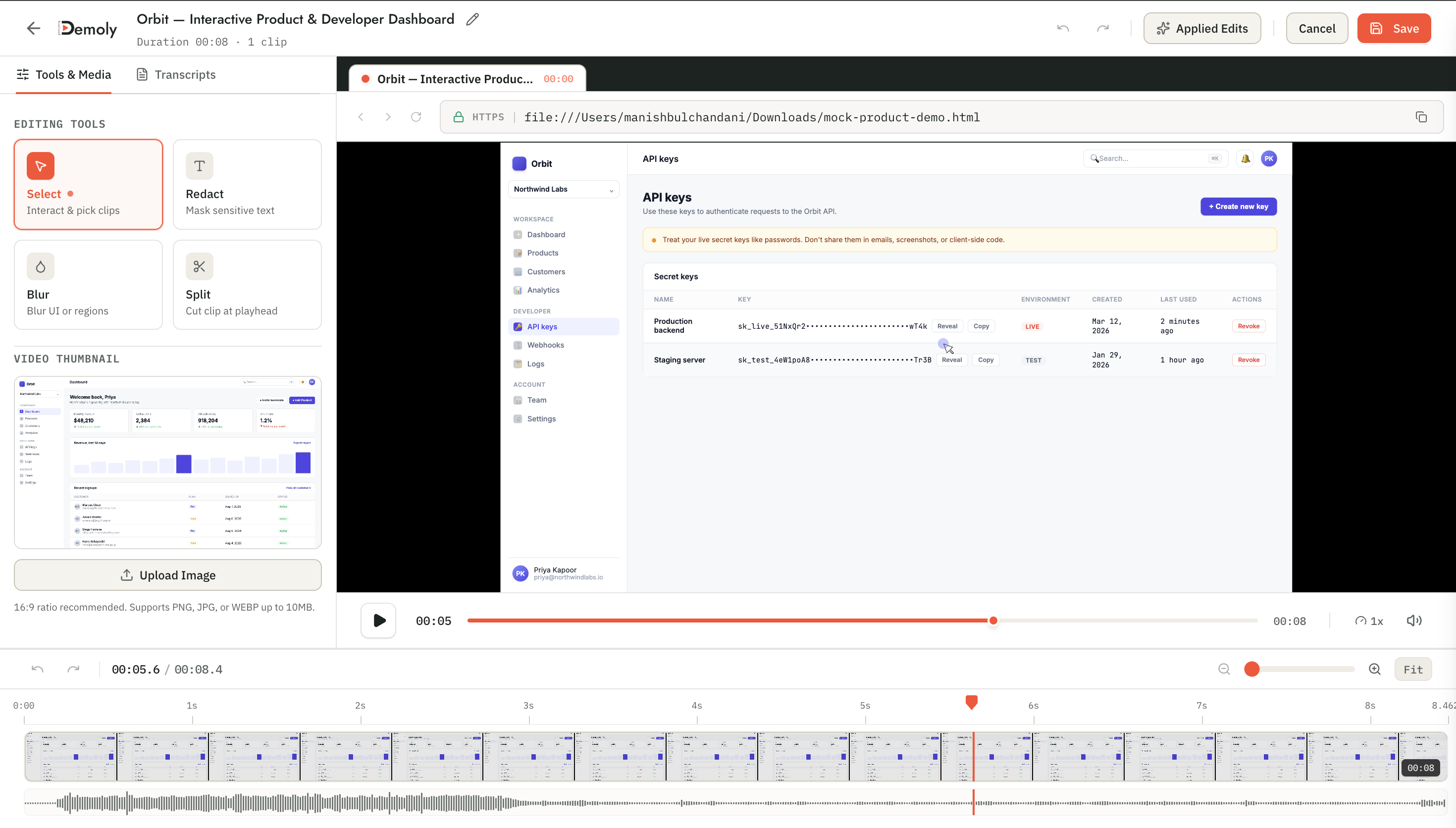
- The developer opens the Demoly in-browser editor on the existing project.
- They apply an element-anchored canvas blur over the secret key field or trim the 8-second navigation gap.
- They hit save. Within 400 milliseconds, the metadata manifest updates in the database.
- The original Slack link (
demoly.to/v/shopify-handoff) remains active and valid. - Any client opening the link immediately views the sanitized timeline. The client never experiences a broken URL, and production credentials are protected from exposure. To review the security advantages of DOM-anchored redaction over pixel boxes, read How Element-Anchored Masking Beats Static Blur Boxes.
The AI Indexing Challenge: Why Re-Indexing Timelines Is Critical
Non-destructive editing presents a complex challenge for AI searchability. When modern screen recording tools index video content, they extract audio transcripts and visual DOM events mapped to precise second-level timestamps.
If a video editor allows non-destructive cuts without rebuilding its event graph, the AI search index desynchronizes from the visual playback:
- The Desynchronization Failure: If an editor removes a 60-second clip from minute two of a video, an action that originally occurred at minute 05:00 now appears at minute 04:00 on the client's screen. If the AI engine searches against the original raw transcript, clicking a search result for that action jumps the playhead to minute 05:00, landing in completely wrong footage.
- The Non-Destructive Event Remapping Pipeline: To preserve search integrity, the system must apply a mathematical coordinate transformation to the event graph. When segments are excluded, the search engine computes virtual timeline offsets across all downstream transcript tokens and DOM mutations.
Because Demoly captures structural DOM tree metadata alongside video frames, it updates event offsets dynamically. When a client uses conversational search to ask where a specific webhook endpoint was configured, the AI responds with an accurate, virtualized timestamp chip (03:42 ▶) that corresponds to the edited presentation rather than the raw capture. For an architectural breakdown of how DOM data changes video search capabilities, see our analysis of DOM Capture vs Pixel Capture: Why It Changes What a Video Can Answer.
Limitations and Trade-offs of Non-Destructive Storage
While non-destructive editing provides operational agility for client work, engineering teams must evaluate realistic infrastructure trade-offs:
- Storage Footprint Retention: Non-destructive architecture requires storing the entire raw source stream even if 40% of the recording is trimmed away on the public presentation timeline. For high-volume teams, this demands scalable object storage tiering.
- Client-Side Rendering Complexity: The web playback engine must maintain precise synchronization between the video decoder, dynamic redaction overlays, and audio tracks. In low-bandwidth mobile environments, complex multi-segment metadata manifests require efficient buffering logic to prevent playback stutter across cut boundaries.
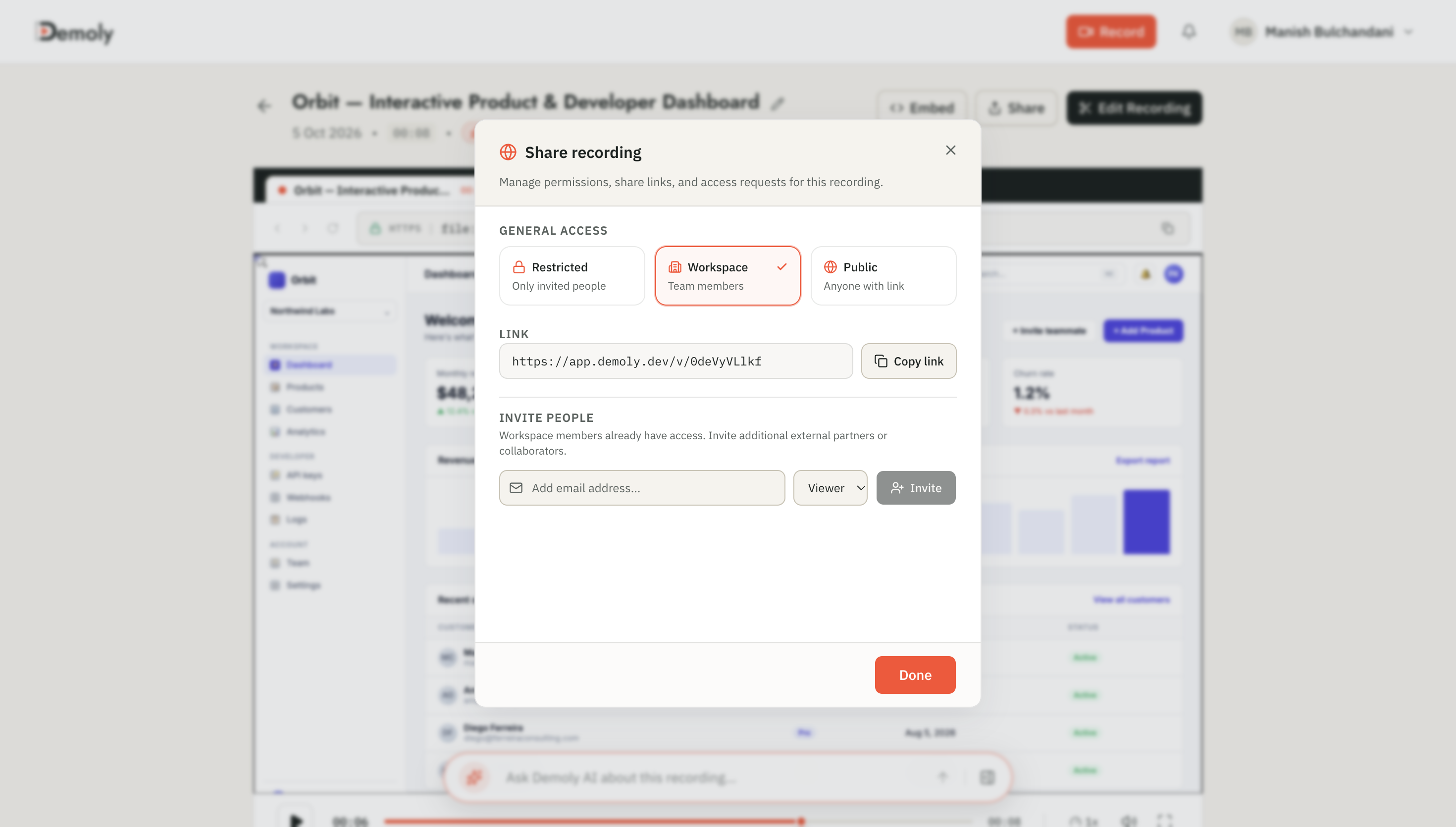
- Public Viewer Access Controls: Because the raw media stream contains trimmed or redacted frames, the playback API must never expose the raw source stream URLs directly to unauthorized public viewers. The service must deliver a secured, sanitized playback pipeline that prevents viewers from bypassing metadata masks via browser developer tools.
How Demoly Applies Non-Destructive Architecture
Demoly is engineered specifically to eliminate friction in asynchronous client handoffs, software documentation, and code walkthroughs. Rather than forcing creators to choose between messy unedited recordings or slow desktop export tools, Demoly integrates non-destructive editing directly into the browser workflow:
- Instant Canonical URL Updates: Every trim, split, and cut saves as a declarative metadata manifest. Changes reflect instantly on existing share links without breaking client bookmarks, tickets, or chat history.
- Element-Anchored Masking: Redactions attach directly to DOM nodes and canvas layers, dynamically following elements across page scrolling while remaining editable by workspace admins.
- Automated AI Search Synchronization: When timeline cuts are saved, Demoly re-indexes both audio transcripts and visual DOM events automatically. Clients can ask questions through the Ask Demoly AI drawer and jump to accurate timestamps on the edited timeline.
- Zero-Friction Client Access: Clients can view, scrub, comment, and search videos without creating an account or logging in, while creators retain complete rollback control in their workspace.
Conclusion
Destructive video editing is a relic of legacy broadcast production that has no place in fast-moving client communication. By decoupling raw media streams from declarative presentation manifests, non-destructive video architecture prevents broken links, eliminates version confusion, and safeguards sensitive infrastructure. For agencies and engineering teams delivering mission-critical software, non-destructive editing transforms video walkthroughs from disposable files into durable, living documentation.
Frequently asked questions
Commonly asked questions about this article.
01•What is non-destructive video editing in screen recording?
Non-destructive editing preserves the original source recording while storing trims, cuts, and redactions as a separate metadata overlay that instructs the playback engine what to display.
02•Does editing a shared video change the URL sent to clients?
No. Because edits update the underlying playback manifest rather than creating a new file, the canonical share link remains identical across all edits.
03•Can I restore sections that were trimmed out of a video?
Yes. Workspace administrators can adjust cut points or revert to the original raw recording at any time because source frames are never deleted during editing.
04•How does non-destructive trimming affect AI video search?
Modern systems automatically recalculate timestamp offsets across transcripts and DOM events, ensuring AI search citations jump to the correct moment on the edited timeline.
05•Can clients use browser developer tools to view redacted data?
No. Demoly serves a secure, rendered presentation layer to public viewers that permanently blocks access to obscured text, sensitive tokens, and hidden DOM attributes.
Demoly Team
Contributor
Related Dispatches
View all dispatches →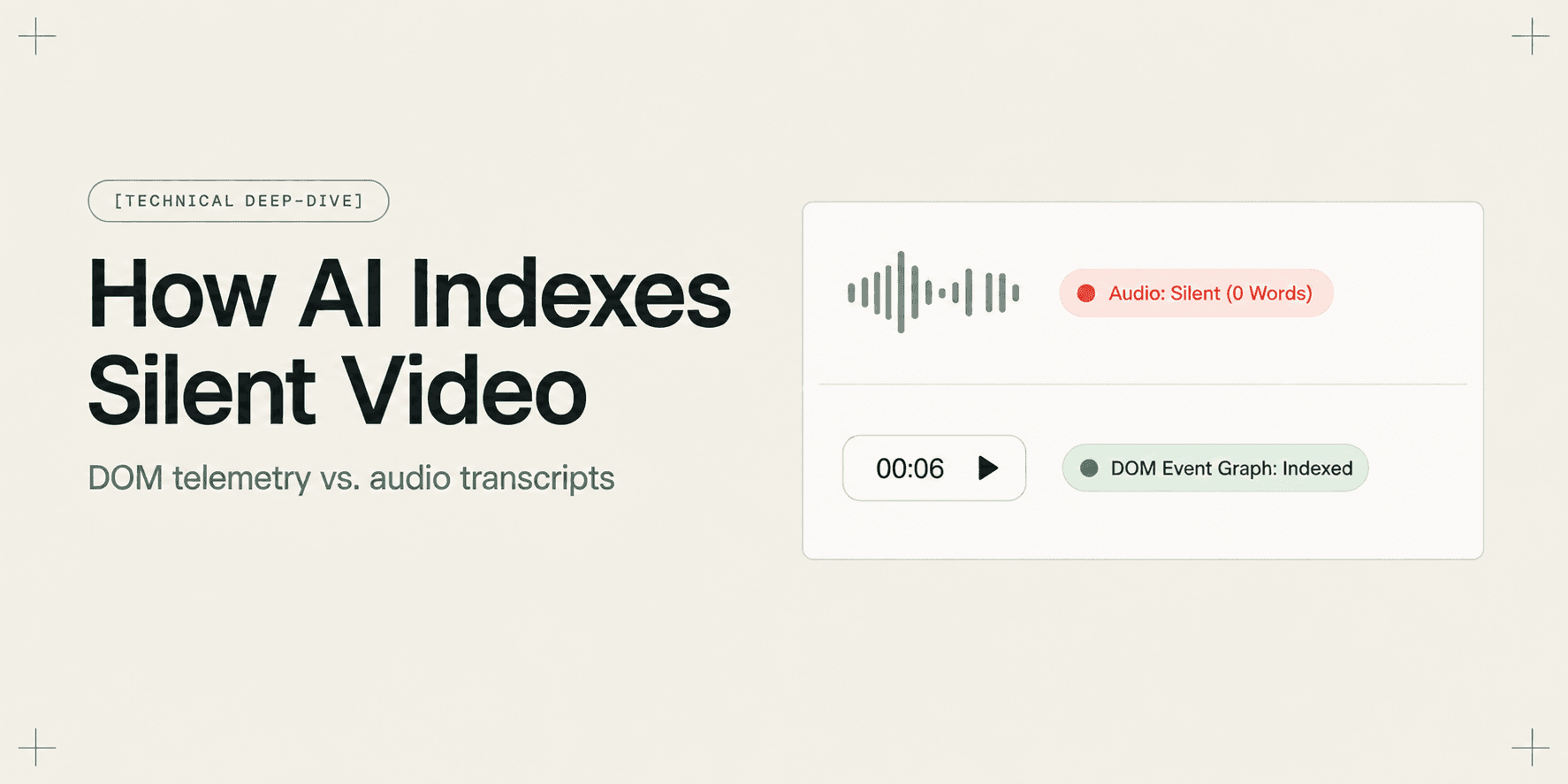
How AI Indexes a Silent Screen Recording
Discover how AI indexes silent screen recordings by combining visual computer vision with structured DOM event telemetry, turning unvoiced clicks into searchable moments.
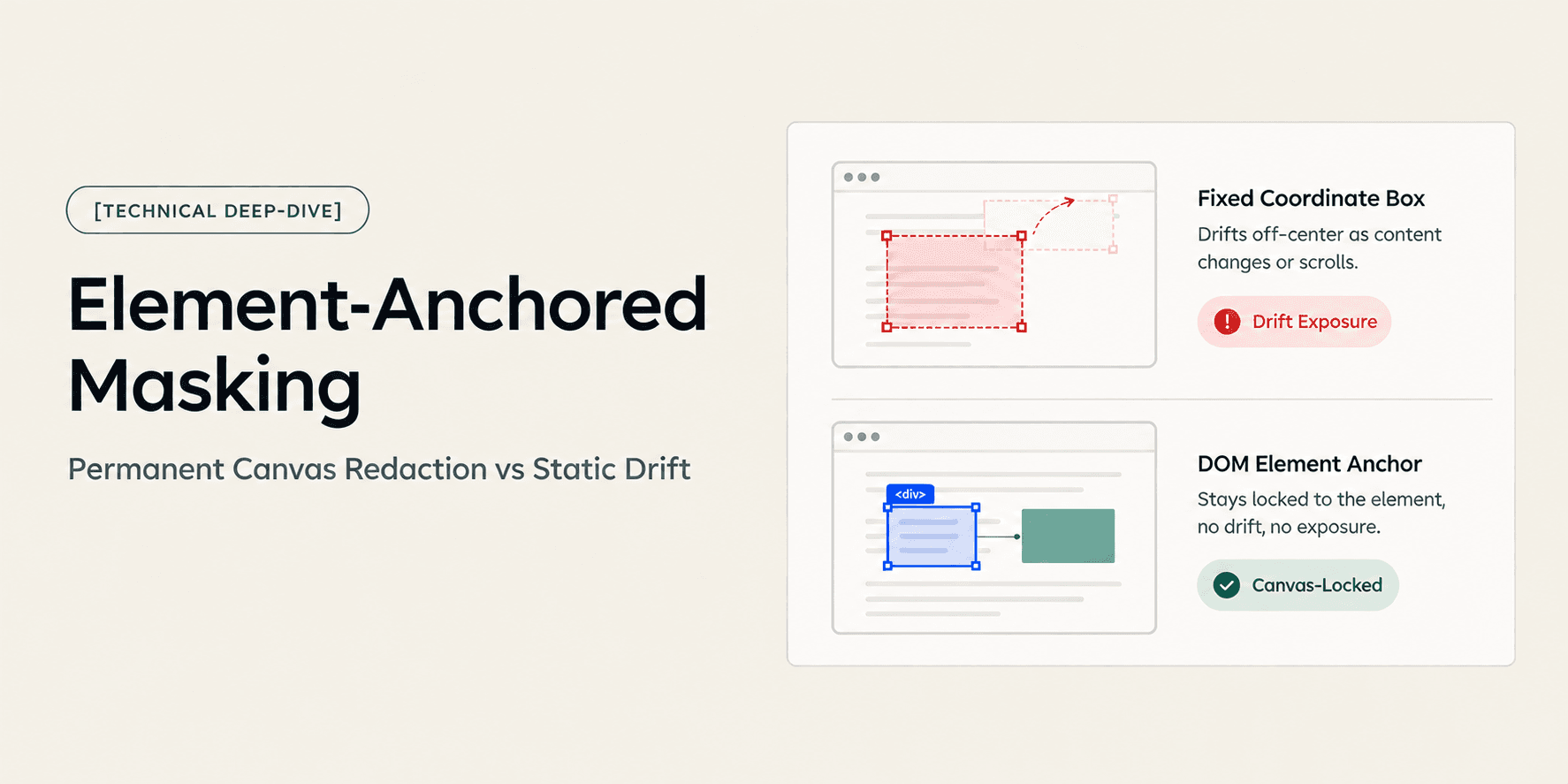
How Element-Anchored Masking Beats Static Blur Boxes
Learn why element-anchored masking outperforms static pixel blur boxes in screen recordings, preventing data leaks across page scrolling and dynamic layout shifts.
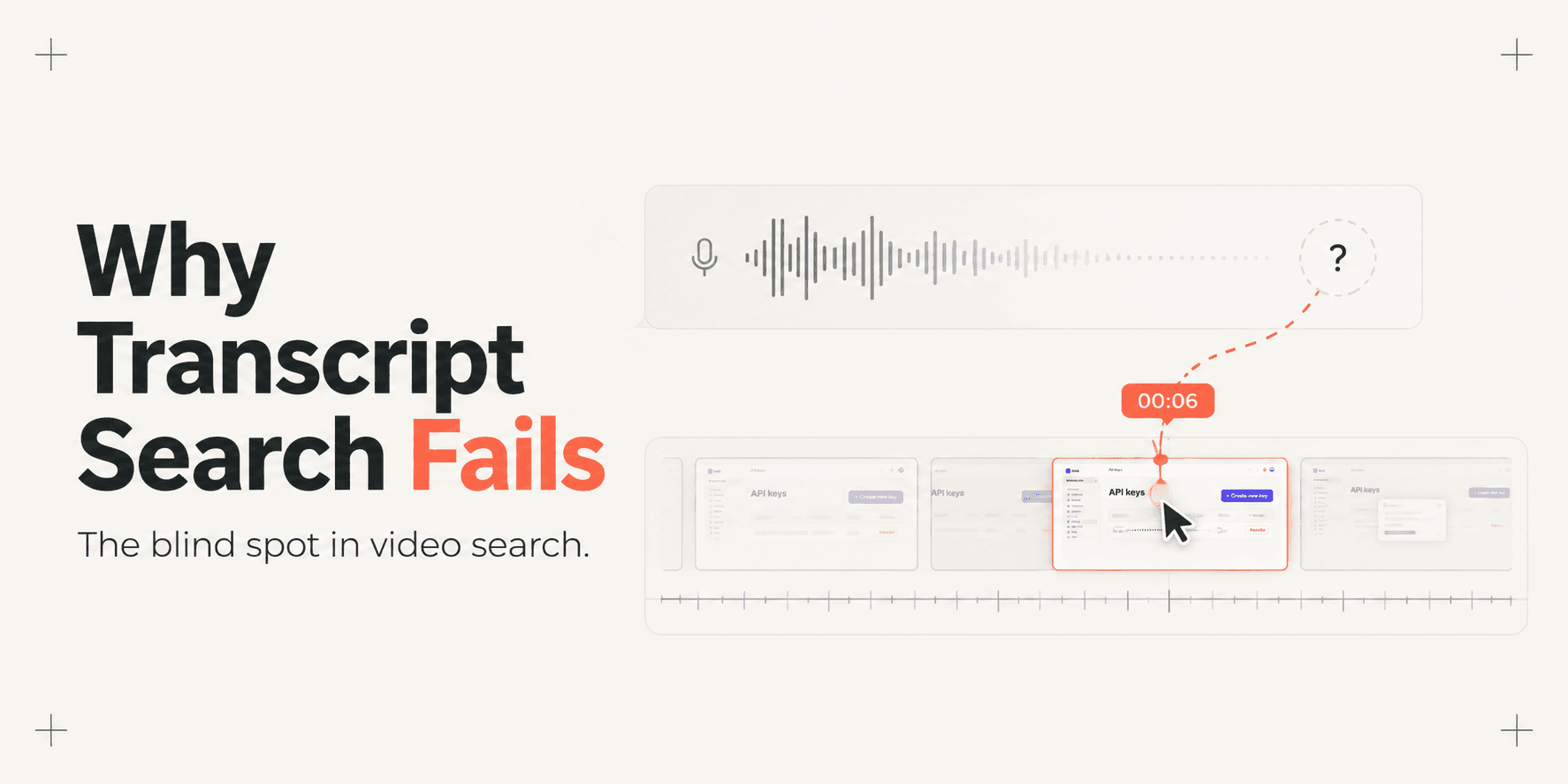
Why Transcript-Only Video Search Fails (And What Fixes It)
Transcript-based video search fails because it only indexes spoken words, missing silent UI clicks, form inputs, and tab switches. Discover why DOM event indexing fixes video search.
Try Demoly for your team
Create branchable, interactive demo recordings and deliverables in minutes with zero friction.