Why Transcript-Only Video Search Fails (And What Fixes It)
Transcript-based video search fails because it only indexes spoken words, missing silent UI clicks, form inputs, and tab switches. Discover why DOM event indexing fixes video search.
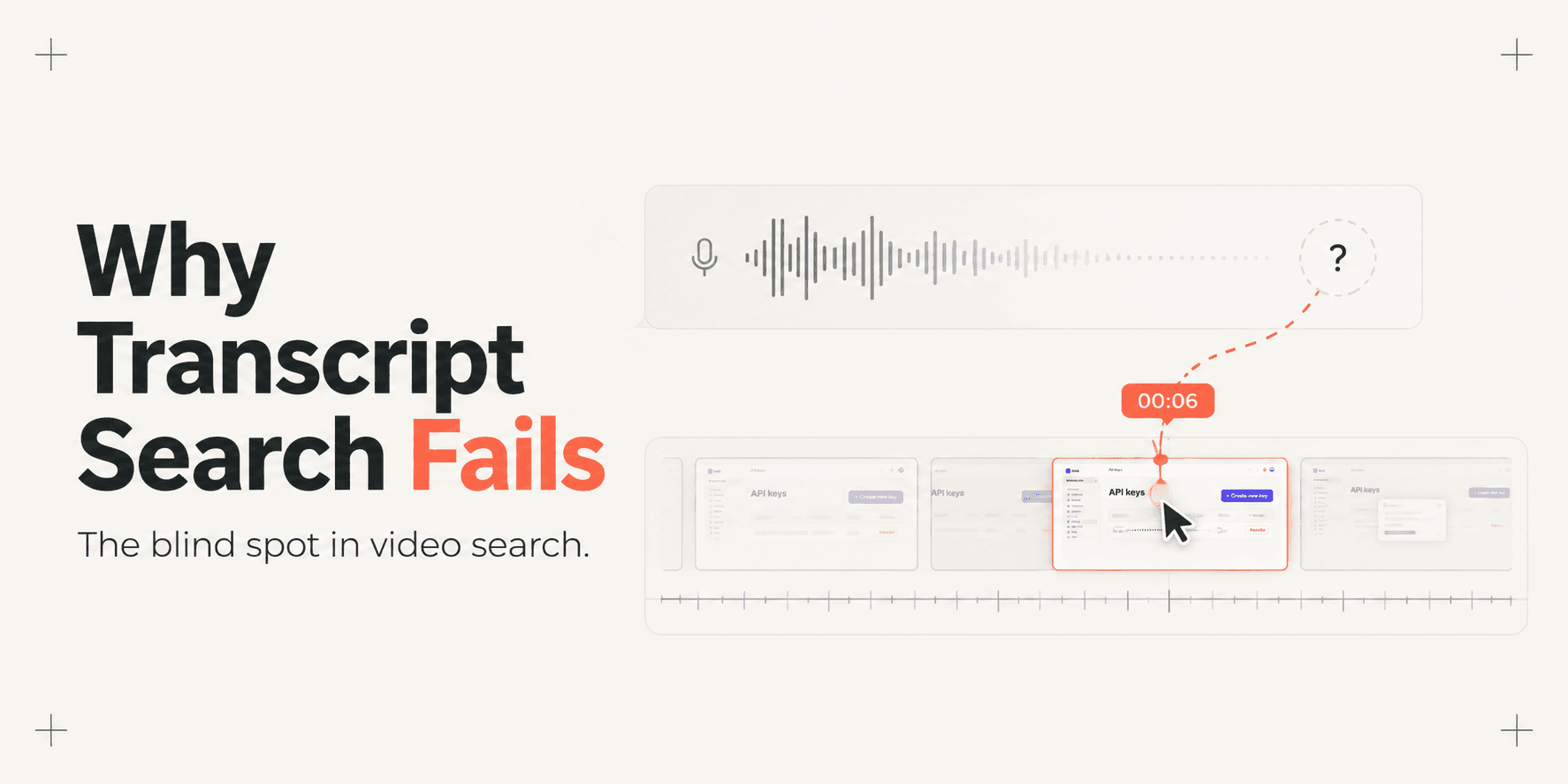
Why Transcript-Only Video Search Fails (And What Fixes It)
Screen recordings have become the primary medium for software handovers, bug reporting, and product demonstrations. Yet searching through recorded walkthroughs remains an exercise in frustration. Most video platforms attempt to solve searchability by running automated speech-to-text (STT) models over the audio track, indexing only what the presenter says aloud.
This architecture creates a severe blind spot: software workflows are predominantly visual and interaction-driven, not spoken. When an engineer toggles a feature flag, pastes an API key, or navigates between settings tabs without dictating every micro-action, that step vanishes from the search index.
Teams attempting to learn how to record a web app walkthrough your client can actually search quickly discover that speech recognition captures only half of what occurs on screen. To build video search that actually works, software must index browser interface interactions alongside audio.
The Core Concept: The Silent Interaction Blind Spot
The fundamental flaw of transcript-only video search stems from human communication habits. People rarely speak like stenographers when demonstrating software. In real-world product walkthroughs, presenters frequently use informal shorthand while executing complex sequences silently.
Consider what happens during a typical five-minute product demonstration:
A presenter says, "Now let us go over here and update this value," while clicking through three nested menu items and toggling a production billing switch.
The audio transcript records only the words: "Now let us go over here and update this value."
The search index retains zero record of the actual UI buttons, element labels, or configuration toggles modified on screen.
When a client or coworker later searches the video library for "update annual billing" or "manage webhooks," the transcript search engine returns zero results. Because the phrase was never spoken verbatim, the video file behaves like an unindexed black box, forcing the viewer to scrub the timeline manually.
How Transcript-Only Search Works (And Where It Breaks)
Standard video platforms rely on a linear audio-processing pipeline to power their search functionality:
Audio Extraction: The platform isolates the audio channel from the video container (typically an MP4 or WebM stream).
Speech Recognition (ASR/STT): A model like Whisper processes the audio waveform, predicting words and assembling text segments.
Timestamp Alignment: The model assigns start and end timestamps to spoken sentence blocks.
Token Indexing: The resulting text is tokenized and stored in a traditional keyword index or vector database for semantic search.
While effective for lecture recordings and conversational podcasts, this pipeline breaks down when applied to software interfaces:
Unvoiced UI Events: Over 40% of critical configuration steps in technical walkthroughs occur without explicit vocal narration.
Vocabulary Disconnect: Presenters speak in casual colloquialisms ("toggle this box"), while searchers query formal product terminology ("enable single sign-on").
Audio Degradation: Background ambient noise, low-quality laptop microphones, and non-native accents degrade transcription accuracy.
Coarse Timestamp Precision: Spoken sentences span multi-second blocks, leaving viewers with broad five-to-ten-second windows rather than precise action markers.
Transcript Search vs. Multimodal Event Indexing
The difference between relying on audio transcripts and capturing browser interactions comes down to the underlying data layer.
Technical Criterion | Transcript-Only Search (Speech-to-Text) | Multimodal Event Indexing (Voice + DOM) |
|---|---|---|
Primary Data Source | Audio waveform only; ignores visual interface states | Synchronized audio track paired with browser DOM events |
Silent Actions & Clicks | Completely invisible; unvoiced interactions remain unindexed | Tracked with exact element IDs, class selectors, and labels |
On-Screen Text Nodes | Unindexed unless scanned via compute-heavy optical OCR | Structured text elements indexed natively from the browser tree |
Vocabulary Dependency | Requires exact spoken words or close phonetic matches | Resolves both spoken words and literal on-screen UI labels |
Timestamp Precision | Coarse sentence intervals (typically 5 to 15 seconds) | Sub-second accuracy anchored directly to interaction events |
Processing Overhead | High audio model inference compute on long videos | Lightweight client-side event logs paired with vector embeddings |
Ideal Environment | Conversational meetings, lectures, and podcast video | Web applications, client handovers, and technical QA walkthroughs |
Why Multimodal Indexing Fixes Video Search
Fixing video search requires expanding the data capture model beyond the audio track. Instead of treating the recording as a flat sequence of pixels and sound, modern walkthrough platforms capture Document Object Model (DOM) events directly from the browser runtime.
When a user interacts with a web application during a recording, the system logs structured interaction events:
Click coordinates mapped to target HTML components (, , )
Element attribute values (IDs, labels, ARIA tags, data-test attributes)
Route changes, browser tab switches, and URL parameter mutations
Form field updates and dropdown selections
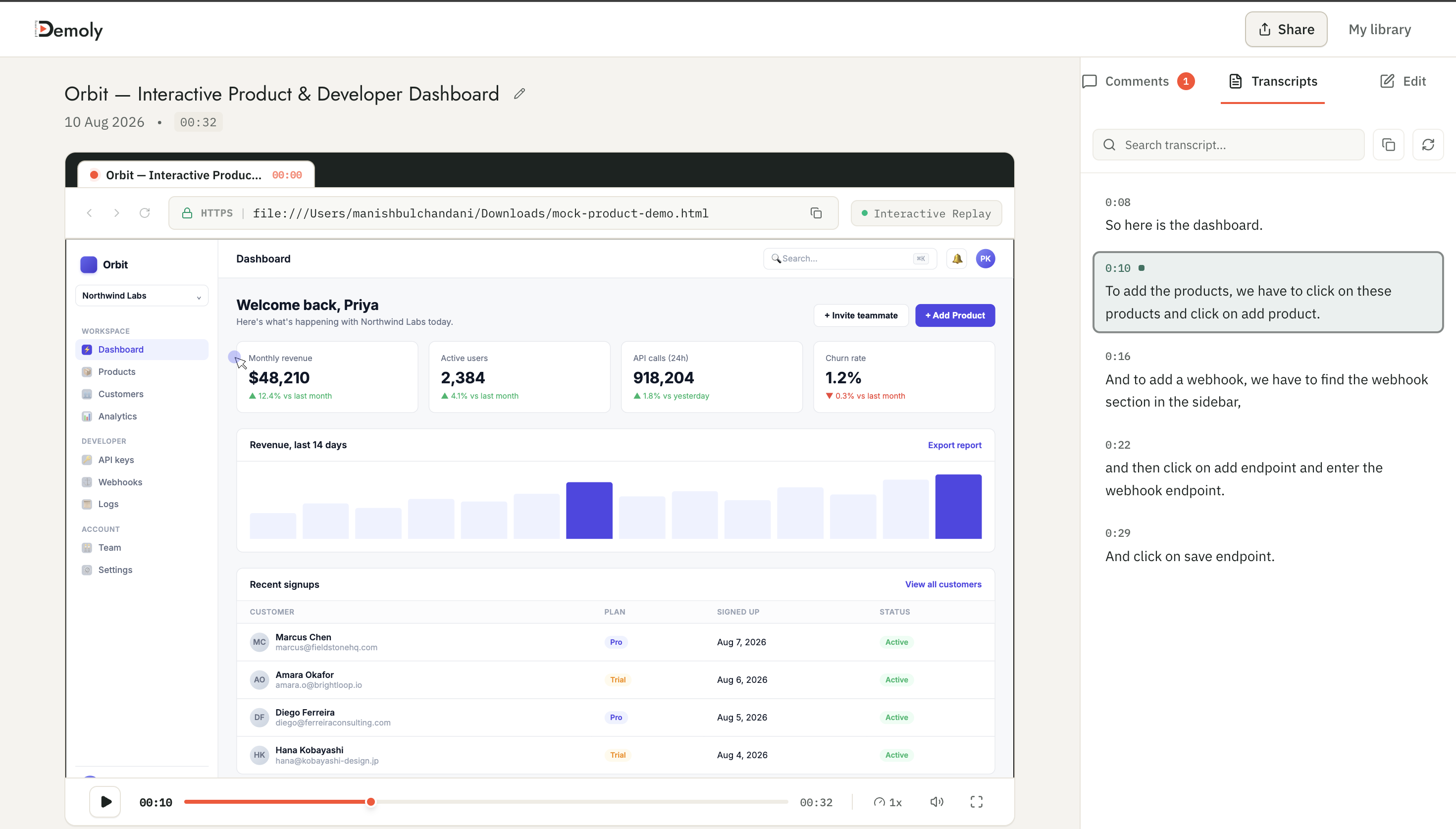
Demoly Interactive Player - Synchronized Video & Transcript
By synchronizing this structured interaction log with the video timeline, the platform creates a dual-layer index. If a user asks a question, the search engine does not depend solely on what was said. It evaluates what was said, what was clicked, and what was displayed on screen simultaneously.
A Concrete Example: The Silent Webhook Configuration
To understand the operational difference between these two architectures, examine a common workplace scenario.
An agency engineer records a six-minute staging walkthrough for a client, demonstrating how to connect a production Stripe webhook endpoint.
During the demonstration, the engineer opens the application settings, clicks into the Developer Settings sub-tab, selects Add Webhook Endpoint, pastes https://api.clientapp.com/v1/stripe-listener, toggles the switch labeled Send payment_intent.succeeded events, and clicks Save.
Because the developer is focused on entering the URL correctly, they complete this entire twenty-second configuration without speaking, except for a quick comment: "Okay, so we just set this up here and toggle this on."
Two weeks later, the client's internal developer opens the walkthrough library and searches: "Where do I configure payment intent webhooks?"
The Transcript-Only Outcome
The platform searches the audio transcript for terms like "payment intent" or "webhook configuration." Because the developer only said "set this up here and toggle this on," the query returns zero results. The client assumes the video does not cover the topic, becomes frustrated, and requests a live Google Meet support call.
The Multimodal Indexing Outcome
The multimodal search engine queries both the audio transcript and the structured DOM event log. It immediately identifies the click event on the toggle button labeled input[name="payment_intent.succeeded"] and the click on button:contains("Add Webhook Endpoint"). The system returns a direct answer and displays a clickable timestamp chip that transports the client straight to 02:14.
Technical Pipeline: How Browser Event Indexing Operates
Implementing structured event indexing alongside video involves a continuous four-stage engineering pipeline:
Client-Side Event Bus: While the user records, a lightweight Chrome extension listens to native browser event listeners (
click,change,keydown,popstate). It collects metadata about clicked elements without impacting page execution speed.Millisecond Synchronization: Every DOM interaction is assigned a synchronized millisecond timestamp matching the active video recording stream.
Semantic Graph Assembly: The platform combines transcribed speech tokens with DOM node labels and element hierarchies into a unified semantic graph.
Natural Language Retrieval: When a viewer queries the platform via conversational search, an LLM evaluates the prompt against both spoken dialogue and the interaction event graph, generating an exact timestamp citation chip.

Ask Demoly AI - Natural Language Semantic Video Search
Technical Limitations and Architectural Trade-offs
While DOM event indexing solves the primary blind spot of transcript-only search, it introduces distinct architectural constraints that engineering teams must acknowledge:
Browser Context Boundaries: DOM capture requires an active web document hierarchy. It functions seamlessly within modern web browsers, but cannot inspect native desktop operating system software like local command terminals, Xcode, or native desktop applications.
Obfuscated and Canvas-Rendered UIs: Web applications that render complex interfaces entirely inside HTML5 elements (such as design tools or web-based games) do not expose structured DOM trees. In these specialized scenarios, search engines must fall back to optical character recognition (OCR) or visual vision models.
Sensitive Data Redaction: Because event listeners can capture text entered into form fields, privacy pipelines must automatically redact passwords, authorization tokens, and personal credentials before storing event logs in a search index.
How Demoly Implements Dual-Layer Indexing
Demoly was engineered specifically to solve the limitations of transcript-only video search in web application handovers and technical demonstrations.
Instead of treating recordings as passive pixel files with basic captions, Demoly captures browser video alongside full DOM interaction events. Through its Ask Demoly AI drawer, viewers can type conversational questions about any demonstrated workflow.
Demoly's search engine analyzes spoken audio, silent button clicks, form field changes, and tab switches simultaneously. When an action matches the query, the AI provides a concise natural language summary alongside interactive timestamp chips.(▶️ WATCH AT 00:06). Viewers jump straight to the exact visual frame, eliminating timeline scrubbing.
Demoly offers a Free plan ($0 forever) with unlimited recordings, a 15-minute capture cap, and 5 AI-indexed recordings per month. The Pro plan costs $8 per creator per month, providing a 30-minute duration limit, unlimited AI-indexed recordings, and unlimited AI search queries, with completely free viewer access.
Conclusion
Speech-to-text transcription was designed for conversational speech, not software interfaces. As software development and client onboarding increasingly rely on asynchronous video, relying on transcripts alone guarantees that silent, critical steps remain lost. Capturing structured DOM interactions alongside audio transforms passive video recordings into deterministic, self-serve reference assets.
Frequently asked questions
Commonly asked questions about this article.
01•Why can't speech recognition tools find silent UI actions?
Speech recognition models process audio waveforms only. If a user completes a button click, setting toggle, or form entry without speaking aloud, no audio data exists to transcribe or index.
02•Does Optical Character Recognition (OCR) solve the video search problem?
OCR extracts visible text from video frames, but requires heavy compute resources, struggles with small UI fonts, and cannot detect interaction states like button clicks or route changes.
03•How does DOM event indexing differ from video transcription?
Transcription converts spoken audio into text tokens. DOM event indexing records structural browser actions, such as element IDs, button clicks, and input changes, synchronized with video timestamps.
04•What happens when a user searches for a term that was never spoken aloud?
In transcript-only systems, the search fails completely. In multimodal DOM-indexed systems, the engine matches the query against on-screen element labels, form tags, and button text recorded during the session.
05•Can DOM-aware video search work across multiple browser tabs?
Yes. Modern browser extensions track user navigation and tab switching events, maintaining a continuous, synchronized event timeline across all tabs included in the recording session.
Demoly Team
Contributor
Related Dispatches
View all dispatches →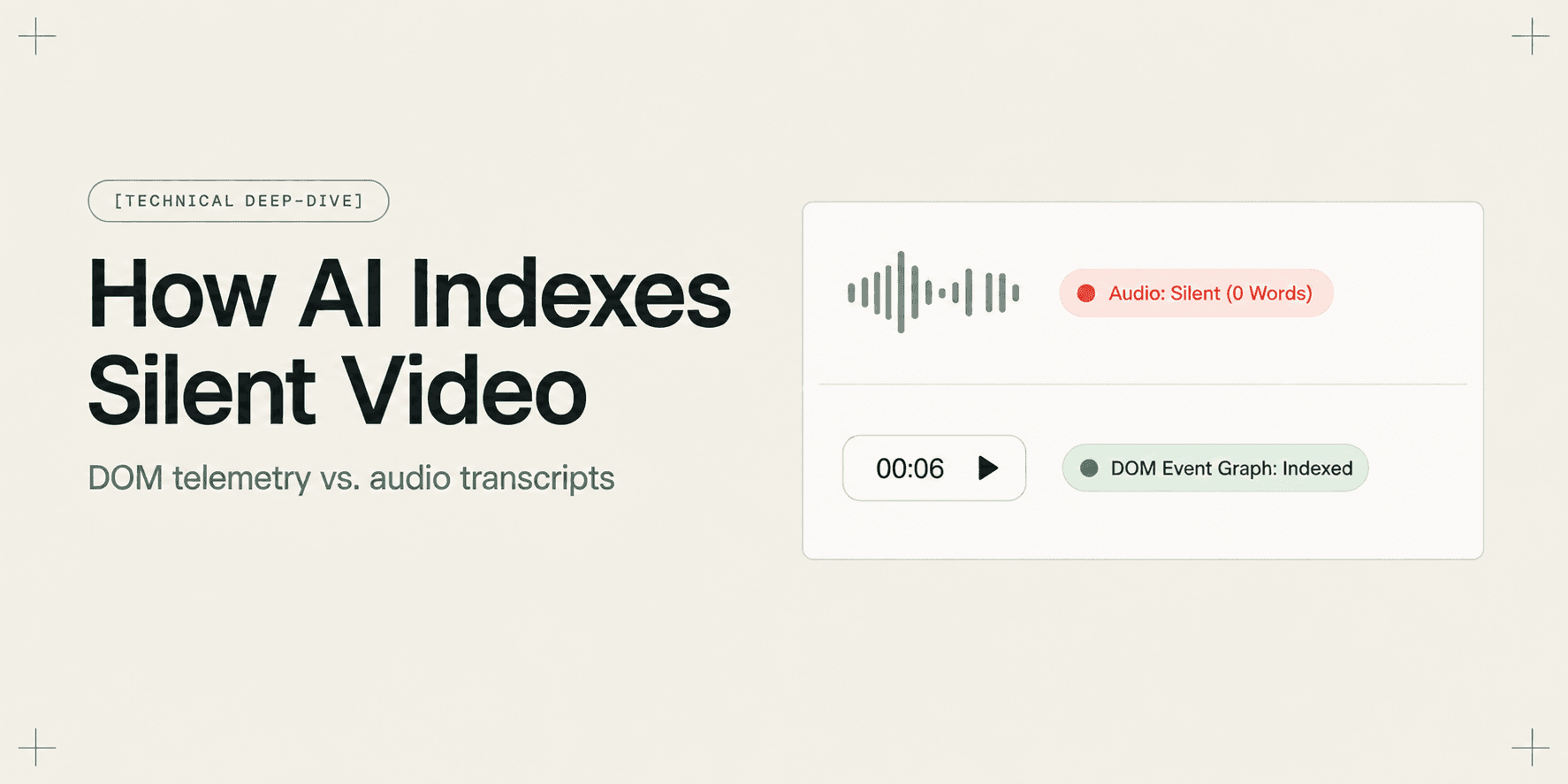
How AI Indexes a Silent Screen Recording
Discover how AI indexes silent screen recordings by combining visual computer vision with structured DOM event telemetry, turning unvoiced clicks into searchable moments.
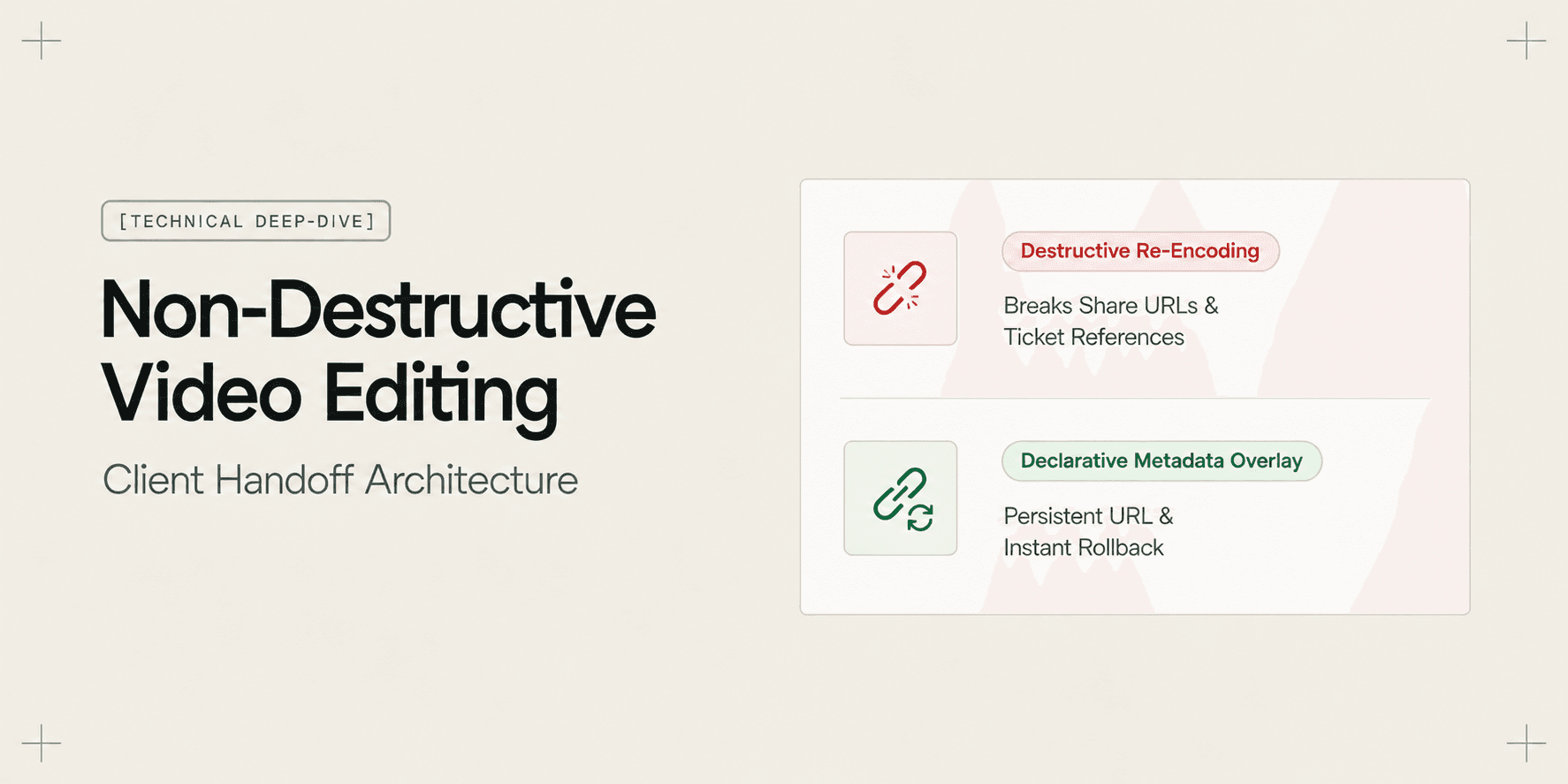
Why Non-Destructive Video Editing Matters for Client Work
Discover why non-destructive video editing and declarative timeline overlays eliminate broken client links, preserve raw recordings, and keep AI search synchronized.
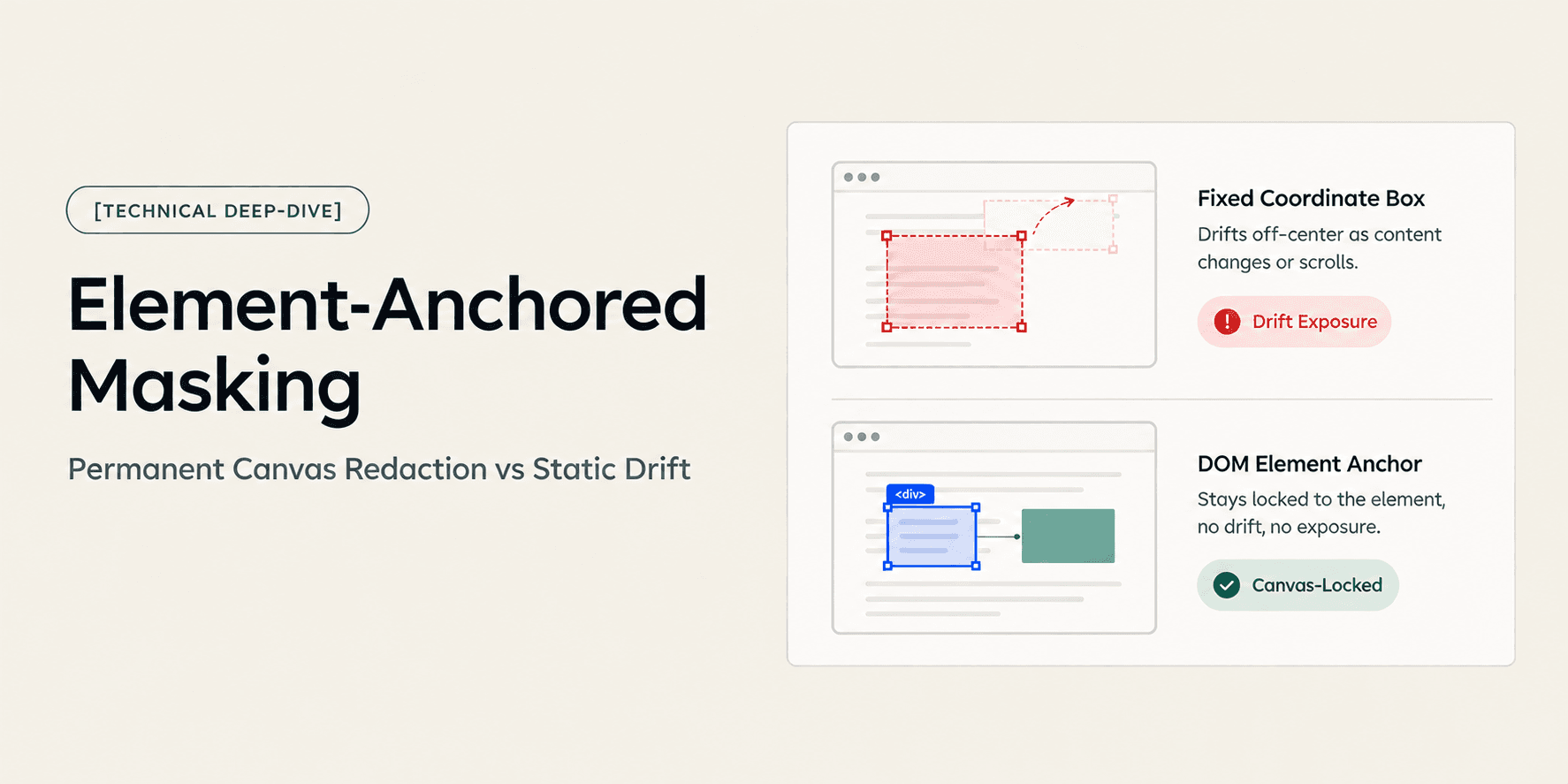
How Element-Anchored Masking Beats Static Blur Boxes
Learn why element-anchored masking outperforms static pixel blur boxes in screen recordings, preventing data leaks across page scrolling and dynamic layout shifts.
Try Demoly for your team
Create branchable, interactive demo recordings and deliverables in minutes with zero friction.