How AI Indexes a Silent Screen Recording
Discover how AI indexes silent screen recordings by combining visual computer vision with structured DOM event telemetry, turning unvoiced clicks into searchable moments.
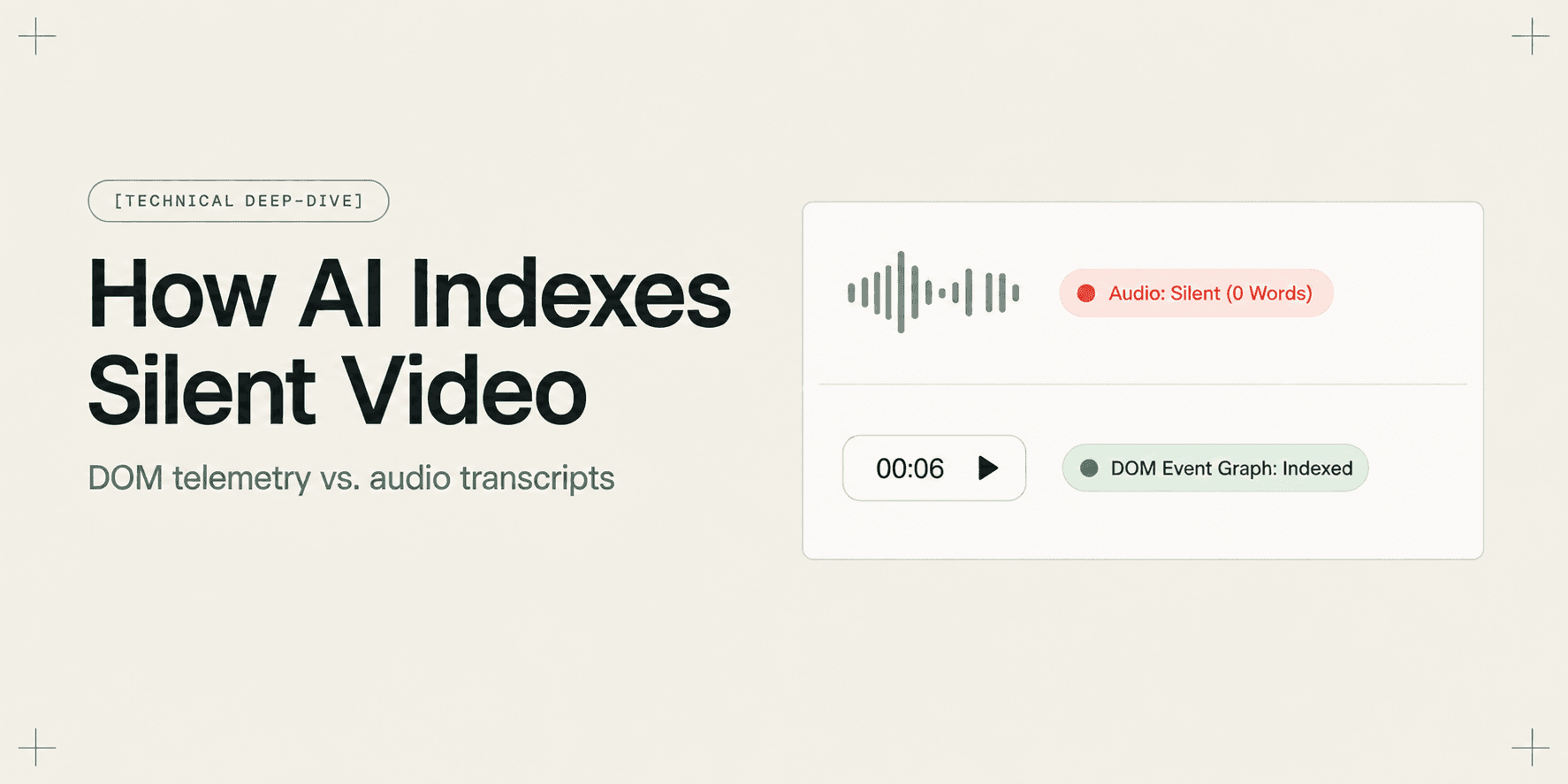
How AI Indexes a Silent Screen Recording
Screen recordings are increasingly used for engineering handovers, bug reproductions, and product documentation. Yet a large portion of screen recordings are created completely silently or with fragmented, incomplete narration. When an engineer configures an environment variable, toggles a database setting, or navigates a nested dashboard without speaking aloud, standard video search architectures fail.
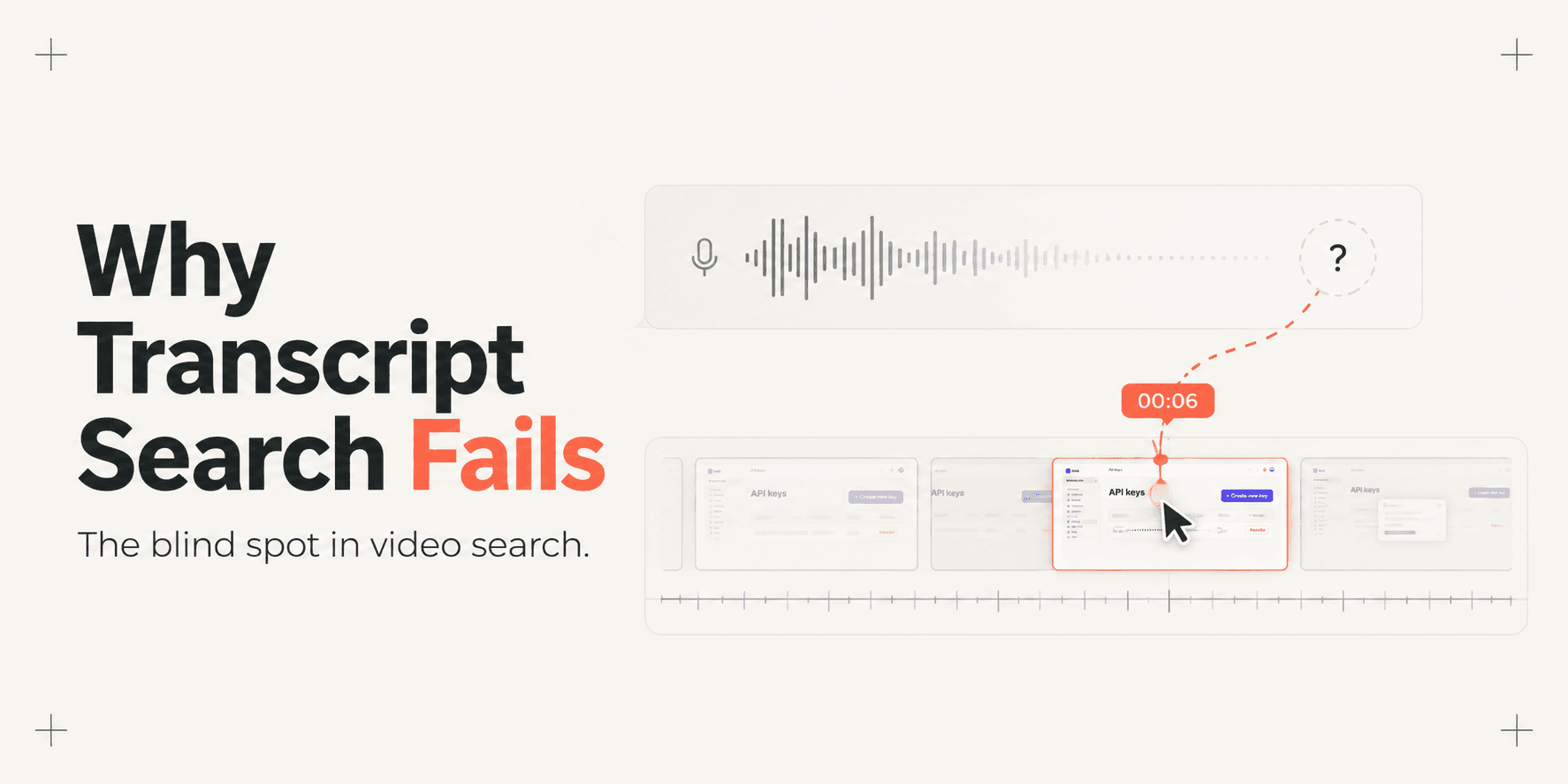
Traditional video platforms rely almost exclusively on automated speech-to-text transcription to populate their search indexes. When a recording contains no audio track, speech recognition models produce an empty transcript. As we explored in why transcript-only video search fails (and what fixes it), treating video search purely as an audio problem creates a massive blind spot for software workflows.
To make silent screen recordings queryable, AI systems must move beyond audio transcription. They require an indexing pipeline that extracts meaning directly from visual frames, user interactions, and underlying browser document states.
The Core Concept: Reconstructing Intent Without Sound
When a human watches a silent screen recording, they infer what is happening through visual context and interface semantics. They recognize that a cursor clicking a blue button labeled "Deploy Staging" initiates a build. They understand that selecting a dropdown menu and typing an IP address configures a network rule.
An automated indexing engine must perform this same semantic reconstruction programmatically. To make an unvoiced recording searchable by natural language queries, a system must answer three questions for every moment in the timeline:
- What interface components are visible on screen?
- What interactions or state transitions did the user trigger?
- At what exact millisecond did each action occur?
Bridging the gap between raw display pixels and semantic search queries requires translating unstructured video data into a queryable event graph. How a platform captures that data determines the speed, precision, and compute cost of the resulting search engine.
The Multi-Stage Indexing Pipeline
Modern AI-searchable video engines process silent recordings through a continuous five-stage pipeline. This architecture transforms silent visual interaction streams into sub-second searchable moments.
1. Ingestion and Multi-Stream Telemetry Capture
The pipeline begins during the capture session itself. When a user records a software workflow, recording only visual pixels leaves the system blind to the underlying software context.
In browser-based environments, modern capture engines record two synchronized data streams simultaneously:
- The Visual Media Stream: High-resolution video frames encoded via standard codecs (such as VP9 or H.264 in WebM or MP4 containers) to provide visual playback for human viewers.
- The Structured Event Stream: Lightweight, client-side event listeners embedded in a browser extension or runtime environment. These listeners record native user actions such as mouse clicks, text inputs, form selections, focus changes, and route navigation.
This multi-stream approach reflects the distinction between DOM capture vs pixel capture: why it changes what a video can answer. Capturing structured browser events alongside visual frames provides an explicit data layer that eliminates guesswork later.
2. Event Extraction and State Normalization
Once captured, raw interaction events pass through a normalization filter. Raw browser streams generate thousands of noisy events every minute, including micro-cursor jitters, passive hover states, and continuous scroll ticks.
The normalization layer filters out non-essential events and isolates state-changing interactions. Each retained event is enriched with structural metadata:
- Target Element Identifier: Tag names (
,,), unique element IDs, CSS class names, anddata-testidattributes. - Semantic Label: Accessible element names, ARIA labels, placeholder text, and surrounding text nodes.
- Action Type: Clicks, keypress entries, form submissions, modal open triggers, and URL path changes.
- Temporal Coordinate: High-precision millisecond timestamps anchored to the active video playback playhead.
3. Semantic Graph Assembly and Vector Embedding
A list of isolated click coordinates does not explain a user's workflow. To enable natural language understanding, the pipeline organizes normalized events into a chronological interaction graph.
For every interaction node, the system aggregates:
- The immediate target element (for example,
button#save-webhook). - Parent container context (such as
div.billing-settings-panel). - Visible neighboring headings and route breadcrumbs (such as
Settings > Developer API > Webhooks).
This structured context is synthesized into concise semantic sentences, such as: "User clicked button 'Save Webhook' inside Developer Settings panel on route /app/settings/api."
These textual descriptors are then passed to a dense embedding model. The model maps each interaction into a multi-dimensional vector space. By converting interface states into semantic vector embeddings, the system can match conceptual user queries ("where did we hook up Stripe") with literal button clicks ("Save Webhook") even when exact keywords differ.

4. Sub-Second Temporal Alignment
Unlike audio transcripts that group speech into broad five-to-fifteen-second blocks, interface events occur at discrete milliseconds.
The indexing pipeline stores each vector embedding alongside its exact playback timestamp in a specialized vector database. When an interaction triggers a route change or modal display, the index links the start and end boundaries of that visual state. This alignment ensures that search results can pinpoint the exact frame an action began, rather than forcing the user to scrub around an approximate guess.
5. Natural Language Query Resolution and Retrieval
When a viewer searches the recording, the retrieval engine resolves their query against the indexed vector database:
- Prompt Embedding: The user's conversational query is converted into a vector embedding using the same model that indexed the event graph.
- Nearest-Neighbor Retrieval: The engine executes a cosine similarity search across the recording's vector embeddings, identifying the top matching interaction nodes.
- Reranking and LLM Synthesis: A lightweight language model evaluates the retrieved nodes, filters false positives, and generates a concise natural language answer.
- Interactive Playhead Citation: The platform presents the answer accompanied by interactive timestamp chips, allowing the viewer to jump immediately to the relevant frame.
Computer Vision & OCR vs. DOM Telemetry Indexing
Not all silent recording platforms use browser-level telemetry. Tools operating at the operating-system level often rely exclusively on computer vision and optical character recognition (OCR) models applied post-capture.
Understanding the engineering trade-offs between visual OCR processing and structured DOM telemetry explains why retrieval accuracy varies so widely.
Technical Criterion | Optical Character Recognition & Vision Models | Structured DOM Telemetry Indexing |
|---|---|---|
Primary Data Source | Flattened raster video frames (RGB pixel matrices) | Browser DOM tree hierarchy paired with native event listeners |
Text Extraction Reliability | Dependent on screen scaling, resolution, and OCR model accuracy | 100% deterministic text node extraction without character distortion |
Silent Action Detection | Inferred via cursor bounding boxes and frame difference analysis | Deterministically logged via native browser click, change, and key events |
Element Hierarchy Context | None; elements are treated as flat bounding boxes on an image canvas | Preserved; captures element IDs, ARIA roles, and nested parent nodes |
Compute Resource Overhead | High; requires intensive frame extraction and neural network inference | Low; lightweight client-side event logging and instant text vectorization |
Timestamp Precision | Coarse; bound to sampled keyframe intervals (typically 1 to 5 seconds) | Exact; millisecond synchronization aligned with active video frames |
Operating Environment | Universal across native desktop apps, terminals, and OS displays | Specialized for modern web applications and browser-based workflows |
While computer vision is essential for native desktop software, DOM telemetry provides unmatched precision and zero OCR degradation for web applications. Teams seeking how to record a web app walkthrough your client can actually search consistently find that structured event logs produce significantly fewer false negatives than visual scanning alone.
A Grounded Engineering Scenario: The Silent API Key Rotation
To see how these indexing mechanics operate in practice, consider a realistic staging environment scenario.
A senior DevOps engineer records a three-minute walkthrough demonstrating how to rotate a production API secret key in an internal admin portal. Because the engineer is working in a noisy coworking space, they mute their microphone and record the walkthrough completely silently.
During the recording, the engineer:
- Navigates to
/admin/security/credentials. - Clicks a tab labeled OAuth & API Tokens.
- Clicks a secondary button labeled Rotate Secret Key (
button[data-action="rotate-secret"]). - Selects 30-Day Grace Period from a dropdown menu.
- Confirms the modal dialog by clicking Confirm Rotation (
button#confirm-modal-submit).
Two weeks later, an onboarded junior developer searches the walkthrough library with the prompt: "Where do we update the expiring API secret?"
The Computer Vision & OCR Outcome
An OCR-based video index scans sampled keyframes from the recording. It reads text strings visible on screen, but struggles with the small, low-contrast font in the dropdown menu. More critically, the OCR pipeline cannot determine which button was clicked versus which buttons were merely displayed. It highlights three different sections of the video where the word "Secret" appeared, forcing the junior developer to manually scrub through twelve minutes of footage across multiple recordings to locate the actual rotation action.
The Structured Event Indexing Outcome
The DOM-indexed platform queries the normalized interaction graph. It immediately identifies the explicit click on button[data-action="rotate-secret"] and the subsequent click on button#confirm-modal-submit.
The system returns a direct natural language response: "The API secret key is rotated in the OAuth & API Tokens panel under Security Credentials, confirmed with a 30-day grace period." Alongside this answer, it renders an interactive timestamp chip linking directly to 01:24. The developer clicks the chip, jumps to the exact second the rotation occurred, and completes their task without asking for assistance.
Architectural Limitations and Technical Boundaries
Building an AI index over silent screen recordings requires navigating several distinct technical constraints:
- Desktop Application Boundaries: DOM event telemetry relies on browser runtime APIs and document trees. It operates flawlessly across software running in Chrome, Edge, and web applications. However, it cannot inspect native desktop operating system windows, such as local macOS terminals or native desktop IDEs, without separate operating-system-level accessibility hooks.
- Canvas-Rendered User Interfaces: Certain modern web tools, such as Figma, Google Docs canvas mode, or WebGL applications, render their user interface directly onto an HTML5
element rather than standard HTML nodes. In canvas-heavy environments, DOM trees do not expose individual buttons or inputs, requiring search engines to fall back to visual frame analysis. - Sensitive Credential Redaction: Capturing interaction streams requires strict privacy safeguards. If an engineer types a secret API key or password during a recording, the indexing pipeline must sanitize input values before vector embeddings are generated and stored in a searchable database.
How Demoly Indexes Silent Browser Recordings
Demoly was built to eliminate the frustration of unsearchable screen recordings in web application workflows.
Rather than treating recordings as flat video files that require continuous voiceover narration, Demoly uses a dual-capture engine. While recording visual browser video, Demoly simultaneously logs DOM interaction events, route transitions, and UI text components directly from the browser window.
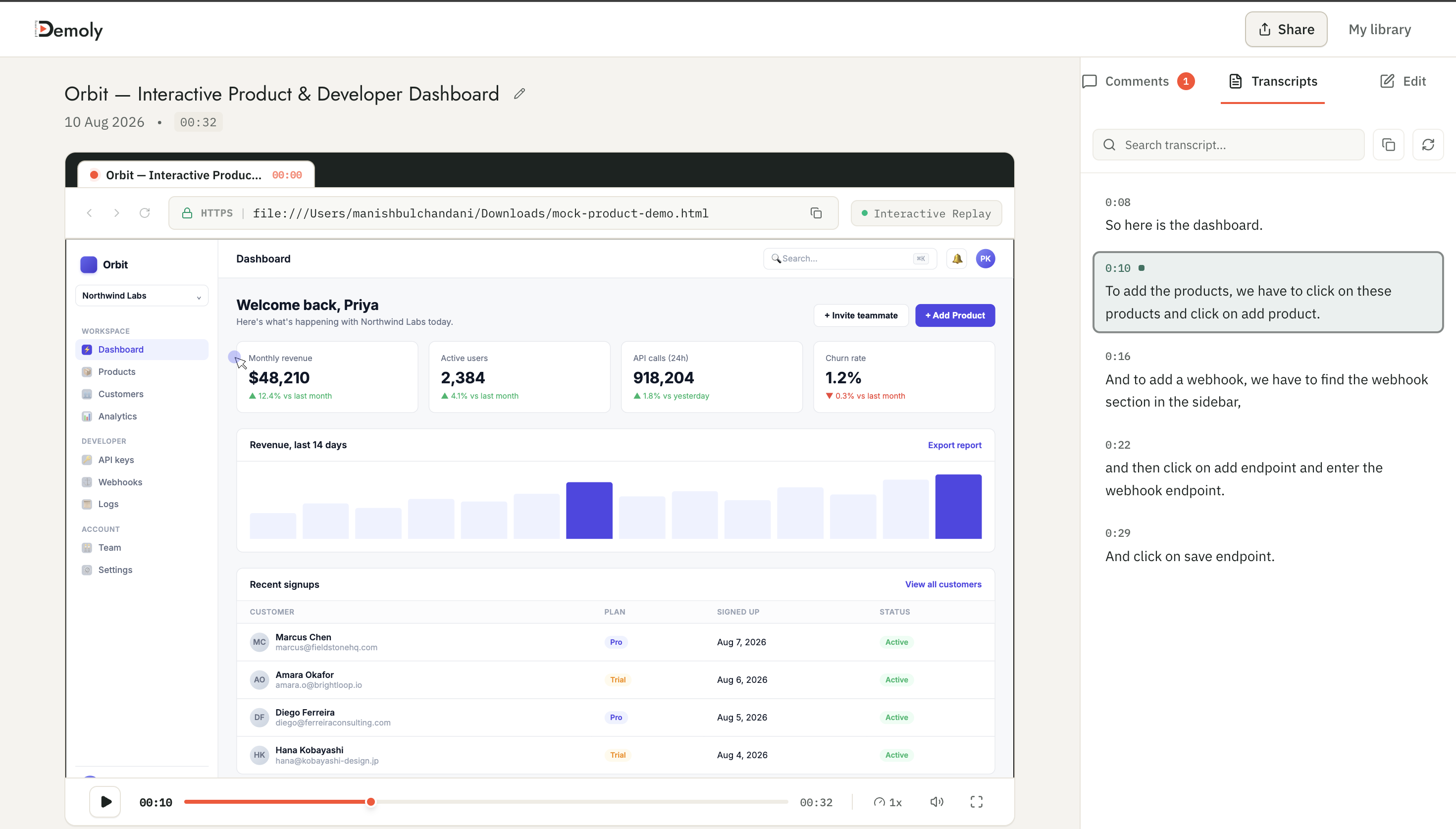
Demoly's Ask Demoly AI drawer allows viewers to query any recording using conversational prompts. Because the platform indexes both spoken audio and silent browser interactions:
- Viewers can search for button clicks, form submissions, and settings toggles that were never mentioned aloud.
- The AI returns natural language explanations paired with clickable sub-second timestamp chips (
00:06 ▶) that navigate straight to the relevant action. - Viewers can select and copy code snippets, URLs, and text directly out of paused video frames.
- Creators can apply permanent canvas-layer redaction to mask sensitive tokens or customer data before sharing.
Demoly offers a Free tier ($0 forever) with unlimited recordings, a 15-minute recording cap, and 5 AI-enabled recordings per month. The Pro tier is priced at $8 per creator per month, providing a 30-minute duration limit, unlimited AI-indexed recordings, and unlimited AI search queries, with completely free viewing and querying for clients and team members.
Conclusion
Speech transcription was built for conversational dialogue, not software interfaces. As teams increasingly rely on asynchronous screen recordings for knowledge transfer, assuming every critical action will be spoken aloud is a flawed premise. By combining visual frame capture with structured DOM event telemetry, modern AI indexing transforms silent screen recordings from passive video files into interactive, queryable documentation.
Frequently asked questions
Commonly asked questions about this article.
01•Can AI search a screen recording if the presenter never spoke?
Yes. Modern walkthrough platforms index silent recordings by capturing browser DOM interaction events, element labels, and route changes, allowing natural language search engines to locate unvoiced actions.
02•How does an AI know what element was clicked in a silent video?
Client-side browser listeners record native click events, capturing element IDs, HTML tags, ARIA labels, and text nodes synchronized with the video playhead at millisecond precision.
03•Why isn't Optical Character Recognition (OCR) enough for silent video search?
OCR reads visible text on screen, but cannot determine user actions, struggles with low-contrast UI fonts, requires heavy compute, and lacks structural context about which buttons were clicked.
04•How do vector embeddings help search silent UI interactions?
Vector models convert structured element labels and page contexts into mathematical embeddings, allowing semantic queries like "where is billing" to match technical buttons like `button#manage-subscription`.
05•Does indexing silent DOM events slow down browser performance during recording?
No. Capturing browser event listeners and element metadata uses minimal client-side CPU resources, transmitting lightweight event objects asynchronously without interrupting application rendering or frame rates.
Demoly Team
Contributor
Related Dispatches
View all dispatches →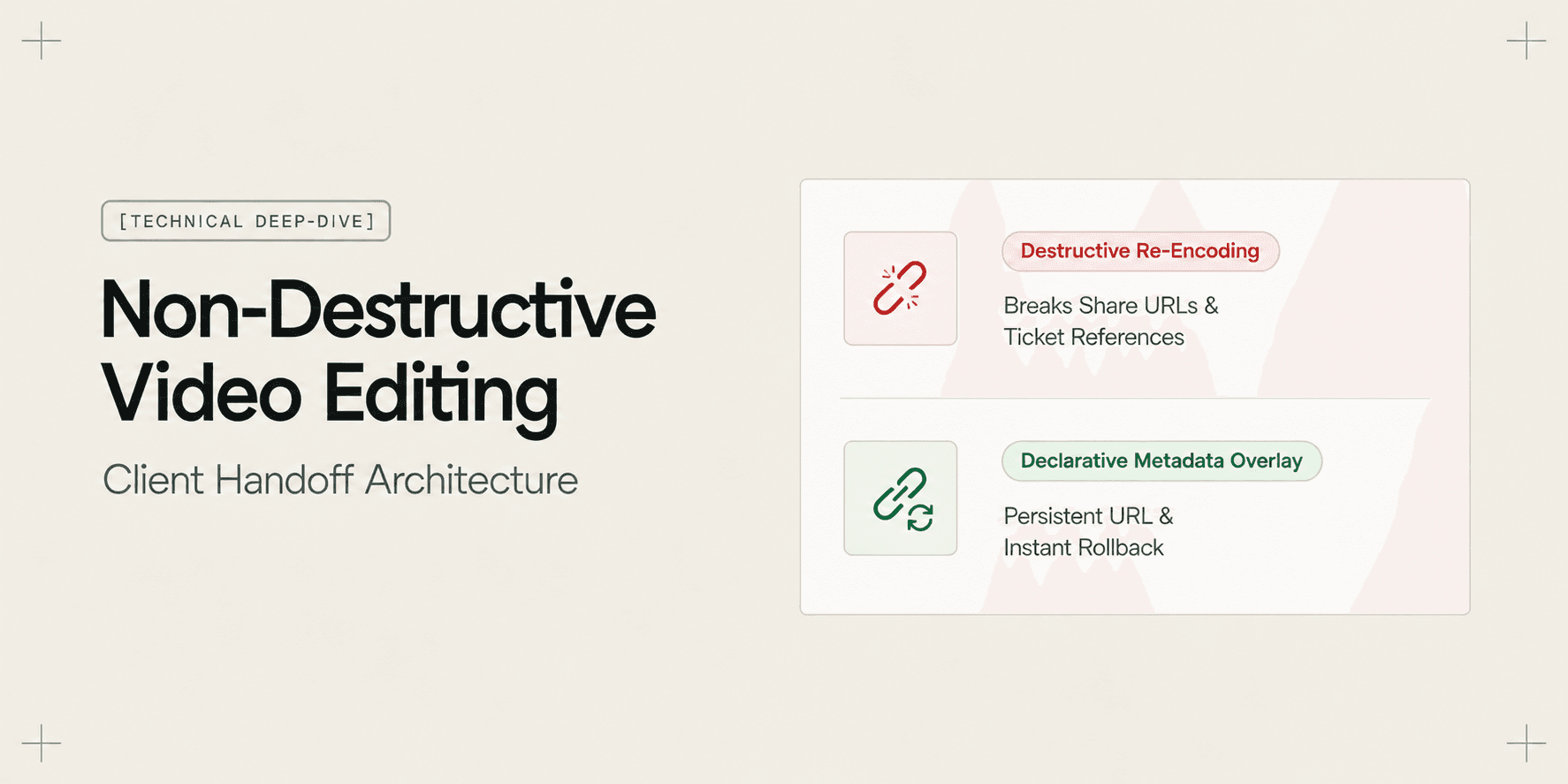
Why Non-Destructive Video Editing Matters for Client Work
Discover why non-destructive video editing and declarative timeline overlays eliminate broken client links, preserve raw recordings, and keep AI search synchronized.
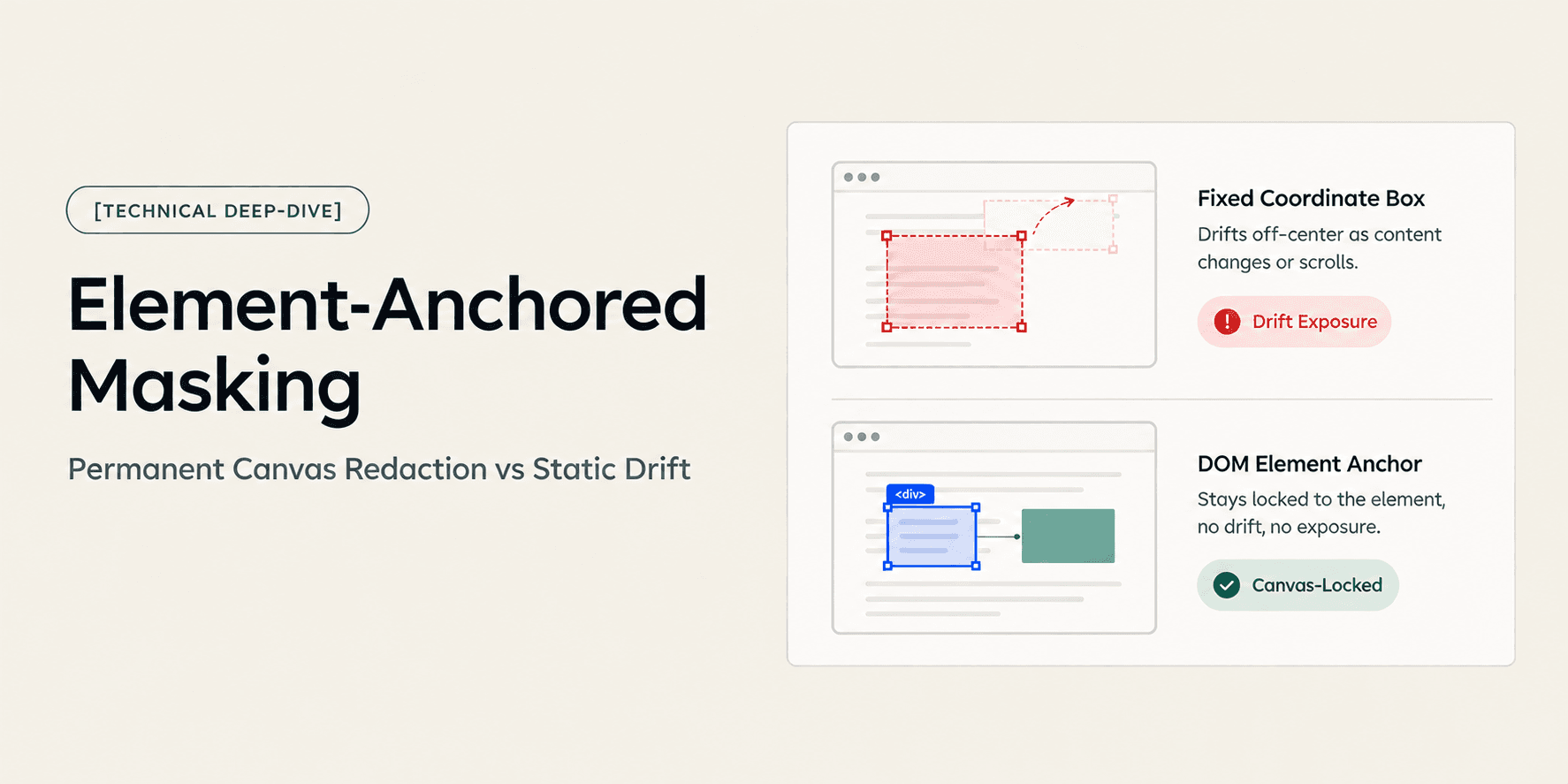
How Element-Anchored Masking Beats Static Blur Boxes
Learn why element-anchored masking outperforms static pixel blur boxes in screen recordings, preventing data leaks across page scrolling and dynamic layout shifts.
Why Transcript-Only Video Search Fails (And What Fixes It)
Transcript-based video search fails because it only indexes spoken words, missing silent UI clicks, form inputs, and tab switches. Discover why DOM event indexing fixes video search.
Try Demoly for your team
Create branchable, interactive demo recordings and deliverables in minutes with zero friction.