What Makes a Video \"AI-Searchable\"? A Technical Explainer
A technical breakdown of what makes a video AI-searchable under the hood, comparing speech transcription, computer vision OCR, and structured DOM event indexing.
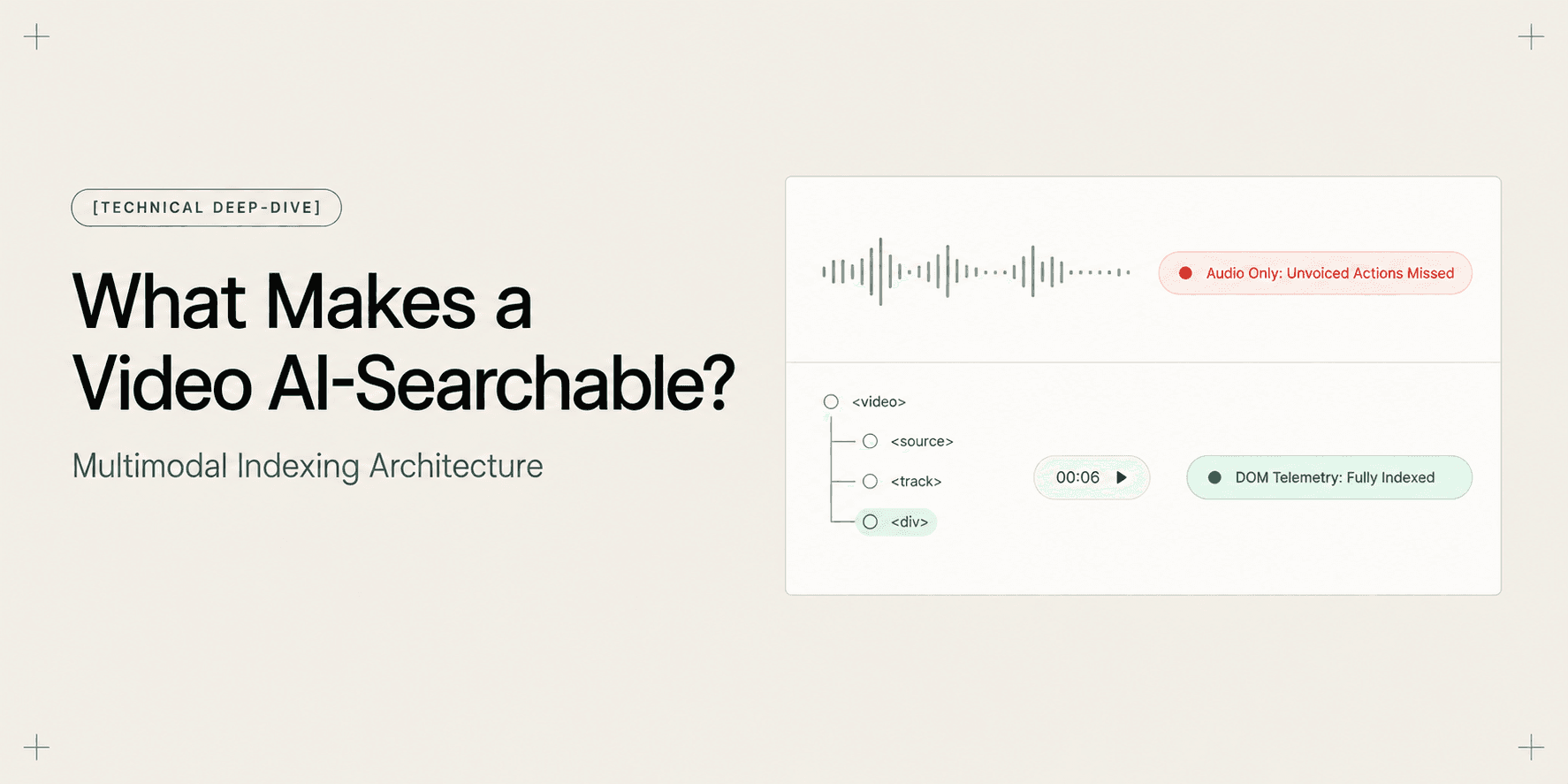
What Makes a Video "AI-Searchable"? A Technical Explainer
Video is the fastest medium for demonstrating software, yet it has historically been the hardest to query. Code repositories, database tables, and text documents can be indexed in milliseconds. Video files, by contrast, function as binary black boxes. When a team member needs a specific configuration step, standard search engines cannot peer inside the media container to pinpoint the answer.
Many tools claim to make video "AI-searchable," but their architectures differ fundamentally. Most platforms only run speech-to-text models over the audio track. When presenters skip verbal explanations or complete critical steps silently, that approach fails. As detailed in why transcript-only video search fails (and what fixes it), treating screen recordings purely as spoken audio ignores the visual and structural reality of software interfaces.
True searchability requires a multimodal indexing architecture that captures and synchronizes several data streams simultaneously. This explainer covers the data layers, processing pipelines, and structural trade-offs that determine whether a video can answer complex user queries.
The Core Concept: Deconstructing Video Searchability
A standard video container (MP4 or WebM) bundles two streams: rasterized pixel frames displayed at 24 to 60 frames per second, and an encoded audio track (such as AAC or Opus).
Neither stream has semantic awareness. The video track consists of two-dimensional arrays of color values. The audio track consists of pressure amplitudes. Neither layer knows what a button is, what code was written, or what settings changed.
Making a video "AI-searchable" transforms these raw signals into a queryable knowledge graph. An indexing engine must answer three questions for any moment in the recording:
- What was communicated verbally? (Speech phonemes and transcripts)
- What was rendered visually? (Layouts, text nodes, visual states)
- What actions were executed structurally? (DOM interactions, route transitions, form inputs)
When an AI retrieval system correlates these three layers across a shared temporal axis, users can query software recordings in natural language and jump directly to the exact frame where an action occurred. For recording best practices, see how to record a web app walkthrough your client can actually search.
The Multi-Plane Indexing Architecture
A video retrieval engine processes recorded footage across four synchronized data planes. Each plane captures a distinct facet of the recording.
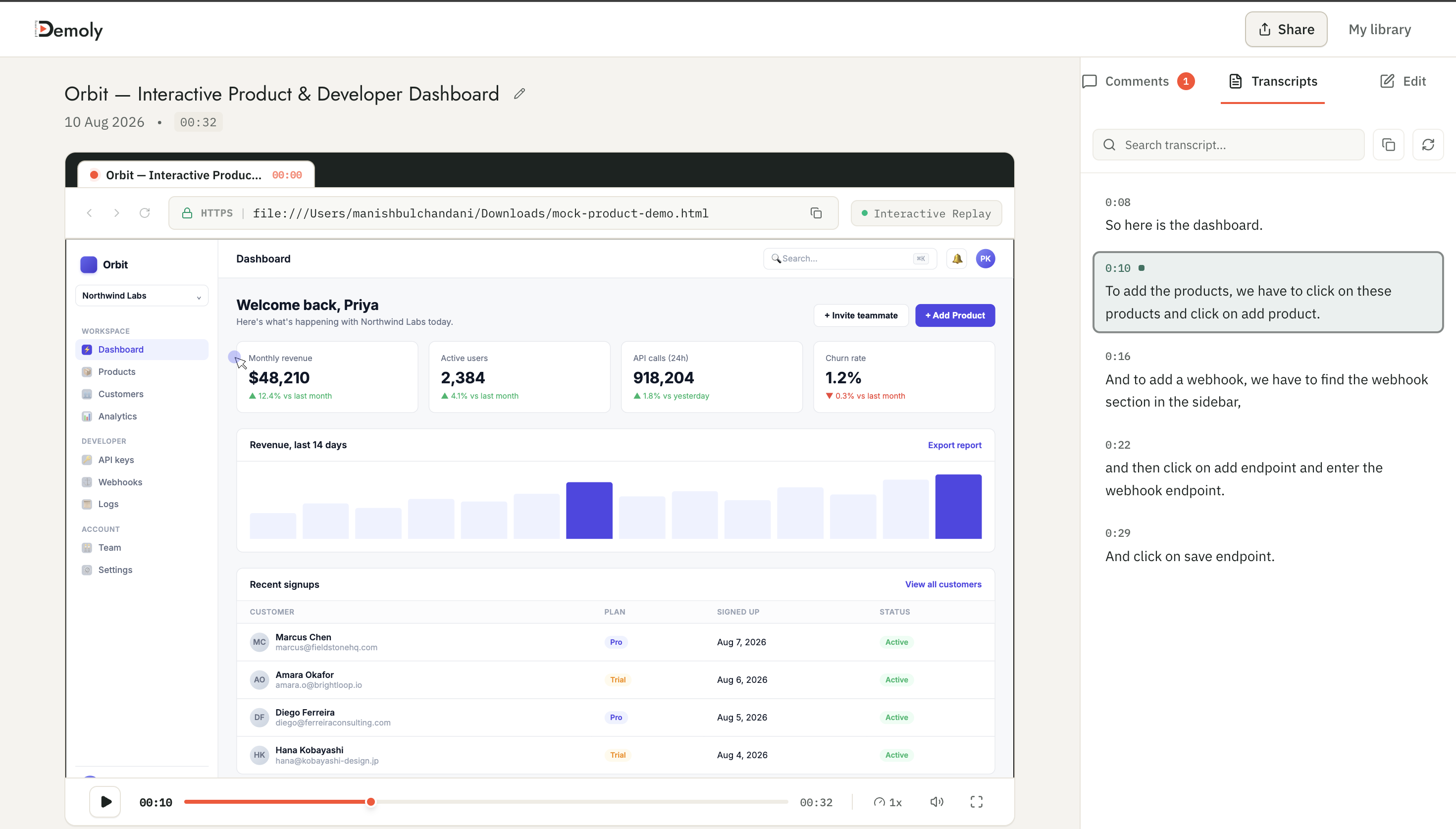
1. The Acoustic Plane: Speech Transcription
The first layer processes the audio track. Models like Whisper convert audio waveforms into phonemes, align word timestamps, and output text transcripts.
While transcription handles spoken explanations well, it has sharp limits:
- It cannot index unvoiced actions or silent pauses.
- It often mistranscribes code syntax and domain terms (e.g., transcribing
kubectlas "cube cuddle"). - It anchors timestamps only to spoken phrases, not to interface state changes.
2. The Visual Pixel Plane: Keyframe OCR and Vision Embeddings
Processing every frame of a 60 fps recording with vision models is computationally impractical. Systems sample keyframes (typically once every 1 to 3 seconds or on scene transitions).
Optical Character Recognition (OCR) engines scan these raster images for text, while vision embedding models generate vector representations of visual layouts.
This layer detects visual headings and broad layouts. However, pixel-level OCR has notable drawbacks:
- It cannot identify what element the user clicked versus what was merely displayed on screen.
- Low-contrast text, code syntax, or dropdown menus cause OCR character dropouts.
- Frame sampling creates temporal gaps, often missing fast micro-interactions between samples.
3. The Structured Telemetry Plane: DOM Capture
In browser environments, client-side listeners capture Document Object Model (DOM) changes and user events during the session.
Instead of guessing actions from pixels, the telemetry plane records discrete, structured events:
- Target Selectors: HTML tags, element IDs, CSS classes, and
data-testidattributes (e.g.,button#deploy-prod). - Semantic Attributes: ARIA roles, button labels, and input placeholders.
- Interaction Types: Mouse clicks, text entries, route navigations, and modal states.
This highlights the core distinction in DOM capture vs pixel capture: why it changes what a video can answer. Structured event logging records unambiguous user actions without probabilistic computer vision.
4. The Temporal Alignment Plane: Sub-Second Vector Synchronization
The final plane unifies the preceding three layers into a single vector database. Every spoken phrase, extracted OCR string, and DOM interaction event is anchored to a synchronized millisecond timestamp.
Vector embedding models convert these inputs into high-dimensional vectors. When a viewer enters a query, a retrieval-augmented generation (RAG) engine performs similarity searches across the multimodal index and returns the precise video timestamp.
For an in-depth breakdown of how these layers operate without audio, see how AI indexes a silent screen recording.
Technical Comparison: Video Search Approaches Under the Hood
The table below contrasts the four primary technical paradigms used to search video content.
Technical Criterion | Flat Video (MP4/WebM) | Audio Transcription (Whisper/Loom) | Frame-Sampling OCR | Multimodal DOM Telemetry (Demoly) |
|---|---|---|---|---|
Primary Data Source | Raw video pixels and audio track | Audio track waveform | Sampled raster video frames | Synchronized DOM events + video frames |
Search Mechanism | Manual scrubbing across timeline | Keyword match on speech transcript | Optical character extraction + visual vectors | Multimodal semantic vectors + DOM event graph |
Unvoiced Action Discovery | Zero capability | Fails completely (no audio data exists) | Partial (detects visible text, misses click intent) | Complete (indexes exact element interactions) |
Timestamp Precision | None | Word-level boundary (~1–3 seconds) | Keyframe interval (~2–5 seconds) | Sub-second millisecond event alignment |
Code & Technical Vocabulary | Unreadable | High phoneme error rate on syntax | Moderate OCR character hallucinations | Exact string extraction from DOM nodes |
Compute Overhead | Zero processing | Low CPU/GPU transcription cost | Heavy GPU consumption for keyframe models | Lightweight client event logging + fast vector RAG |
Query Flexibility | None | Exact word match or basic semantic search | Visual similarity matching | Conversational natural language QA + jump chips |
Why the Architecture Matters in Production
The underlying capture architecture directly determines whether video search succeeds in everyday technical workflows.
Eliminating the Unspoken Action Blind Spot
Engineers and consultants rarely narrate every click they perform. A developer configuring environment flags in a staging dashboard often completes entire workflows in silence.
If search relies solely on audio, those unvoiced configuration steps remain invisible. A multimodal architecture logs the click on input[name="enable_tls"] regardless of speech, ensuring critical actions are never lost.
Overcoming Semantic Distance
Keyword search fails when queries do not match interface labels. A user might search "How do I delete my workspace?" while the interface button says "Terminate Organization".
Vector embeddings bridge this gap by mapping the concept of deleting a workspace to the DOM element button#terminate-org. For an overview of querying video libraries, see how to search inside a video recording using AI.
Concrete Engineering Example: Locating an Unvoiced Webhook Configuration
Consider a realistic agency workflow. An engineer records an eight-minute walkthrough for a client demonstrating how to configure Stripe payment webhooks in an admin console.
The engineer verbally explains billing logic for the first four minutes. At timestamp 05:22, the engineer silently navigates to /settings/developer/webhooks, clicks button#add-endpoint, pastes an endpoint URL (https://api.clientdomain.com/v1/stripe/events), selects invoice.payment_succeeded, and clicks Save Changes. The engineer never speaks during this 45-second sequence.
Three weeks later, a client developer searches the recording:
"Where did we set the Stripe webhook callback URL?"
The Audio Transcription Failure
An audio search engine queries the transcript. Because the engineer spoke about billing tiers but said nothing during the webhook setup, the query returns zero results. The client assumes the video lacks the answer and requests a support call.
The Frame OCR Limitation
An OCR engine scans keyframes. It finds the string "Stripe" in navigation headers across multiple timestamps. However, lacking interaction tracking, it cannot tell whether the user was viewing an overview or configuring an endpoint. The user receives multiple vague markers and must scrub through the footage manually.
The Multimodal Telemetry Outcome
An engine using DOM event capture inspects the synchronized event graph. It instantly matches the query to the discrete events at 05:22:
- Interaction:
CLICKonbutton#add-endpoint - Target:
INPUT[placeholder="https://..."] - Timestamp:
05:22.450
The system responds in natural language:
"The Stripe webhook callback URL is configured under Developer Settings by adding an endpoint for invoice.payment_succeeded."
Alongside the text, it renders a clickable timestamp citation (05:22 ▶). Clicking the citation jumps the player straight to the exact frame where the endpoint was entered.
Architectural Boundaries and Technical Trade-Offs
Every engineering architecture has explicit boundaries:
- Browser Runtime vs. Operating System Capture: DOM telemetry relies on browser APIs and document trees. It captures rich data inside web applications (Chrome, Edge), but cannot inspect native desktop windows, local terminals, or native GUI tools without OS-level accessibility hooks.
- HTML Trees vs. Canvas-Rendered UIs: Applications built entirely on HTML5
elements (such as Figma or WebGL dashboards) do not expose DOM nodes for buttons and inputs. In canvas environments, the engine must fall back to visual frame embeddings and OCR. - Privacy and PII Sanitization: Capturing interaction streams requires strict privacy safeguards. Telemetry pipelines must sanitize sensitive input fields (passwords, secret API keys) before generating vector embeddings.
How Demoly Implements Multimodal Video Search
Demoly was engineered specifically to solve the limitations of flat video recordings in web application workflows.
Rather than relying on audio transcription alone or running heavy, laggy frame OCR, Demoly uses a dual-capture architecture. While recording standard browser video via a Chrome extension, Demoly simultaneously captures DOM interaction telemetry, UI labels, and route navigation events in real time.

This telemetry feeds directly into Demoly's Ask Demoly AI search engine:
- Conversational Querying: Viewers ask natural language questions in an interactive side drawer and receive immediate answers synthesized across audio transcripts and DOM interactions.
- Sub-Second Timestamp Chips: Every answer includes clickable time chips (
▶ Jump to 00:06) that navigate straight to the relevant interface action. - Canvas-Level Redaction: Creators can use canvas-level masking in the web editor to permanently redact sensitive client credentials before sharing.
- Zero Viewer Friction: Anyone with a public link can watch recordings and query the AI search drawer without creating an account or paying viewer seat fees.
Demoly provides a Free plan ($0 forever) with unlimited recordings, a 15-minute recording duration cap, and 5 AI-indexed videos each month. The Pro tier ($8 per creator per month) increases duration to 30 minutes with unlimited AI recordings and queries, while viewers always remain free.
Conclusion
A video is not truly AI-searchable simply because a speech model transcribed its audio track. Real video searchability requires capturing the structural interactions that define software workflows. By uniting audio transcripts, visual frames, and structured DOM event telemetry into a synchronized multimodal index, engineering teams can turn passive screen recordings into self-answering technical documentation.
Frequently asked questions
Commonly asked questions about this article.
01•What is the difference between video transcription and AI video search?
Video transcription only converts spoken audio into written text. AI video search indexes spoken dialogue, visual on-screen text, and structural interaction events, allowing users to query actions that were never spoken aloud.
02•Can an AI search engine find button clicks in a silent video?
Yes, provided the capture engine logs structured DOM events. By recording element selectors, labels, and timestamps alongside visual frames, the AI can locate exact click moments without audio.
03•Why does Optical Character Recognition (OCR) struggle with video search?
OCR captures visible text on sampled frames, but cannot determine user interaction intent, struggles with small code fonts, introduces latency, and frequently misses events occurring between frame samples.
04•How does vector search connect natural language queries to video timestamps?
Vector models convert queries and multimodal video data into mathematical embeddings. Cosine similarity matching retrieves the closest conceptual match and returns its synchronized millisecond timestamp on the player timeline.
05•Does multimodal DOM indexing increase video file size?
No. Structured DOM event logs are lightweight JSON objects containing element tags, classes, and timestamps. They add only a few kilobytes of metadata per recording while drastically improving search accuracy.
Demoly Team
Contributor
Related Dispatches
View all dispatches →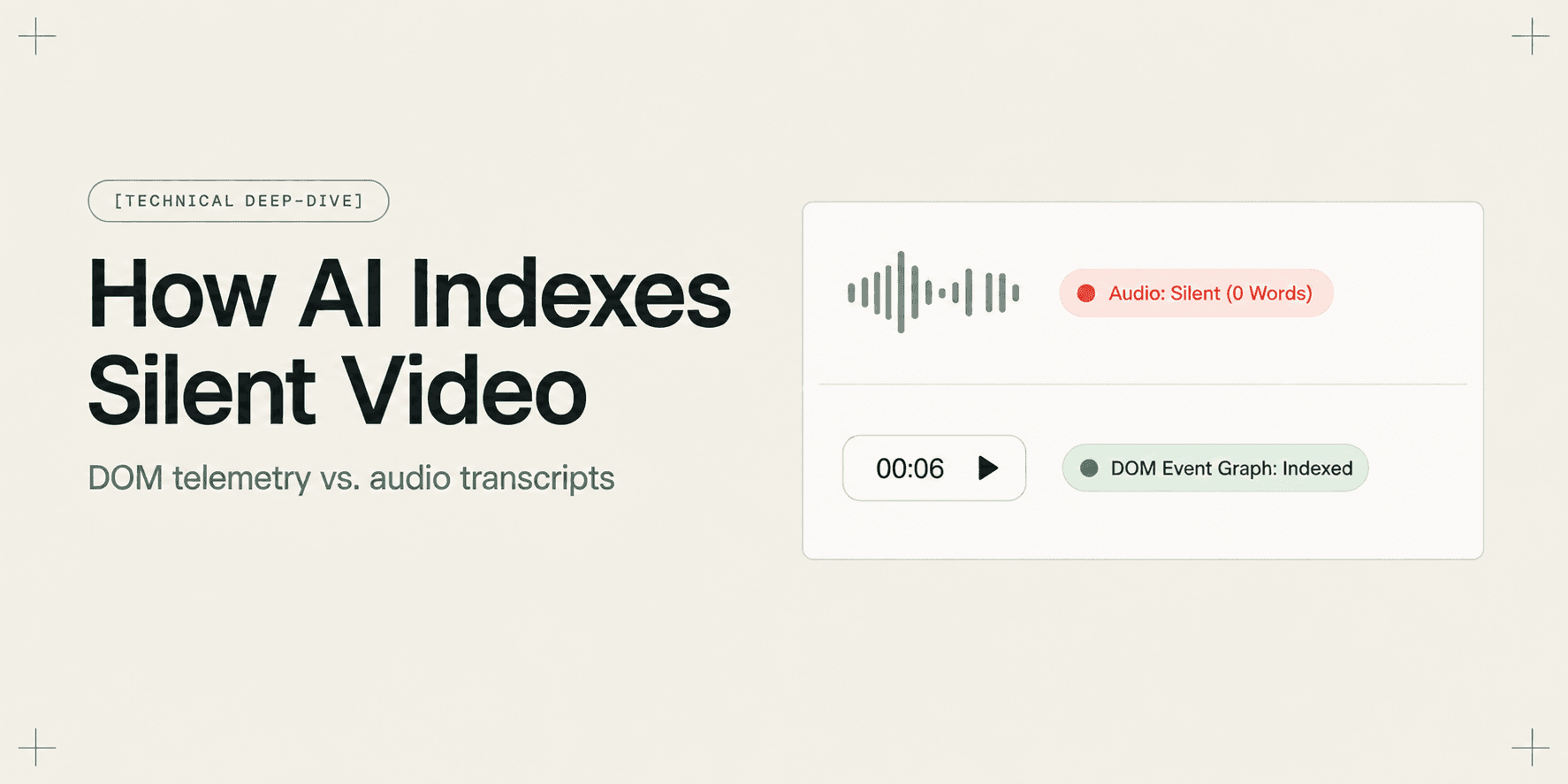
How AI Indexes a Silent Screen Recording
Discover how AI indexes silent screen recordings by combining visual computer vision with structured DOM event telemetry, turning unvoiced clicks into searchable moments.
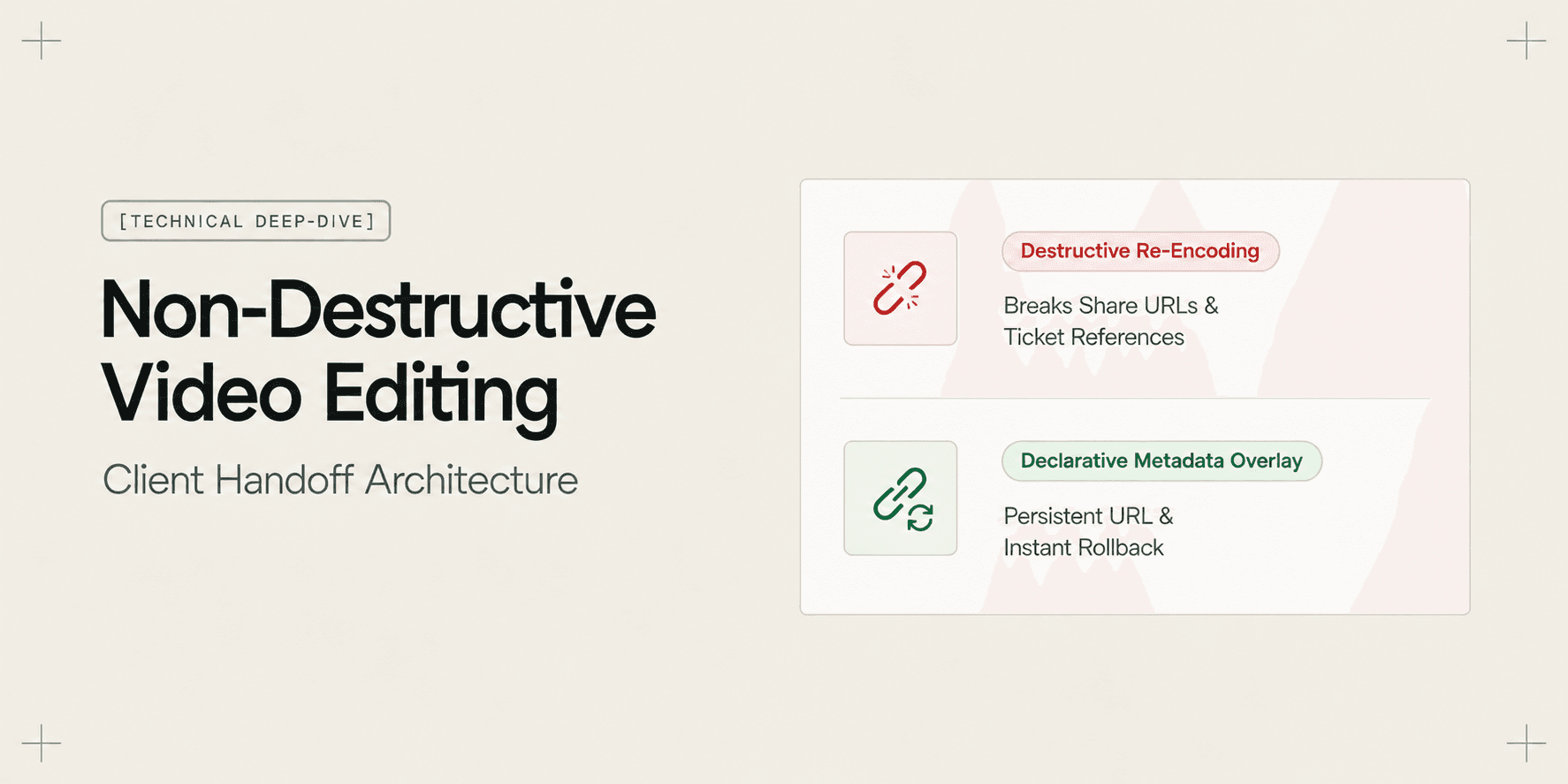
Why Non-Destructive Video Editing Matters for Client Work
Discover why non-destructive video editing and declarative timeline overlays eliminate broken client links, preserve raw recordings, and keep AI search synchronized.
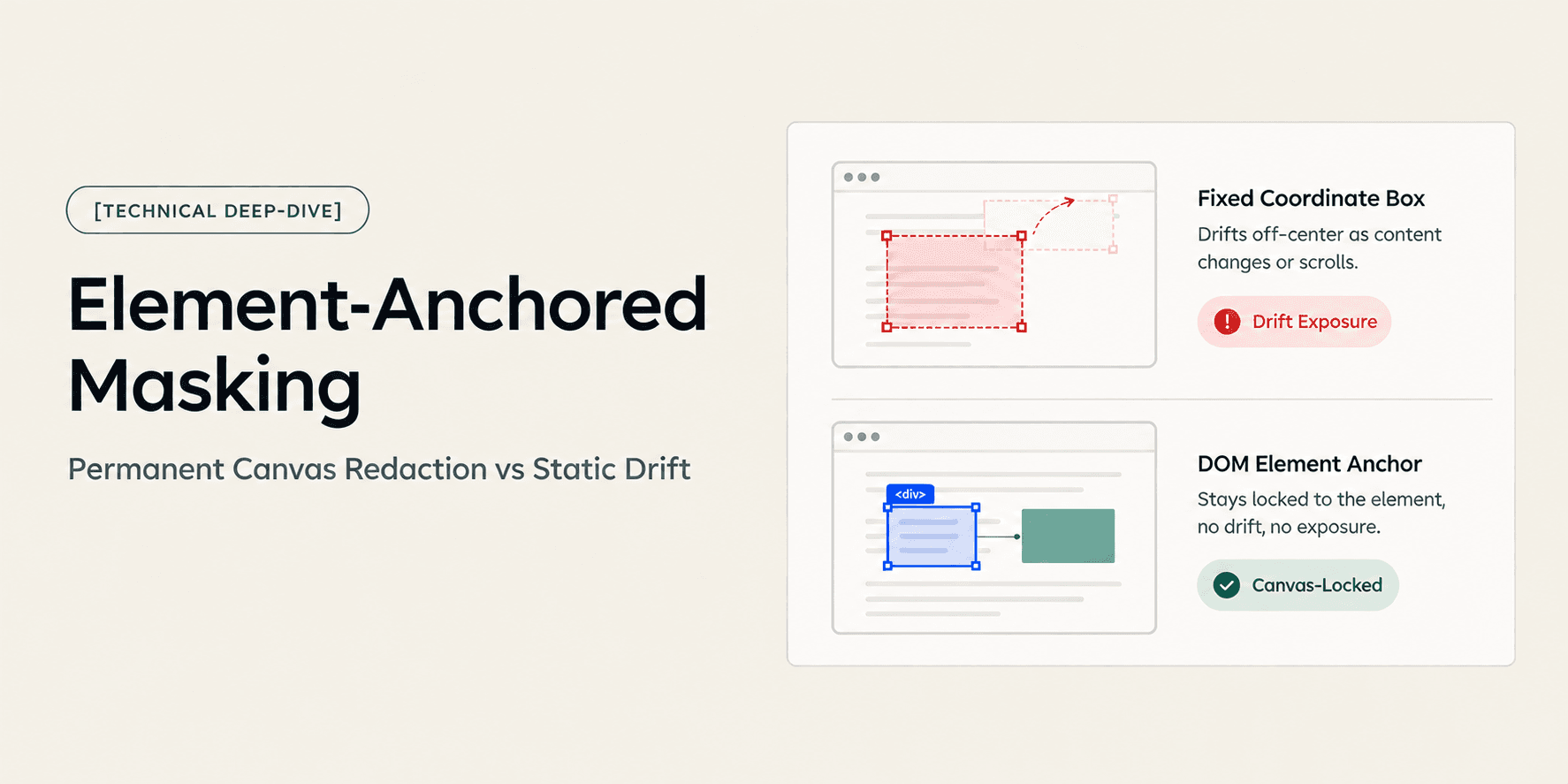
How Element-Anchored Masking Beats Static Blur Boxes
Learn why element-anchored masking outperforms static pixel blur boxes in screen recordings, preventing data leaks across page scrolling and dynamic layout shifts.
Try Demoly for your team
Create branchable, interactive demo recordings and deliverables in minutes with zero friction.