How to Price and Scope Client Handovers as an Agency
Learn how to price, scope, and package client handovers as a billable agency milestone that protects project margins and eliminates unbilled support calls.
How to Price and Scope Client Handovers as an Agency
Most digital agencies lose 15% to 25% of their project profit margins in the final four weeks after launch. When delivery is treated as an unbilled afterthought rather than a structured milestone, clients flood your team with "quick 15-minute questions," live Zoom requests, and out-of-scope maintenance demands.
Agency founders often struggle with delivery overhead because handovers lack contractual boundaries. By learning how agency founders cut post-launch client support hours, teams can replace unbilled reactive fire drills with billable, structured delivery systems. This operational guide provides an actionable framework to define handover scopes, price them profitably as standalone contract line items, and package asynchronous video assets that protect your team's billable calendar.
Quick Steps:
- Define the line-item scope: Carve client handover out of generic "project management" and establish it as an explicit, billable milestone in your Statement of Work (SOW).
- Select your pricing tier: Price the handover package as 5% to 8% of total contract value or deploy fixed delivery tiers ($1,500 to $5,000+).
- Establish asynchronous delivery boundaries: Limit live training sessions to one scheduled briefing and mandate that all subsequent queries route through self-serve video documentation.
- Assemble an AI-indexed walkthrough library: Group core admin, publishing, and configuration workflows inside a dedicated client workspace folder.
- Enforce sign-off and warranty deadlines: Trigger a formal 10-day acceptance window with clear criteria distinguishing warranty bug fixes from paid retainers.
Before You Start
- Audit historical support hours: Review your agency's past three client projects to calculate the unbilled engineering and project management hours spent on post-launch calls and Slack threads.
- Standardize deliverable requirements: Align your internal team around The Complete Client Handover Checklist for Web Agencies to confirm which domain records, codebase repositories, CMS modules, and admin credentials require formal documentation.
- Prepare your handover workspace: Ensure your documentation tooling allows zero-login client access so external stakeholders can search recordings without licensing friction.
Step 1: Define Handover Deliverables in Your Scope of Work (SOW)
Vague contract language like "Agency will provide client training prior to final sign-off" is the primary catalyst for post-launch margin collapse. Clients interpret this clause as unlimited live Zoom access for any team member indefinitely.
Replace vague delivery promises with explicit, itemized handover deliverables in your proposal and contract:
- Asset Deliverables: Define the exact quantity and format of delivery assets (e.g., "One structured project container containing 6 to 10 modular walkthrough recordings covering CMS publishing, user management, and API integrations").
- Access Provisioning: Specify formal transfer protocols for production DNS, cloud hosting, third-party API accounts, and codebase version control.
- Training Format: Explicitly state the delivery format: "Delivery is provided asynchronously via an indexed video knowledge base, paired with one scheduled 45-minute executive walkthrough."
- Acceptance Window: Define a clear sign-off period: "Client has 10 business days from asset delivery to complete acceptance testing and submit consolidated review questions."
By itemizing deliverables in your SOW, the handover shifts from an ambiguous goodwill gesture into a contractually bounded milestone with tangible commercial value.
Step 2: Establish Your Handover Pricing Model
Agencies frequently ask whether to bundle handover costs into overall project fees or quote them as an itemized line item. For fixed-price web applications, custom software builds, and headless CMS implementations, presenting the handover as a distinct line item establishes immediate perceived value and prevents clients from negotiating away delivery time.
Choose between two proven pricing frameworks based on your agency's contract structure:
Model A: Percentage-of-Build Pricing (Recommended for Large Custom Builds)
Calculate the handover package at 5% to 8% of the total project contract value:
- $25,000 Web Application Build: Scope a $1,500 Handover & Asset Enablement Package.
- $50,000 Custom Software Rollout: Scope a $3,000 to $3,500 Structured Transition & Documentation Package.
- $100,000+ Enterprise Platform: Scope an $8,000 Comprehensive Systems Handover, Multi-Role Training, and Governance Package.
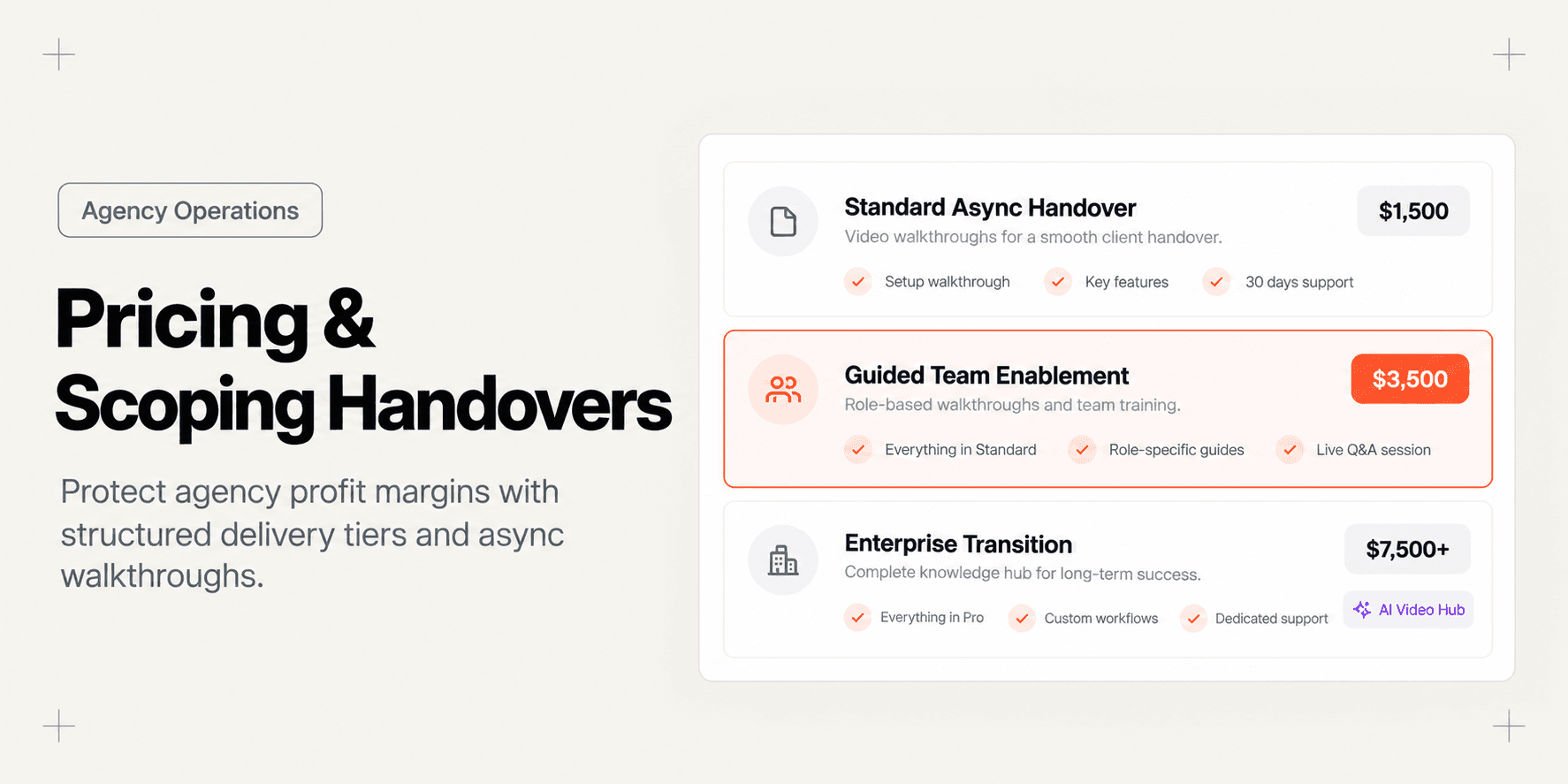
Model B: Fixed Delivery Tiers (Recommended for Retainers & Standardized Builds)
Deploy standardized packages that clients can select during proposal scoping:
Handover Tier | Contract Sizing | Line-Item Price | Included Deliverables | Support & Acceptance Scope |
|---|---|---|---|---|
Standard Async Handover | Projects $15k – $30k | $1,500 – $2,000 | 5–8 modular, AI-searchable video walkthroughs; written credential & DNS manifest; asset repository transfer. | 100% asynchronous delivery; 7-day acceptance window; zero live meetings. |
Guided Team Enablement | Projects $30k – $60k | $2,500 – $3,500 | Full async video library; 1 scheduled 45-minute live Q&A session; role-based admin guides; staged staging-to-production migration. | 1 live call included; 14-day asynchronous query window; element-pinned feedback. |
Enterprise Transition | Projects $60k+ | $5,000 – $7,500+ | Multi-department walkthrough libraries (Admin, Marketing, DevOps); customized security masking; executive roadmap presentation. | 2 live department sessions; 30-day priority bug warranty; formal SLA handover. |
When clients see a dedicated $2,500 or $3,500 line item, they treat the delivery process with respect. They assign a designated point of contact and review assets promptly rather than treating your engineers as on-call helpdesk staff.
Step 3: Establish Asynchronous Delivery Boundaries to Eliminate Live Meeting Creep
The most profitable handover is one that does not require scheduling five separate live training calls across conflicting client calendars. Scheduling live meetings introduces severe agency bottlenecks: key client stakeholders miss the call, recordings end up lost in private cloud drives, and absent staff request duplicate sessions two weeks later.
Restructure your delivery process around an async-first boundary:
- Mandate Asynchronous First: Inform the client that all feature demonstrations, admin workflows, and maintenance guides are delivered as interactive, searchable video modules.
- Enforce Single-Session Caps: If your tier includes live training, restrict it to a single 45-minute recorded session reserved exclusively for high-level questions that could not be answered in the recorded guides.
- Route Follow-Up Inquiries Through Centralized Assets: When a client pings your project manager with a question like "Where do we update our payment gateway webhooks?", do not jump on a call. Send the exact link to the indexed video module.
Agencies that replace live training calls with interactive asynchronous video assets see dramatic decreases in post-launch overhead. Discover how to cut post-launch client support calls by 70% by applying structured deflection frameworks that answer questions before they reach your developers.
Step 4: Package and Organize Searchable Video Walkthroughs
A client handover package is only as good as the client's ability to locate answers within it. If you dump twenty raw .mp4 video files into a shared Google Drive folder, clients will not watch them. They will search for 30 seconds, give up, and email your team anyway.
To deliver an agency-grade experience, organize walkthroughs inside an interactive, AI-indexed project container:
1. Create a Dedicated Client Container
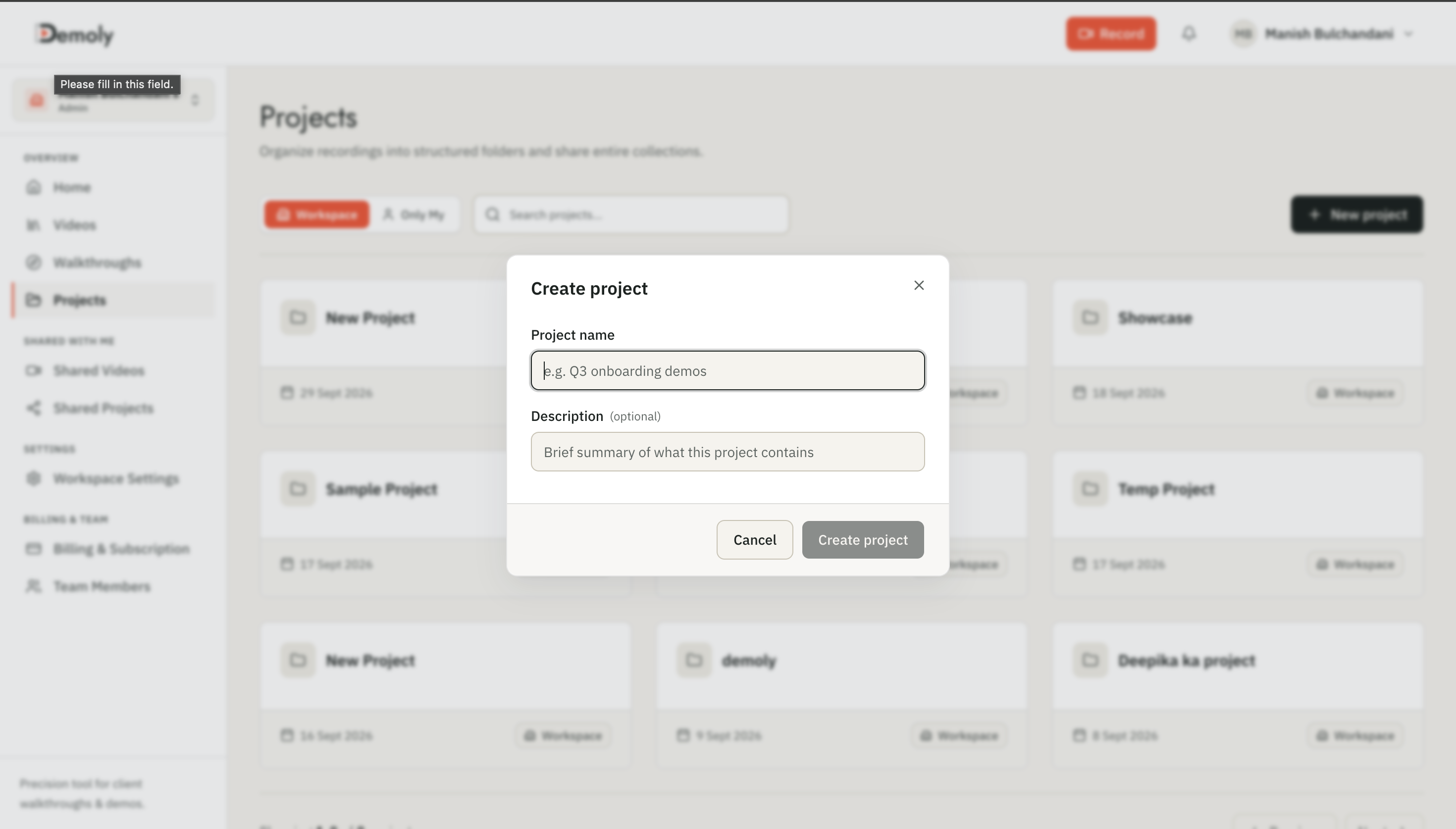
In your Demoly dashboard, click New Project to establish an isolated repository for the client build. Name the project clearly with the client and milestone name (e.g., Meridian Health - Production Handover).
2. Record Modular 2-to-4 Minute Feature Modules
Avoid recording sprawling 45-minute walkthroughs. Break the application down into discrete, topic-specific videos:
Module 1: CMS Content Architecture & Page PublishingModule 2: Managing Team Roles, User Permissions & InvitesModule 3: Third-Party API Webhooks & Notification SettingsModule 4: Environment Variables & Deployment Pipelines
3. Mask Sensitive Production Credentials
Before publishing, open each recording in the Demoly editor. If your screen displayed staging API keys, private customer records, or internal agency credentials, use Demoly's canvas-anchored Redact tool to permanently mask those fields. The redactions are baked into the video canvas, ensuring secrets cannot be inspected in developer tools.
4. Configure Friction-Free Zero-Login Access
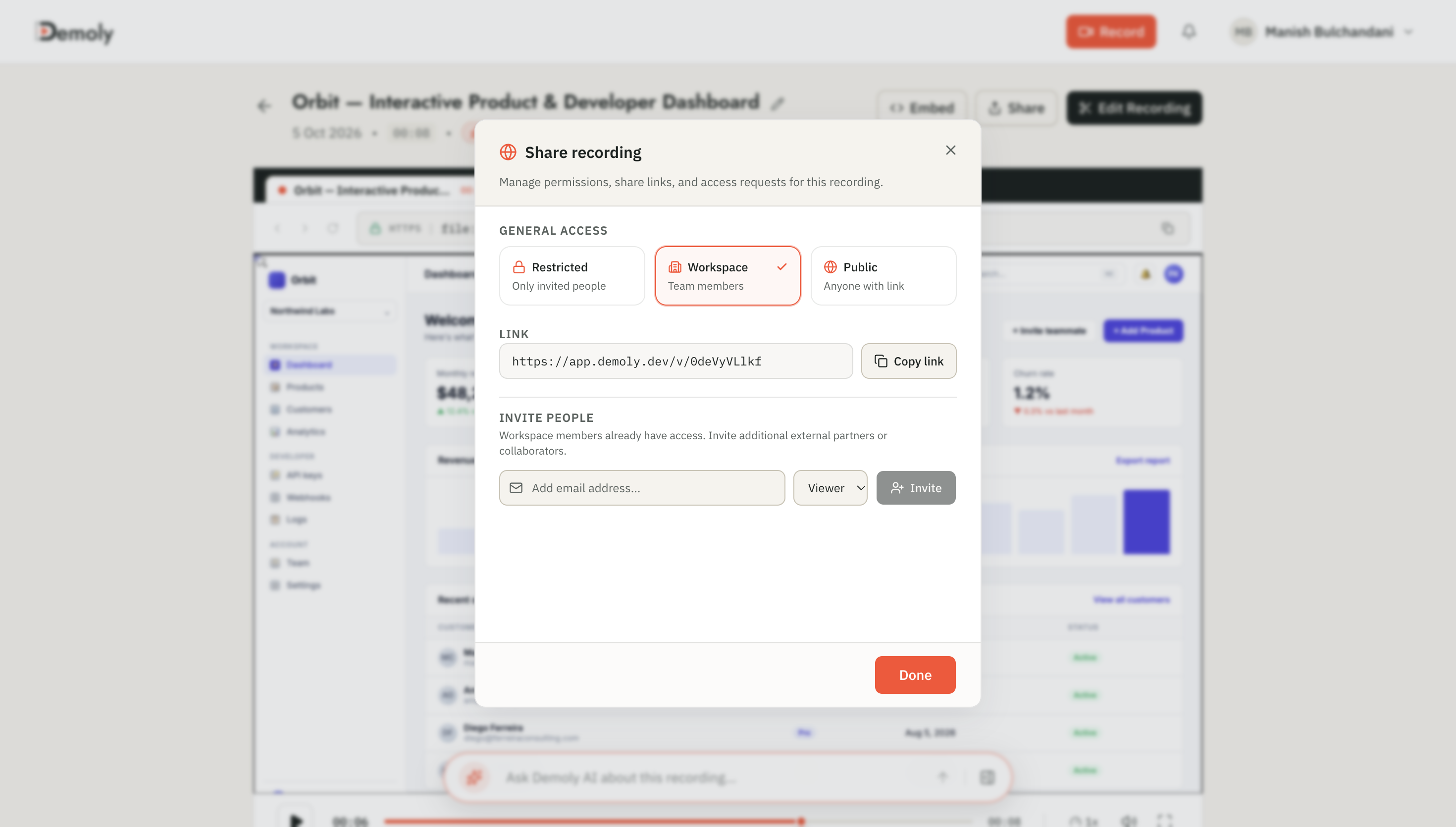
Click Share in the upper right corner of the project view. Set the permissions to Viewer Only and generate a public zero-login link.
Selecting the right documentation software ensures your clients actually use the delivered assets. For an objective evaluation of video platforms built for agency handoffs, review our comprehensive analysis of the best tool for client project handovers.
When the client opens the link, they access a clean playback environment equipped with natural-language AI search. If an operations manager needs to know how to export customer invoices three weeks after launch, they type "How do I export customer invoice PDFs?" into the Ask Demoly AI drawer. The player returns a concise answer and jumps the playhead directly to the exact second where the button was clicked.

Step 5: Establish the Formal Sign-Off and Post-Handover Warranty Window
Scoping a profitable handover requires defining exactly when the project ends and when post-launch maintenance begins. Without a formal sign-off gate, handovers bleed into perpetual unbilled support.
Execute this 3-part sign-off protocol upon delivering your handover package:
1. Issue the Handover Completion Notice
Send a formal delivery email containing the zero-login project link, credential manifest, and acceptance timeline:
"We have published your interactive handover package containing all module walkthroughs, credential transfers, and operational guides. Your 10-business-day acceptance testing window is now active, closing on [Date]. Please submit all consolidated questions directly through the project portal."
2. Define the Warranty Boundary
Clearly separate warranty defect corrections from out-of-scope maintenance requests in your contract terms:
- Covered Under Warranty (Included): Code regressions, broken database migrations, and objective functional failures that deviate from approved SOW specifications.
- Out of Scope (Billable Retainer): New feature enhancements, CMS styling modifications, user onboarding for new client staff hired post-launch, or third-party API changes.
3. Transition to Paid Support Retainers
On day 11 following the acceptance window closure, project delivery is contractually complete. Issue the final project invoice and provide your agency's ongoing support retainer menu (e.g., dedicated hours for maintenance, security patches, and quarterly feature sprints).
How to Verify It Worked
Confirm that your new handover scoping and delivery workflow has protected your project margins:
- Calculate Post-Launch Realized Hourly Rate: Measure total team hours spent between code completion and final sign-off. Compare this against historical builds to confirm that unbilled hours dropped by at least 60%.
- Audit Client Incognito Playback: Open the shared handover project link in an incognito window. Verify that the video hub loads immediately, video scrubbing works smoothly, and the conversational search drawer returns timestamp citations without requiring a user login.
- Verify Zero Scheduled "Catch-Up" Calls: Confirm that your project managers and lead developers have zero unscheduled Google Meet or Zoom calls on their calendar for this client during the 14 days post-handover.
Important Notes & Edge Cases
- Client Staff Turnover: Clients often experience internal turnover three to six months after a software rollout. When new managers arrive, they frequently contact the agency expecting free onboarding. Having a persistent, indexed video handover link allows account managers to send the repository link immediately, resolving staff training without unbilled calls.
- Redacting Staging vs Production Keys: Never leave live Stripe secret keys, AWS access tokens, or private database passwords visible in handover videos. Always apply canvas redaction or rotate temporary credentials before capture.
- Executive vs Operational Stakeholders: Executives want high-level architecture overviews, while operational staff need granular, click-by-click instructions. Structure your video naming taxonomy so managers can quickly identify the exact operational module they need.
Troubleshooting Agency Margin Traps
- Problem: The client ignores the video walkthroughs and demands a live 2-hour Zoom walkthrough with your senior technical architect.
Fix: Politely uphold the SOW agreement. Offer to review specific timestamped questions asynchronously inside the video platform, or inform the client that extra live multi-stakeholder workshops can be scheduled under your standard agency advisory rate ($175–$250/hr).
- Problem: The client delays formal sign-off by submitting one minor styling question every three days, keeping the acceptance window open indefinitely.
Fix: Enforce the SOW's "Deemed Acceptance" clause. If no objective functional defects are submitted within the contractually specified 10-day window, acceptance occurs automatically and final invoices become due.
- Problem: Client team members leave questions in scattered channels (Slack, email, WhatsApp, Notion).
Fix: Centralize feedback by instructing clients to use element-anchored comments directly on the walkthrough videos. This keeps visual context aligned with timestamped application states and prevents miscommunication.
Practical Next Steps
Transitioning your agency to structured, billable client handovers eliminates the friction that degrades agency profitability. Demoly gives technical agencies an in-browser platform to record modular web app walkthroughs, redact production secrets, and generate AI-searchable client knowledge bases with zero-login links on its free plan ($0 forever, no credit card required).
Frequently asked questions
Commonly asked questions about this article.
01•Should client handovers be billed as a percentage or a flat fee?
Fixed-fee tiers work best for standardized website builds, while percentage-of-build pricing (5% to 8%) provides superior margin protection for complex custom web applications.
02•How long should the client acceptance testing window last?
A standard acceptance window should span 7 to 10 business days. Allowing windows longer than two weeks leads to project stalling and delayed final milestone invoices.
03•What should an agency do if a client demands unrecorded live training?
Reference the SOW training clause and offer a dedicated live training workshop as a billable contract add-on, priced at your agency's standard hourly consulting rate.
04•How many videos should be included in an agency handover package?
Aim for 5 to 10 focused videos between 2 and 4 minutes each. Modular recordings are easier for clients to search and digest than a single 45-minute recording.
05•Do clients need to purchase software licenses to view Demoly handovers?
No. Demoly provides zero-login public sharing links, allowing client stakeholders and staff to stream recordings and use AI search in their browser without paid accounts.
Demoly Team
Contributor
Related Dispatches
View all dispatches →
Best Storylane Alternatives for Interactive Product Demos
Looking for a Storylane alternative? Compare the 6 best platforms for interactive product demos, AI-searchable video walkthroughs, and client deliverables.
How to Record Smooth Multi-Tab Workflows in One Take
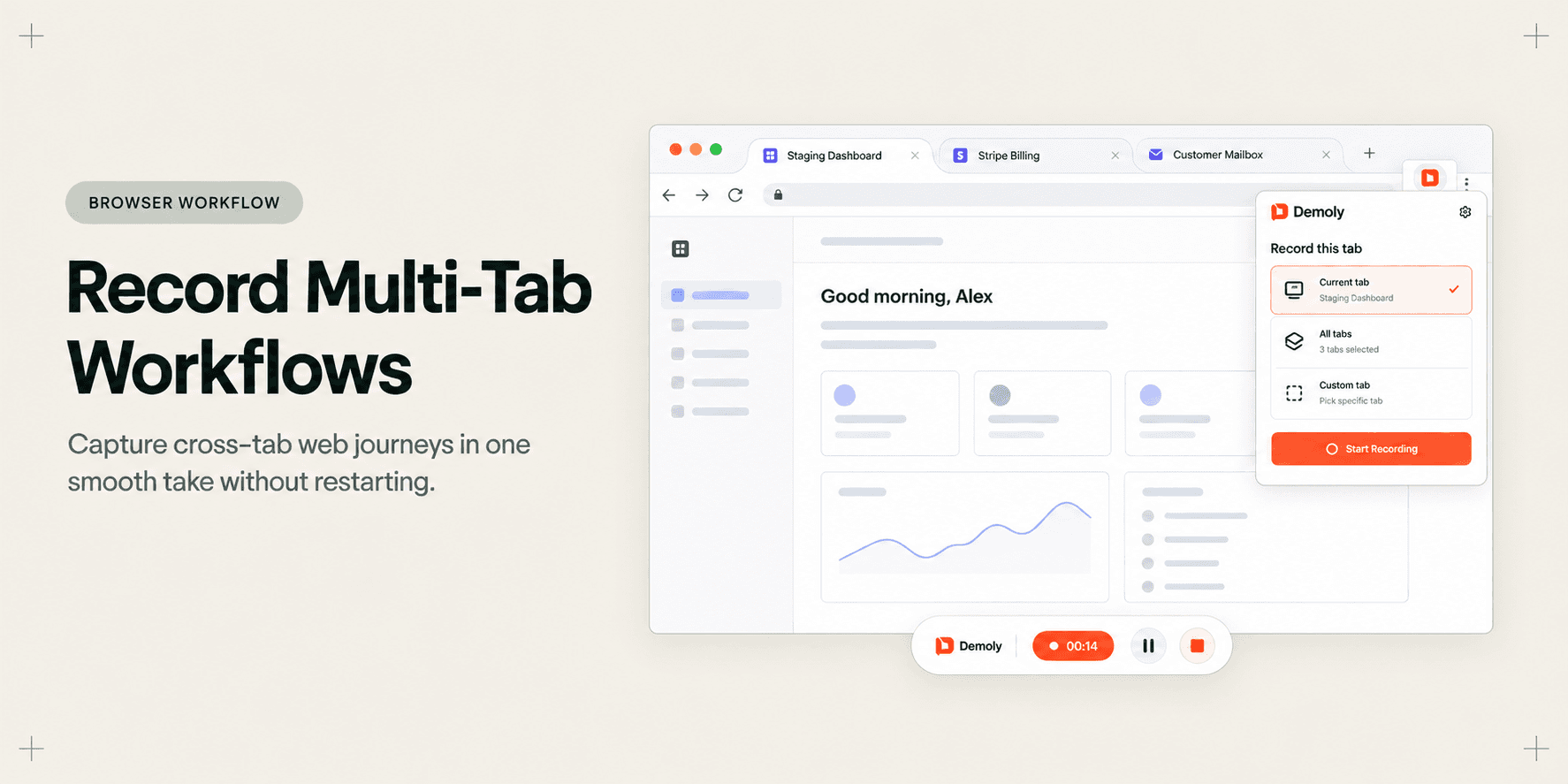
Recording multi-tab SaaS workflows often leads to messy restarts, dropped audio, and disjointed videos. Learn how to capture cross-tab browser journeys in one smooth take.
How Customer Success Managers Onboard Clients Asynchronously
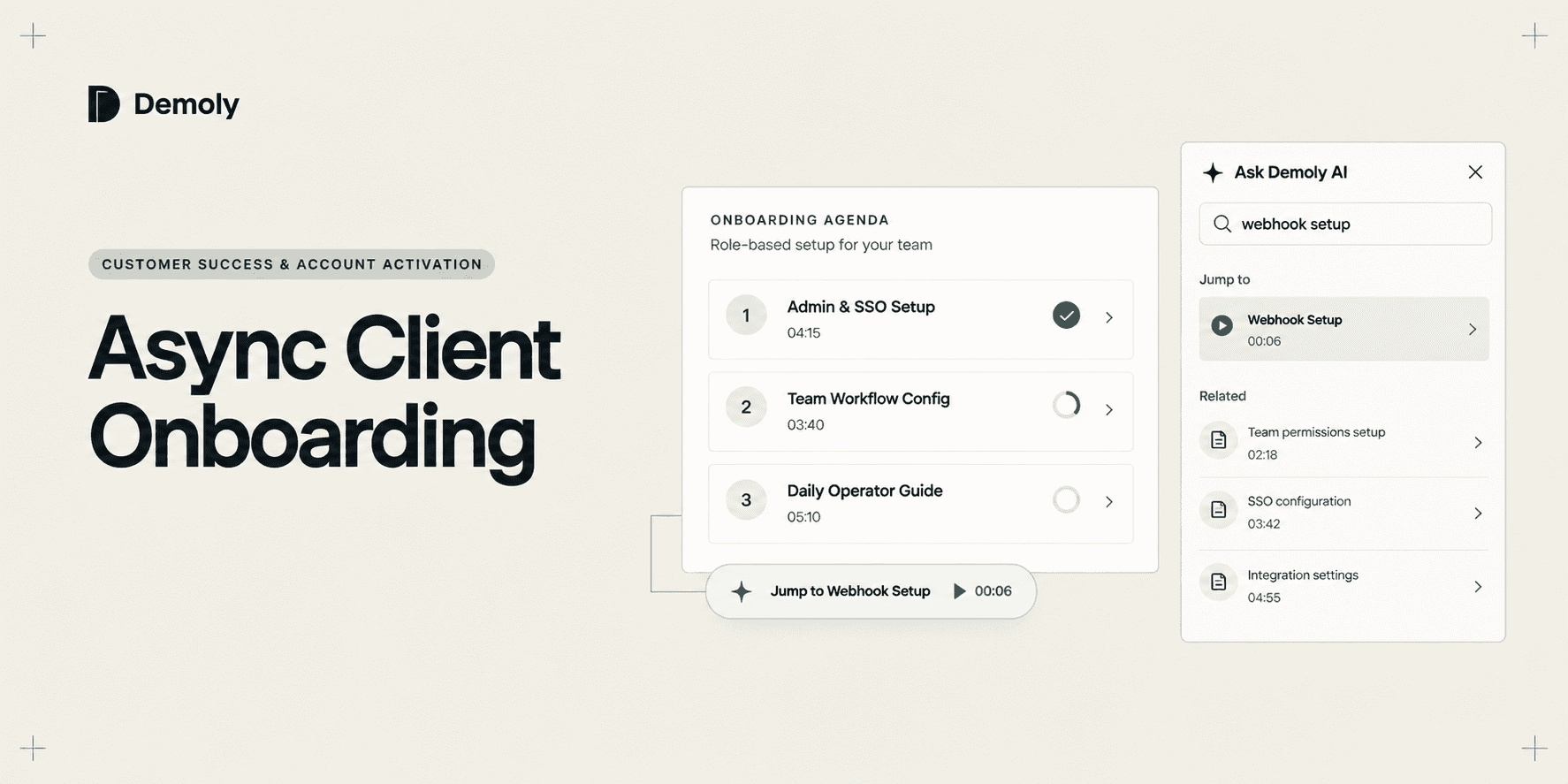
Scheduling endless onboarding calls drains customer success teams and slows client activation. Learn how CSMs onboard new accounts asynchronously using modular, AI-searchable walkthroughs.
Try Demoly for your team
Create branchable, interactive demo recordings and deliverables in minutes with zero friction.