How to Cut Post-Launch Client Support Calls by 70%
Post-launch client questions drain agency profitability through unbilled support hours. Learn an operational playbook to deflect up to 70% of repetitive support calls using searchable video handovers.
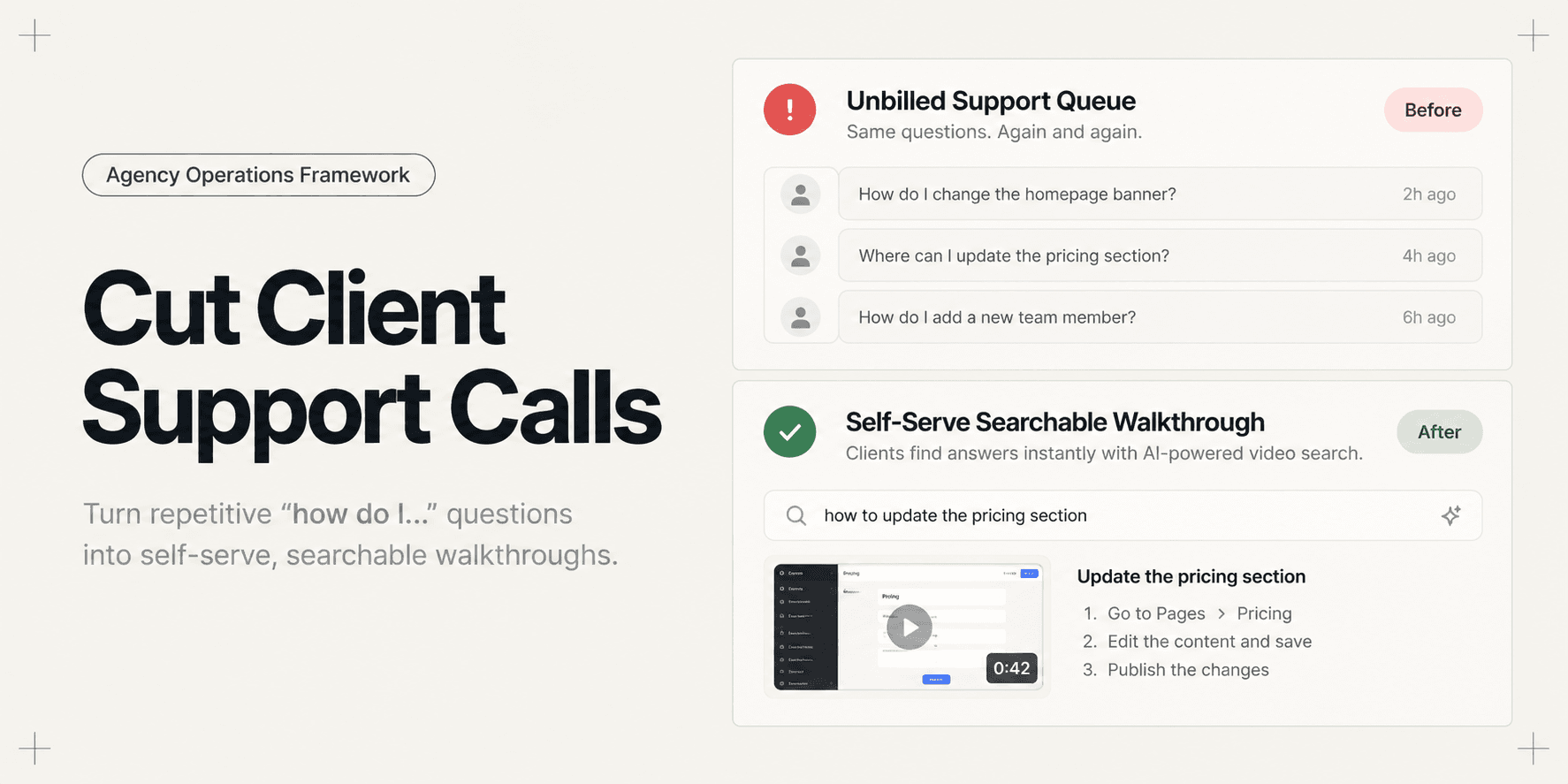
How to Cut Post-Launch Client Support Calls by 70%
The site cutover goes live without incident, DNS propagates cleanly, and the client praises the initial design. Then Monday morning arrives, and the post-launch support avalanche begins. Non-technical marketing coordinators cannot figure out how to swap a hero banner, the sales team cannot find where form submissions route, and the executive sponsor emails your lead developer directly for urgent help with blog categories.
Most agencies treat this 30-day post-launch chaos as an unavoidable tax on client services. Account leads schedule reactive Zoom calls to walk through standard settings, while developers lose focus hours answering basic CMS questions in Slack threads. Because standard client contracts rarely bill for post-launch training questions, these interactions quietly erase the profit margin of completed builds.
Static handbooks and 60-minute training recordings fail because clients never revisit them when questions arise weeks later. When an editor gets stuck under a Friday deadline, emailing a developer is always faster than reading a 40-page Notion document or scrubbing a long video.
By restructuring your agency delivery into an operational deflection framework, you can resolve recurring queries before they reach your inbox. Combining a comprehensive client handover checklist with indexed self-serve walkthroughs enables agencies to cut repetitive post-launch calls and tickets by up to 70%.
The Hidden Economics of Post-Launch Scope Creep
Unbilled support calls are rarely caused by system defects. Over 80% of post-launch client questions fall into three predictable operational buckets:
Routine Content Operations: Formatting blog layouts, updating navigation menus, and modifying team member bios.
Credential and Access Confusion: Locating third-party API keys, resetting editor permissions, and finding production hosting dashboards.
Notification and Lead Routing: Understanding why form notifications go to spam or where marketing leads accumulate.
When an agency relies on ad-hoc communication, each basic query costs an average of 30 to 45 minutes of context-switching time. An engineer must pause active sprint work, log into the client production environment, take screenshots or write an explanation, and reply via email. Across five client launches per quarter, unbilled support quickly consumes dozens of senior developer hours.
Cutting these support interruptions requires shifting your delivery model from reactive triage to proactive self-service.
Traditional Handovers vs. The Support Deflection System
The breakdown between agencies and clients happens because traditional documentation is optimized for the creator rather than the reader.
Operational Layer | Traditional Agency Handover | Self-Serve Deflection System |
|---|---|---|
Delivery Medium | 30-page static PDFs or 60-minute recorded Zoom calls | Centralized delivery dashboard with 2-minute modular walkthroughs |
Searchability | Clients must read dense text or scrub unstructured timelines | Visual and spoken action indexing with direct AI question jumps |
Client Friction | Requires digging through long email threads or folder drives | Single permanent hub URL accessible without special software accounts |
Communication Channel | Direct developer emails, uncoordinated Slacks, and unscheduled phone calls | Central support triage desk with mandatory self-serve search link |
Post-Launch Governance | Vague warranty scope leading to free feature adjustments | Strict 30-day bug warranty window paired with clear out-of-scope maintenance tiers |
The 4-Pillar Support Deflection Playbook
To eliminate repetitive post-launch calls, establish this operational sequence on every client project before sending the final invoice.
1. The Modular Handover Hub
Never deliver documentation across multiple scattered email attachments or shared drive links. Centralize all project assets inside a single delivery page:
The Essentials Dashboard: Place hosting access URLs, domain registrar details, and CMS admin links directly at the top.
Role-Based Workflows: Separate documentation by role so non-technical editors see content publishing guides while administrators see billing and user permissions.
Third-Party Credentials: List production services (Stripe, SendGrid, Google Analytics) with clear notes on where secret keys live.
2. Searchable 2-Minute Micro-Tours
Replace the traditional 60-minute training call with short, single-topic screen captures. Each recording should demonstrate exactly one user task:
Keep individual walkthroughs under three minutes to prevent cognitive overload.
Name each video with an action-driven title (for example, "How to add an author profile" or "How to export lead form submissions").
Ensure walkthroughs are fully indexed so clients can query natural language questions and jump directly to the exact second where an action occurs. For detailed steps on configuring indexable captures, read our guide on how to record a web app walkthrough your client can actually search.
3. Strict Channel Routing and Asynchronous Gates
Eliminate informal communication channels immediately upon launch:
Deactivate Temporary Slack Channels: Archive shared Slack or Teams channels within five business days of production release.
Establish a Single Triage Desk: Direct all post-launch inquiries through a designated support email or portal rather than individual team member addresses.
Implement the Self-Serve Gate: Configure automated auto-responders that link back to the project handover hub and video search index before a ticket is assigned to engineering.
4. Commercial Warranty Boundaries
Misaligned expectations turn routine maintenance into unbilled labor:
Define Defects vs. Training: Clarify in the launch agreement that technical bugs are covered under warranty, while staff retraining and styling adjustments require billable hours.
Define the Post-Launch Horizon: Limit complimentary bug fixes to a fixed 14 or 30-day window following official cutover.
Provide Maintenance Retainer Options: Present proactive monthly support packages alongside the final invoice so clients have an immediate path for ongoing feature development.
Practical Deliverable: The Post-Launch Delivery Matrix
Here is an example of an operational handover structure used by high-margin agencies:
Primary Hub URL:
client-hub.agencyname.com/client-slugSection 1 (Core Infrastructure): Domain DNS provider, production server IP, SSL auto-renewal status, and staging repository links.
Section 2 (Editorial Walkthroughs): Five micro-tours covering article publishing, media sizing rules, navigation updates, contact form routing, and footer modifications.
Section 3 (Administrative Safeguards): User account provisioning, automated backup restore points, and security webhook triggers.
Section 4 (Support & Retainer Desk): Single ticketing link, 24-hour SLA statement, warranty expiration date, and monthly maintenance options.
Common Operational Mistakes That Trigger Support Calls
Agencies that struggle with persistent post-launch interruptions usually commit one of these core operational mistakes:
Conducting Live Training Without Video Records: Running a live demonstration gives the illusion of understanding, but client teams forget up to 80% of software workflows within 48 hours if no visual reference remains.
Sharing 45-Minute Uncut Screen Recordings: Forcing a busy client to scrub back and forth across a massive timeline to find a ten-second setting guarantees they will email your team instead.
Exposing Live Credentials in Videos: Recording production API keys or administrative passwords without frame redaction forces emergency credential rotations and confuses client security teams.
Leaving Scope Boundaries Undefined: When an agency fails to distinguish between a functional bug and an editorial training request, clients treat normal administrative tasks as agency obligations.
Quality Check: Support Readiness Audit
Before handing over the live build and marking the project complete, verify that your delivery package satisfies these operational checks:
Can a newly onboarded client editor log in and publish a test page without asking your team for guidance?
Can the client find where contact form notification emails are delivered without opening a support ticket?
Are all production API secrets permanently redacted from shared video walkthroughs?
Has the client signed an acceptance agreement detailing the 30-day warranty boundary and ongoing support rates?
Does every support link point to a centralized triage desk rather than individual developer inboxes?
Implementing the Workflow with Demoly
Creating dozens of short video guides can feel time-consuming if your team relies on standard screen recorders. Traditional video platforms produce static files that fail to capture the underlying interface state, leaving clients unable to find answers when they get stuck.

Ask Demoly AI - Natural Language Semantic Video Search
Walkthrough tools like Demoly solve this operational problem by combining rapid browser capture with interactive visual search:
Visual Interaction Capture: Demoly captures both audio explanations and browser interaction events simultaneously. When a developer clicks a nested menu or toggles a toggle switch, that visual step is permanently cataloged.
Natural-Language AI Search: Clients open the walkthrough and type everyday questions (such as "Where do I add a new author?") into the Ask Demoly AI drawer. The player responds with a concise answer and a direct timestamp chip that jumps straight to the exact action on screen.
Permanent Canvas Redaction: Easily blur staging API keys, production database tokens, or personal client data at the canvas layer before sharing, keeping walkthroughs compliant and secure.
Zero-Friction Access: Clients watch and query walkthroughs directly in any modern browser without creating accounts, downloading browser extensions, or paying per-seat software licenses.
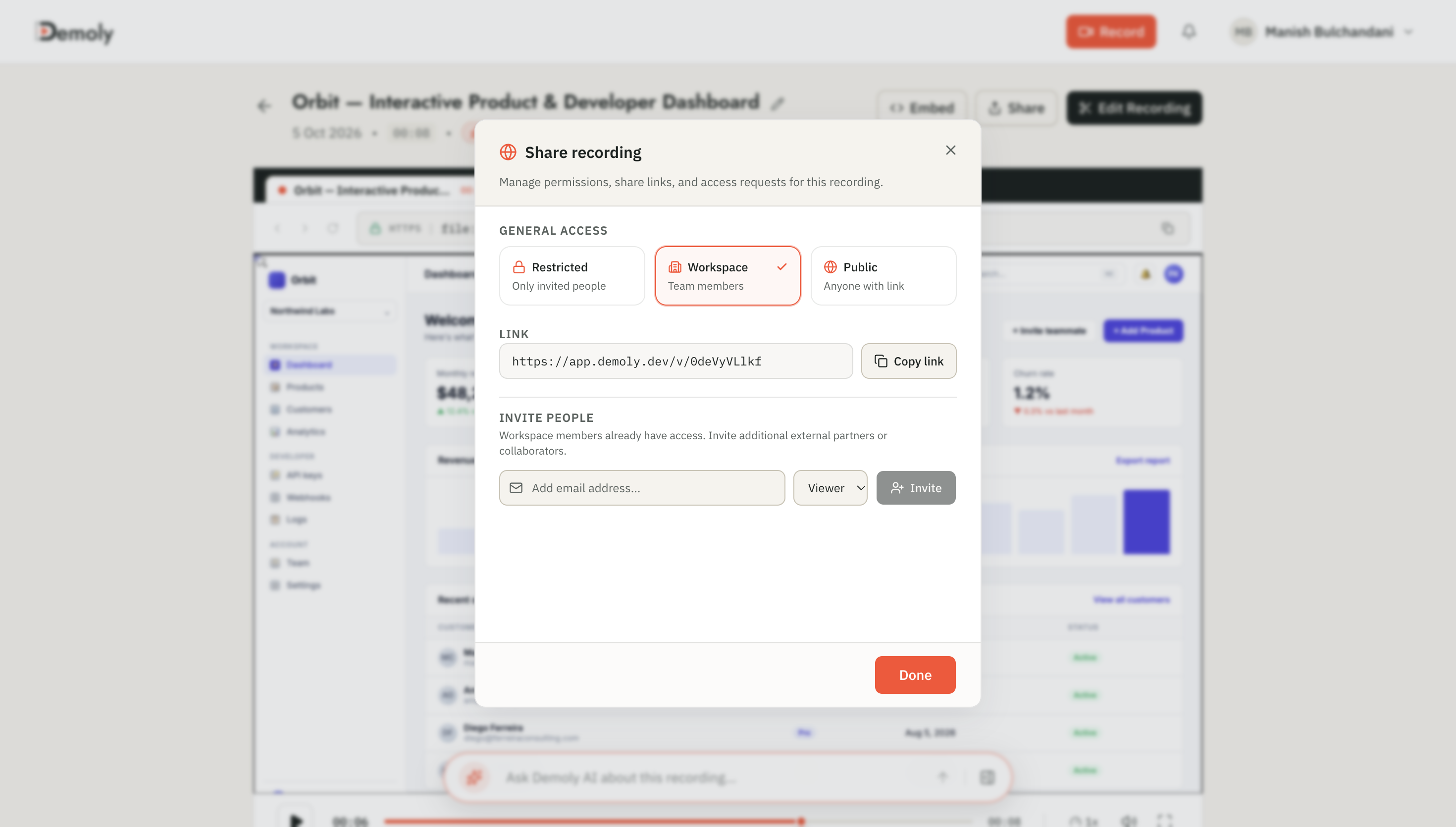
Demoly Share Modal - Zero-Friction Public & Client Access
By giving clients an interactive, self-service video library, you eliminate the friction that drives post-launch questions, protecting your agency profit margins.
Practical Next Steps
Reducing post-launch client calls does not require writing hundreds of pages of documentation. Start by identifying the three questions your developers get asked on every launch. Record a two-minute indexed walkthrough for each workflow, bundle them into your next delivery package, and direct all incoming support queries to the search hub.
To evaluate which software stack best matches your delivery workflow, explore our comprehensive guide on the best tool for client project handovers.
Frequently asked questions
Commonly asked questions about this article.
01•What causes most post-launch client support calls?
Most client calls stem from routine content publishing questions, misplaced credentials, and confusion around how form submissions route to internal teams.
02•How does video documentation deflect more support calls than written manuals?
Clients rarely read long written handbooks, but they readily watch short visual walkthroughs that show exact button clicks and menu locations.
03•Should agencies charge clients for post-launch training questions?
Yes, contracts should cover functional bug fixes under warranty while routing operational training and CMS coaching to paid support retainers.
04•How long should an agency client walkthrough video be?
Keep walkthrough videos between one and three minutes, focusing each individual recording on a single, isolated operational task.
05•Do clients need accounts to search Demoly walkthroughs?
No, clients can open, watch, and search Demoly walkthroughs directly in any standard browser without creating an account or installing extensions.
Demoly Team
Contributor
Related Dispatches
View all dispatches →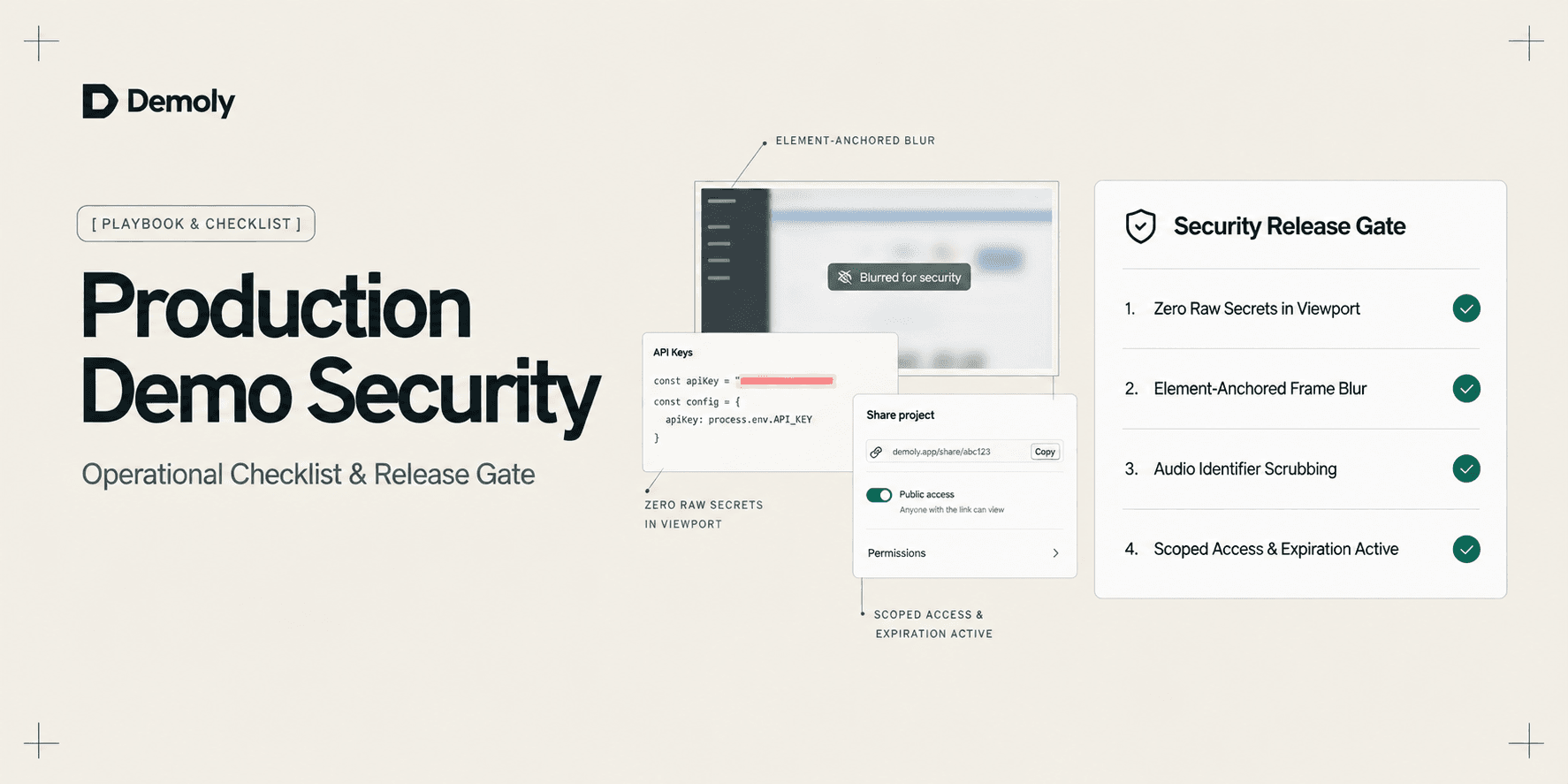
A Security Checklist for Sharing Demos of Live Production Environments
Prevent credential leaks, PII exposure, and compliance violations. Use this operational security checklist to safely record and share demos of live production environments.
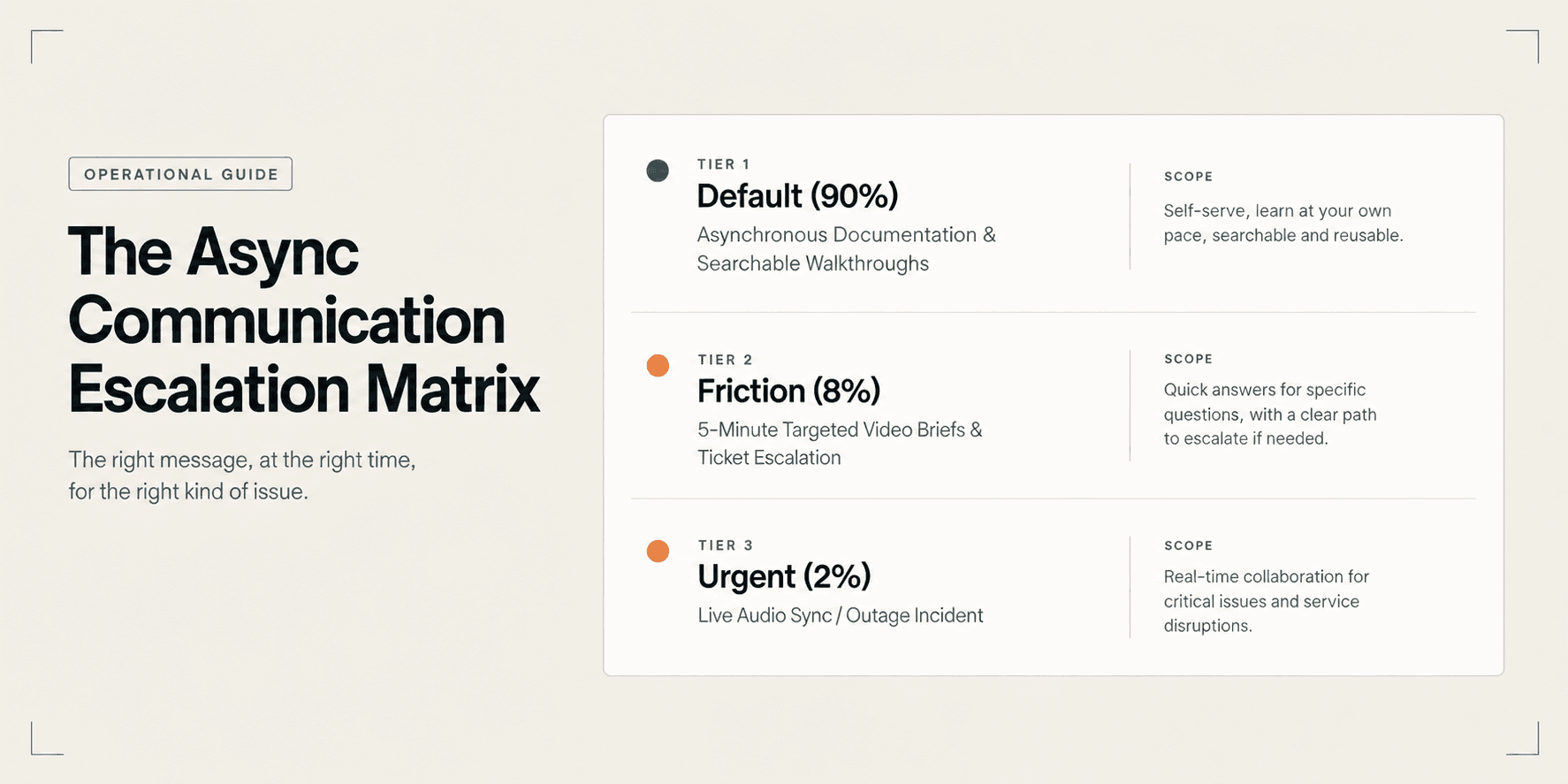
The Async Communication Playbook for Distributed Agency Teams
Eliminate timezone bottlenecks and calendar gridlock. Learn the operational playbook distributed agencies use to manage cross-timezone handoffs and client updates asynchronously.
Best Screen Studio Alternatives for Windows and Linux
Looking for Screen Studio alternatives on Windows or Linux? Compare top cross-platform tools for auto-zoom effects, AI-searchable walkthroughs, and screen recording.
Try Demoly for your team
Create branchable, interactive demo recordings and deliverables in minutes with zero friction.