Best Tool for Customer Onboarding Videos
Compare the best tools for customer onboarding videos. Evaluate interactive AI video walkthroughs, automated voiceover guides, async screen messages, and sandbox tours.
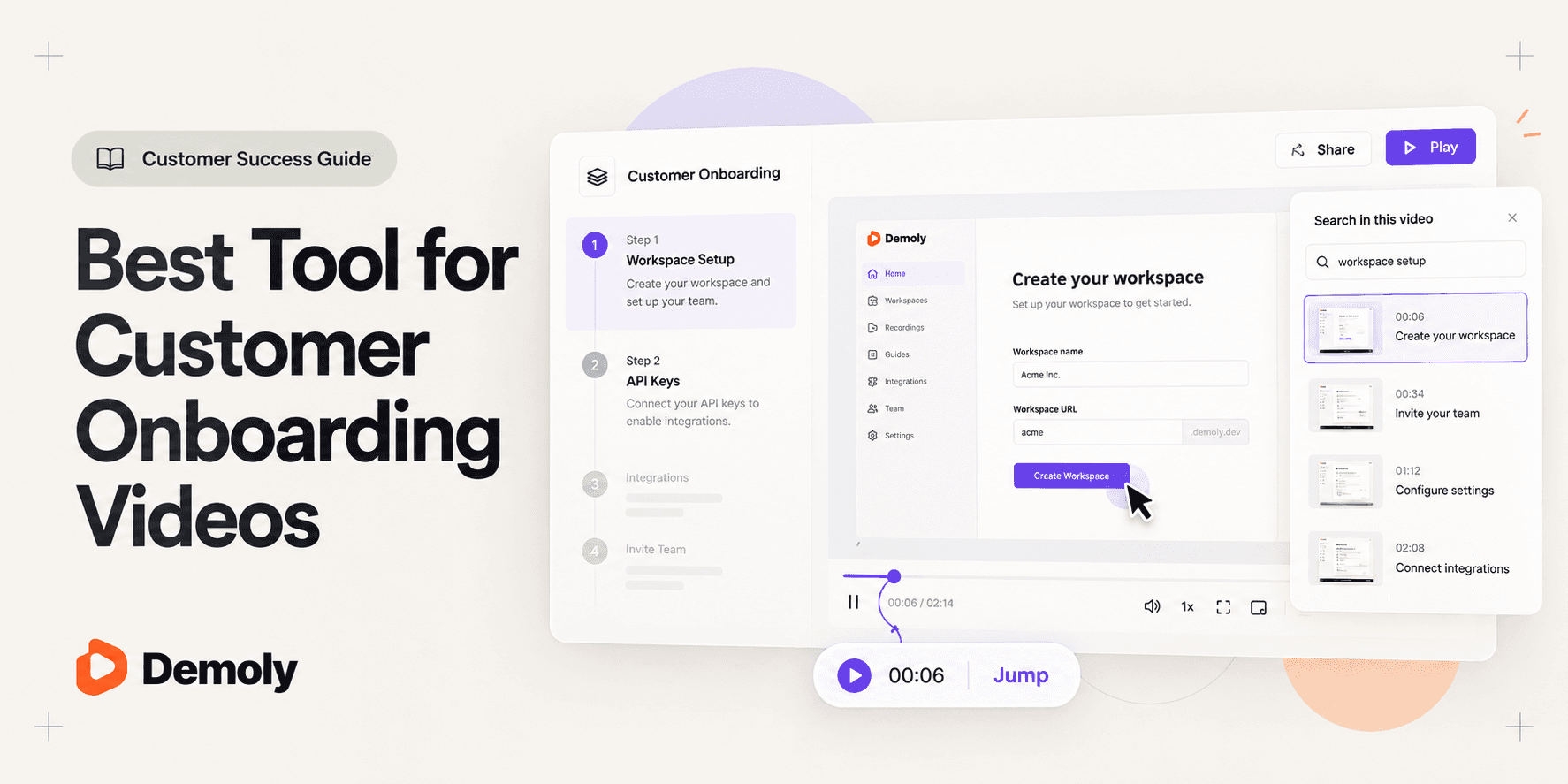
Best Tool for Customer Onboarding Videos
Customer onboarding determines whether a new account activates smoothly or stalls out into churn. When a customer purchases a software platform or rolls out a new system, their team wants immediate clarity on how to configure accounts, invite users, and integrate core workflows.
Traditional customer onboarding workflows regularly break down under operational scale. Live kickoff calls are difficult to schedule across busy teams and cover too much ground in a single session. Long screen recordings leave crucial steps trapped along an unindexed timeline, forcing customers to scrub back and forth to find individual settings. When onboarding videos fail to answer quick questions, customers either flood customer success inboxes or abandon adoption altogether.
An effective customer onboarding video must serve as an interactive, searchable reference asset. Instead of forcing clients into passive 20-minute video watches, modern customer success teams deliver modular guides that answer specific questions on demand and jump straight to relevant visual steps. In this guide, we evaluate the best tools for customer onboarding videos to help you pick the right platform for your team.
What Makes a Good Customer Onboarding Video Tool?
Evaluating software for customer onboarding videos requires focusing on criteria that directly impact client activation, viewer retention, and ongoing support overhead:
- Instant Workflow Searchability: Customers rarely watch onboarding videos from beginning to end. The tool must let viewers search for specific actions, such as configuring integrations or managing permissions, and jump directly to the exact visual timestamp.
- Zero-Friction Viewer Access: External clients should never have to download software, install browser extensions, or register paid accounts just to view an onboarding video. Playback must work immediately in any browser.
- Sensitive Data Redaction: Walkthroughs frequently display internal database strings, staging keys, or confidential client records. The platform must enable permanent canvas-layer redaction before sharing links with external users.
- Production and Update Speed: Products evolve constantly. A sustainable onboarding tool allows customer success managers and account leads to record, trim, and update videos in minutes without full re-recording cycles.
- Viewer Engagement and Clarity: Onboarding requires both visual precision and conceptual clarity. The format must highlight interface nuance without overwhelming viewers with cluttered editing effects.
Best Tools for Customer Onboarding Videos at a Glance
Tool | Primary Onboarding Role | Core Delivery Format | Search and Discovery Layer | Sensitive Data Controls | Customer Access Model | Pricing Model |
|---|---|---|---|---|---|---|
Demoly | Interactive, AI-searchable customer walkthrough packages | Browser DOM and visual action tracking | Natural language Visual and Voice AI queries | Frame-layer canvas redaction and blur | Free browser playback, no viewer login needed | Free ($0) / Pro at $8/creator/mo |
Guidde | Automated step-by-step video manuals with AI voiceover | Screen action capture with synthetic text-to-speech | Guide text search and chapter tags | Automated PII and sensitive data blur | Public web links and embedded players | Free tier / Pro from $16/user/mo |
Loom | High-touch personal async welcome and kickoff messages | Screen and presenter webcam video stream | Spoken audio transcript search only | Basic timeline trimming and canvas blur | Browser playback, login needed to comment | Free (5-min cap) / Business at $12.50/mo |
Supademo | Self-paced interactive sandbox click-through tours | Interactive screenshot and HTML DOM capture | Step-by-step chapter navigation | Hotspot blurring and synthetic text editing | Web embed and shareable URL links | Free basic / Pro at $27/creator/mo |
Vidyard | Enterprise customer video messaging and viewing portals | Screen and webcam capture with video hubs | Speech transcription and video tagging | Video access control and password gates | Branded portal links and email embeds | Free tier / Pro from $19/user/mo |
1. Demoly: Best for Self-Serve, AI-Searchable Customer Walkthroughs
Demoly is an interactive walkthrough platform built specifically for customer success teams, software implementation consultants, and digital agencies. Unlike traditional screen recorders that produce flat video files where instructions get buried on a timeline, Demoly captures browser workflows and indexes both spoken dialogue and silent on-screen user actions.

Why It Works for Customer Onboarding
Customer onboarding requires answering specific questions across complex settings menus, user tables, and third-party integrations. When customers encounter friction days after initial rollout, they open Demoly's interactive AI search drawer and ask plain-English questions like "Where do I configure automated email alerts?" or "How do I invite team members?"
Because Demoly indexes silent cursor clicks, form inputs, and tab navigation alongside voice narration, the AI provides a concise written summary and jumps the viewer straight to the exact video second. This transforms onboarding footage into a permanent, self-serve knowledge base. Teams looking to implement this workflow can explore our step-by-step tutorial on How to Record a Web App Walkthrough Your Client Can Actually Search.
Strongest Capabilities
- Visual and Voice AI Indexing: Searches spoken audio as well as silent interface clicks, dropdown selections, and form fields across browser tabs.
- Canvas-Layer Redaction: Permanently removes confidential client records, API keys, or staging database credentials at the video frame layer before sharing.
- Element-Anchored Comment Pins: Allows customers to pin questions or feedback directly to specific interface elements (
🎯) at precise timestamps. - Zero-Friction Client Access: Customers can watch, search, and query walkthroughs in any modern browser without creating accounts, paying seat fees, or installing extensions.
- Non-Destructive In-Browser Editing: Creators can split clips, cut out awkward pauses, and delete mistakes without re-recording from scratch.
Limitations and Pricing
Demoly is purpose-built for browser-based web applications and SaaS workflows. It does not record native desktop operating system software (such as Xcode or local terminal windows). Demoly provides a Free plan ($0 forever) with unlimited recordings, a 15-minute cap per video, and 5 AI-indexed recordings per month. The Pro plan costs $8 per creator per month for a 30-minute recording cap, unlimited AI-indexed videos, and unlimited interactive viewer Q&A, with free viewer access.
2. Guidde: Best for AI-Generated Video Guides with Synthetic Voiceover
Guidde is an AI video documentation platform designed to generate training videos and how-to guides automatically from browser screen recordings.
Why It Works for Customer Onboarding
Customer success teams often need to produce dozens of short, standardized micro-walkthroughs for repetitive customer questions. Recording voiceovers for every individual workflow is time-consuming and difficult to keep consistent across team members. Guidde captures screen interactions in the background and automatically generates structured video steps paired with natural-sounding AI voice narration in multiple languages.
Strongest Capabilities
- Automated AI Voiceover: Converts recorded click workflows into smooth, synthetic voice narration without requiring creator microphone audio.
- Step-by-Step Auto Editing: Automatically adds visual zoom effects, highlight callouts, and clean transitions between interface clicks.
- Multilingual Localization: Translates onboarding video voiceovers into dozens of languages to support international customer bases.
- Knowledge Base Embedding: Generates clean embed codes and animated GIF previews for customer portals and Zendesk help centers.
Limitations and Pricing
Guidde focuses on structured, auto-assembled micro-clips rather than continuous, conversational screen walkthroughs. If a customer needs nuanced explanations of strategic concepts or complex edge cases, synthetic narration can feel mechanical. Guidde offers a free tier capped at 25 videos, with paid Pro plans starting at $16 per user per month billed annually.
3. Loom: Best for High-Touch Personal Async Welcome Messages
Loom is the standard for fast asynchronous screen and webcam video recording. While widely used for internal team communication, it remains popular for personalized customer onboarding touchpoints.
Why It Works for Customer Onboarding
For high-contract enterprise customers, onboarding requires establishing human rapport alongside technical guidance. A brief two-minute personal video from a dedicated customer success manager welcoming the customer team adds a valuable human touch. Loom makes it effortless to record screen footage with a prominent webcam bubble and share an instant playback link.
Strongest Capabilities
- Rapid Recording and Cloud Delivery: Cloud processing begins the moment recording ends, generating an instant shareable link in seconds.
- Simultaneous Webcam Overlay: Displays a crisp presenter webcam bubble to build personal connection and rapport with client stakeholders.
- Universal Desktop Capture: Records native desktop software, system utilities, and full-screen presentations outside web browsers.
- Viewer Engagement Insights: Alerts customer success reps when an account contact watches the video and tracks total viewing duration.
Limitations and Pricing
Loom generates flat video recordings that force customers to scrub through timelines to find specific instructions. Because Loom searches rely exclusively on transcribed speech, any configuration step performed silently without vocalization remains unindexed. Loom offers a free Starter plan with a 5-minute cap per video, while Business plans cost $12.50 to $15 per creator per month billed annually.
4. Supademo: Best for Self-Paced Interactive Sandbox Product Tours
Supademo captures software workflows and converts them into interactive, click-through product tours that let users click through simulated screens.
Why It Works for Customer Onboarding
Some customer onboarding flows involve destructive actions, live financial data, or administrative settings where letting an untrained customer click around production software is risky. Supademo captures screenshot snapshots and DOM layers, assembling them into an isolated interactive sandbox. Customers click through simulated buttons and inputs at their own pace without altering live database records.
Strongest Capabilities
- Interactive Click Simulations: Delivers a hands-on learning experience where customers physically click buttons to advance the walkthrough.
- Synthetic Voice and Text Hotspots: Automatically generates accompanying written tooltips and optional synthetic voice audio for each step.
- Multi-Demo Showcases: Combines multiple modular tours into an organized onboarding hub for new accounts.
- Easy Step Replacement: Allows creators to swap out individual screenshots when product interfaces update without redoing the full tour.
Limitations and Pricing
Supademo produces step-by-step interactive slide sequences rather than fluid video recordings. When explaining fluid interactions, multi-tab transitions, or conceptual reasoning, click-through sandboxes can feel fragmented. Supademo provides a free basic tier with up to 5 demos, with Pro plans starting at $27 to $36 per creator per month.
5. Vidyard: Best for Enterprise Customer Video Tracking and Portals
Vidyard is an enterprise-oriented video messaging platform built for sales teams and customer relationship management.
Why It Works for Customer Onboarding
Enterprise customer success teams managing complex software rollouts need detailed visibility into client engagement. Vidyard allows customer success teams to organize onboarding videos into branded customer video hubs and track exactly which client stakeholders watched each video. These analytics integrate directly with CRM systems like HubSpot and Salesforce, alerting account managers when key decision-makers review the material.
Strongest Capabilities
- Enterprise CRM Integration: Syncs customer viewing analytics directly into Salesforce and HubSpot account records.
- Branded Video Sharing Hubs: Packages multiple onboarding videos into customized, client-facing viewing portals with custom branding.
- Built-In Calls to Action: Places interactive CTA buttons inside video frames, directing customers to schedule onboarding check-ins or review documentation.
- Access Governance: Restricts video access using enterprise single sign-on (SSO) and password protection.
Limitations and Pricing
Vidyard produces standard video streams without visual element search or interactive DOM capabilities. When enterprise customers need to find a specific setting within a long recording, they still face manual timeline scrubbing. Vidyard offers a basic free tier, with Pro plans starting at $19 per user per month and custom enterprise tiers that can cost significantly more.
Choosing the Right Tool for Customer Onboarding Videos
Selecting the ideal platform depends on your product complexity, customer volume, and how your team conducts onboarding:
- Pick Demoly if you need self-serve, AI-searchable customer walkthroughs that allow clients to ask natural questions and jump straight to exact visual timestamps. To see how customer success teams structure this approach, read How Customer Success Managers Onboard Clients Asynchronously.
- Pick Guidde if you need to produce standardized, bite-sized how-to videos quickly using automated AI voiceovers without recording your own voice.
- Pick Loom if you manage high-touch accounts and want quick personal welcome videos featuring a friendly presenter webcam bubble.
- Pick Supademo if you want customers to practice workflows inside a simulated sandbox environment before touching live production systems.
- Pick Vidyard if you require deep CRM tracking, enterprise security compliance, and branded customer video viewing hubs.
For teams building a comprehensive customer onboarding system, evaluate complementary formats across our guide on the Best Tool for Web App Onboarding Walkthroughs. Many customer success teams combine Loom for high-level kickoff hellos with Demoly for permanent, AI-searchable reference walkthroughs.
Frequently asked questions
Commonly asked questions about this article.
01•Why do customers stop watching long customer onboarding videos?
Customers stop watching because long linear videos force them to guess where specific answers live along a timeline. When manual scrubbing takes too long, customers give up and email customer success instead.
02•How does visual AI search differ from audio transcription in onboarding?
Audio transcripts only index words spoken aloud, completely missing silent interface actions. Visual AI indexes button clicks, toggles, and form inputs alongside speech, ensuring every configuration step remains searchable.
03•Can customer success teams hide sensitive customer data or credentials in onboarding videos?
Yes. Modern walkthrough platforms like Demoly offer frame-layer canvas redaction and blur overlays that permanently remove sensitive credentials, private client records, or staging tokens before publishing.
04•Do customers need to install software or register an account to view onboarding videos?
No. Platforms like Demoly allow clients to watch, query, and search walkthrough videos directly in any modern browser without registering accounts, installing extensions, or consuming paid creator seats.
05•How can customer success teams keep onboarding videos updated when product UI changes?
Using in-browser non-destructive editors like Demoly, creators can split clips, trim outdated steps, and update walkthroughs in seconds without re-recording entire demonstrations from scratch.
Demoly Team
Contributor
Related Dispatches
View all dispatches →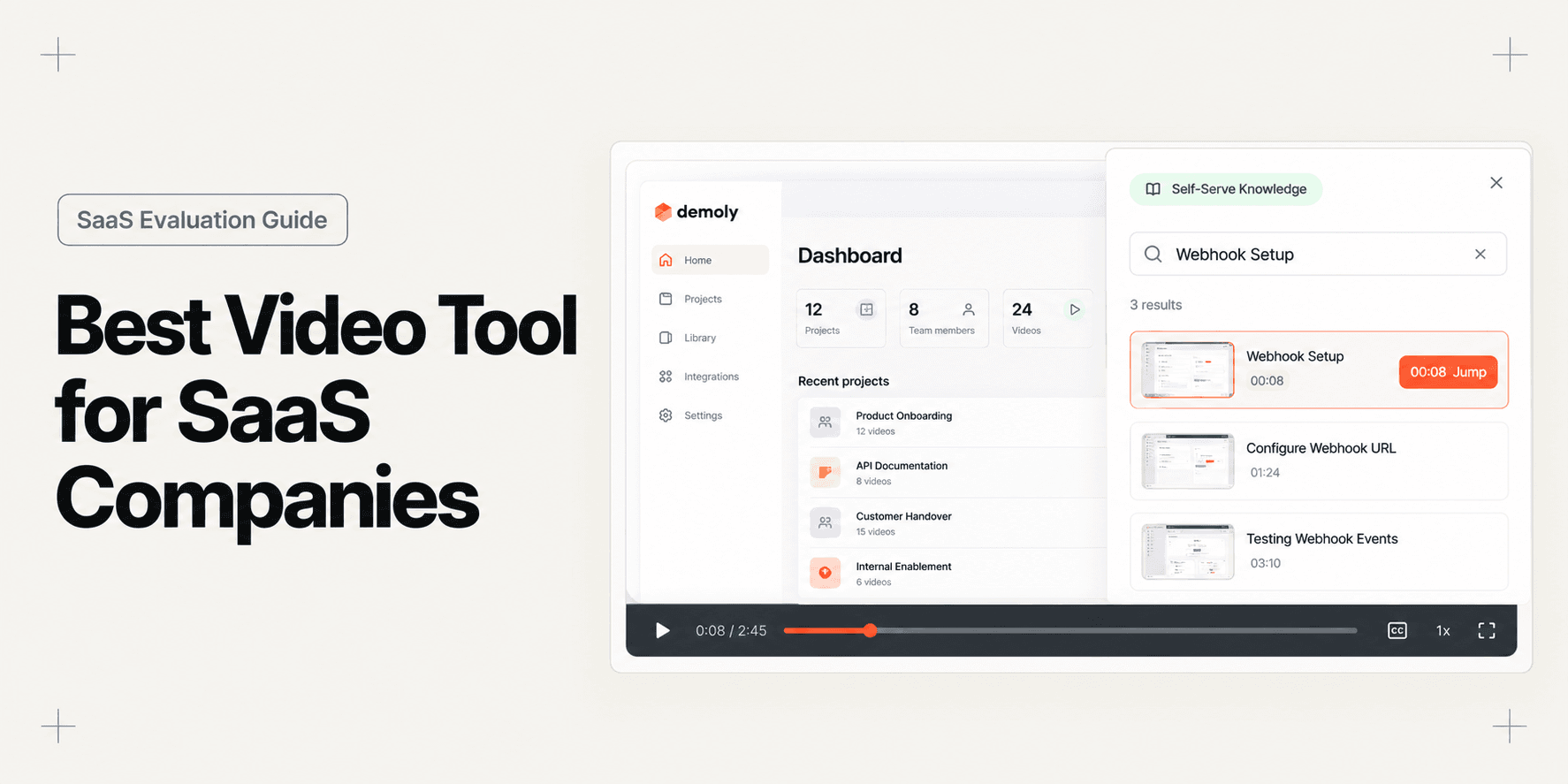
Best Video Tool for SaaS Companies
Compare the best video tools for SaaS companies across onboarding, customer support, sales demos, and changelog marketing. Find the right format for your product team.
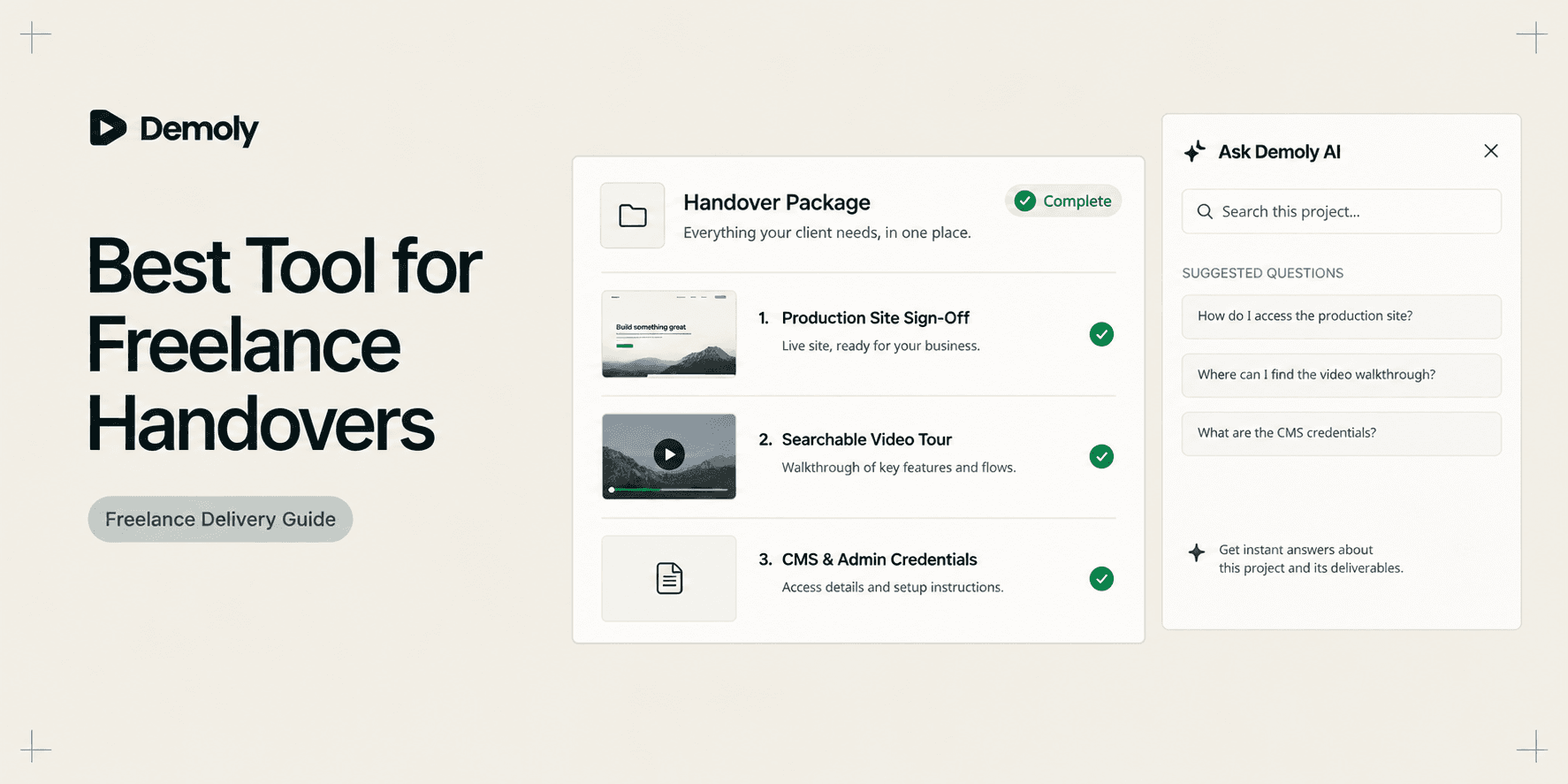
Best Tool for Freelance Client Handovers
Compare the best tools for freelance client handovers. Evaluate interactive video AI, client portals, automated SOPs, visual punch lists, and async video to eliminate unbilled post-launch support.
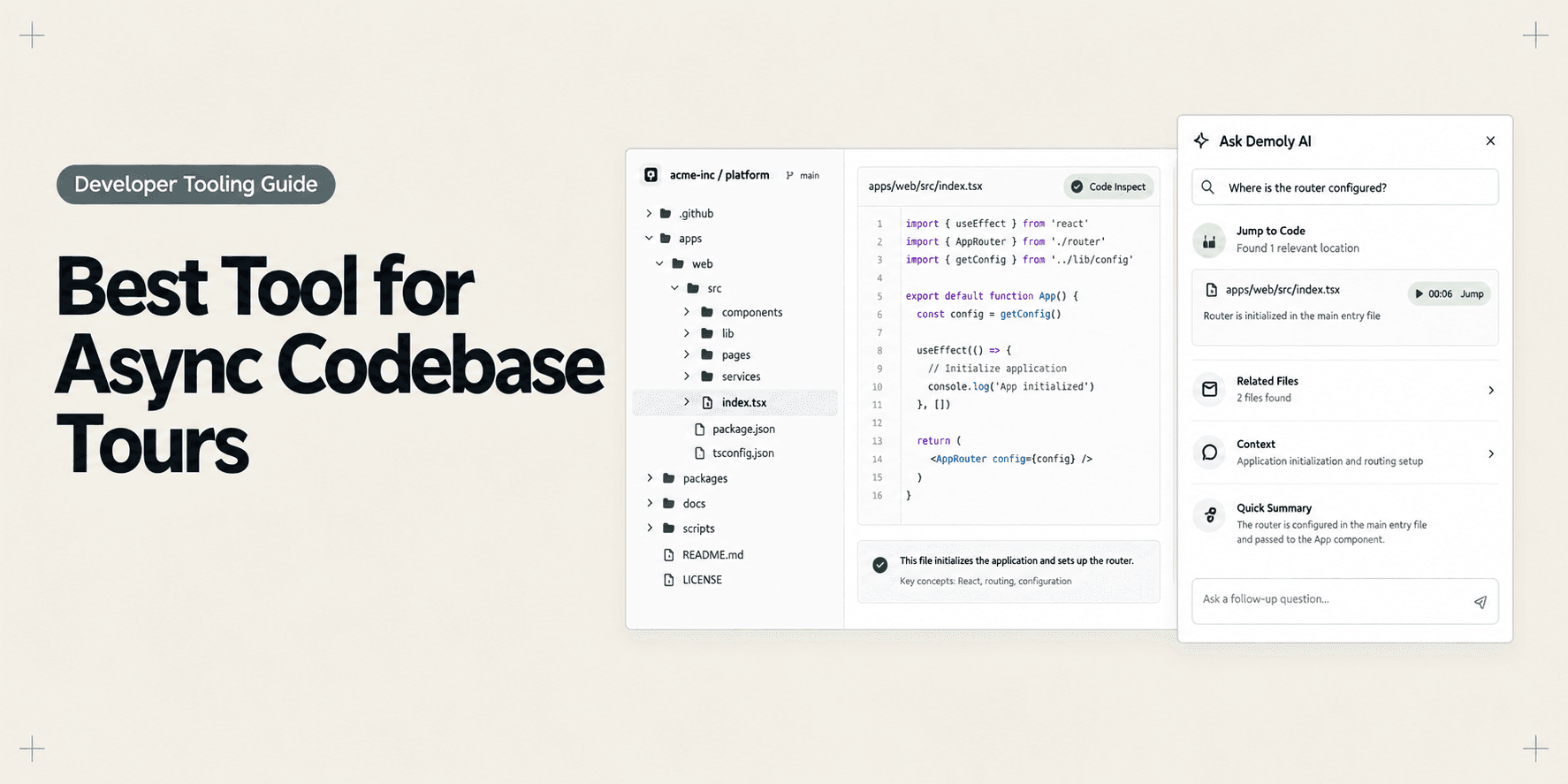
Best Tool for Asynchronous Codebase Walkthroughs
Compare the best tools for asynchronous codebase walkthroughs. Discover how engineering teams replace live Zoom repo tours with AI-searchable video, in-IDE tours, and coupled docs.
Try Demoly for your team
Create branchable, interactive demo recordings and deliverables in minutes with zero friction.