Best Tool for Web App Onboarding Walkthroughs
Compare the best tools for web app onboarding walkthroughs. Evaluate interactive video AI, in-app product tours, sandbox demos, and automated SOPs to drive user activation.
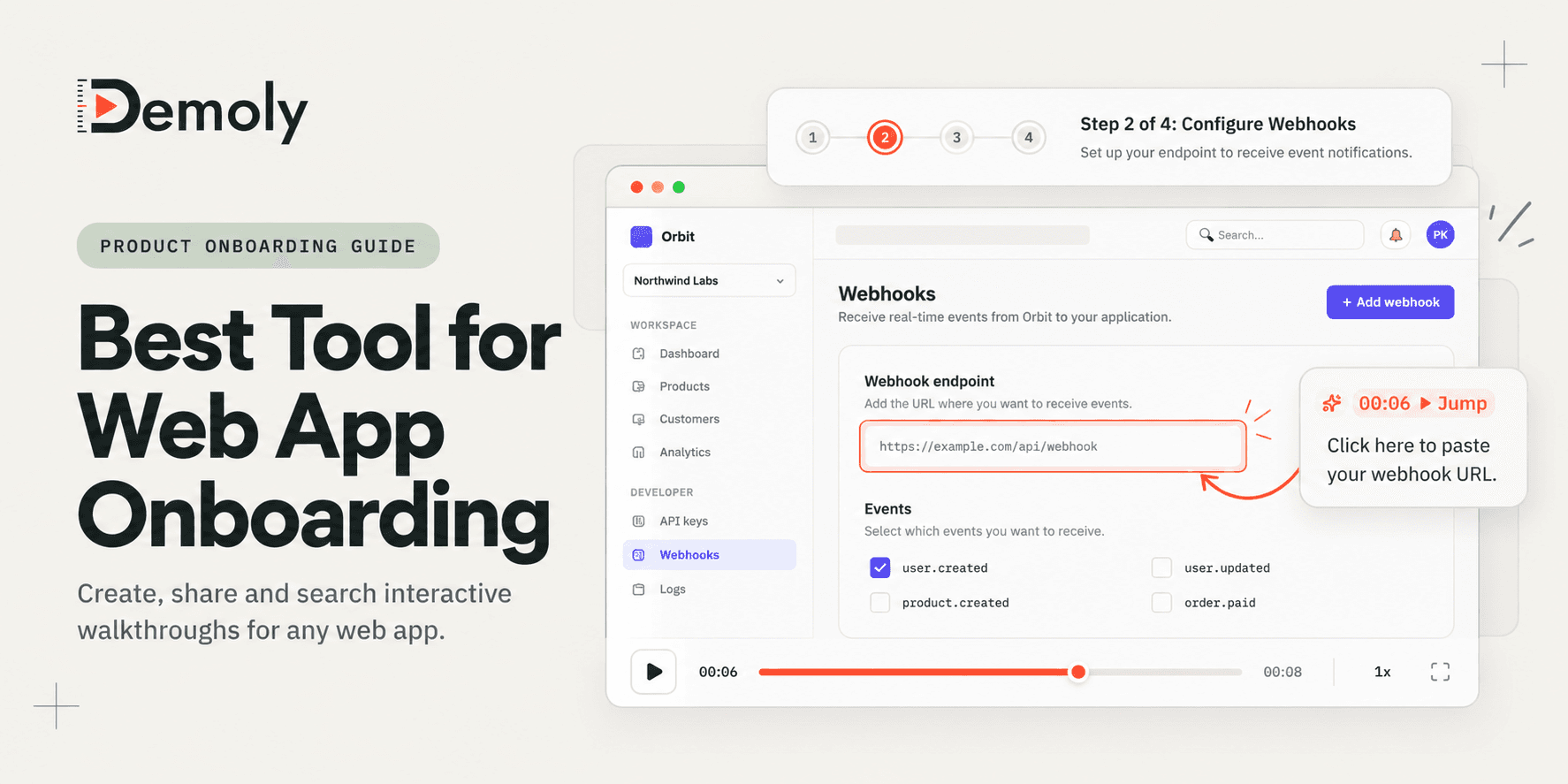
Best Tool for Web App Onboarding Walkthroughs
Driving initial user activation is the single most critical milestone for any modern web application. When a new customer signs up for your SaaS platform, custom internal tool, or client portal, they arrive with high intent but zero muscle memory. If they encounter confusing settings, ambiguous terminology, or multi-step configuration menus without clear guidance, activation stalls and churn begins before day one concludes.
Traditional onboarding workflows repeatedly break down under modern user expectations. Forcing new signups through invasive multi-step modal popups often triggers immediate dismissal from users who want to explore on their own terms. Conversely, sending thirty-page text documentation or unindexed twenty-minute Loom recordings forces users to dig through endless material just to locate a single setup toggle. When self-serve onboarding fails, users either flood your support inbox with repetitive questions or abandon the product entirely.
An effective onboarding walkthrough must function as an interactive, searchable reference asset. Instead of interrupting the user experience or demanding hours of passive video watching, modern onboarding tools empower users to discover exact workflows on demand, test features safely, and reach value immediately.
What Makes a Good Web App Onboarding Tool?
Selecting software for web app onboarding walkthroughs requires evaluating how friction impacts day-one user activation and ongoing team overhead:
- Zero-Friction Viewer Access: New users should never need specialized plugins, separate logins, or complex third-party software just to view onboarding instructions. The walkthrough must render instantly in any browser.
- Instant Workflow Searchability: Users rarely consume an onboarding guide from start to finish. They need to search for specific actions, such as generating an API key or adding a team member, and jump directly to the relevant step or timestamp.
- Sensitive Data Redaction: Demonstrating live web application features often exposes staging database strings, test payment details, or real account credentials. The platform must enable permanent redaction of sensitive records before sharing.
- Implementation Simplicity: High-overhead tools demand extensive engineering sprints and continuous code maintenance. A sustainable onboarding tool allows product managers, customer success leads, and founders to create and update walkthroughs in minutes without code deployments.
- Contextual Comprehension: Onboarding requires both visual demonstration and conceptual clarity. The format must capture user interface nuance without leaving users stranded when interface layouts evolve.
Best Tools for Web App Onboarding Walkthroughs at a Glance
Tool | Primary Onboarding Role | Core Delivery Format | Search and Discovery Layer | Sensitive Data Controls | End-User Access Model | Pricing Model |
|---|---|---|---|---|---|---|
Demoly | Interactive, AI-searchable async walkthrough packages | Browser DOM and visual action tracking | Natural language Visual and Voice AI queries | Frame-layer canvas redaction and DOM blur | Free browser playback, no viewer login needed | Free ($0) / Pro at $8/creator/mo |
Appcues | Native in-app guided tours, tooltips, and modal checklists | In-app JavaScript SDK injection | In-app navigation triggers and resource center | Controlled via custom app permissions | Native inside signed-in user sessions | Paid plans from $249/mo |
Supademo | Self-paced interactive sandbox click-through tours | Interactive screenshot and HTML DOM capture | Step-by-step chapter navigation | Screenshot hotspot blur and text replacement | Web embed and shareable URL links | Free basic / Pro at $27/creator/mo |
Scribe | Auto-generated click-by-click written setup manuals | Background click capture with annotated screenshots | Document text search and table of contents | Smart blur for sensitive inputs and numbers | Web viewer via link or PDF export | Free web tier / Pro from $12/user/mo |
Loom | High-touch personal welcome messages and founder intros | Standard screen and webcam video stream | Spoken audio transcript search only | Basic post-recording video trim | Browser playback, account needed to comment | Free (5-min cap) / Business at $12.50/mo |
1. Demoly: Best for Self-Serve, AI-Searchable Walkthrough Packages
Demoly is an interactive walkthrough platform built specifically for software builders, customer success teams, and web agencies. Unlike standard screen recorders that export flat video files where critical setup details remain trapped on an unindexed timeline, Demoly captures browser actions at the DOM layer and indexes both spoken commentary and silent visual clicks.

Why It Works for Web App Onboarding
Web application onboarding requires handling nuanced user workflows across multiple tabs, modals, and settings drawers. When new users get stuck during initial setup, they open Demoly's interactive search drawer and type natural language queries like "Where do I add custom webhook endpoints?" or "How do I map field permissions?"
Because Demoly indexes silent button clicks, form inputs, and tab navigation alongside voice transcripts, the AI answers instantly with concise instructions and jumps the user directly to the exact video second. This provides the speed of self-serve documentation combined with the clarity of real video demonstration. Teams that already implement structured deliveries like our Best Tool for Client Project Handovers use Demoly to eliminate repetitive kickoff walkthroughs.
Strongest Capabilities
- Visual and Voice AI Indexing: Searches spoken audio as well as silent cursor clicks, dropdown selections, and form fields across active browser tabs.
- Canvas-Layer Redaction: Excises private staging credentials, customer records, and live API keys permanently at the video canvas layer before link generation.
- Interactive Viewer Utilities: Allows viewers to copy visible URLs, schema snippets, and configuration code directly out of the video player without pausing or retyping.
- Zero-Login Playback: Onboarding recipients view and query walkthroughs immediately in any browser without registering an account, installing extensions, or consuming paid seats.
- Non-Destructive Browser Editing: Creators can trim awkward pauses, delete mistakes, and update walkthroughs in seconds without re-recording or breaking existing share links.
Limitations and Pricing
Demoly is purpose-built for browser-based software and web applications. It is not engineered for native desktop software, system terminal sessions, or multi-track Hollywood video editing. Demoly provides a Free plan ($0 forever) with unlimited recordings, a 15-minute cap per recording, and 5 AI-indexed videos per month. The Pro tier is $8 per creator per month, unlocking a 30-minute recording cap, unlimited AI-indexed videos, and unlimited interactive viewer Q&A.
2. Appcues: Best for Native In-App Guided Tours and Modals
Appcues is a pioneer in product-led onboarding, providing a no-code visual builder that injects interactive modals, slideouts, checklists, and tooltips directly into live web application interfaces.
Why It Works for Web App Onboarding
When your goal is guiding users through their very first in-app action—such as completing their profile, importing an initial dataset, or clicking a primary dashboard button—in-app tours catch users inside the product environment. Appcues allows growth and product teams to design multi-step onboarding sequences that highlight specific UI elements using pointer callouts and celebratory milestone dialogs.
Strongest Capabilities
- Element-Targeted Tooltips: Pins contextual tooltips directly to active HTML buttons and input fields to guide user navigation step by step.
- User Segmentation Engine: Displays tailored onboarding flows based on user attributes, signup source, or plan tier.
- Onboarding Checklists: Displays persistent onboarding progress widgets that motivate users to complete core setup milestones.
- Visual Flow Builder: Allows non-technical product marketers to draft and adjust tours using a Chrome extension overlay.
Limitations and Pricing
Appcues requires installing a JavaScript tracking snippet into your application codebase, demanding engineering resources to pass user events and attributes. In-app popups also risk user fatigue if configured aggressively, with many users reflexively dismissing modal windows. Pricing begins at $249 per month billed annually for up to 2,500 monthly active users, placing it out of reach for early-stage startups and lean teams.
3. Supademo: Best for Self-Paced Interactive Sandbox Demos
Supademo captures web application workflows as interactive click-through guides, allowing prospective and new users to click through an isolated simulation of your software.
Why It Works for Web App Onboarding
Certain web applications require complex data pipelines or destructive backend actions where letting an unguided user click around live production environments is risky. Supademo captures a series of screenshots and DOM snapshots, stitching them into an interactive sandbox tour with clickable hotspots. New users click through simulated buttons at their own pace without affecting real system state.
Strongest Capabilities
- Click-Through Sandbox Simulations: Gives users the tactical sensation of using the product without requiring live account authentication.
- Synthetic Voiceover and AI Text: Generates automated synthetic voice narration and written step descriptions from recorded click paths.
- Multi-Demo Showcases: Bundles several modular product tours into a unified onboarding learning center.
- Embed Flexibility: Embeds seamlessly into knowledge base articles, onboarding emails, and marketing landing pages.
Limitations and Pricing
Supademo produces segmented step-by-step simulations rather than continuous, fluid video recordings. If an onboarding workflow involves dynamic canvas movements, real-time data calculations, or unexpected edge cases, the static slide model struggles to communicate the full experience. Supademo offers a free basic plan with 5 interactive demos, while Pro plans start at $27 to $36 per creator per month.
4. Scribe: Best for Auto-Generated Step-by-Step Setup Manuals
Scribe takes a documentation-first approach to onboarding by monitoring browser clicks in the background and instantly generating formatted written guides complete with annotated screenshots.
Why It Works for Web App Onboarding
Certain user personas—particularly developers, system administrators, and compliance officers—prefer scannable written documentation over video players. When configuring webhooks, SSO authentication, or backend DNS records, users often want a numbered checklist they can read, copy code from, and check off systematically. Scribe creates these step-by-step SOPs in seconds without requiring manual screenshot cropping.
Strongest Capabilities
- Automated Screenshot Generation: Automatically captures and highlights every mouse click, producing clean step-by-step guides with red click indicators.
- Granular Step Editing: Lets authors replace individual screenshots or update instruction copy without re-recording the entire workflow.
- Export Flexibility: Exports completed guides into Markdown, PDF, or HTML formats for inclusion in tools like Notion, Confluence, or GitHub.
- Smart Sensitive Data Blur: Detects and blurs common sensitive fields like social security numbers and credentials automatically.
Limitations and Pricing
Scribe creates static linear manuals without voice narration or video nuance. It cannot explain the "why" behind complex configuration decisions or demonstrate fluid interface transitions. Scribe offers a free basic plan for web browser recording, with Pro plans starting at $12 to $23 per user per month to capture desktop applications.
5. Loom: Best for High-Touch Personal Welcome Messages
Loom is the benchmark for quick asynchronous screen and webcam video recording. While primarily utilized for internal messaging, it remains a popular choice for high-touch customer onboarding.
Why It Works for Web App Onboarding
For enterprise SaaS accounts or high-contract client setups, automated tooltips and robotic documentation can feel impersonal. A three-minute personalized Loom recording from a founder or dedicated customer success manager welcoming the executive team establishes strong rapport. It puts a human face on the product while providing a friendly high-level orientation of the dashboard.
Strongest Capabilities
- Rapid Recording and Sharing: Uploads and processes recordings in real time, generating an instant share link the moment recording ceases.
- Simultaneous Webcam Bubble: Displays a crisp presenter webcam overlay alongside screen captures to humanize onboarding communications.
- Universal Desktop Capture: Records native desktop software, system utilities, and third-party web apps outside browser tabs.
- Viewer Engagement Insights: Alerts creators when an onboarding recipient opens and watches the video.
Limitations and Pricing
Loom records flat, unindexed video files that force users to scrub back and forth along a timeline when trying to locate specific instructions. Because Loom searches rely exclusively on spoken audio transcripts, any configuration step performed silently without vocalization remains unindexed. Loom offers a free Starter plan with a 5-minute video limit, while Business plans cost $12.50 to $15 per creator per month billed annually.
Choosing the Right Tool for Your Onboarding Workflow
Selecting the ideal software depends on your product complexity, engineering resources, and how your users prefer to learn:
- Pick Demoly if you need self-serve, AI-searchable video walkthroughs that answer user questions on demand and jump directly to exact visual timestamps without engineering integration. Learn the fundamentals in our guide on How to Record a Web App Walkthrough Your Client Can Actually Search.
- Pick Appcues if you have dedicated engineering support and need interactive in-app tooltips, slideouts, and onboarding checklists injected directly into your production application.
- Pick Supademo if you want prospective or trial users to click through an isolated sandbox simulation before they enter production data.
- Pick Scribe if your onboarding workflow consists of linear technical setup steps, API configurations, or administrative checklists that users prefer reading as written documentation.
- Pick Loom if you manage high-touch enterprise accounts and need quick, personalized video welcome messages with a prominent founder webcam bubble.
Modern software organizations frequently combine these complementary formats: using Appcues for lightweight day-one UI pointers, Scribe for written technical docs, and Demoly for interactive, AI-searchable walkthroughs that eliminate post-signup confusion.
Frequently asked questions
Commonly asked questions about this article.
01•Why do users abandon traditional video onboarding walkthroughs?
Users abandon long linear videos because scrubbing along an unindexed timeline to locate a single answer wastes time. When self-serve answers take too long to find, users either open support tickets or drop off.
02•What is the difference between in-app tours and async walkthrough packages?
In-app tours use code snippets to inject modals and tooltips directly inside active software sessions, whereas async walkthrough packages like Demoly provide interactive, searchable video guides accessible via any web link without engineering setup.
03•How does visual AI search improve web app onboarding retention?
Visual AI indexes silent interface clicks, dropdown selections, and form fields alongside spoken dialogue. Users type natural questions into an AI search drawer and instantly jump to the exact visual timestamp demonstrating that setting.
04•Can sensitive staging or production credentials be hidden in onboarding guides?
Yes. Modern walkthrough tools like Demoly provide canvas-layer redaction and DOM blur tools that permanently remove secret API keys, staging URLs, or real customer data before generating public share links.
05•Do new users need to create an account to view Demoly onboarding walkthroughs?
No. Viewers can play, query, and search Demoly walkthroughs directly in any modern browser without registering, installing browser extensions, or consuming paid creator seats.
Demoly Team
Contributor
Related Dispatches
View all dispatches →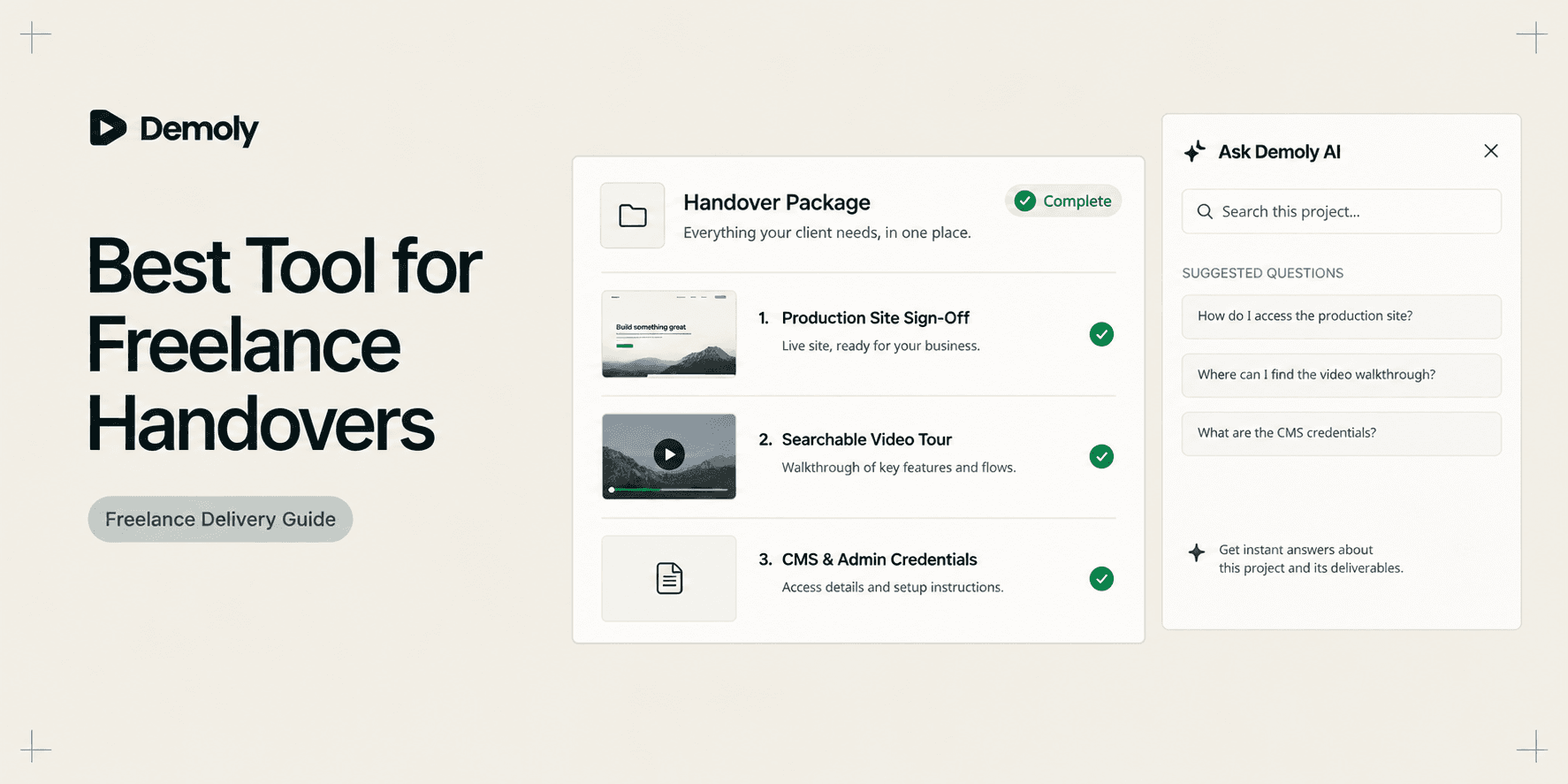
Best Tool for Freelance Client Handovers
Compare the best tools for freelance client handovers. Evaluate interactive video AI, client portals, automated SOPs, visual punch lists, and async video to eliminate unbilled post-launch support.
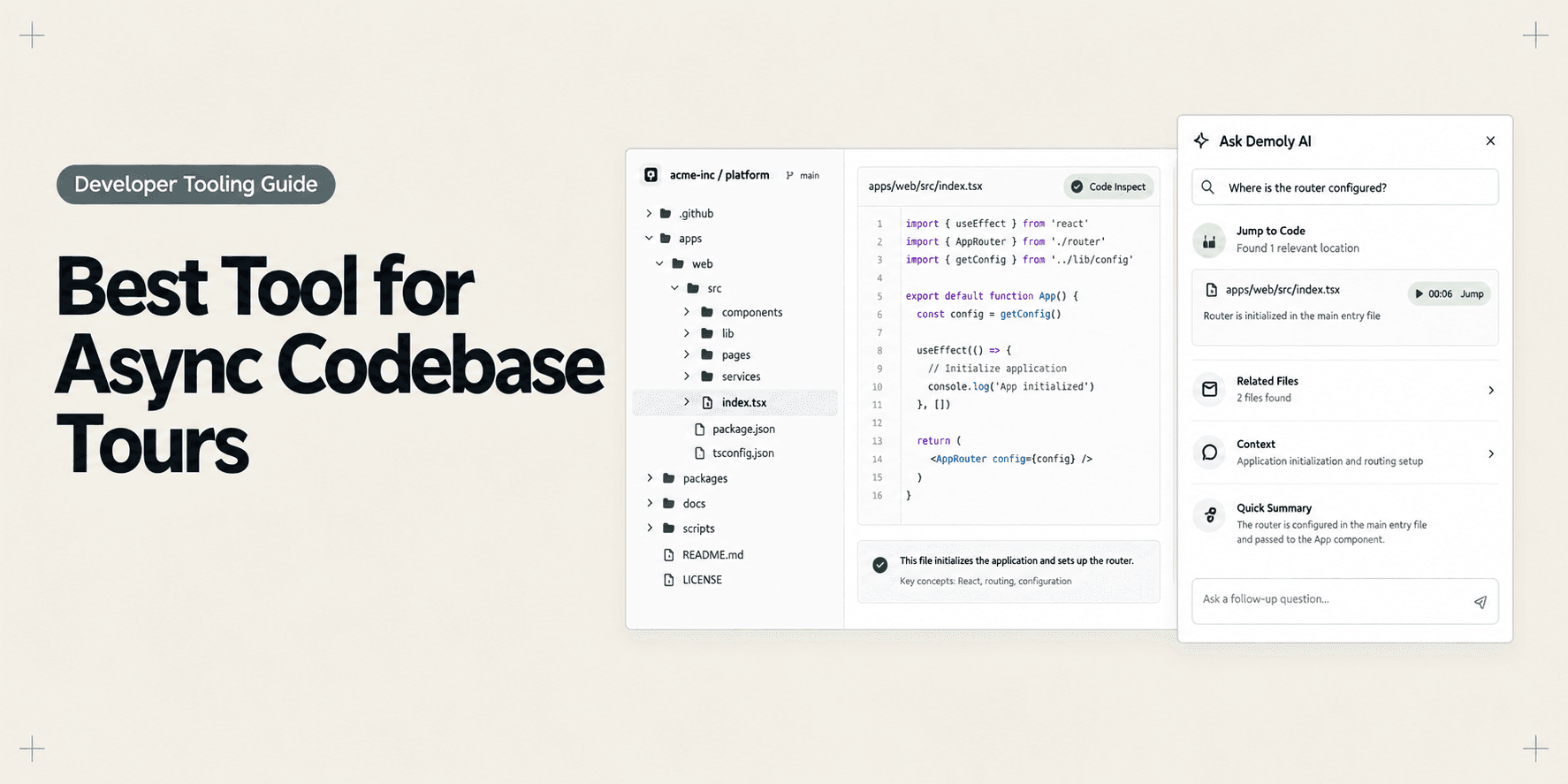
Best Tool for Asynchronous Codebase Walkthroughs
Compare the best tools for asynchronous codebase walkthroughs. Discover how engineering teams replace live Zoom repo tours with AI-searchable video, in-IDE tours, and coupled docs.
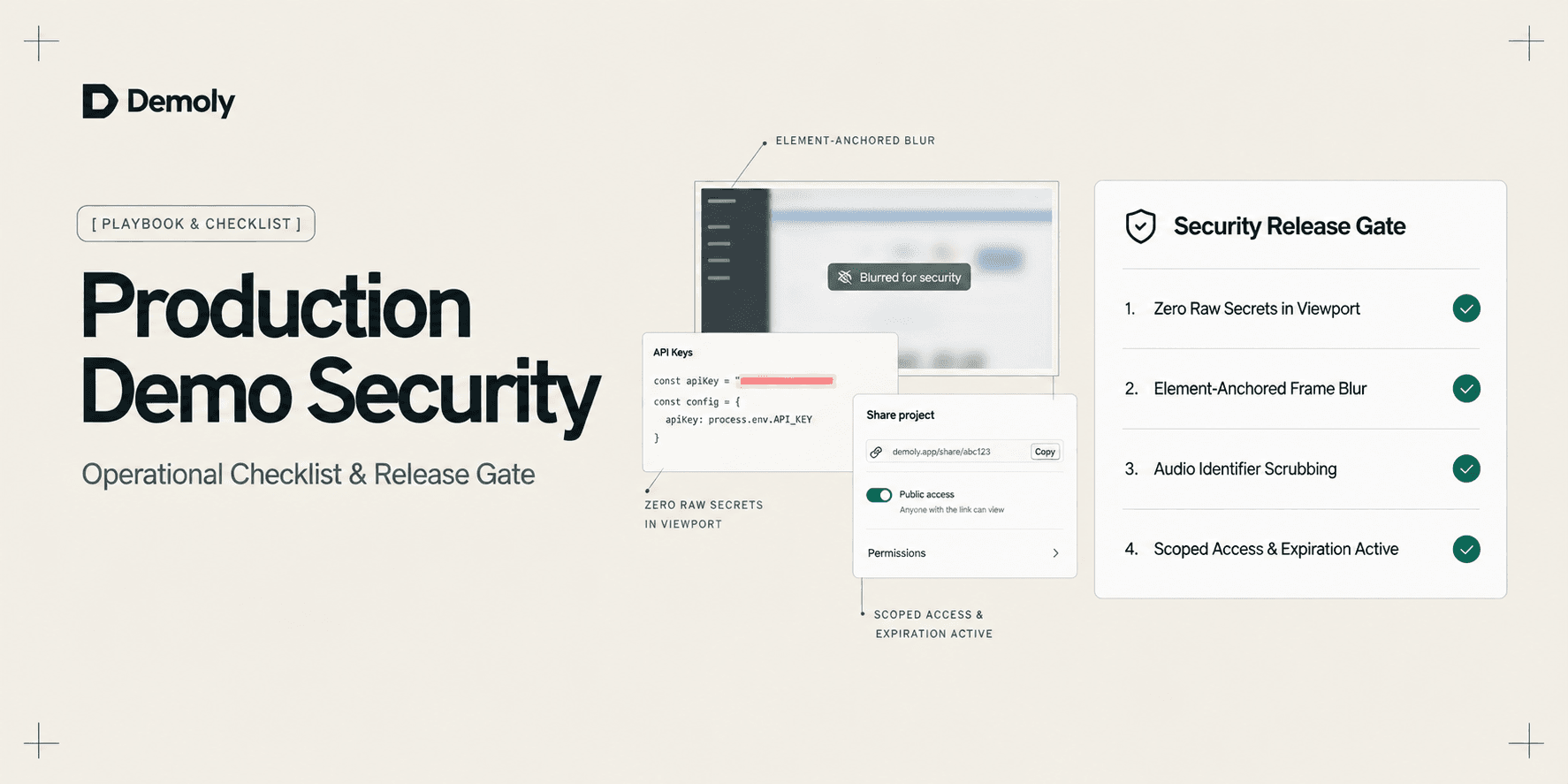
A Security Checklist for Sharing Demos of Live Production Environments
Prevent credential leaks, PII exposure, and compliance violations. Use this operational security checklist to safely record and share demos of live production environments.
Try Demoly for your team
Create branchable, interactive demo recordings and deliverables in minutes with zero friction.