Best Tool for Asynchronous Codebase Walkthroughs
Compare the best tools for asynchronous codebase walkthroughs. Discover how engineering teams replace live Zoom repo tours with AI-searchable video, in-IDE tours, and coupled docs.
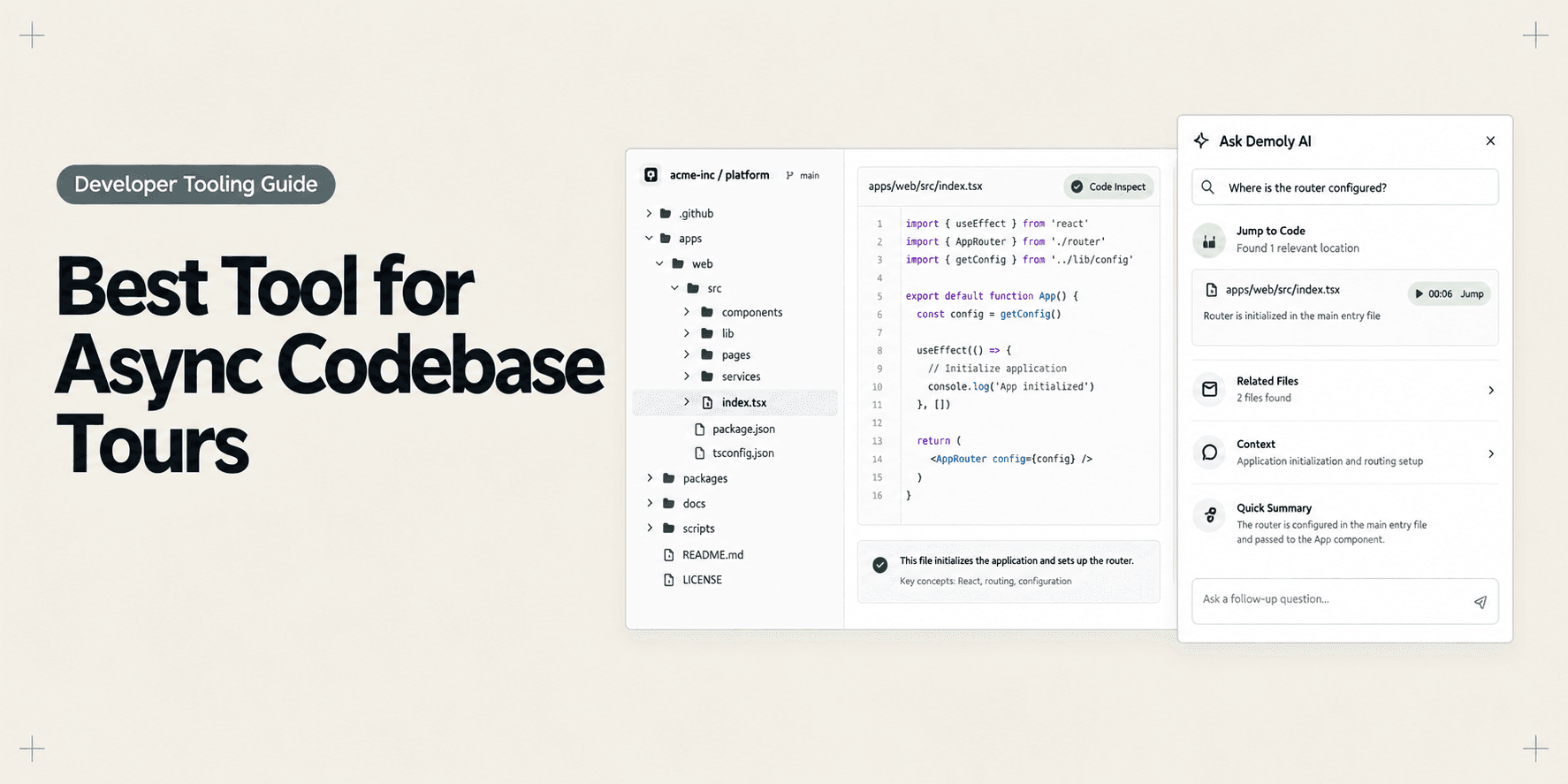
Best Tool for Asynchronous Codebase Walkthroughs
Onboarding an engineer to a modern codebase is one of the most resource-intensive rituals in software engineering. When a new hire or contracting agency joins a team, senior developers routinely block multi-hour calendar slots to walk through repository architecture, runtime quirks, database migrations, and staging deployment steps. The senior engineer explains the system in depth, but the recipient absorbs only a fraction of the barrage.
Traditional methods for sharing codebase knowledge consistently fall short:
- Live screen-share calls demand synchronous calendar alignment, pull senior developers out of active sprint work, and leave no searchable record behind.
- Static wiki documentation and markdown READMEs drift out of date almost immediately as source code evolves through continuous deployments.
- Flat screen recording clips trap crucial architectural explanations along an unindexed timeline, forcing engineers to scrub through thirty minutes of footage to locate a single configuration detail.
When new developers hit roadblocks, they either spend hours debugging undocumented configurations or interrupt senior teammates with repetitive questions. As we explored in our guide on How Tech Leads Hand Off a Codebase Walkthrough to a New Engineer, engineering organizations need durable, asynchronous knowledge transfer that turns complex repositories into self-serve reference assets.
What Makes a Good Asynchronous Codebase Walkthrough Tool?
Evaluating software for asynchronous codebase walkthroughs requires looking past generic recording features and focusing on capabilities that support developer velocity and information retrieval:
- Natural Search and Discovery: Developers rarely watch codebase videos from start to finish. A practical tool must allow engineers to search for exact functions, endpoint handlers, or environment keys and jump straight to the relevant timestamp.
- Sensitive Credential Redaction: Codebase explanations routinely touch local
.envfiles, staging database strings, and third-party API credentials. The platform must offer permanent visual redaction before walkthroughs are shared across distributed teams. - Contextual Comprehension: Effective technical handoffs connect runtime user interface behavior directly to underlying backend endpoints. Understanding the difference between DOM Capture vs Pixel Capture: Why It Changes What a Video Can Answer explains why tools that track interactive browser elements make web architecture clearer than flat pixel recordings.
- Zero-Friction Access: Teammates, contractors, and external technical clients should be able to review codebase tours instantly without mandatory software downloads or costly viewer licensing.
- Non-Destructive Maintenance: Software architectures change rapidly. The author should be able to trim mistakes, cut outdated explanations, or update single segments without having to re-record entire technical tours from scratch.
Best Tools for Asynchronous Codebase Walkthroughs at a Glance
Tool | Primary Walkthrough Role | Core Delivery Format | Search and Retrieval Layer | Sensitive Data Controls | Recipient Access Model | Pricing Model |
|---|---|---|---|---|---|---|
Demoly | Interactive, AI-searchable web app & architectural tours | Browser DOM tracking and synchronized audio | Natural language Visual and Voice AI queries | Permanent canvas-layer redaction and blur | Free browser playback, no viewer login needed | Free ($0) / Pro at $8/creator/mo |
Swimm | In-IDE continuous documentation linked to code snippets | Git-integrated markdown coupled to live source tokens | In-IDE and web portal semantic documentation search | Scoped via Git repository permissions | Requires developer seat and IDE plugin | Free basic / Team plans from $14/user/mo |
CodeTour | In-editor step-by-step guided code navigation paths | Version-controlled JSON tour files in VS Code | Tour explorer index inside the code editor | Inherits local git and file security | Requires VS Code and repository clone | Free and open source (Community) |
Loom | Fast ad-hoc scratch videos for local terminal and IDE reviews | Full-desktop screen and webcam pixel stream | Spoken audio transcript search only | Basic post-recording video trimming | Browser playback, viewer account for comments | Free (5-min cap) / Business at $12.50/mo |
Jam.dev | Front-end runtime debugging and telemetry capture | Screen capture with console logs and network payloads | Searchable bug dashboard with issue tracker sync | Automatic network header and payload scrubbing | Free browser report links for guests | Free tier / Team plans from $10/user/mo |
1. Demoly: Best for Browser-Based Web Architecture and Interactive Code Walkthroughs
Demoly is an interactive walkthrough platform built specifically for software engineering teams, technical agencies, and product builders. Instead of outputting flat video files where critical architecture decisions remain trapped on an unindexed linear timeline, Demoly captures browser workflows and indexes both spoken technical narration and on-screen interface actions.

Why It Works for Codebase Walkthroughs
Modern web applications tie front-end views to complex API endpoints, third-party webhooks, and multi-service staging environments. Tech leads use Demoly to record end-to-end user journeys in staging or production alongside GitHub pull requests, swagger documentation, and browser developer consoles.
When a junior engineer or contractor needs to know how the authentication middleware coordinates session cookies with backend tokens, they do not need to scroll through a forty-minute video. They simply open Demoly's conversational AI drawer and ask, "Where is the session cookie attached to the API client?" Demoly answers with concise steps and takes the engineer directly to the exact video timestamp. Teams that learn How to Record a Web App Walkthrough Your Client Can Actually Search use these same principles to make repository handoffs self-serve.
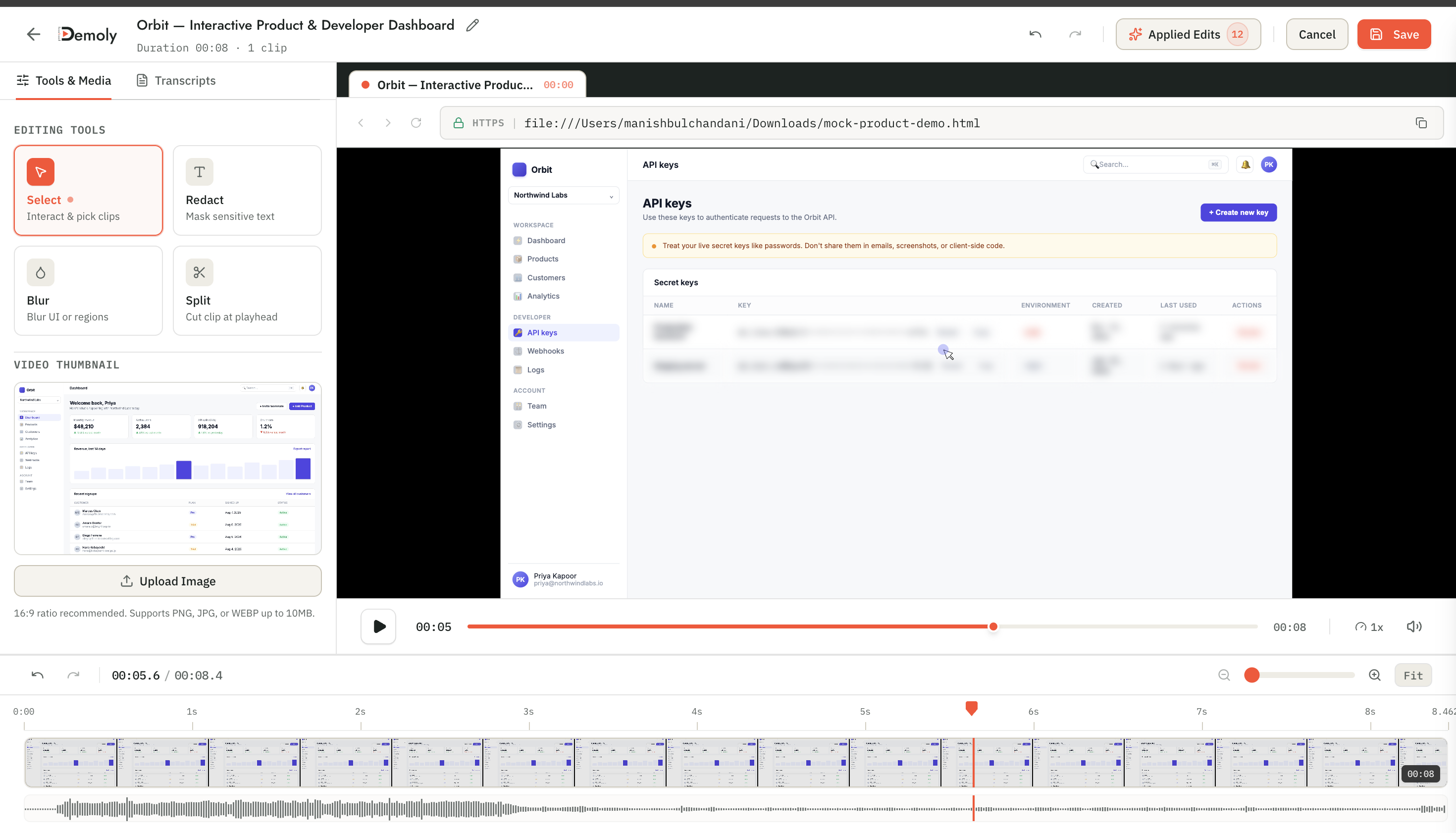
Strongest Capabilities
- Visual and Voice AI Indexing: Searches spoken voiceover as well as silent cursor clicks, tab switches, and code inspection drawers across active browser tabs.
- Canvas-Layer Redaction: Excises local
.envvalues, staging database passwords, and third-party API tokens permanently at the frame layer before sharing. - Element-Anchored Comment Pins: Engineers can pin questions directly to specific UI components or code blocks within the recording player for targeted async discussion.
- Zero-Friction Recipient Access: Teammates, contractors, and client engineers can watch and query walkthroughs in any browser without installing extensions or registering accounts.
- In-Browser Non-Destructive Editing: Authors can trim long compilation pauses, excise verbal stumbles, or edit sections without re-recording full technical demos.
Limitations and Pricing
Demoly is purpose-built for browser-based software, web applications, and web repository interfaces like GitHub or GitLab. It is not designed to record native desktop software, full-screen desktop IDEs like Xcode, or standalone terminal windows outside the browser. Demoly provides a Free plan ($0 forever) with unlimited recordings, a 15-minute cap per recording, and 5 AI-indexed videos per month. The Pro plan costs $8 per creator per month, offering a 30-minute recording duration, unlimited AI-indexed videos, and unlimited AI search queries, with free viewer access.
2. Swimm: Best for In-IDE Continuous Documentation Coupled to Code
Swimm is a developer knowledge management platform designed to keep codebase documentation synchronized with rapidly changing source code. Instead of isolating docs in an external wiki, Swimm embeds documentation directly inside code repositories and popular code editors.
Why It Works for Codebase Walkthroughs
The biggest failure mode of written codebase documentation is code drift: a function changes during a pull request, rendering the explanatory wiki obsolete. Swimm solves this by binding documentation snippets directly to live code tokens. When an engineer refactors a component, Swimm alerts them during pull request checks to update the coupled walkthrough. This ensures that architectural overviews, onboarding paths, and internal setup guides remain synchronized with master branches.
Strongest Capabilities
- Coupled Code Snippets: Links written explanations directly to live source code lines, automatically flagging documentation that falls out of sync during commits.
- IDE Extension Support: Developers read and author walkthroughs directly inside Visual Studio Code and JetBrains IDEs without switching contexts.
- CI/CD Integration: Integrates into GitHub Actions and GitLab CI to verify that critical architectural documentation is maintained across pull requests.
- Interactive Code Playlists: Groups modular documentation units into structured onboarding curricula for new developers.
Limitations and Pricing
Swimm relies primarily on written markdown and highlighted code snippets rather than dynamic visual recordings. It does not provide spoken audio narration or live video capture of running user interfaces. Authoring comprehensive Swimm documents requires significant developer effort upfront. Swimm provides a free tier for small teams and public repositories, with paid team plans starting around $14 to $18 per user per month.
3. CodeTour: Best for In-Editor Step-by-Step Guided Navigation Paths
CodeTour is an open-source extension for Visual Studio Code developed by Microsoft that allows developers to record and replay interactive guided tours directly inside their code editor.
Why It Works for Codebase Walkthroughs
Instead of watching an external video, a new engineer can start a tour right in their own workspace. CodeTour steps the engineer through repository files sequentially, automatically opening the relevant file, highlighting specific lines of code, and displaying author markdown notes in an attached comment bubble. This keeps the developer inside their native editor where they can inspect types, jump to definitions, and experiment with code locally.
Strongest Capabilities
- Native IDE Navigation: Automatically opens source files and highlights exact code lines within the developer's active VS Code window.
- Version-Controlled Tours: Saves tours as lightweight
.tourJSON files directly inside the repository, allowing teams to review walkthroughs via standard pull requests. - Interactive Local Workspace: Developers can edit code, run local terminal tests, and inspect symbol hierarchies while progressing through tour checkpoints.
- Zero Third-Party Cost: Completely free and open-source, with no SaaS subscriptions or cloud storage dependencies.
Limitations and Pricing
CodeTour contains no voiceover audio or video playback. It relies entirely on static markdown notes written next to code blocks. Furthermore, because tours reference specific line numbers, major refactors can desynchronize tour anchors until manually repaired. CodeTour is completely free and open-source under the MIT license.
4. Loom: Best for Quick Scratch Screen Recordings and Full-Desktop IDE Demos
Loom is the industry benchmark for casual asynchronous screen and webcam recording. In engineering teams, it is frequently used to provide quick pull request overviews, demo local desktop environments, or share informal status updates.
Why It Works for Codebase Walkthroughs
Loom is exceptionally fast. When an engineer finishes a complex pull request and wants to give reviewers two minutes of high-level context before they review the diff, Loom captures the desktop, webcam, and microphone in seconds. It excels when the author needs to switch between local terminal sessions, native desktop IDEs, and browser windows in a single take.
Strongest Capabilities
- Full Desktop Capture: Records native terminal windows, local editors, Docker dashboards, and browser tabs without boundary limits.
- Instant Cloud Generation: Generates a shareable URL the moment the author clicks stop, eliminating local rendering wait times.
- Broad Workspace Integration: Embeds smoothly into Slack, Jira, GitHub PR comments, and Notion dashboards.
- Automated Audio Transcripts: Transcribes spoken audio into searchable text for high-level keyword skimming.
Limitations and Pricing
Loom records flat video pixels. Its search functionality relies entirely on speech-to-text transcripts, meaning any code file, terminal command, or interface toggle explored silently cannot be searched by viewers. Loom does not offer frame-layer redaction for exposed .env secrets, and viewer collaboration requires paid seats on team plans. Loom offers a free tier capped at 5 minutes per video and 25 total recordings, with Business plans starting at $12.50 to $15 per creator per month.
5. Jam.dev: Best for Front-End Bug Reproduction and Runtime Telemetry
Jam is a specialized browser extension engineered to help developers capture web application bugs, staging errors, and runtime context without tedious back-and-forth communication.
Why It Works for Codebase Walkthroughs
While Jam is primarily an issue capture platform rather than an architectural tour builder, it plays a vital role in asynchronous codebase communication. When a developer or QA engineer needs to walk through an unexpected runtime behavior, edge case, or failing component, Jam packages the screen recording alongside browser console logs, network payloads, device specifications, and user actions into a single developer link.
Strongest Capabilities
- Integrated Developer Telemetry: Automatically captures JavaScript console errors, network XHR/Fetch calls, and environment metadata alongside video clips.
- Instant Issue Tracker Export: Converts recordings and diagnostic logs directly into GitHub Issues, Jira tickets, or Linear cards in one click.
- Automatic PII Scrubbing: Automatically redacts sensitive authorization tokens and personal data from network payloads.
- Zero-Login Collaboration: Developers can inspect network timing charts and console logs directly in their browser without paid guest seats.
Limitations and Pricing
Jam is designed for brief bug captures and runtime diagnostic reports rather than holistic codebase tours or architectural onboarding. It cannot record full repository structures or deliver multi-topic guided tours. Jam offers a free tier with basic diagnostics, with paid team plans starting around $10 per user per month.
Choosing the Right Tool for Your Codebase Walkthroughs
Different engineering workflows call for different documentation formats. Choose the right tool based on your team's architecture and onboarding bottlenecks:
- Pick Demoly if your team builds web applications and needs self-serve, AI-searchable walkthroughs that link staging user interfaces to code architecture without exposing private credentials.
- Pick Swimm if your team prioritizes in-IDE markdown documentation tightly coupled to live source code tokens that must stay updated through automated CI pull request checks.
- Pick CodeTour if you want free, version-controlled repository tours that walk developers through source files step-by-step directly inside Visual Studio Code.
- Pick Loom if you only need quick, informal two-minute scratch videos to accompany pull request reviews across native desktop editors and local terminal windows.
- Pick Jam.dev if you are documenting front-end edge cases, failing network calls, and UI bugs that require synchronized browser console logs for engineering triage.
Modern engineering organizations frequently pair these tools: using CodeTour or Swimm to map internal repository files, Jam to diagnose staging bugs, and Demoly to deliver AI-searchable architectural walkthroughs that prevent senior developers from getting bogged down in repetitive onboarding calls.
Frequently asked questions
Commonly asked questions about this article.
01•Why do developers avoid watching recorded codebase walkthroughs?
Developers avoid long recordings because scrubbing through video timelines to find a single configuration detail is slower than reading code. When search fails, engineers default to asking teammates.
02•How does Visual AI search differ from video transcription?
Transcription only captures spoken words. Visual AI also indexes on-screen code paths, DOM clicks, and navigation tabs, making actions searchable even when the author performs them silently.
03•How can teams prevent leaking local secrets in codebase walkthroughs?
Basic video tools offer superficial blurs that risk leaks. Tools like Demoly use canvas-layer redaction, permanently excising staging credentials and private `.env` tokens before sharing links.
04•Do developers need to install extensions to view codebase walkthroughs?
No. Walkthroughs created with platforms like Demoly open directly in any standard web browser, allowing developers and external contractors to watch and query tours without installing extensions.
05•How often should asynchronous codebase walkthroughs be updated?
Modular, five-minute topic walkthroughs should be updated whenever underlying architecture or core configuration flows shift. Non-destructive editing allows authors to update single clips without re-recording entire suites.
Demoly Team
Contributor
Related Dispatches
View all dispatches →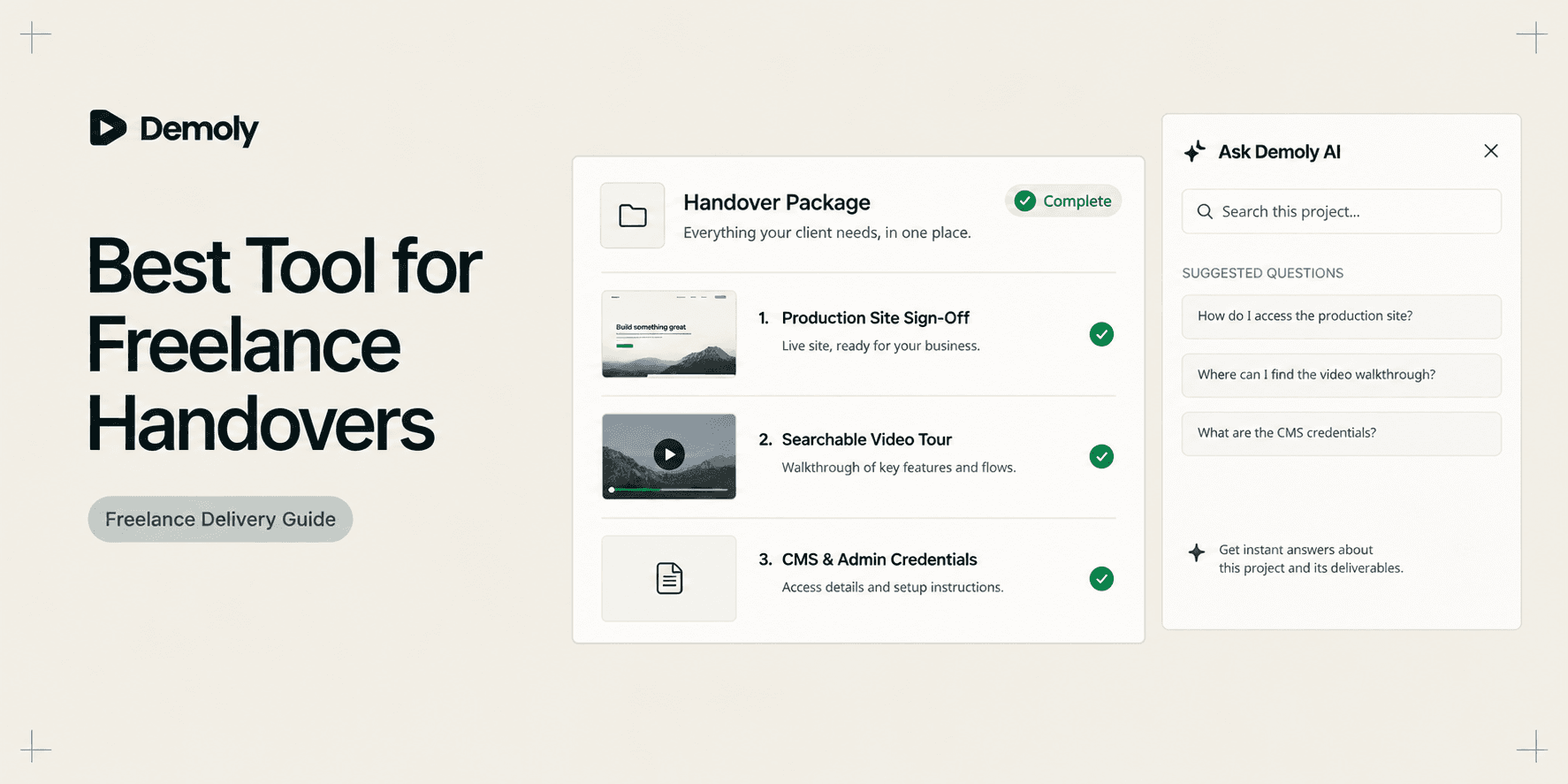
Best Tool for Freelance Client Handovers
Compare the best tools for freelance client handovers. Evaluate interactive video AI, client portals, automated SOPs, visual punch lists, and async video to eliminate unbilled post-launch support.
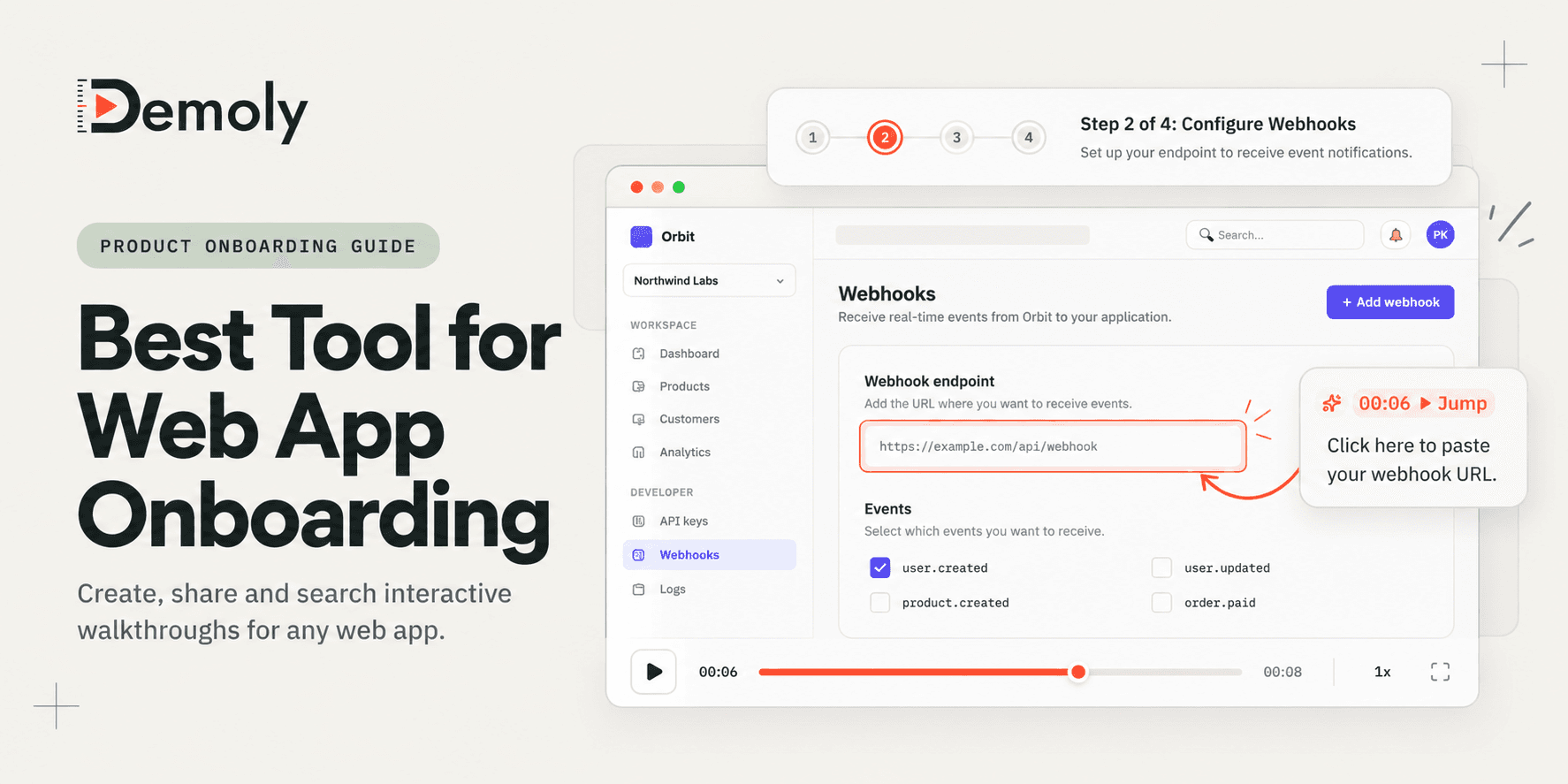
Best Tool for Web App Onboarding Walkthroughs
Compare the best tools for web app onboarding walkthroughs. Evaluate interactive video AI, in-app product tours, sandbox demos, and automated SOPs to drive user activation.
A Security Checklist for Sharing Demos of Live Production Environments
Prevent credential leaks, PII exposure, and compliance violations. Use this operational security checklist to safely record and share demos of live production environments.
Try Demoly for your team
Create branchable, interactive demo recordings and deliverables in minutes with zero friction.