How Tech Leads Hand Off a Codebase Walkthrough to a New Engineer
Live repo tours drain senior engineering hours and leave new hires struggling with undocumented runtime dependencies. Discover how tech leads hand off codebases asynchronously using modular, AI-searchable walkthroughs.
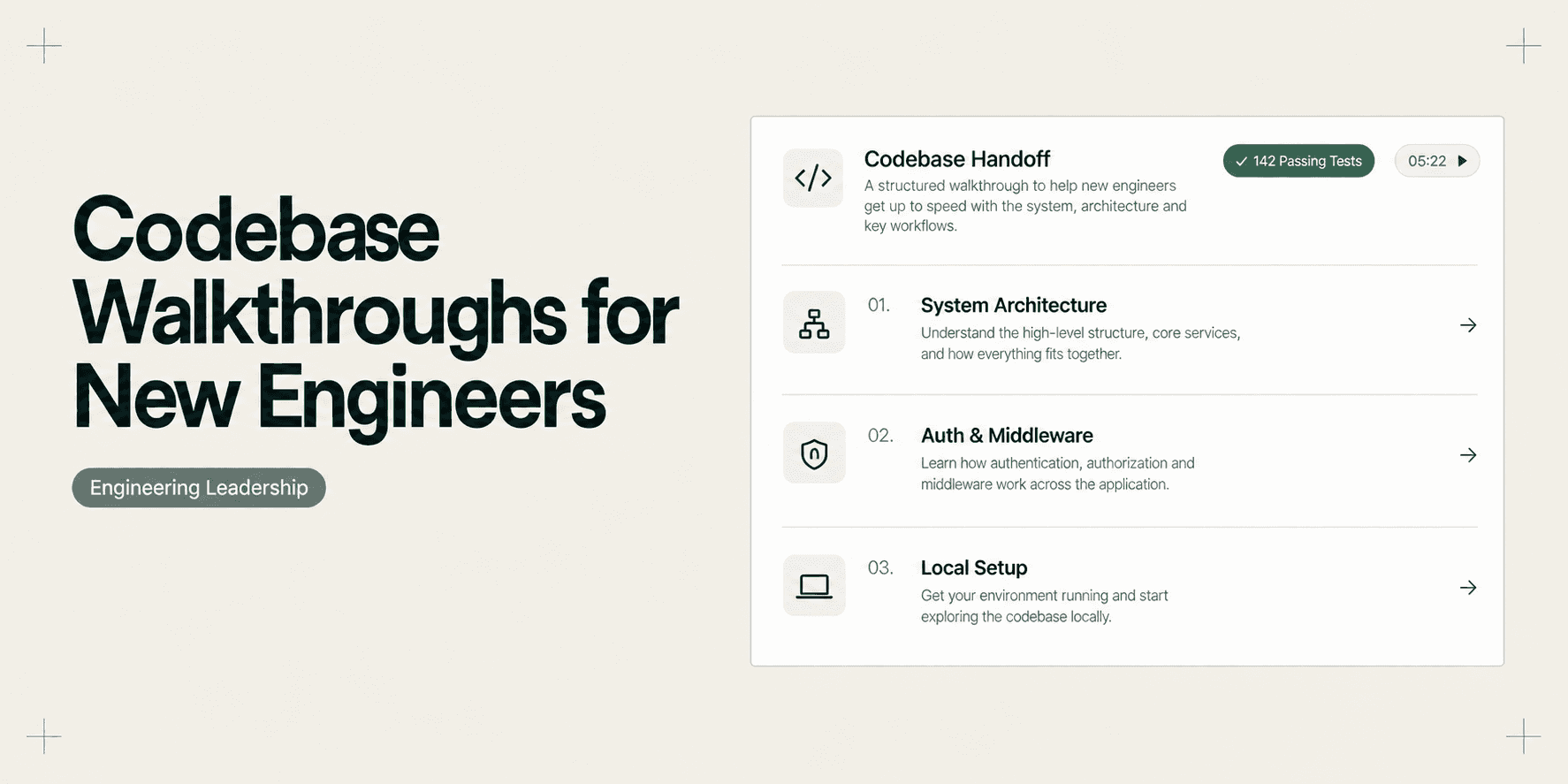
How Tech Leads Hand Off a Codebase Walkthrough to a New Engineer
A senior engineer or tech lead blocks two hours on Tuesday morning to walk a newly hired developer through a 120,000-line monorepo. The lead shares their screen, opens their local editor, and speeds through directory trees, Docker Compose orchestration files, authentication middleware, and background workers. The new engineer nods along, takes disjointed notes, and thanks the lead for a thorough introduction.
By Thursday afternoon, the true cost of that synchronous session surfaces.
The new engineer gets stuck configuring local authentication redirects against the staging proxy. Hesitant to book another meeting or look incompetent, they spend six unbilled hours debugging obscure Docker networking errors. Eventually, they message the tech lead on Slack anyway. The tech lead pauses active feature development, context-switches out of deep flow, and spends thirty minutes re-explaining the exact configuration nuance covered forty-eight hours earlier.
When engineering teams hire steadily, this cycle repeats every few weeks. Senior developers lose valuable focus blocks running repetitive repository tours, while new hires endure cognitive overload. Traditional documentation fails because written wikis drift out of date, while marathon screen recordings trap critical architecture on an unsearchable linear timeline.
Eliminating this operational friction requires replacing live meetings with an asynchronous codebase handoff standard built for self-serve discovery.
The Codebase Handoff Standard
High-performing engineering teams follow a structured baseline when onboarding developers to a complex codebase:
- Architectural Boundaries Over File Trees: Map system domains, data boundaries, and service contracts before inspecting individual directories or source files.
- Runtime Traces Over Static Syntax: Demonstrate how live requests travel from browser user interfaces down to background workers and database transactions.
- Modular Topic Clusters: Break repository walkthroughs into isolated five-minute recordings focused on single concepts rather than one long, unstructured video.
- Searchable Interaction Context: Provide documentation that allows engineers to query architectural terms directly and jump straight to relevant code scenes.
- Sanitized Environment Boundaries: Mask staging secrets, local
.envtokens, and private API keys before distributing walkthrough recordings across the team.
Why Traditional Codebase Handoffs Fail
Codebase handoffs rarely stall because a new engineer lacks technical skill. They fail because engineering teams rely on communication formats that collapse under the weight of modern software complexity.
1. The 90-Minute Synchronous Call Trap
Live video calls create an illusion of knowledge transfer. When a tech lead narrates an entire repository architecture in one sitting, the new hire experiences acute cognitive overload. Human working memory cannot absorb nested folder structures, deployment pipelines, database schemas, and edge-case gotchas during a passive screen share.
Because the call is ephemeral, the information vanishes the moment the call ends. The new hire cannot reference the lead's exact configuration steps when running their first local build three days later.
2. The Rotten README and Stale Wiki Problem
Engineering teams often attempt to solve onboarding bottlenecks by writing comprehensive Notion wikis or repository Markdown documents. Unfortunately, codebases evolve faster than static documentation.
A library upgrade alters the database seeding command, a microservice splits into a serverless function, or an environment variable changes its naming convention. Within two sprint cycles, the onboarding document becomes inaccurate. When a new hire follows stale instructions and encounters build errors, they cannot determine whether their local environment is broken or the written guide is obsolete.
3. Flat Video Recordings Trap Architectural Knowledge
To avoid repeating live calls, some tech leads record an hour-long Loom video or export a Zoom recording. While this preserves the audio and screen share, flat video introduces a major playback bottleneck.
When a junior developer needs to remember where background webhook handlers are registered, they face a 60-minute video file. They must scrub back and forth across the scrubber bar, guessing where that topic was mentioned. Because standard video tools only index spoken audio, any configuration shown silently on screen remains invisible to search. The developer gives up and messages the tech lead directly.
5 Steps to an Asynchronous Architecture Walkthrough
Tech leads can build a permanent, reusable onboarding library by following five practical steps:
1. Establish the High-Level Domain Boundary
Before showing terminal windows or editor tabs, give the engineer a conceptual map of the application. Open a clean browser tab displaying an architecture diagram or service map.
Outline the primary responsibilities of each domain:
- Which service handles user authentication and session validation?
- Where do external webhooks land, and how are they validated?
- Which database models own tenant separation?
Setting clear boundaries upfront gives the engineer a mental framework to categorize specific files as you navigate the repository.
2. Trace the Primary Runtime Happy Path
Do not walk through folders in alphabetical order. Instead, trace a single user interaction through the entire stack from front to back.
Start in the browser interface:
- Open Developer Tools and execute a key workflow, such as submitting an order or inviting a team member.
- Show the outgoing network request and payload structure.
- Switch to your editor and locate the route handler that receives the request.
- Follow the execution thread through input validation, service logic, ORM database calls, and outgoing event dispatchers.
Tracing an active request teaches new engineers how components communicate far faster than reading isolated functions. If your team uses video walkthroughs for bug tracking, this matches the same diagnostic flow explored in our guide on how developers use video bug reports to skip reproduction steps.
3. Highlight Local Environment Quirks and Seeding
Every mature repository contains operational idiosyncrasies that trip up new contributors. Dedicate a specific segment to local environment bootstrapping:
- Startup Sequence: Show the precise order required to start Docker containers, run migration scripts, and seed initial mock accounts.
- Configuration Variables: Explain non-obvious
.envflags, such as toggling local mock payments versus live sandbox endpoints. - Common Breakpoints: Demonstrate what an expired local Redis cache or missing migration error looks like in console output, and show the exact command to resolve it.
Documenting these friction points prevents new hires from losing half a day to basic environment setup.
4. Record Modular 5-to-8 Minute Topic Clusters
Resist the temptation to record everything in a single continuous video. Split your walkthrough into tight, modular recordings organized by architectural concern:
- Module 1 (Setup): Repository cloning, Docker orchestration, and initial database seeding.
- Module 2 (Core Domain): Primary business logic, database relationships, and transaction lifecycles.
- Module 3 (External Services): Third-party API clients, payment webhooks, and rate-limiting rules.
- Module 4 (Async Processing): Message queues, scheduled cron jobs, and worker concurrency.
Short modules allow new hires to review specific topics on demand when they begin working on relevant pull requests weeks later.
5. Package the Walkthrough into a Reusable Handover Packet
Compile the modular recordings, repository links, and environment setup instructions into an onboarding checklist inside Linear, GitHub Issues, or Notion.
Pair each recording with an unambiguous deliverable for the new engineer, such as spinning up the local test suite, creating a test user via the GraphQL playground, or making a trivial pull request to verify staging deployments.
What Makes an Effective Codebase Handover Packet
A structured codebase handoff removes ambiguity by grouping technical resources into a standardized ticket or document. When an onboarding packet provides clear context, new hires can self-serve their setup without booking sync meetings.
+-------------------------------------------------------------------------+
| ONBOARDING HANDOVER: CORE PLATFORM MONOREPO                             |
+-------------------------------------------------------------------------+
| Target Role: Senior Backend Engineer                                    |
| Primary Repository: github.com/organization/core-platform               |
| Tech Stack: TypeScript, Node.js, PostgreSQL, Redis, Docker, Tailwind    |
+-------------------------------------------------------------------------+
| 1. ARCHITECTURE WALKTHROUGHS (Demoly Interactive Modules)               |
|    * Module 01: System Topology & Ingress Routing (05:22)               |
|    * Module 02: Auth Middleware & Tenant Context (06:14)                |
|    * Module 03: Database Migrations & Transaction Helpers (04:45)      |
|    * Module 04: Stripe Webhook Pipeline & Worker Queue (07:05)          |
+-------------------------------------------------------------------------+
| 2. LOCAL ENVIRONMENT BOOTSTRAP CHECKLIST                                |
|    [ ] Clone repo and run ./scripts/bootstrap.sh                        |
|    [ ] Copy .env.example to .env.local (See Module 01 for secrets)      |
|    [ ] Run docker compose up -d postgres redis                          |
|    [ ] Execute pnpm db:migrate && pnpm db:seed                          |
|    [ ] Verify test runner: pnpm test:unit (Target: 142 passing tests)   |
+-------------------------------------------------------------------------+
| 3. FIRST MILESTONE PULL REQUEST                                         |
|    Objective: Add a test endpoint under /api/health/diagnostics         |
|    Acceptance: Pass lint checks, commit via branch chore/health-check   |
+-------------------------------------------------------------------------+
| 4. ESCALATION & CODE OWNERSHIP                                          |
|    * Billing & Payments: @alex-tech-lead                                |
|    * Infrastructure & CI/CD: @devops-team                               |
+-------------------------------------------------------------------------+
This layout succeeds because each section addresses a specific onboarding bottleneck:
- Scannable Module Index: The new engineer sees the exact duration of each topic and can rewatch individual segments without scrubbing through unrelated footage.
- Concrete Verification Steps: Rather than guessing if setup succeeded, the engineer has a clear pass condition (142 passing unit tests).
- Action-Oriented Milestone: Assigning a trivial pull request verifies permissions, branch protection rules, and CI pipelines immediately.
- Explicit Ownership Mapping: Clearly defined team tags prevent engineers from pinging the wrong colleague when domain questions arise.
Comparing Documentation Formats for Engineering Handoffs
The medium you choose to document your codebase dictates how quickly new hires become productive contributors.
Documentation Format | Creation Speed | Maintenance Cost | Search & Retrieval | Best Suited For |
|---|---|---|---|---|
Markdown README & Wikis | Slow (hours of writing and diagramming) | Very High (drifts out of date within sprints) | Medium (keyword-only search across text files) | Static API references and style guidelines |
Standard Screen Recording (Loom/Zoom) | Fast (real-time screen share) | Low to Medium (requires re-recording full videos) | Poor (scrubbing required; speech-only search) | One-off team announcements and sprint demos |
AI-Searchable Walkthroughs (Demoly) | Fast (record once in browser) | Low (modular clips updated independently) | High (query audio and visual clicks; jump to timestamps) | Codebase tours, architectural handoffs, and QA guides |
Static text documents take days to write and format, yet they rot the moment code changes. Standard screen recorders capture voice and video quickly, but they bury technical context inside flat video files where code navigation and silent clicks cannot be searched.

Modern walkthrough platforms like Demoly transform screen capture into an interactive engineering asset. By indexing spoken narration alongside on-screen interactions, Demoly allows engineers to query recordings conversationally. A new developer can ask, "Where is the Redis cache invalidation logic?" and jump straight to the exact second where that file appears on screen.
Using Demoly for Codebase and Architecture Handoffs
Tech leads do not need to alter their development toolchain to create searchable repository tours. VS Code, GitHub, GitLab, and terminal workflows remain your home base, while Demoly provides the visual context layer.
Using the Demoly Chrome extension, tech leads can capture and organize onboarding walkthroughs in four simple steps:
1. Record Cross-Tab Architectural Flows
Initiate capture using the lightweight Demoly extension. Demoly records smoothly across browser tabs without lag. You can switch between your GitHub repository pull request, your local VS Code web editor, an architecture diagram in Mermaid or Figma, and the live staging web application. Demoly tracks tab transitions and interface clicks automatically.
2. Permanently Redact Local Secrets and Keys
Engineering walkthroughs frequently expose sensitive data, including local .env database passwords, development JWT secrets, or third-party sandbox API keys.
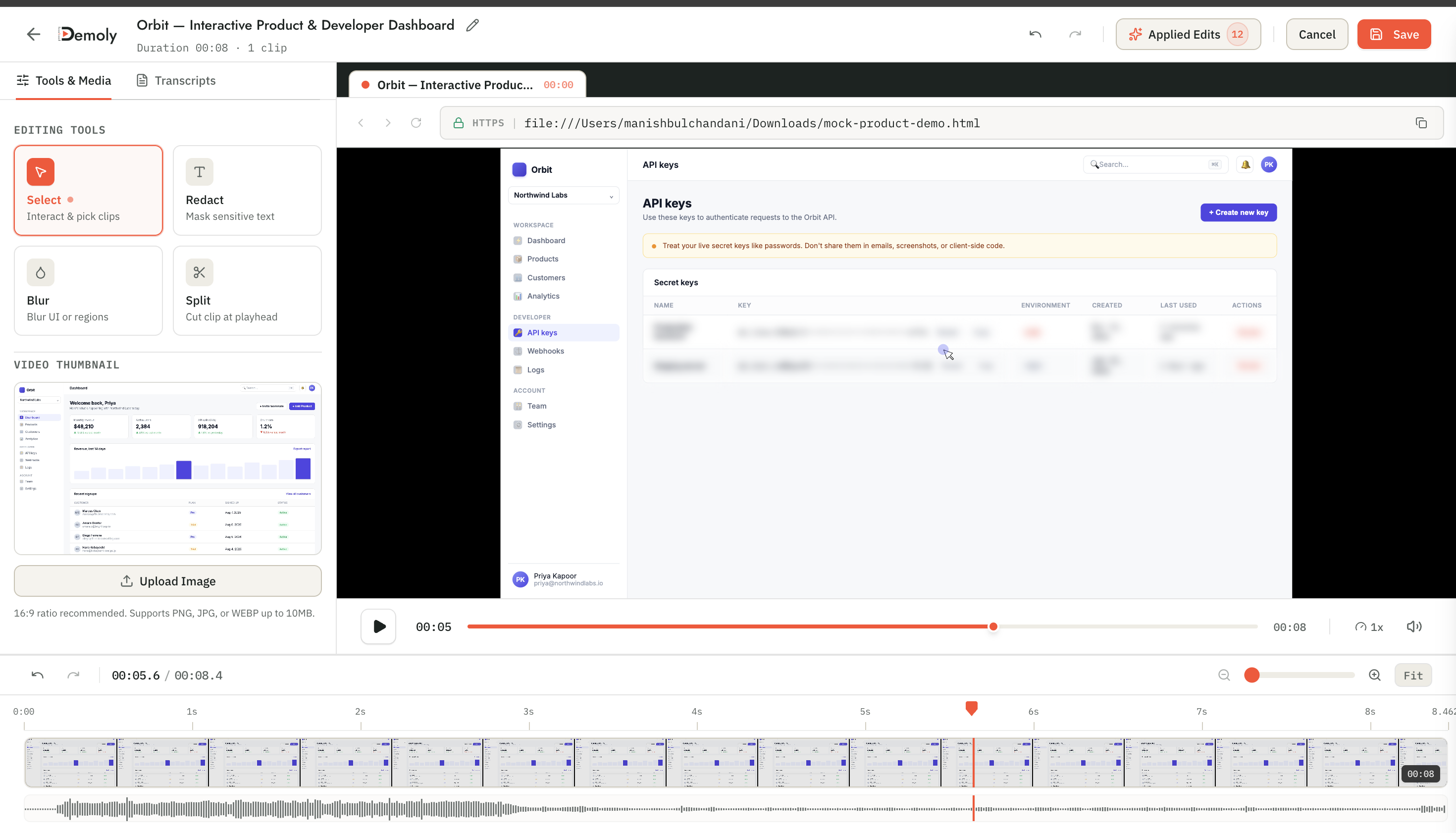
Before distributing your walkthrough, use Demoly's in-browser visual editor to apply canvas element blur over sensitive terminal windows or configuration files. The blur renders into the media stream, ensuring secrets never leak to unauthorized viewers or third-party tools.
3. Pin Comments to Critical Architectural Touchpoints
Enhance your video by dropping element-anchored comment pins onto key interface components or code sections. If a particular controller has a known race condition or upcoming deprecation, attach a comment directly to that element in the video player. When the new hire reviews the recording, the comment highlights the exact component and timestamp automatically.
4. Share Zero-Friction Links in Your Onboarding Hub
Once finalized, generate a share link directly from the Demoly dashboard.
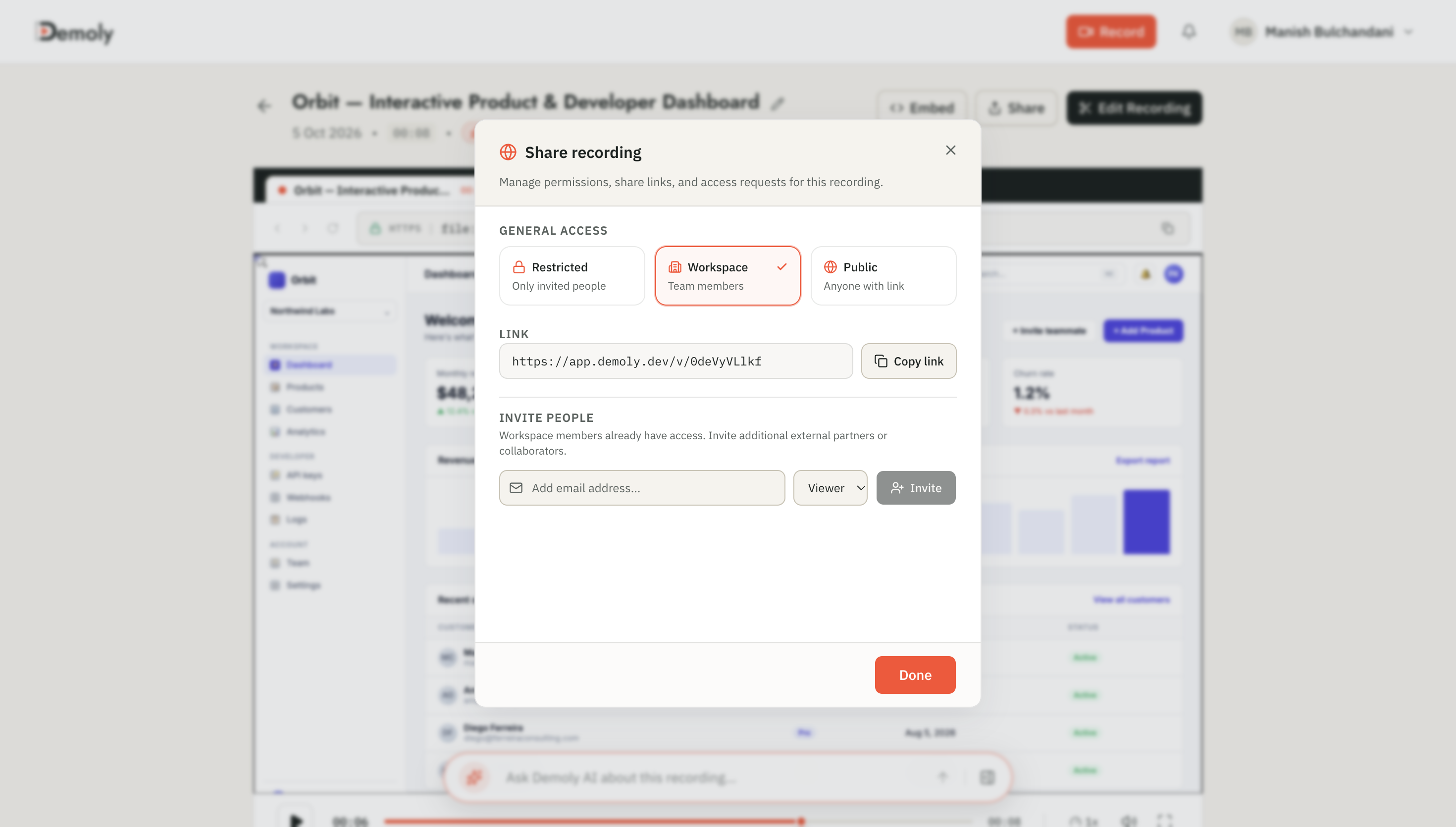
Paste the URL into your onboarding checklist in GitHub Issues, Linear, or Notion. The new engineer opens the walkthrough in any modern browser without needing to install browser extensions or create a paid user seat. They can replay complex sections at variable speeds and ask the AI drawer questions to navigate the codebase independently.
When engineering teams pair asynchronous codebase handoffs with clear bug reporting practices, handoff friction drops across all roles. To see how QA teams apply similar visual capture standards, explore how QA engineers write bug reports developers can actually reproduce.
Frequently asked questions
Commonly asked questions about this article.
01•Can new engineers search specific architectural terms inside a Demoly walkthrough?
Yes. The Ask Demoly AI drawer indexes spoken explanations and visible screen actions, allowing engineers to query topics conversationally and jump directly to timestamped citations.
02•How does Demoly keep local database credentials and API secrets private during a walkthrough?
Demoly provides in-browser canvas element masking that applies permanent blur overlays over sensitive configuration files, API keys, and environment tokens before links are shared.
03•Do new hires need a Demoly seat or license to watch codebase onboarding videos?
No. Walkthrough links open instantly in any standard web browser without requiring new team members to install extensions, create accounts, or consume paid workspace seats.
04•Why are modular 5-minute walkthroughs more effective than a single 60-minute architecture tour?
Modular recordings prevent cognitive fatigue, allow targeted updates when individual services change, and let developers rewatch specific domain topics without scrubbing through hours of footage.
05•Does Demoly replace repository README files, architectural RFCs, or GitHub wikis?
No. Demoly complements written documentation by providing the visual and runtime context that static text cannot convey, serving as the interactive video layer linked inside your repositories.
Demoly Team
Contributor
Related Dispatches
View all dispatches →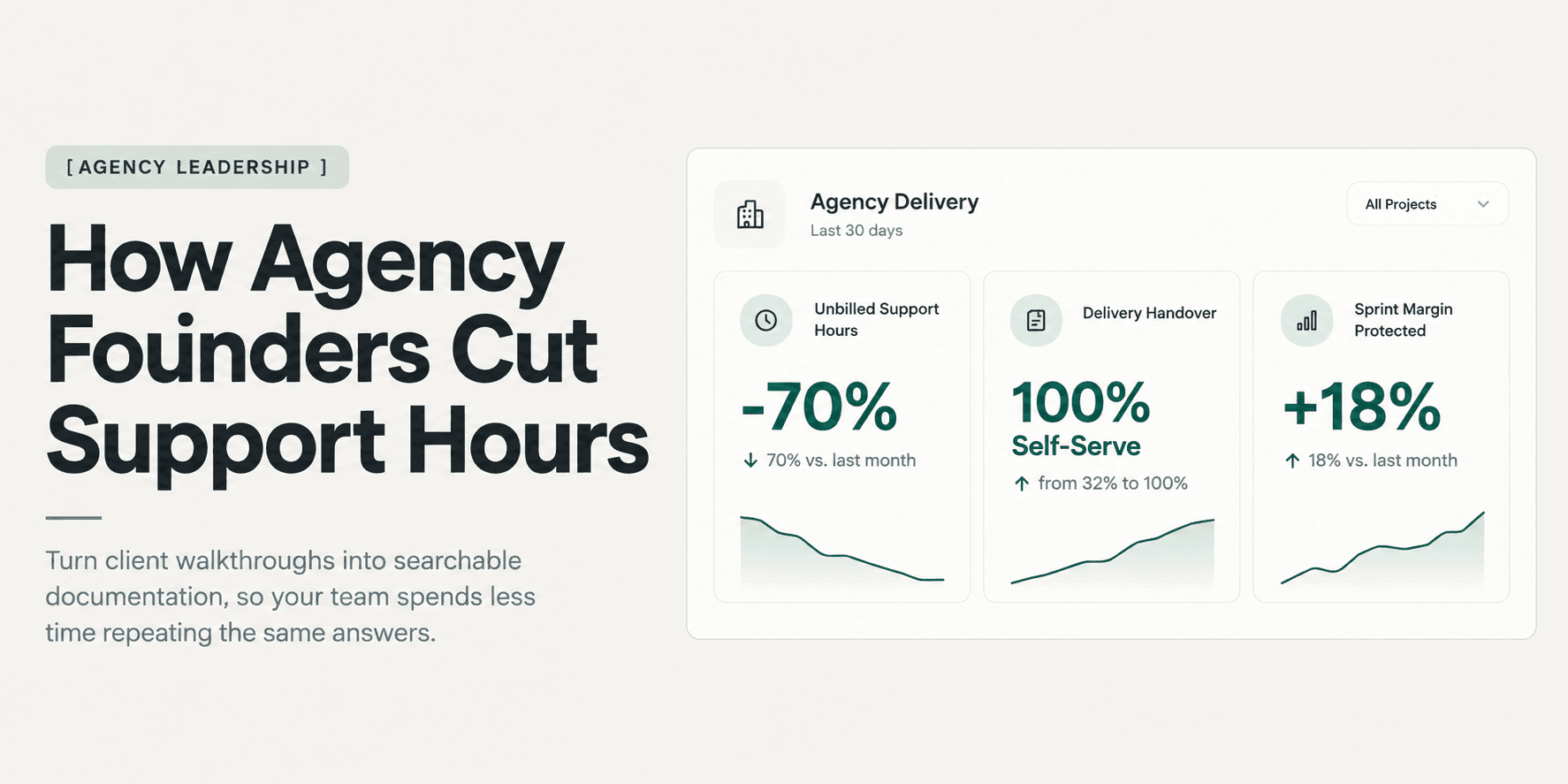
How Agency Founders Cut Post-Launch Client Support Hours
Unbilled post-launch client questions quietly erode project profit margins and pull senior engineers out of billable sprints. Discover how agency founders eliminate post-delivery support hours using structured handovers and searchable visual walkthroughs.
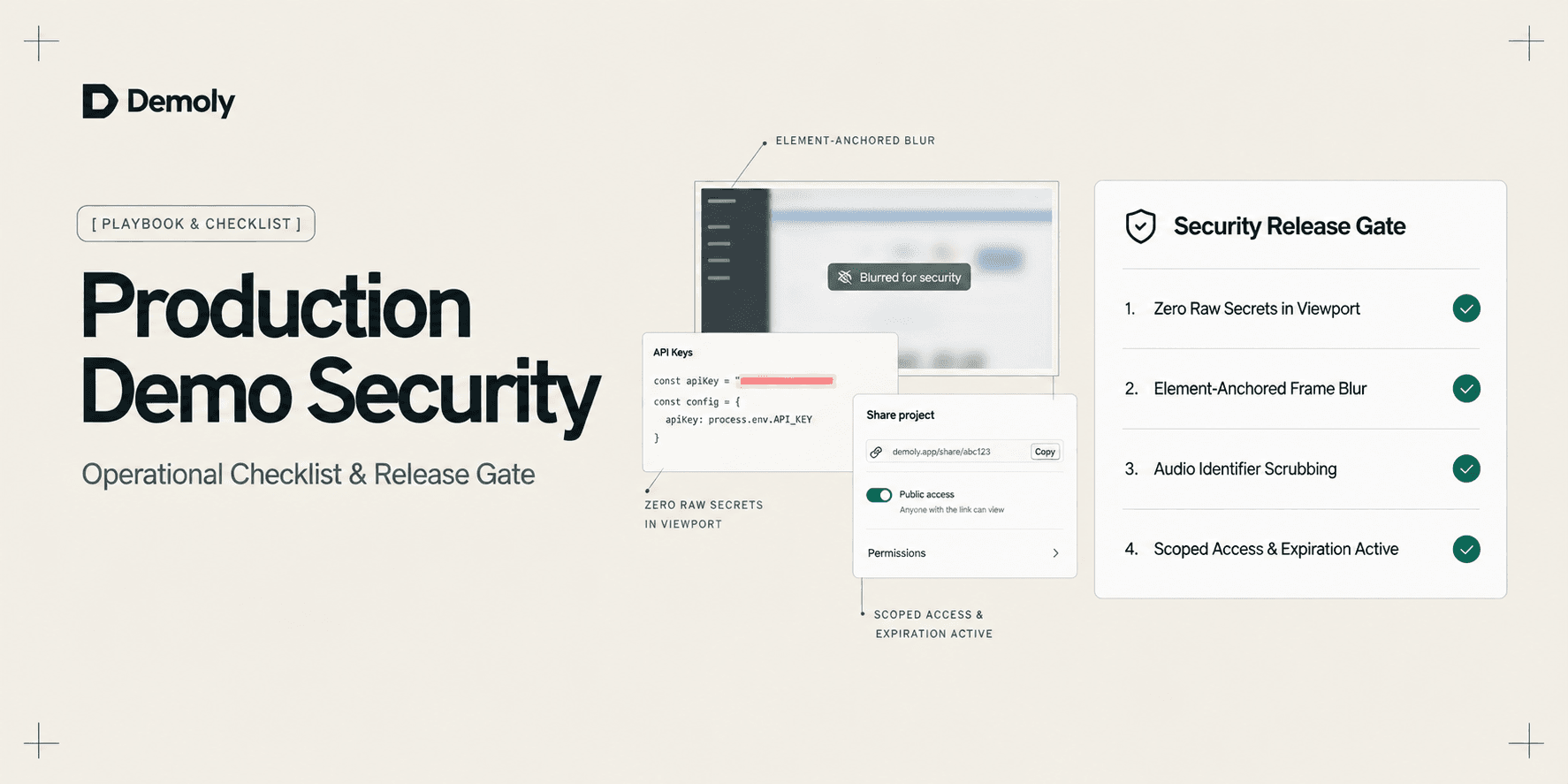
A Security Checklist for Sharing Demos of Live Production Environments
Prevent credential leaks, PII exposure, and compliance violations. Use this operational security checklist to safely record and share demos of live production environments.
Best Screen Studio Alternatives for Windows and Linux
Looking for Screen Studio alternatives on Windows or Linux? Compare top cross-platform tools for auto-zoom effects, AI-searchable walkthroughs, and screen recording.
Try Demoly for your team
Create branchable, interactive demo recordings and deliverables in minutes with zero friction.