Best Video Tool for SaaS Companies
Compare the best video tools for SaaS companies across onboarding, customer support, sales demos, and changelog marketing. Find the right format for your product team.
Best Video Tool for SaaS Companies
Modern software companies rely on video across every stage of the customer lifecycle. Product managers record feature release walkthroughs, customer success teams produce onboarding guides, support engineers explain complex configurations, and sales teams send asynchronous product overviews. Video communicates complex cloud workflows far faster than static text documentation, bridging the gap between product capability and user comprehension.
Yet traditional video creation repeatedly stalls SaaS teams. Quick recordings created with basic screen capture tools dump unindexed video files into customer inboxes. When users need to locate a single setting inside a ten-minute recording, they are forced to scrub back and forth along an opaque timeline. If they cannot find the answer within thirty seconds, they abandon the video and open an urgent support ticket. On the opposite end of the spectrum, polished marketing video editors demand hours of manual timeline slicing and keyframe adjustments that product teams cannot afford during rapid sprint cycles.
An effective SaaS video tool must turn visual recordings into a self-serve, interactive reference asset. Rather than treating video as a static MP4 file, modern software teams need tools that make visual actions queryable, protect sensitive customer data, and eliminate friction for the viewer.
What Makes a Good Video Tool for SaaS Companies?
Selecting the right video software for a SaaS company requires evaluating criteria that directly impact user activation, support deflection, and team execution speed:
- Visual and DOM Action Indexing: Spoken transcripts capture only what the narrator vocalizes. When demonstrating complex web apps, critical steps like toggling background settings or opening nested menus often occur silently. A modern tool must index on-screen DOM elements and mouse clicks so users can search for visual interactions.
- Zero-Friction Viewer Access: Customers, prospects, and external stakeholders should never need to create an account, install browser extensions, or download desktop software just to view a walkthrough or copy a configuration snippet.
- Sensitive Data Redaction: Demonstrating software workflows regularly exposes staging credentials, customer records, database strings, or live API keys. Software teams need permanent frame-layer redaction to remove private data before sharing links publicly.
- Rapid Creation vs. Maintenance Overhead: Software interfaces update continuously. Tools that require extensive manual post-production or complex script recording become obsolete the moment an engineering sprint redesigns the navigation bar.
- Interactive Viewer Engagement: Modern SaaS users expect interactive utility. Viewers should be able to copy visible code snippets directly from the video player, click live URLs, or query an embedded AI assistant to jump to precise timestamps.
Best Video Tools for SaaS Companies at a Glance
Tool | Primary SaaS Role | Core Delivery Format | Search and Retrieval Layer | Sensitive Data Controls | End-User Access Model | Pricing Model |
|---|---|---|---|---|---|---|
Demoly | Interactive, AI-searchable async walkthroughs and support guides | Browser DOM and visual action tracking | Natural language Visual and Voice AI queries | Frame-layer canvas redaction and DOM blur | Free browser playback, no viewer login needed | Free ($0) / Pro at $8/creator/mo |
Loom | Quick internal team messages and one-off customer email replies | Standard screen and webcam video stream | Spoken audio transcript search only | Basic post-recording video trim | Browser playback, login needed to comment | Free (5-min cap) / Business at $12.50/mo |
Storylane | Interactive sandbox product demos for sales and PLG marketing | Cloned HTML DOM and interactive clickable mockups | Linear step-by-step chapter navigation | In-app HTML text replacement and blur | Web embed and public share links | Free tier (1 demo) / Paid from $40/mo |
Screen Studio | Polished social feature teasers and changelog release clips | High-resolution screen recording with auto-zoom | None (flat video export) | Manual keyframe crop and blur boxes | Standard MP4 video file or cloud page | $89 one-time license or $48/yr membership |
Guidde | Automated step-by-step how-to video docs with AI voiceover | Screen capture stitched with synthetic audio | Text search across generated document steps | Automatic blurring of sensitive input fields | Knowledge base embed and share link | Free basic tier / Pro from $16/creator/mo |
1. Demoly: Best for Self-Serve, AI-Searchable Walkthroughs and Support Guides
Demoly is an interactive walkthrough platform built specifically for software builders, customer success teams, and web agencies. Rather than generating flat MP4 files where critical interface details remain trapped on an unindexed timeline, Demoly captures browser workflows at the DOM layer and indexes both spoken dialogue and on-screen interface actions.

Why It Works for SaaS Companies
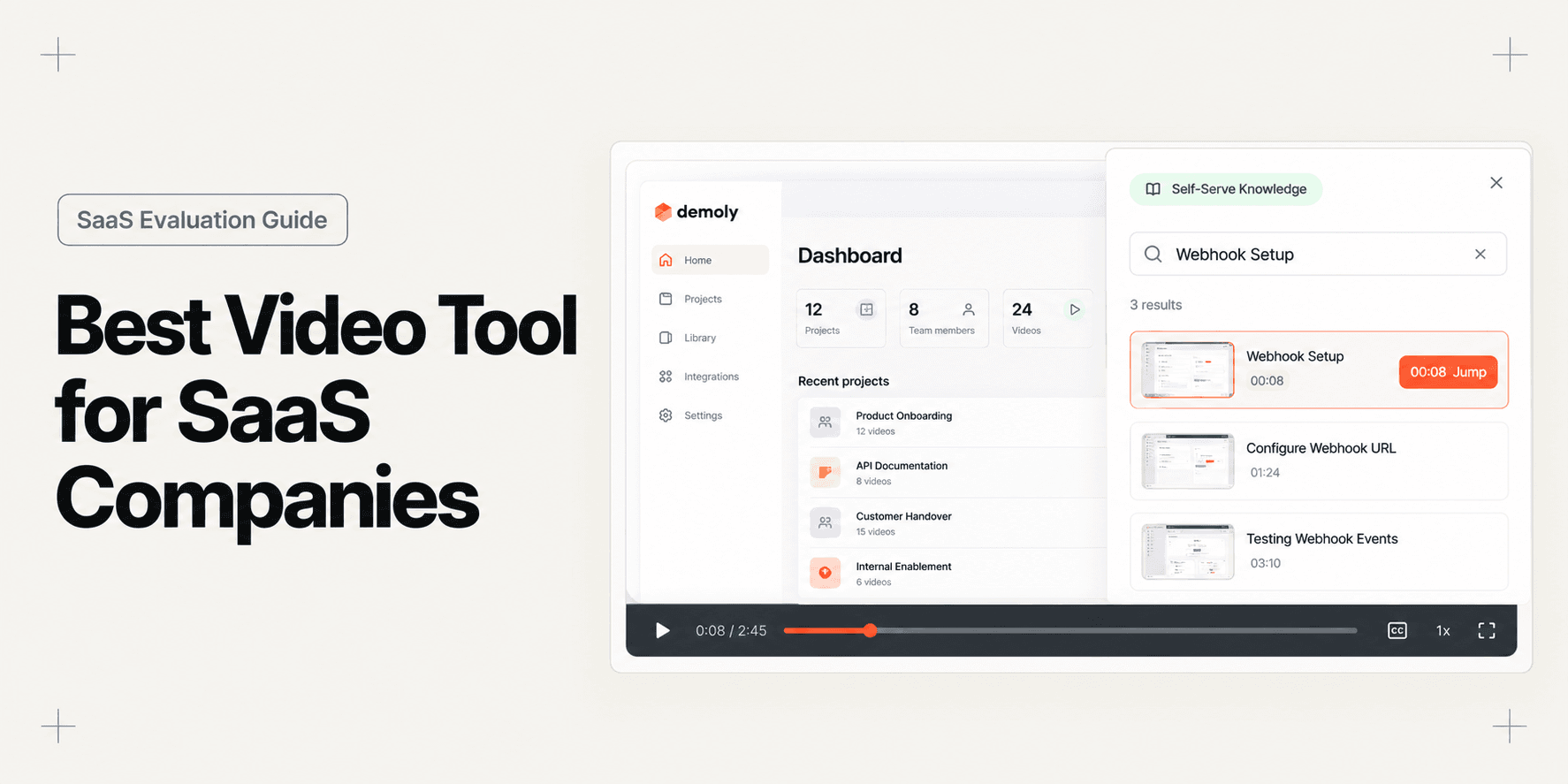
SaaS products are inherently multi-layered. When a customer or new hire gets stuck configuring an integration or setting up permissions, they do not want to re-watch a twelve-minute introductory overview. With Demoly, viewers open an interactive AI search drawer and ask natural language queries such as "Where do I generate the webhook secret?"
Because Demoly tracks DOM element clicks and input fields alongside audio, its semantic search engine answers the query and jumps the player straight to the exact visual timestamp. Even if the creator completed the configuration silently without narrating the action, the step remains fully indexed. Teams looking to establish efficient asynchronous onboarding often consult our guide on How to Record a Web App Walkthrough Your Client Can Actually Search. To explore the underlying mechanics that power silent action retrieval, read our technical breakdown on What Makes a Video "AI-Searchable"? A Technical Explainer.
Strongest Capabilities
- Visual and Voice AI Indexing: Combines spoken dialogue transcription with DOM action recognition, making silent mouse clicks, dropdown selections, and form submissions searchable.
- Frame-Layer Canvas Redaction: Permanently removes customer email addresses, API tokens, and staging database secrets at the video-frame layer rather than overlaying a cosmetic CSS blur.
- Direct On-Screen Copy: Allows viewers to copy visible code snippets, URLs, and environment variables directly out of the video player window without pausing or manual retyping.
- Zero-Friction Client Access: Customers view, search, and navigate walkthroughs in any standard browser without creating an account, installing plugins, or consuming viewer licenses.
Limitations and Pricing
Demoly is focused on web applications and browser-based software workflows. It is not designed for recording native desktop software (such as Xcode or local terminal windows) or multi-track timeline editing. Demoly offers a Free plan ($0 forever) with unlimited recordings, a 15-minute recording cap, and 5 AI-indexed videos per month. The Pro plan costs $8 per creator per month, providing a 30-minute recording limit, unlimited AI-indexed videos, and unlimited interactive viewer AI Q&A with free viewer access.
2. Loom: Best for Quick Internal Video Messages and One-Off Customer Replies
Loom is the category standard for asynchronous screen and webcam communication. It provides a fast, frictionless way for SaaS team members to record spontaneous screen captures and share them across Slack, email, or ticketing systems.
Why It Works for SaaS Companies
For daily operations, speed of capture is essential. When an engineer needs to point out a CSS regression to a designer, or a customer success representative wants to send a 60-second video response to an incoming ticket, Loom delivers unmatched convenience. The instant a recording finishes, cloud processing begins immediately, generating a shareable link in seconds.
Strongest Capabilities
- Instant Cloud Processing: Videos upload and process in real time, making shareable URLs available the moment the user clicks stop.
- Cross-Platform Desktop Flexibility: Records native desktop applications, terminal windows, and multi-monitor setups outside the web browser.
- Extensive Ecosystem Integrations: Embeds cleanly into Jira, GitHub, Slack, Notion, and Google Workspace, making video communication seamless across remote teams.
Limitations and Pricing
Loom treats video as a flat, linear recording. Search relies strictly on spoken audio transcripts, meaning any setting toggled or link clicked without voice narration remains invisible to search. When customers need to locate specific instructions weeks later, they are forced to scrub manually through the timeline. Loom offers a free Starter tier capped at 25 videos and 5 minutes per recording. Paid Business plans start at $12.50 per creator per month billed annually ($15 monthly).
3. Storylane: Best for Interactive Sandbox Product Demos for Sales and PLG
Storylane is an interactive product demo platform designed for SaaS marketing and sales teams. Instead of streaming video, Storylane captures front-end HTML, CSS, and assets from your web application to create clickable sandbox simulations.
Why It Works for SaaS Companies
Product-led growth (PLG) SaaS companies often hesitate to grant unrestricted access to live software environments before lead qualification. Storylane lets revenue teams build interactive product tours that guide prospects through key features in a sandboxed, risk-free environment. Prospective buyers can click buttons, trigger mock modals, and explore realistic software workflows directly on your marketing site.
Strongest Capabilities
- HTML DOM Cloning: Captures the true front-end structure of your web app, providing a responsive and authentic sandbox demo rather than a video player.
- No-Code Data Replacement: Enables marketers to swap demo text, customer names, and dashboard metrics without altering live production code.
- Buyer Intent Analytics: Tracks which features prospects click, how long they explore each workflow, and when they share the demo internally.
Limitations and Pricing
Storylane is built specifically for pre-sales marketing and top-of-funnel conversion. It is not suitable for routine customer support or spontaneous documentation, as building guided demo branches requires deliberate upfront planning. Furthermore, whenever your engineering team pushes major front-end design changes, sandbox demos often require manual updating. Storylane offers a free tier limited to one published demo, with paid plans starting at $40 per creator per month.
4. Screen Studio: Best for Polished Social Feature Teasers and Changelog Videos
Screen Studio is a specialized macOS screen recorder built to produce high-end marketing videos, product changelogs, and social media announcements with minimal post-production effort.
Why It Works for SaaS Companies
When launching a new feature on Twitter, LinkedIn, or Product Hunt, a standard screen capture often feels flat and uninspiring. Screen Studio automatically tracks mouse cursor coordinates during capture, applying smooth dynamic camera zooms, elegant cursor smoothing, and soft drop shadows to the recording automatically. It gives product releases the aesthetic quality of a custom-rendered motion graphics video.
Strongest Capabilities
- Automatic Cursor Tracking and Zoom: Dynamically focuses the camera frame on active clicks and form inputs without requiring manual keyframe editing.
- Smooth Motion Algorithms: Converts jittery trackpad movements into cinematic, fluid cursor glides.
- Customizable Background Styling: Wraps recordings in sleek canvas padding with customizable background gradients, rounded window corners, and subtle shadows.
Limitations and Pricing
Screen Studio is an offline video capture utility strictly available on macOS. It does not provide cloud hosting, collaborative workspaces, interactive player links, or semantic search capabilities. Its output is a standard MP4 or GIF file, making it unsuitable for searchable customer support libraries or interactive onboarding. Screen Studio costs an $89 one-time payment for a single-seat license (with one year of updates) or $48 per year for an ongoing membership.
5. Guidde: Best for Automated Multi-Step How-To Video Documentation with AI Narration
Guidde is an AI-powered documentation platform that converts screen recordings into structured video manuals complete with automated synthetic voiceovers and step-by-step text callouts.
Why It Works for SaaS Companies
Customer education teams frequently struggle to keep help center videos up to date. Re-recording a voiceover every time an icon changes is tedious and time-consuming. Guidde solves this by recording cursor clicks in the background and generating modular, bite-sized video chapters paired with professional synthetic speech. Teams exploring onboarding formats can review our companion evaluation of the Best Tool for Web App Onboarding Walkthroughs to compare procedural video guides with live in-app tours.
Strongest Capabilities
- Automated Step Detection: Breaks continuous screen captures into distinct procedural steps with automatic cursor highlight rings.
- AI Voiceover Generation: Generates fluent synthetic narration in dozens of languages based on auto-generated step descriptions.
- Modular Step Replacement: Allows creators to update a single out-of-date step or rephrase a narration sentence without re-recording the entire tutorial.
Limitations and Pricing
While Guidde simplifies routine software documentation, synthetic voiceovers can sound robotic and impersonal compared to authentic human communication. Additionally, because Guidde stitches discrete captures together, it can lack the fluid narrative context needed for complex software implementations. Guidde offers a free basic plan with watermark branding, with Pro tiers beginning at $16 per creator per month billed annually.
Choosing the Right Video Tool for Your SaaS Team
No single video platform solves every SaaS operational requirement. The most effective software companies choose tools that match their exact communication goals across the customer journey:
- Pick Demoly if your customer success, support, or implementation teams need to create interactive, self-serve walkthroughs where users can query visual actions with AI and copy code directly from the screen.
- Pick Loom if your primary goal is rapid, casual asynchronous messaging across distributed internal teams or sending quick 60-second video replies to customer tickets.
- Pick Storylane if your revenue and marketing teams need clickable sandbox product demos to embed on landing pages and accelerate product-led sales.
- Pick Screen Studio if you want to produce cinematic, polished feature announcement clips and changelog videos for social media on macOS.
- Pick Guidde if your team needs to rapidly generate procedural how-to tutorials with synthetic voiceover for an external customer knowledge base.
Leading SaaS teams typically build a complementary stack: Loom for spontaneous internal alignment, Storylane for interactive marketing tours, and Demoly for self-serve walkthroughs that permanently resolve support queries.
Frequently asked questions
Commonly asked questions about this article.
01•Why do users stop watching SaaS onboarding and support videos?
Users stop watching because long linear videos force them to guess where specific answers live along a timeline. When scrubbing takes too long, users abandon the video and submit a support ticket.
02•How does visual AI search differ from standard audio transcription?
Audio transcription indexes only spoken words, missing actions completed in silence. Visual AI indexes DOM button clicks, field inputs, and tab navigation, allowing users to find silent steps.
03•How can SaaS teams prevent leaking sensitive credentials in recordings?
Basic recorders rely on surface-level blurs that can be bypassed or inspected. Dedicated walkthrough platforms like Demoly offer frame-layer canvas redaction, permanently erasing API tokens and private customer data before sharing.
04•Do customers need to install an extension to view interactive walkthroughs?
No. Platforms like Demoly allow end users to watch, search, and navigate interactive walkthroughs directly within any modern web browser without installing extensions, registering accounts, or consuming viewer licenses.
05•Can SaaS teams update a walkthrough video without re-recording from scratch?
Yes. With non-destructive editing platforms like Demoly, creators can trim pauses, delete mistaken actions, and update specific chapters without re-recording the entire take or changing the public URL.
Demoly Team
Contributor
Related Dispatches
View all dispatches →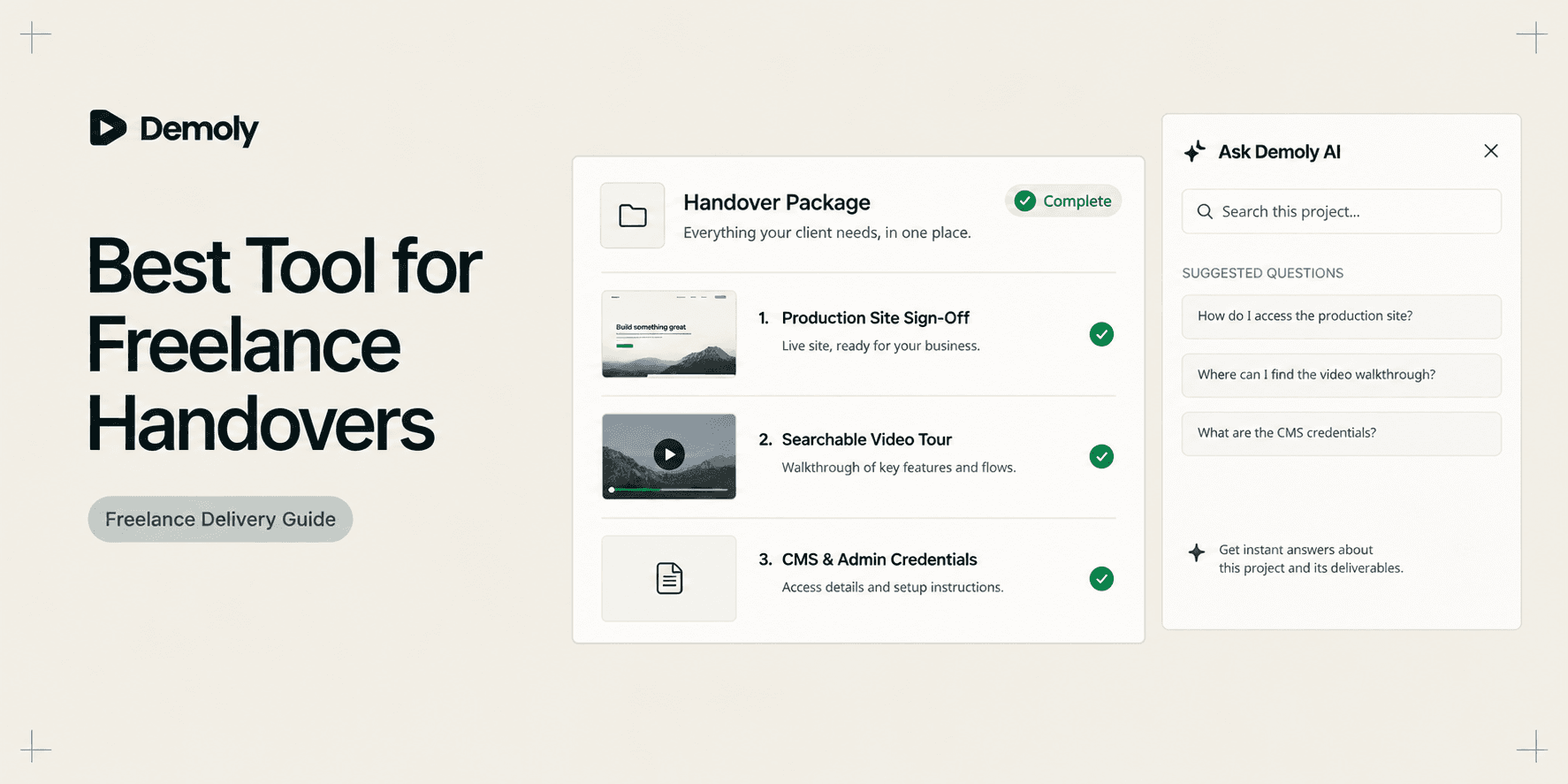
Best Tool for Freelance Client Handovers
Compare the best tools for freelance client handovers. Evaluate interactive video AI, client portals, automated SOPs, visual punch lists, and async video to eliminate unbilled post-launch support.
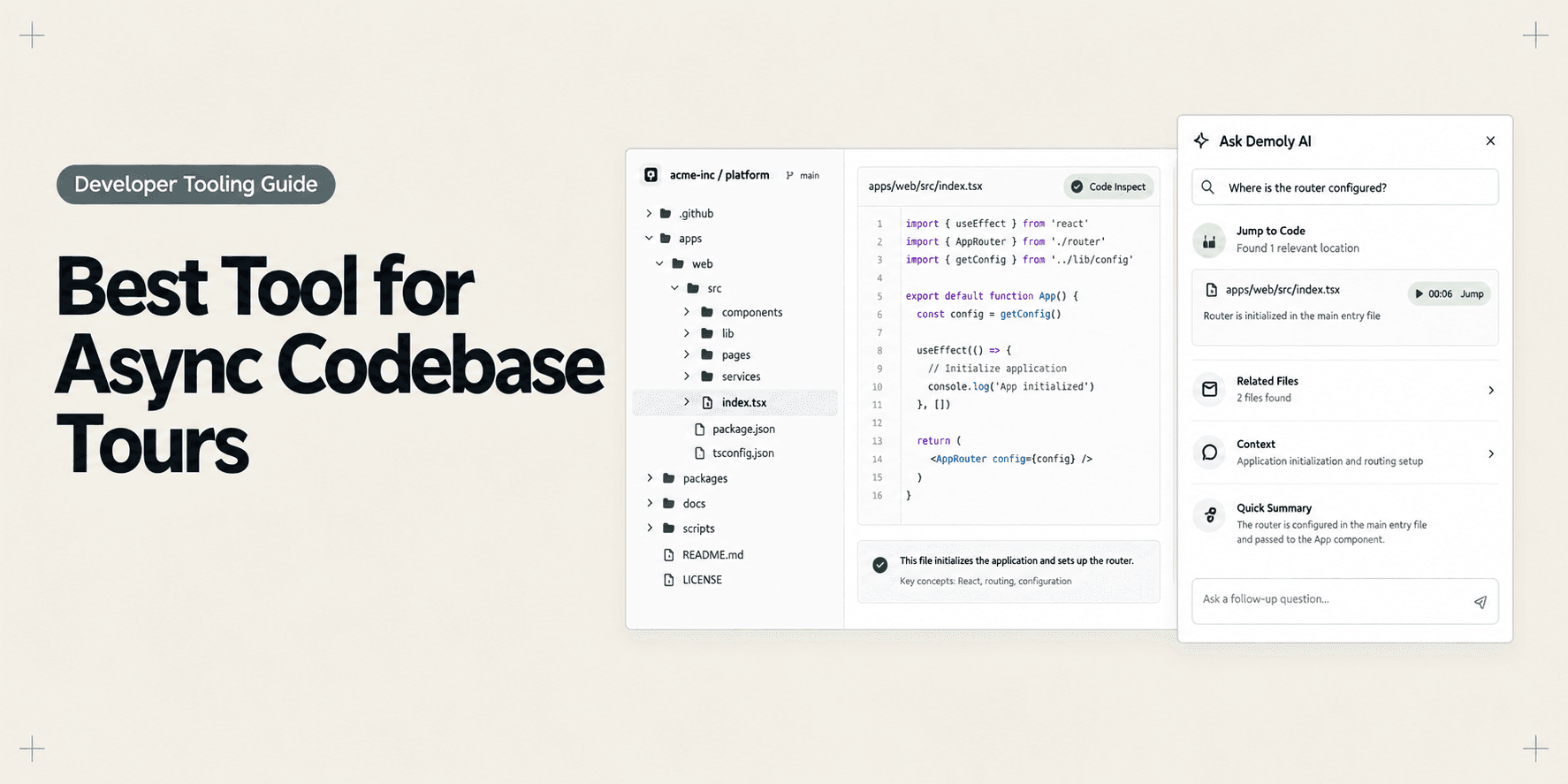
Best Tool for Asynchronous Codebase Walkthroughs
Compare the best tools for asynchronous codebase walkthroughs. Discover how engineering teams replace live Zoom repo tours with AI-searchable video, in-IDE tours, and coupled docs.
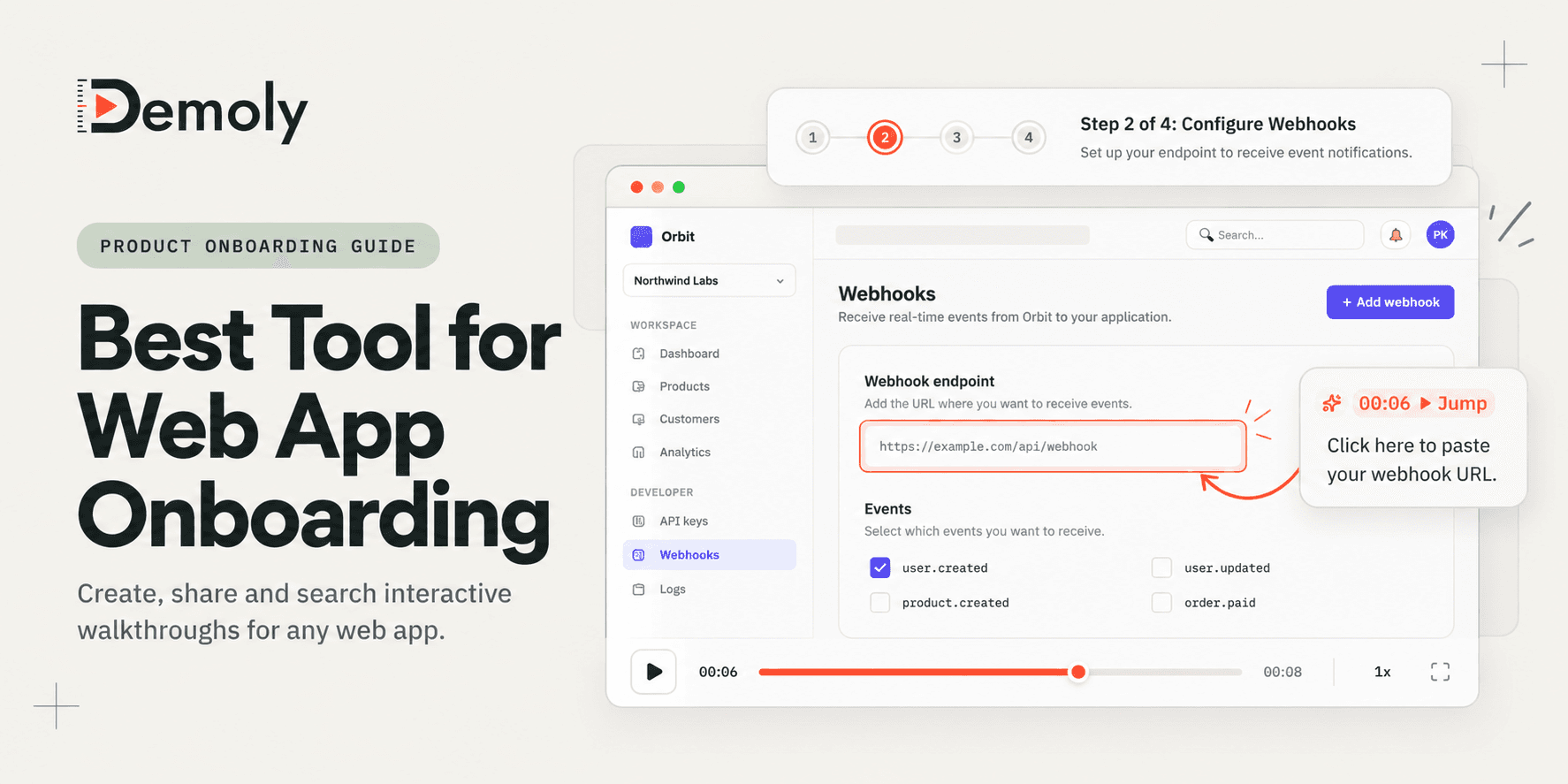
Best Tool for Web App Onboarding Walkthroughs
Compare the best tools for web app onboarding walkthroughs. Evaluate interactive video AI, in-app product tours, sandbox demos, and automated SOPs to drive user activation.
Try Demoly for your team
Create branchable, interactive demo recordings and deliverables in minutes with zero friction.