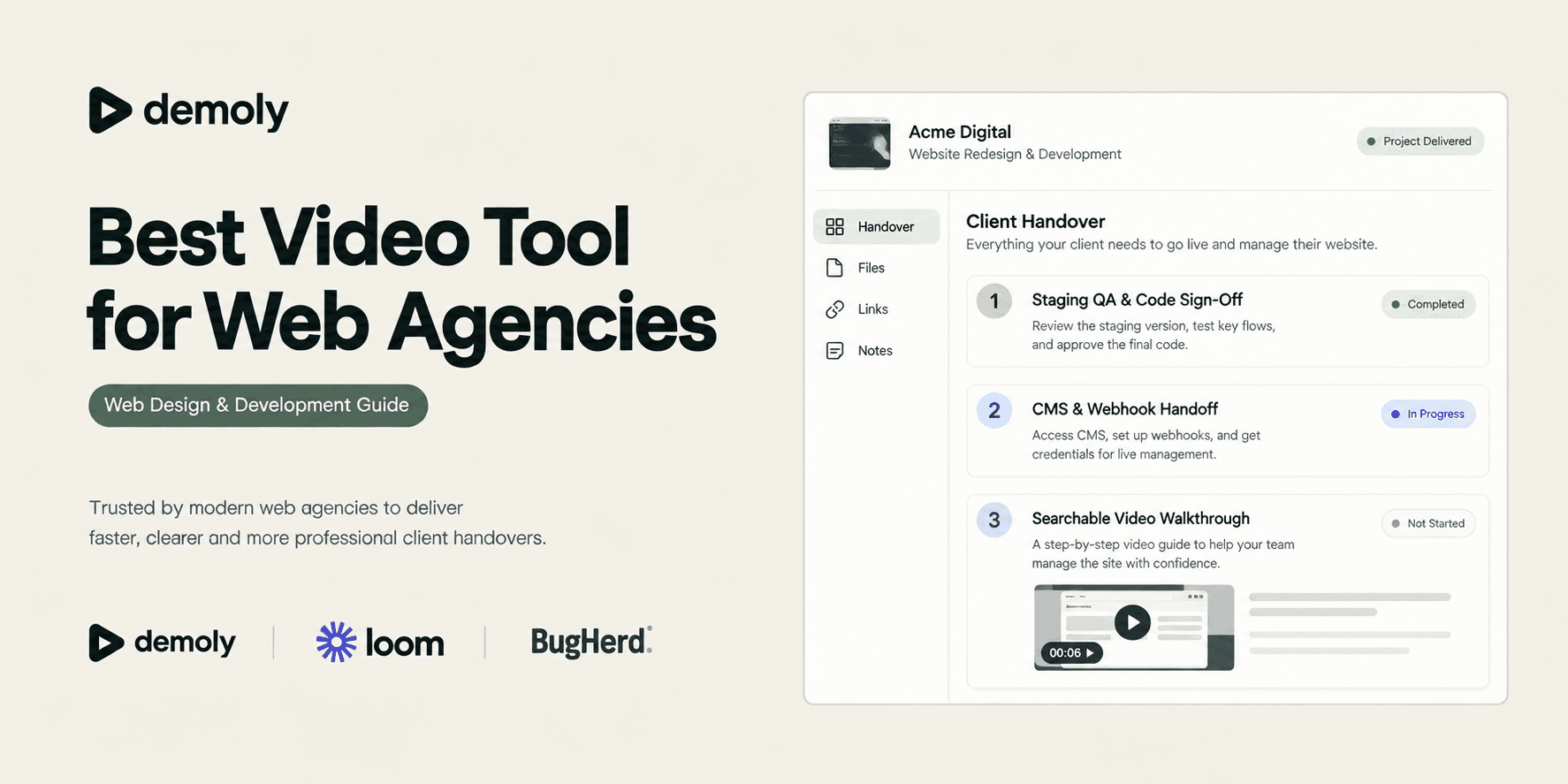
Best Video Tool for Web Design & Development Agencies
Compare the best video and walkthrough tools for web design and development agencies. Discover platforms that streamline client handovers, cut unbilled post-launch support calls, and protect staging credentials.
Best Video Tool for Web Design & Development Agencies
The web project passes quality assurance, staging tests verify clean code, and DNS cutover points to production. Then the post-launch training dilemma begins. Live walkthrough calls on Zoom take hours of developer time and get forgotten within days. Traditional screen recordings sit in shared drives as flat MP4 files where clients must guess timestamps along a progress bar to find how to edit a layout or configure a form.
When clients cannot quickly find answers on their own, they default to emailing your developers. Without the right video documentation system, post-launch client questions quickly consume project profit margins in unbilled support hours. Modern agencies need video and walkthrough tools that turn technical deliveries into searchable, self-serve knowledge hubs.
TL;DR: Quick Comparison
- Demoly: Best for AI-searchable browser walkthroughs, client handovers, and permanent staging redaction.
- Loom: Best for quick internal developer updates and ad-hoc status checks.
- Screen Studio: Best for high-production marketing videos, agency showreels, and portfolio cases.
- Scribe: Best for auto-generated written SOPs and click-based documentation.
- BugHerd: Best for staging visual feedback, bug logging, and client UAT sign-off.
Pairing your delivery workflow with The Complete Client Handover Checklist for Web Agencies ensures that account credentials, domain records, and backend training are systematically transferred without loose ends.
What Web Design & Development Agencies Need From a Video Tool
Recording a custom website or web application requires more than capturing pixels on a screen. Agencies balance technical depth with non-technical client accessibility across several operational pillars:
- Silent Action and Interface Searchability: Clients rarely rewatch 30-minute videos. They search for specific operational tasks, such as adding redirect rules or configuring webhook endpoints. The tool must index on-screen clicks, field inputs, and DOM elements, not just spoken audio.
- Zero-Friction Client Access: External clients should never be forced to create paid accounts, download desktop software, or install browser extensions just to watch a walkthrough or leave feedback.
- Permanent Canvas-Level Redaction: Handover recordings routinely touch staging environments, database consoles, and payment dashboards. Agencies need frame-level redaction to permanently erase database secrets, API tokens, and customer credentials before sharing links.
- Interactive Technical Context: Web projects involve live URLs, CSS selectors, and code snippets. Viewers must be able to copy visible text directly from the player and pin timestamped comments to specific interface elements.
Best Video Tools for Web Design & Development Agencies
1. Demoly: Best for AI-Searchable Client Walkthroughs and Handover Packages
Demoly is an interactive walkthrough platform built specifically for digital agencies, web developers, and software studios. Instead of generating flat video files that lock information inside an unindexed timeline, Demoly captures browser workflows and indexes both spoken voice narration and on-screen interface actions.

Why It Fits Web Design & Development Agencies
Demoly allows agencies to package custom Webflow builds, headless Shopify stores, and full-stack web applications into interactive client libraries. When clients have questions weeks after launch, they open the walkthrough and type plain-English questions into the Ask Demoly AI search drawer, such as "Where do I update the contact form endpoint?"
Because Demoly indexes mouse clicks, tab changes, and input fields alongside audio transcripts, clients can find steps that developers completed in silence. The AI directs them to the exact timestamp chip. Clients can also copy code snippets and URLs directly from the video frame and pin comments to specific page elements.
Key Strengths
- Indexes Silent Actions: Finds button clicks, form inputs, and tab switches that were never spoken aloud during recording.
- Permanent Canvas Redaction: Erases staging API tokens, database keys, and private customer records permanently at the video-frame layer.
- Zero Client Friction: Clients view, query, and search walkthroughs in any standard browser without creating accounts, installing extensions, or paying for viewer seats.
- Element-Anchored Comment Pins: Clients pin feedback directly to specific interface elements during playback.
Important Limitations
Demoly is built specifically for browser-based workflows. It does not record native desktop software outside the browser or offer multi-track timeline video editing.
Pricing
The Free plan ($0 forever) includes unlimited recordings with a 15-minute cap, 5 AI-assisted recordings per month, and unlimited free client viewers. The Pro plan is $8 per creator monthly and includes a 30-minute recording cap, unlimited AI-assisted recordings, and unlimited AI search. Client viewers are always free.
Best Fit
Agencies delivering custom websites, web apps, and CMS platforms where clients need self-serve training that eliminates repetitive follow-up calls.
2. Loom: Best for Quick Ad-Hoc Team Syncs and Internal Async Updates
Loom is the industry benchmark for rapid screen and webcam recording, designed for casual asynchronous communication across distributed teams.
Why It Fits Web Design & Development Agencies
Loom excels at spontaneous internal communication. When an agency developer needs to send a ninety-second clip confirming a bug fix or explaining a pull request to a teammate, Loom records and generates a shareable link in seconds.
While teams frequently evaluate the Best Loom Alternatives for Client Handoffs to solve video search and client onboarding friction, Loom remains a reliable tool for quick internal chats.
Key Strengths
- Rapid Recording: Instant cloud processing produces a shareable link the moment recording stops.
- Full Desktop Capture: Records local software outside the browser, including command-line terminals and code editors.
- Lightweight Multi-Platform Apps: Native macOS, Windows, iOS, and Chrome extension options.
Important Limitations
Loom produces flat video files that force clients to scrub along a timeline to find specific instructions. Because its search relies strictly on audio transcripts, any configuration steps performed silently remain unindexed. In addition, team workspaces charge for viewer and creator seats once limits are reached.
Pricing
Free Starter plan capped at 25 videos and 5 minutes per video. Business plans start at $12.50 to $15 per creator monthly billed annually ($15 to $18 monthly). (Note: Competitor pricing is subject to vendor updates.)
Best Fit
Agencies needing quick video clips for internal developer syncs, brief status checks, and casual delivery updates.
3. Screen Studio: Best for High-Production Marketing Demos and Portfolio Showcases
Screen Studio is a native macOS screen recorder that automatically adds smooth camera pans, cursor zooms, and studio-grade motion effects to recordings.
Why It Fits Web Design & Development Agencies
Web design studios and creative agencies need their work to look visually compelling for portfolio showreels, agency case studies, and social media announcements. Screen Studio transforms standard screen recordings into polished product commercials by automatically zooming in on cursor clicks and smoothing mouse movements.
Key Strengths
- Automatic Motion Framing: Automatically zooms in on active clicks and generates smooth cinematic camera transitions.
- Polished Presentation: Adds customizable device frames, drop shadows, and styled backgrounds with zero manual editing.
- High-Resolution Exports: Renders up to 4K 60fps video suitable for marketing websites and agency portfolios.
Important Limitations
Screen Studio is strictly an offline video capture and export utility. It does not provide hosted player search, interactive DOM indexing, viewer analytics, or client feedback tools. It is also limited to macOS.
Pricing
One-time license purchase starting at $89 for a single Mac license, with team licenses available at higher tiers. (Note: Competitor pricing is subject to vendor updates.)
Best Fit
Design agencies and creative directors who want polished promotional videos, social media product showcases, and client presentation showreels.
4. Scribe: Best for Auto-Generated Written SOPs and Click Guides
Scribe replaces video recording by monitoring user clicks and keystrokes in the background, automatically converting workflows into written, screenshot-annotated manuals.
Why It Fits Web Design & Development Agencies
For routine administrative operations like updating inventory in Shopify or editing collections in Webflow, some clients prefer quick, scannable written instructions over watching a video. Scribe captures your click path and instantly generates numbered step-by-step guides with auto-annotated screenshots.
Key Strengths
- Fast Scanning: Clients can scan an entire procedure in seconds without scrubbing through media.
- In-Place Step Editing: Individual screenshots and text instructions can be replaced or updated without re-recording the entire workflow.
- Sensitive Data Redaction: Automatically detects and blurs common sensitive fields like email addresses and numbers.
Important Limitations
Scribe only captures linear click paths without verbal explanation or motion, making it unhelpful for explaining complex application logic or design choices.
Pricing
Free basic tier for browser capture. Pro plans offering desktop capture and custom branding start around $12 to $23 per user monthly. (Note: Competitor pricing is subject to vendor updates.)
Best Fit
Agencies creating written backend documentation for non-technical clients who prefer reading over watching videos.
5. BugHerd: Best for Staging Reviews and Visual Client Feedback
BugHerd is an in-browser visual feedback tool that lets clients and developers coordinate punch lists and user acceptance testing (UAT) directly on staging builds.
Why It Fits Web Design & Development Agencies
Before final delivery, clients must review the staging build and approve deliverables. BugHerd places a virtual feedback layer over the site, allowing non-technical clients to click on specific elements to report bugs or request changes.
Key Strengths
- Contextual Bug Logging: Automatically records browser versions, operating systems, and CSS selectors when a client pins an issue.
- Integrated Task Board: Converts client feedback pins into an organized Kanban board for developers.
- Zero Client Login Friction: Clients can submit visual feedback directly on staging links without paid accounts.
Important Limitations
BugHerd is strictly an issue tracker for pre-launch reviews. It does not provide instructional walkthroughs, long-term documentation, or training features.
Pricing
Paid plans start around $39 to $49 monthly for small teams, with free client guest commenting. (Note: Competitor pricing is subject to vendor updates.)
Best Fit
Agencies that need a structured, visual way to collect client feedback, resolve launch blockers, and secure sign-off on staging sites.
Web Agency Video Tool Comparison
Tool | Primary Agency Role | Search & Interactivity | Client / Viewer Access | Redaction & Privacy | Pricing Model |
|---|---|---|---|---|---|
Demoly | AI-searchable walkthrough packages | Visual and voice AI search; copyable text; element pins | Free in browser; no login or extension needed | Frame-level permanent canvas removal | Free ($0) / Pro at $8/creator/mo |
Loom | Quick internal developer updates | Audio transcript search only | Free viewing; paid seats for workspace collaboration | Basic post-recording blur | Free (5-min cap) / Business at $12.50–$15/mo |
Screen Studio | Marketing showreels & case studies | Static exported MP4; no search | Local video export; host anywhere | Manual editing cuts | One-time license from $89 |
Scribe | Written SOPs & screenshot guides | Document text search | Free link viewing | Screenshot blur and masking | Free / Pro from $12–$23/user/mo |
BugHerd | Visual UAT & pre-launch punch lists | Task board search and filtering | Free guest client commenting | Scoped to staging sites | Team plans from ~$39–$49/mo |
Privacy, Security & Staging Redaction for Web Agencies
Recording handover guides routinely requires agency developers to navigate sensitive staging dashboards, third-party hosting accounts, and payment sandboxes. Accidental exposure of production credentials represents a major operational risk.
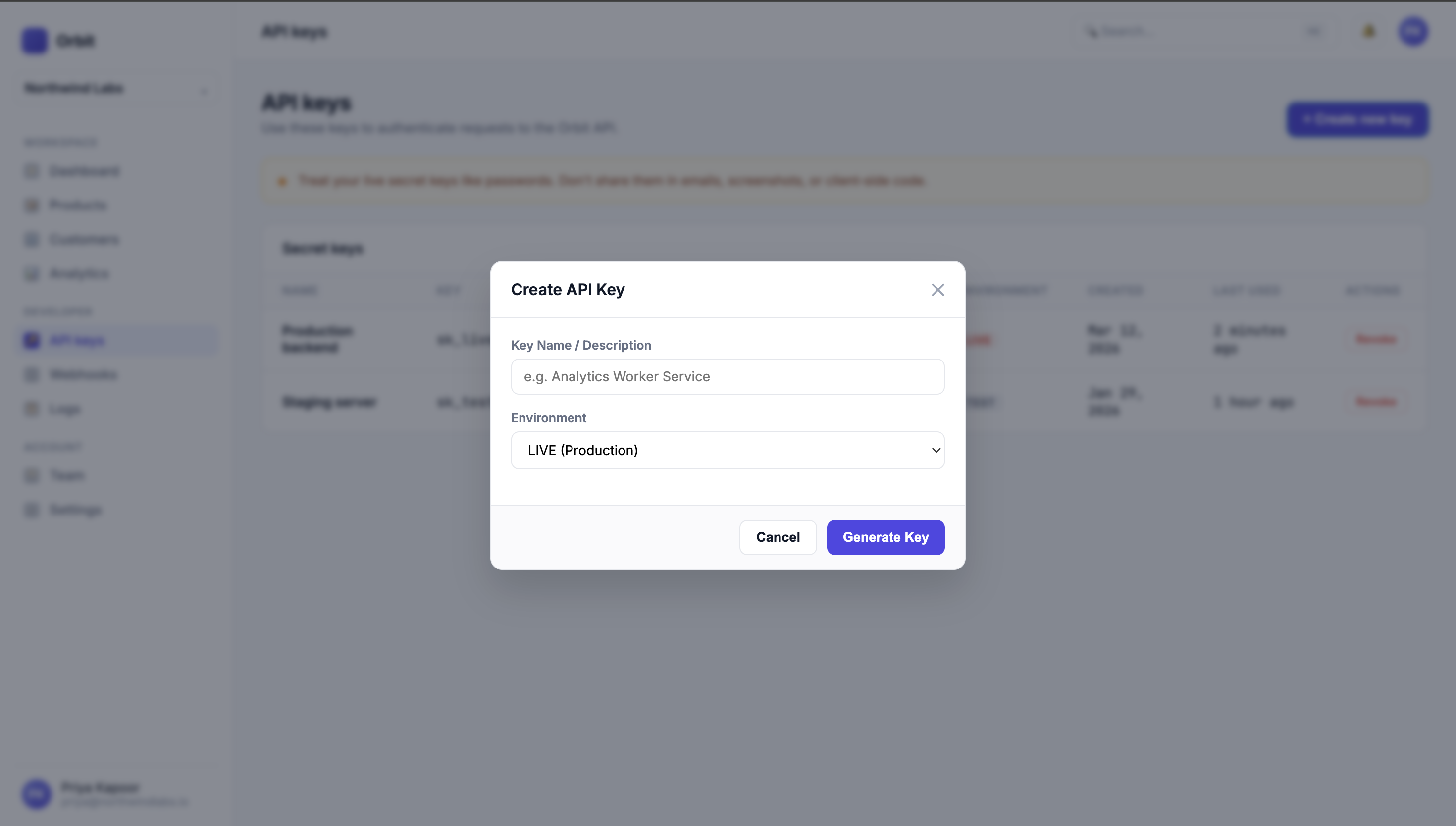
Many basic screen capture tools rely on superficial CSS blurs applied during post-production playback. These visual filters can often be inspected, unmasked, or bypassed because the underlying data still exists in the raw media stream.
In contrast, dedicated platforms like Demoly perform permanent frame-level canvas redaction. Sensitive database keys, customer PII, and webhook secrets are expunged directly at the pixel rendering layer before the walkthrough is published. This guarantees that clients and third-party vendors can reference training materials without exposing security credentials.
Real-World Agency Scenarios
Scenario 1: Handing Off a Webflow CMS Build With Custom Webhooks
An agency builds a custom marketing site with complex Webflow CMS collections and third-party Zapier automation webhooks. Instead of hosting a live training call, the lead developer records an eight-minute walkthrough in Demoly. Two months later, the client's marketing manager asks where new lead form submissions route. Instead of submitting a support ticket, the manager types "form webhook" into Demoly's AI search drawer, immediately jumping to the 04:12 timestamp and copying the endpoint URL directly from the frame.
Scenario 2: Reproducing an E-Commerce Staging Bug
During final user acceptance testing on a headless Shopify store, the client encounters an unexpected checkout tax calculation error. Instead of typing an ambiguous email, the client clicks BugHerd on the staging link to pin the checkout button, automatically passing the browser version, viewport size, and console log to the agency developer. The developer fixes the bug and records a ninety-second Demoly clip demonstrating the verified resolution.
Scenario 3: Launching an Agency Portfolio Case Study
The creative agency launches a bespoke interactive website for a global brand. To showcase the design craft on social media, the design director uses Screen Studio to capture the responsive layouts. The tool automatically applies smooth zooms and camera pans across micro-interactions, creating a high-resolution marketing video that attracts inbound agency leads.
Choosing the Right Video Tool for Your Agency
Selecting the Best Tool for Client Project Handovers depends on the specific operational touchpoint in your agency's delivery pipeline:
- Choose Loom if you need fast, informal screen recordings for internal developer coordination and daily standup check-ins.
- Choose Screen Studio if your primary goal is producing cinematic, high-fidelity marketing showreels and agency case study videos.
- Choose Scribe if your clients specifically request written, screenshot-based SOPs for simple backend administrative tasks.
- Choose BugHerd if you need a dedicated in-browser feedback tool to manage pre-launch UAT and client punch lists.
- Choose Demoly if you deliver custom websites and web applications where clients need interactive, AI-searchable walkthroughs that deflect post-launch support calls.
Most high-performing agencies combine these tools into a focused delivery stack: BugHerd for pre-launch staging sign-off, Screen Studio for external portfolio marketing, and Demoly for searchable client handovers that permanently eliminate unbilled support hours.
Frequently asked questions
Commonly asked questions about this article.
01•Why do clients stop watching recorded video handovers?
Clients stop watching long videos because scrubbing through an unindexed timeline to find one specific setting is frustrating. When finding an answer takes more than a minute, clients email developers instead.
02•How does visual AI video search differ from audio transcription?
Audio transcripts only index spoken words, missing steps completed in silence. Visual AI indexes button clicks, form inputs, and tab switches alongside speech, making unvoiced configuration actions searchable.
03•Why are client-side video blurs risky for agency handovers?
Basic playback blurs often leave sensitive underlying data in the video stream where it can be inspected or reversed. Frame-level canvas redaction permanently removes staging API keys and credentials before sharing.
04•Do clients need paid accounts to watch agency walkthroughs?
No. Platforms like Demoly allow external clients to watch, query, and search walkthroughs in any standard browser without creating an account or paying for viewer seats.
05•How can agencies prevent unbilled post-launch support questions?
Agencies prevent support creep by replacing static manuals and live Zoom calls with searchable walkthroughs that allow clients to find answers independently months after launch.
Demoly Team
Contributor
Related Dispatches
View all dispatches →
Best Screen Studio Alternatives for Windows and Linux
Looking for Screen Studio alternatives on Windows or Linux? Compare top cross-platform tools for auto-zoom effects, AI-searchable walkthroughs, and screen recording.
Guidde Pricing: Complete Cost Breakdown and Alternatives
An independent pricing audit of Guidde plans, creator seat costs, Free vs Pro vs Business limits, AI voice tiers, and whether upgrading delivers real ROI.
How AI Indexes a Silent Screen Recording
Discover how AI indexes silent screen recordings by combining visual computer vision with structured DOM event telemetry, turning unvoiced clicks into searchable moments.
Try Demoly for your team
Create branchable, interactive demo recordings and deliverables in minutes with zero friction.