

What is Demoly?
Demoly turns browser recordings into searchable, interactive walkthroughs, helping teams find specific actions, answer questions, and reuse product explanations without re-recording or repeating themselves.

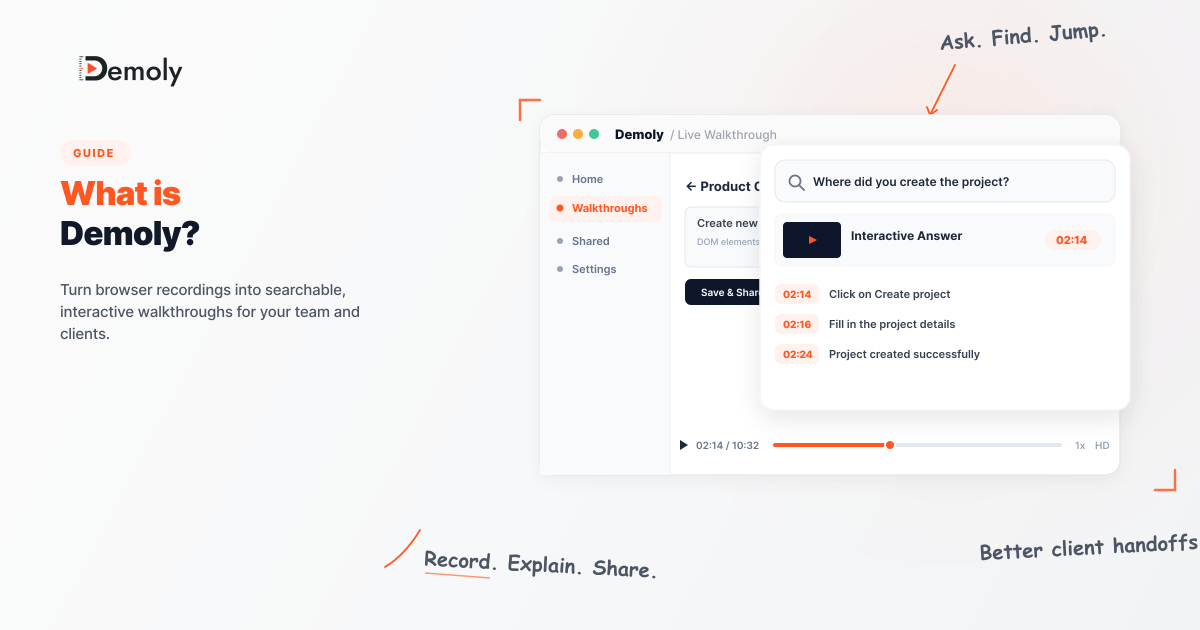
Explaining a software product shouldn't mean recording a video, sending it to someone, and then answering the same questions over and over again.
That's the problem Demoly is designed to solve.
Demoly is an AI-powered screen recording and walkthrough platform that turns browser recordings into searchable, interactive experiences. Instead of treating a screen recording as a video that someone has to watch from beginning to end, Demoly lets viewers search the recording, find specific actions, and jump directly to the relevant moment.
This makes Demoly particularly useful for agencies, product teams, developers, and anyone who regularly needs to explain how something works.
In this guide, we'll cover what Demoly is, how it works, its key features, who it's built for, and how it can make product demos, client handoffs, onboarding, and bug reporting easier.
What Is Demoly?
Demoly is a tool for creating AI-searchable web demos and walkthroughs.
At its simplest, you record yourself using a website or web application. Demoly captures the walkthrough and then adds intelligence to the recording by indexing both what you say and what happens visually on the screen.
That distinction is important.
A traditional screen recording might help someone watch what you did. A Demoly walkthrough is designed to help someone find what they need.
For example, imagine you've recorded a 10-minute walkthrough explaining a web application. A client later wants to know:
"Where did you configure the API key?"
Instead of manually searching through the recording, they can ask Demoly and jump to the relevant part of the video.
Demoly's AI can index visual actions as well as spoken content, meaning an action doesn't necessarily have to be verbally explained for it to become searchable.
Why Is Demoly Different From a Regular Screen Recorder?
Screen recording itself isn't new.
Tools for recording your screen have been around for years. The bigger problem is what happens after the recording is created.
A typical workflow looks like this:
Record your screen.
Upload the video.
Send someone a link.
They watch the video.
They have a question.
They message you.
You explain it again.
This becomes especially inefficient when you're dealing with:
Client handoffs
Software onboarding
Product demonstrations
Technical documentation
Bug reports
Internal processes
Feature walkthroughs
Training videos
Demoly approaches the problem differently by making the recording searchable and interactive.
Its AI indexes speech and visual screen actions, while timestamp navigation allows viewers to move directly to relevant parts of a walkthrough.
So the goal isn't simply to create another screen recording.
The goal is to create a self-serve explanation.
How Does Demoly Work?
The basic workflow is straightforward.
1. Record your walkthrough
Start by recording your browser while you demonstrate a product, feature, workflow, or problem.
Demoly's browser extension supports browser walkthroughs, microphone audio, and multi-tab recording.
You can use the recording to demonstrate something such as:
How to use a new feature
How to configure a dashboard
How to reproduce a bug
How to complete a workflow
How a recently developed feature works
2. Edit and redact the recording
Once the walkthrough is recorded, you can clean it up before sharing.
Demoly provides browser-based editing for trimming mistakes, removing unnecessary sections, and cutting out pauses or accidental actions. It also provides redaction tools for sensitive information.
This is useful when a recording contains information you don't want a client or external viewer to see.
For example, you might need to hide:
Customer information
Internal dashboards
API keys
Pricing information
Other confidential data
Demoly says its redaction removes the affected content at the video-frame layer rather than simply hiding it with a visual overlay.
3. Share the walkthrough
After recording and editing, you can share the walkthrough through a link.
This makes the recording useful as a handoff artifact rather than simply a video file sitting on your computer.
4. Let AI make the walkthrough searchable
This is where Demoly becomes more than a conventional screen recorder.
The platform indexes both spoken content and visual actions.
That means someone can search for something that was said, but they can also search for an action that happened on screen.
For example:
Question: "Where did you open the API settings?"
Demoly can identify the relevant part of the recording and take the viewer to the appropriate moment. It can also provide step-by-step answers with clickable timecodes.
Key Features of Demoly
AI-Powered Video Search
One of Demoly's central features is AI-powered search across recorded walkthroughs.
Instead of manually dragging through a timeline, viewers can ask questions in natural language.
Demoly analyzes both the audio and visual content of a recording to locate relevant moments.
This is particularly useful for longer technical walkthroughs where finding one specific action manually can take time.
Visual Action Indexing
Not everything that happens during a software walkthrough is spoken aloud.
You might click a menu, open a settings page, select an option, or configure something without narrating every action.
Demoly is designed to index these visual actions alongside speech.
That gives the recording another layer of context beyond a transcript.
Interactive Timestamps
Once Demoly identifies the relevant part of a recording, viewers can jump directly to that moment.
Instead of:
"It's somewhere around minute six."
you can provide a direct path to the relevant action.
This makes technical explanations significantly easier to navigate.
Editing Without Re-Recording
Made a mistake halfway through a 10-minute walkthrough?
You don't necessarily need to start again.
Demoly provides non-destructive timeline editing so you can trim mistakes, remove pauses, and cut unnecessary sections from the recording.
This can be particularly helpful for client-facing videos where presentation quality matters.
Redaction and Privacy Controls
Screen recordings often contain sensitive information.
Demoly provides tools for blurring or blocking regions of the recording before sharing it. Its website specifically highlights use cases such as customer data, internal tools, API keys, and pricing information.
For teams that frequently record real production environments, this can be an important part of the workflow.
Multilingual Translation
Demoly also provides AI translation for transcripts, with support for more than 30 languages according to its website.
This can make walkthroughs more useful for distributed teams and international clients.
Who Is Demoly For?
Demoly can be useful anywhere a person repeatedly has to explain a digital workflow.
Agencies
Agencies often need to hand over completed websites, applications, dashboards, automations, and other digital projects.
Instead of sending a collection of screenshots or scheduling another call, an agency can provide a walkthrough that clients can explore and search themselves.
Demoly specifically positions client handoff as one of its core use cases.
Product Teams
Product managers and product teams can use walkthroughs to explain new features, changes, and workflows.
A searchable recording can also become a reusable reference when someone needs to understand a feature weeks after it was launched.
Developers
Developers frequently need to explain technical problems visually.
A bug report can include a recording showing:
What happened
Which page was open
What actions were performed
Where the problem appeared
Demoly also supports comments pinned to specific DOM elements and timestamps, which can provide additional context around an issue.
Customer Success and Support Teams
Customer-facing teams repeatedly answer questions such as:
"Where do I find this setting?"
"How do I configure this?"
"What should I click next?"
"Why does this workflow work this way?"
A searchable walkthrough can turn those explanations into reusable resources.
Internal Teams
Demoly can also be used for internal knowledge sharing.
For example, a team member can record:
"Here's how we deploy this application."
Later, another employee can search the walkthrough instead of asking the original author to explain the entire process again.
Demoly for Client Handoffs
One of the strongest use cases for Demoly is project handoff.
Imagine an agency has just completed a website for a client.
The team could schedule a 30-minute call and explain every important part of the project.
Or they could create a structured walkthrough covering:
How to access the system
How to update content
How to manage users
How to change settings
How to perform common tasks
The client can then return to the recording whenever they need help.
If they forget where a particular setting was demonstrated, AI-powered search can help them locate it.
This changes the role of a screen recording from "something the client watches once" into "a reference the client can return to."
Demoly for Bug Reporting
Bug reports often lose important context.
A developer might receive a message saying:
"The dashboard doesn't work when I click the button."
That's not always enough information to reproduce the issue.
A screen walkthrough can capture the actual sequence of events.
With Demoly, teams can record the workflow, include contextual comments, and use element-level references to make it clearer what happened and where.
This can reduce the amount of back-and-forth required to understand a problem.
Why Searchable Video Matters
Video is great at showing how software works.
But video has traditionally had one major weakness:
Finding one specific piece of information inside it.
If a 15-minute recording contains the answer you need at 11:42, you don't necessarily want to watch the first 11 minutes again.
Searchable video addresses that problem.
Instead of treating the recording as a linear file, AI can turn it into a collection of searchable moments.
That's especially valuable for software walkthroughs because software is inherently visual.
A transcript can tell you what someone said.
Visual indexing can provide context about what they actually did.
When Should You Use Demoly?
Demoly makes the most sense when the explanation is easier to demonstrate than to write.
Consider using it when you need to:
Demonstrate a software feature
Hand a project over to a client
Explain a technical workflow
Report a reproducible bug
Train a new team member
Document an internal process
Create a product walkthrough
Explain a complicated web application
Answer recurring "how do I do this?" questions
If your explanation requires someone to see where you click, which page you open, or how a workflow progresses, a visual walkthrough can be more useful than a long text document.
Final Thoughts
Demoly is built around a simple idea: a screen recording should be more useful than a video file.
Instead of recording a walkthrough and leaving the viewer to scrub through it, Demoly adds AI-powered search, visual indexing, interactive timestamps, editing, redaction, and sharing capabilities.
For agencies, that can mean easier client handoffs.
For developers, it can mean clearer bug reports.
For product teams, it can mean more useful feature walkthroughs.
And for internal teams, it can turn one person's explanation into a reusable resource.
If your team spends a lot of time recording software walkthroughs—or even more time answering questions about those walkthroughs—Demoly is worth exploring.
Record it once. Make it searchable. Let people find the answer themselves.

Manish Bulchandani
Contributing author covering precision walkthroughs and modern product engineering at Demoly.
Related Dispatches
View all dispatches →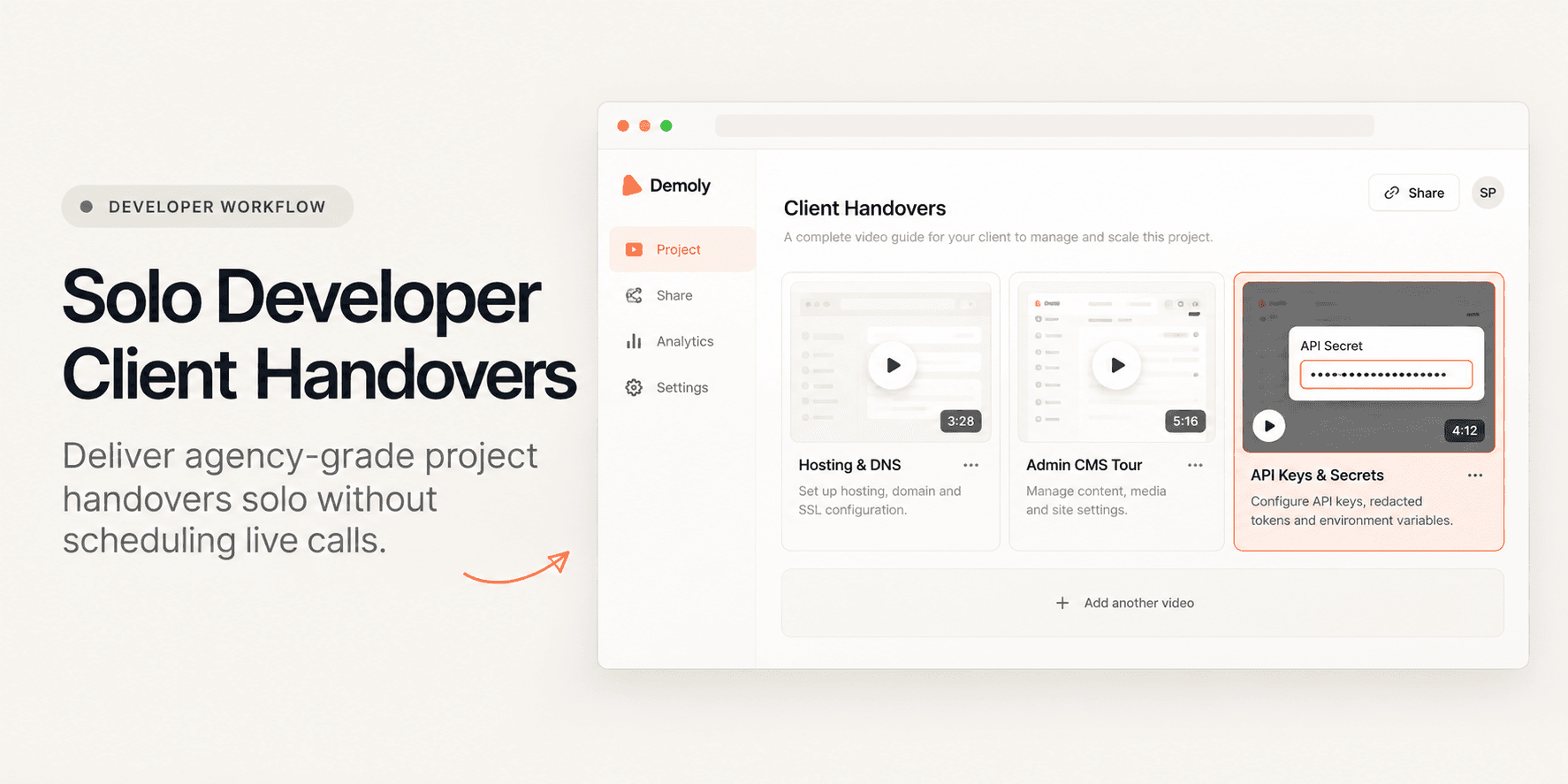
How Freelance Developers Deliver Professional Client Handovers Solo
Solo freelance developers often lose days to unpaid post-launch support and disjointed documentation. Learn how to package high-fidelity, asynchronous client handovers in under 30 minutes without scheduling another live call.
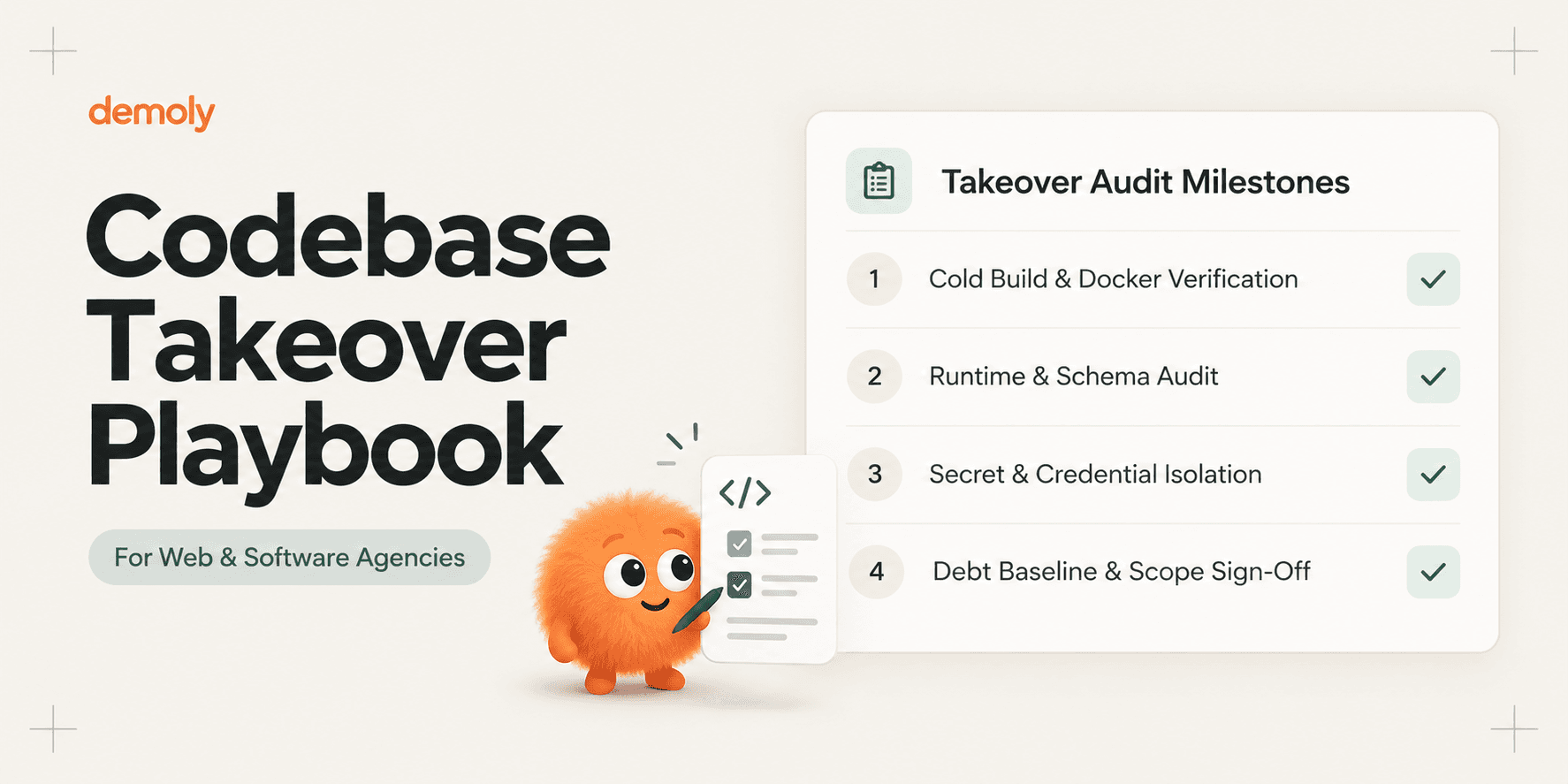
The Onboarding Playbook for Agencies Taking Over Someone Else's Codebase
A tactical playbook for agencies inheriting legacy software. Audit dependencies, reproduce cold builds, isolate security secrets, and set scope boundaries.
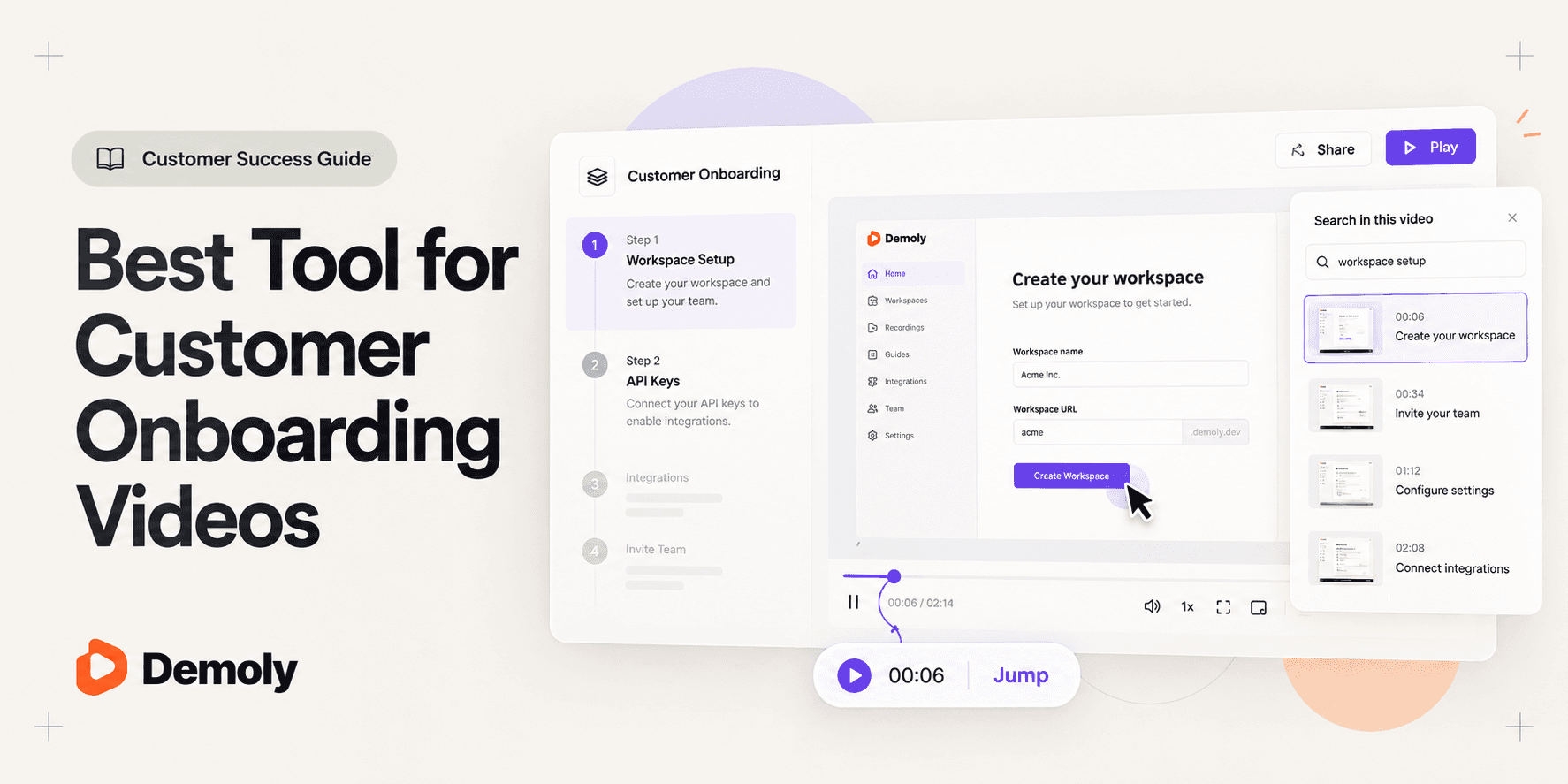
Best Tool for Customer Onboarding Videos
Compare the best tools for customer onboarding videos. Evaluate interactive AI video walkthroughs, automated voiceover guides, async screen messages, and sandbox tours.
Try Demoly for your team
Create branchable, interactive demo recordings and deliverables in minutes with zero friction.